Error Handling
Wire retry and escalation policies after Getting Started — Recommended Setup Sequence and a successful Swagger GET /listings smoke test (Authentication) — 401 / 403 usually mean missing setup steps 11–12 credentials or wrong environment, while business-rule 400s often trace to incomplete step 13 mapping (Property & Unit Mapping) or step 14 booking configuration. Finish Onboarding a New Property — Step 7 before treating error rates as integration defects. Guide pairing after go-live: Setup sequence after go-live (hub: API Reference — Setup sequence after go-live).
Start with Error Response Format and Common Error Codes, then Retry Strategy for enqueue and polling clients. Resolve 401 / 403 with Authentication; business-rule 400s after booking import map to Booking Lifecycle & Validations. Retry policy on POST /bookings enqueue is covered in Creating Bookings. Habit-specific shortcuts live under Related below.
The Vivin API uses standard HTTP status codes and returns structured JSON error responses.
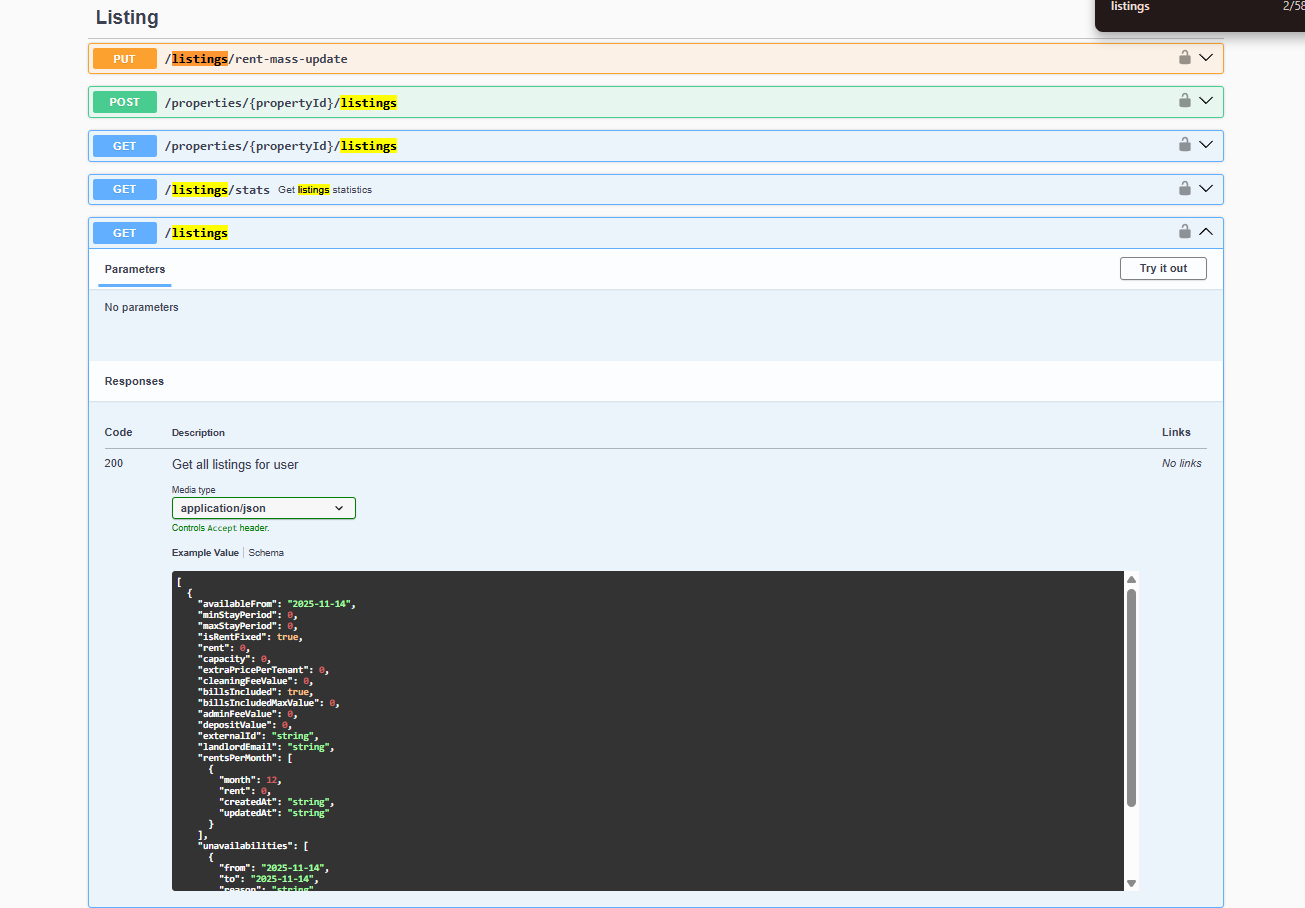
Integration Swagger on your API host lets you send real requests with Try it out and read the same JSON error envelope (statusCode, message, error) described below. See Authentication to authorize and open the integration UI.
Error Response Format
Reproduce the same JSON envelope in Integration Swagger — Try requests in Swagger after Authentication.
{
  "statusCode": 400,
  "message": "Check-in date overlaps with an existing booking",
  "error": "Bad Request"
}
| Field | Type | Description |
|---|---|---|
statusCode | integer | HTTP status code |
message | string or string[] | Human-readable error description. May be an array for validation errors. |
error | string | HTTP status text |
Common Error Codes
404 on unknown externalId, or Listing not available when rent is unusable: Property & Unit Mapping, Usable rent required. Async validation failures after enqueue: Booking Lifecycle & Validations.
Authentication Errors
| Status | Meaning | Resolution |
|---|---|---|
401 Unauthorized | Missing or invalid Bearer token | Check your API key and Authorization header format |
403 Forbidden | Valid token but insufficient permissions | Management UI shows You do not have permission to perform this action. for generic RBAC denials — see FAQ — Permission denied toast and Users and roles — Role Permissions. Integration clients: contact Vivin when the token is not scoped for the endpoint. Operator-only routes such as AI usage return 401 with integration Bearer keys — use Management session JWTs instead |
Booking Submission Errors
| Status | Meaning | Resolution |
|---|---|---|
400 Bad Request | Validation failed (missing fields, invalid dates, etc.) | Read the message field for details on what to fix |
404 Not Found | externalId does not match any mapped listing | Verify the listing mapping exists in Vivin |
409 Conflict | Dates overlap with an existing booking | Re-fetch availability and retry with valid dates |
422 Unprocessable Entity | Data is well-formed but violates a business rule (e.g. stay too short) | Check booking windows and stay duration limits |
Listing Errors
| Status | Meaning | Resolution |
|---|---|---|
404 Not Found | The requested externalId is not mapped to your platform, or the unit has no usable positive rent (Listing not available) | Confirm the mapping, then Rent Value — Usable rent required |
Server Errors
| Status | Meaning | Resolution |
|---|---|---|
500 Internal Server Error | Unexpected server error | Retry after a short delay. If persistent, contact Vivin support |
503 Service Unavailable | API is temporarily unavailable (maintenance/deploy) | Retry with exponential backoff |
Validation Error Example
When multiple fields fail validation, message may be an array:
{
  "statusCode": 400,
  "message": [
    "checkInDate must be a valid ISO 8601 date string",
    "tenant.email must be an email"
  ],
  "error": "Bad Request"
}
Retry Strategy
Booking idempotency with bookingId: Creating Bookings. Webhook delivery retries when your endpoint returns 5xx: Webhooks & Notifications.
For transient errors (5xx), use exponential backoff:
- Wait 1 second, retry
- Wait 2 seconds, retry
- Wait 4 seconds, retry
- Wait 8 seconds, retry
- After 4 retries, log the error and alert your team
For booking submissions, always include a bookingId to ensure idempotency - safe retries will not create duplicate bookings.
Client errors (400, 404, 409, 422) will not resolve on retry. Fix the request payload based on the error message before retrying.
Rate Limiting
429 backoff mirrors transient 5xx policy above. Operator JWT refresh failures: Management session.
If you exceed the API rate limits, you will receive:
{
  "statusCode": 429,
  "message": "Too many requests",
  "error": "Too Many Requests"
}
When rate-limited, respect the Retry-After header if present, or wait at least 60 seconds before retrying.
Error Handling section cross-reference
Use the endpoints and fields above. Related integrator pages are linked inline where useful.
Related
Related below links HTTP status codes and retry policy to setup, companion API guides, operator workflows, and escalation paths.
Setup sequence after go-live
Complete Account Settings — Recommended setup order before partner traffic.
- Setup steps 1–10 — Complete operator workspace basics (Recommended setup order) before requesting partner Bearer keys; property managers automating outside the browser use Management session authentication after step 3 (Users)
- Setup steps 11–12 (Integrations, Integration field capability, Tenant categories default for integrations) — Channel credentials, calendar horizons, and payload field expectations before
[email protected]onboarding; operator context: Integrations & Distribution - Setup step 13 (Listings) — Property wizard,
externalIdmapping, and Channels tab before first partner listing reads or writes - Setup steps 14–15 (Bookings, Tenants) — Validate imported reservation shape and tenant segments after partner traffic
- After steps 13–15 — Onboarding a New Property — Step 7 go-live verification before escalating partner pull, webhook, or mapping defects
- When
404,409, or422persist after setup — re-run Onboarding a New Property — Step 7 and Property & Unit Mapping verification before escalating to[email protected] - Partner credential requests — Email
[email protected](distinct from in-app Vivin support tickets in Get Help & Support)
Documentation map & escalation
- Getting Started — Recommended Setup Sequence before partner HTTP traffic;
- API Reference hub — Hub pairing matrix and partial vs full integration feeds;
- Get Help & Support — Escalate persistent
5xxor auth failures via[email protected](hub: Setup sequence after go-live) - FAQ & Troubleshooting — Operator-visible symptoms that mirror integration HTTP errors (hub: Setup sequence after go-live)
- Glossary — Term definitions used across API and operator docs (hub: Setup sequence after go-live)
Companion API guides
Companion guides share Bearer authorization or error shapes with this page — start from API Reference hub.
- Authentication — Bearer token format and
401/403causes - Booking Lifecycle & Validations — Business-rule failures after
POST /bookings(availability, windows, stay length) - Creating Bookings — Idempotent retries with
bookingId - Listings & Availability —
404on archived units and calendar subscriber delays - Full listing feeds — Rich catalogue errors when partial
ListingDtois insufficient - iCal Feeds —
404on archived units and subscriber cache delays - Webhooks & Notifications — Delivery retries and signature verification when your endpoint returns
5xx - Management session authentication — Operator JWT errors vs integration Bearer keys
- AI usage — Operator JWT routes (
GET /ai-usage,GET /ai-usage/summary); integration Bearer keys return401 - Property & Unit Mapping —
404whenexternalIdis unknown before availability checks - Booking engine integration — Public engine validation errors distinct from partner
ListingDtopulls
Upstream & downstream workflows
- Onboarding a New Property — Reduce
404mapping errors during first channel sync - Cancelling a Booking — Operator workflow when a
409overlap or duplicate import must be voided - Notification triage — Clear import-failure alerts after you fix mapping or availability errors
- Handling a Late Payment — Step 1 — Collections follow-up when
422validation succeeded but confirmation payment is still missing; upstream path from Notifications — Payment overdue alerts - Portfolio KPI review — Month-end reconciliation when partner retries skew occupancy or debt KPIs
Operator UI & settings
- Settings > Integrations — Platform credentials when auth errors block channel sync troubleshooting
- Sales > Multicalendar — Operator calendar when partner
409overlap traces to visible blocks on a unit row - Property & listing details (booking engine) — Operator payload edits when partner
404/422trace to unpublished catalogue fields - Settings > Preferences — In-app notifications — Account-wide alerts to clear after fixing mapping or availability errors that caused import failures
- Settings > Emails — Lifecycle mail may still queue when imports succeed but portal bootstrap fails
- Finance > Deposits — Refund queue errors when deposit API calls fail during departure-week triage
Deeper concept reads
- Integrations & Distribution — Channel context when
404/409errors trace to mapping or sync - Payment allocation — Layer 1/Layer 2 receipt errors when confirmation payments fail after a successful enqueue
- Booking Lifecycle — Operator computed statuses when HTTP errors differ from integration queue states
- Deep Links — Bookmarkable module routes when retrying after mapping or availability fixes
- Tenant Portal — Tenant recovery screens when portal bootstrap fails after a partner import creates a booking
- FAQ — Tenant contract signing blocked — No PDF yet, mandatory Your Details gates, category locks, or Lease purpose; portal signing vs paper upload on Contract Info
Deeper workflow reads
See Upstream & downstream workflows above for the same guides.
Operator habit hubs
Day-to-day operator habits (lockout catch-up, pending receipts, payment triage, handoffs, and related playbooks) live on the Common Workflows habit hub.
Deep-link anchors for habit hubs
Lockout catch-up after password recovery
Pending manual receipt approval
Reject/revert mistaken receipts
Portfolio segmentation by tenant category
Notification row-click navigation
Payment alert to receivables triage
Confirmation alert triage
Finance debt receivables triage
Handling a Late Payment collections
Finance Income status drill-down
Cash flow forecast drill-down
Key glossary terms
- Glossary — Booking detail sidebar tab refresh — Operator UI recovery when HTTP errors block booking sidebar tabs
- Glossary — Deposit lifecycle status — Validation
400s on deposit-related booking edits reference business rules documented in Glossary — Deposit lifecycle status - Glossary — End-of-Booking cost split — Charge Time → End of Booking splits daily overage across every occupied unit; still-staying roommates stay in the denominator
- Glossary — Change history — Operator-initiated edits on Listings setup and Bookings Changelog; create-time defaults excluded
- Glossary — Archived booking ledger visibility — Delete Booking hides manual/provider_platform rows on Finance → Transactions; vIBAN and credit card stay visible
- Glossary — Finance tenant category cache refresh — Recategorizing a tenant updates
booking.tenantCategoryIdimmediately; ledger tabs reflect it on reload, while Overview can lag up to ~10 minutes - Glossary — Full term list
Module documentation hubs
for screen-by-screen operator follow-up.
- Listings module — Property wizard, Channels tab, and unit management (hub)
- Finance module — Portfolio ledgers with payment approval and deposit settlement (hub)
- Tenants module — Tenant directory and profile sidebars for imported stays (hub)
- Sales module — Portfolio availability and channel manager connections (hub)
- Audit module — Portfolio-wide Manual Blocks and Discounts contract-value review (hub)
- Dashboard module — Post-login KPI snapshot with bell notification triage (hub)
- Analytics module — Month-range portfolio KPI charts with rankings and heatmaps (hub)
- Properties workspace — Legacy
/propertiesURL redirects into Listings (hub) - Booking engine details — Rich marketplace payload editor via the Full integration pill (hub)
- Utilities module — Bills Included ceiling model and tenant overage charges (hub)
- Operations module — Maintenance tickets, cash flows, and check-in/out coordination (hub)
- Inbox module — Portfolio-wide WhatsApp workspace (hub)
- Notifications module — Full
/notificationshistory with search and filters (hub); Payment overdue alerts when retry success still leaves unpaid schedules - AI Chat module — AI Assistant using Landlord MCP tools (hub)
- Account Settings — Workspace-wide financial policies, templates, integrations, and operational defaults (hub)