Landlord MCP (AI integrations)
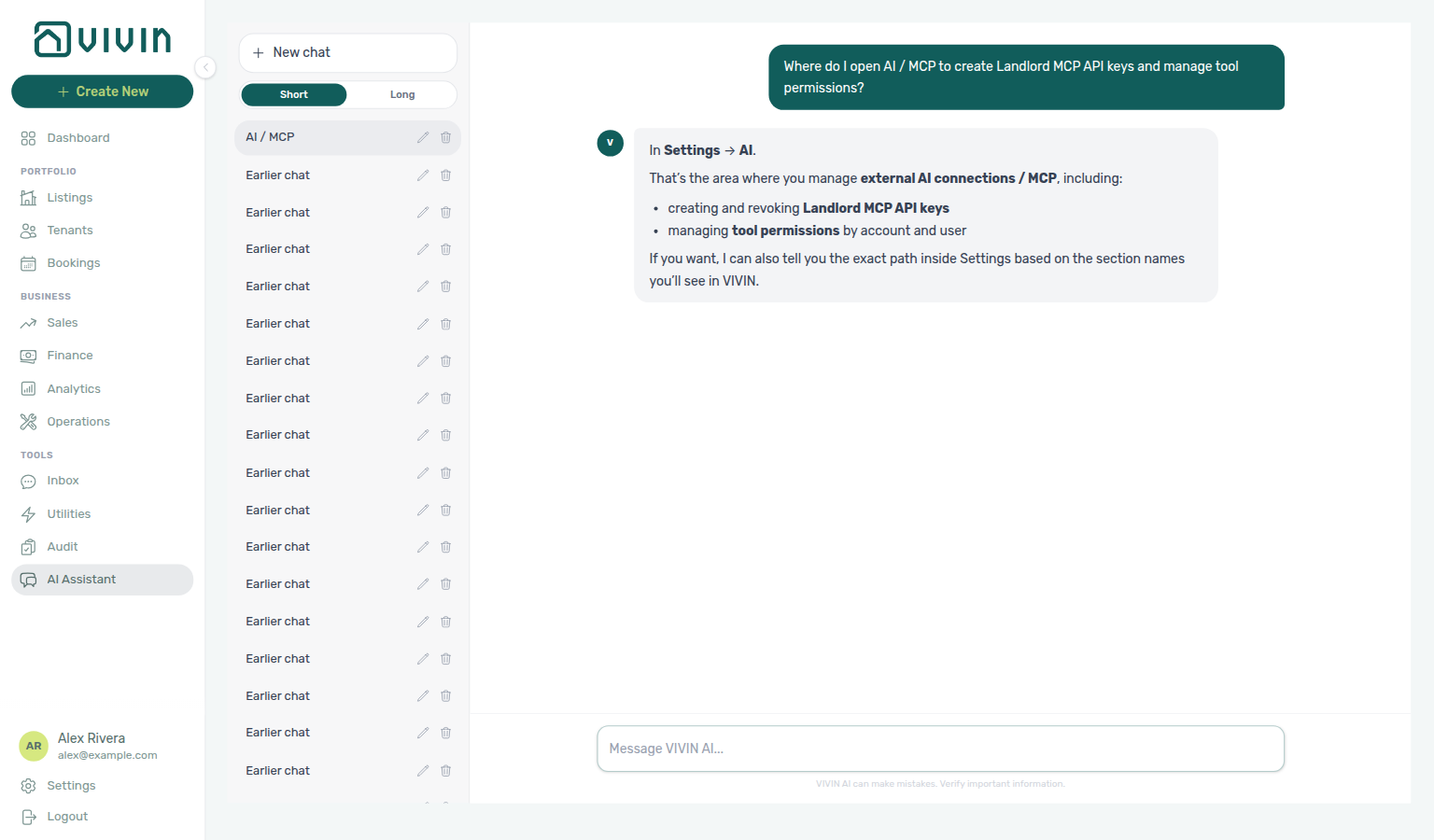
Ask AI Chat “Where do I open AI / MCP to create Landlord MCP API keys and manage tool permissions?” — then open Account Settings → System → AI / MCP (ai-chat-product-context-ai-mcp-reply.png, ai-chat-product-context-ai-mcp-flow.mp4). The assistant typically says Settings → AI (it may omit System); follow Settings → System → AI / MCP. The English tab label is AI / MCP. Same grounding external MCP clients get from get-vivin-context-platform (or get-vivin-context-ai). Distinct from booking-scoped Tenant MCP catalogue settings (Services, Ticket priority, ChatBot) and from tenant-facing ChatBot persona alone.
Optional after core setup steps 1–15 — requires a live management JWT (Management session authentication) and refreshed tokens after Getting Started — Lockout catch-up after password recovery. Channel map: Automation & AI. Concept pairing: Concepts — Setup sequence after go-live.
Skim What you can do with it and How it connects, then the Tool overview table. In-app contrast: Relation to in-app AI Assistant. Habit-specific shortcuts live under Related below.
VIVIN ships a Landlord Model Context Protocol (MCP) server (apps/landlord-mcp-server in the monorepo) that lets compatible AI clients call typed tools against your workspace using the same authentication model as the management app. It is aimed at operators and integrations that need programmatic access to bookings, listings, properties, and related account data—without building a full custom client.
Contrast booking-scoped tools in Tenant MCP; HTTP auth and contracts are in the API Reference; the management AI Assistant and channel map are in Automation & AI.
This page is a high-level operator guide. Exact request and response shapes follow the Core API (see API Reference); enable Core Swagger on your API host when you need field-level detail (ENABLE_CORE_API_SWAGGER in Core API environment—see repository AGENTS.md).
For booking- and tenant-context tools (listings calendar, portal links, chatbot rules, maintenance, and related Core-backed operations), use the Tenant MCP server (apps/tenant-mcp-server) — see Tenant MCP. The landlord server is account-scoped and targets property-manager workflows.
What you can do with it
Portfolio reads pair with Portfolio KPI review (get-booking-summary, get-vacant-units-next-month), Dashboard KPI cards, and Handling a Late Payment — Step 1 when tools surface overdue balances.
Typical use cases:
- Answer portfolio questions from an AI assistant (occupancy, move-ins, vacancy next month, booking summaries).
- Look up or adjust listings, properties, and bookings when your token has the right permissions.
- Use the extended tool set for tenants, maintenance, bills, payments, owners, invoices, and pricing where your role allows the underlying HTTP routes.
- Ask what VIVIN is or where a feature lives in the product — external clients call one of the
get-vivin-context-*topic tools (static product help by theme, no account data).
Every data tool is a thin wrapper around the Core API: 403 or validation errors from the API surface in the MCP response like any other client. The get-vivin-context-* topic tools are the exception — they return slices of a fixed product reference and never hit your workspace data.
How it connects
Session bootstrap pairs with Management session authentication, Resetting a Management User Password — Troubleshooting (refresh Bearer JWT + Mcp-Session-Id), and Automation & AI — External AI clients.
| Topic | Detail |
|---|---|
| Protocol | Model Context Protocol over HTTP (streamable transport). |
| Base URL | Configured per deployment (your Vivin administrator or integration guide provides the host). |
| MCP path | Streamable HTTP traffic is served at /mcp on that host (ask your administrator for the full /mcp URL). MCP clients and proxies should target this path, not the bare origin alone. |
| Core API | API_BASE_URL must point at your VIVIN Core API (required). |
| Auth | Bearer token (JWT) for the management user; clients create a session over HTTP and reuse Mcp-Session-Id on later requests (same pattern as the tenant MCP server). |
| API keys | Workspace administrators generate keys under Account Settings → AI / MCP (/settings/mcp) for external clients; paste the key as the Bearer token in the MCP client config snippet on that tab. |
| OAuth | Hosted OAuth 2.1 on the Core API host for connector clients (Claude.ai, ChatGPT, Claude Desktop Connectors) — PKCE authorization code + refresh token; see Connector OAuth and Connect from ChatGPT / Claude. |
Optional MCP_MAX_SESSIONS (default 300 concurrent sessions) and MCP_SESSION_TTL_MS (default 900000 ms — 15 minutes of idle time before a session is treated as expired) cap load and lifetime; see apps/landlord-mcp-server/src/env.validation.ts. API_BASE_URL is required.
Connector OAuth (Claude, ChatGPT)
Some MCP connectors (for example Claude.ai and ChatGPT) authenticate landlords through Vivin's OAuth 2.1 Authorization Server on the Core API host — not through manually pasted API keys. The landlord MCP server remains the resource server; it already accepts the minted management JWT unchanged.
| Topic | Detail |
|---|---|
| Discovery | GET /.well-known/oauth-authorization-server (and /.well-known/openid-configuration) on your API host — returns authorization_endpoint, token_endpoint, and registration_endpoint. |
| Dynamic registration | POST /oauth/register — connectors register redirect URIs at runtime. Only trusted callback origins are accepted (Anthropic https://claude.ai/api/mcp/auth_callback, ChatGPT https://chatgpt.com/connector_platform_oauth_redirect and https://chatgpt.com/connector/oauth/…, plus loopback http://localhost / http://127.0.0.1 for native clients per RFC 8252). |
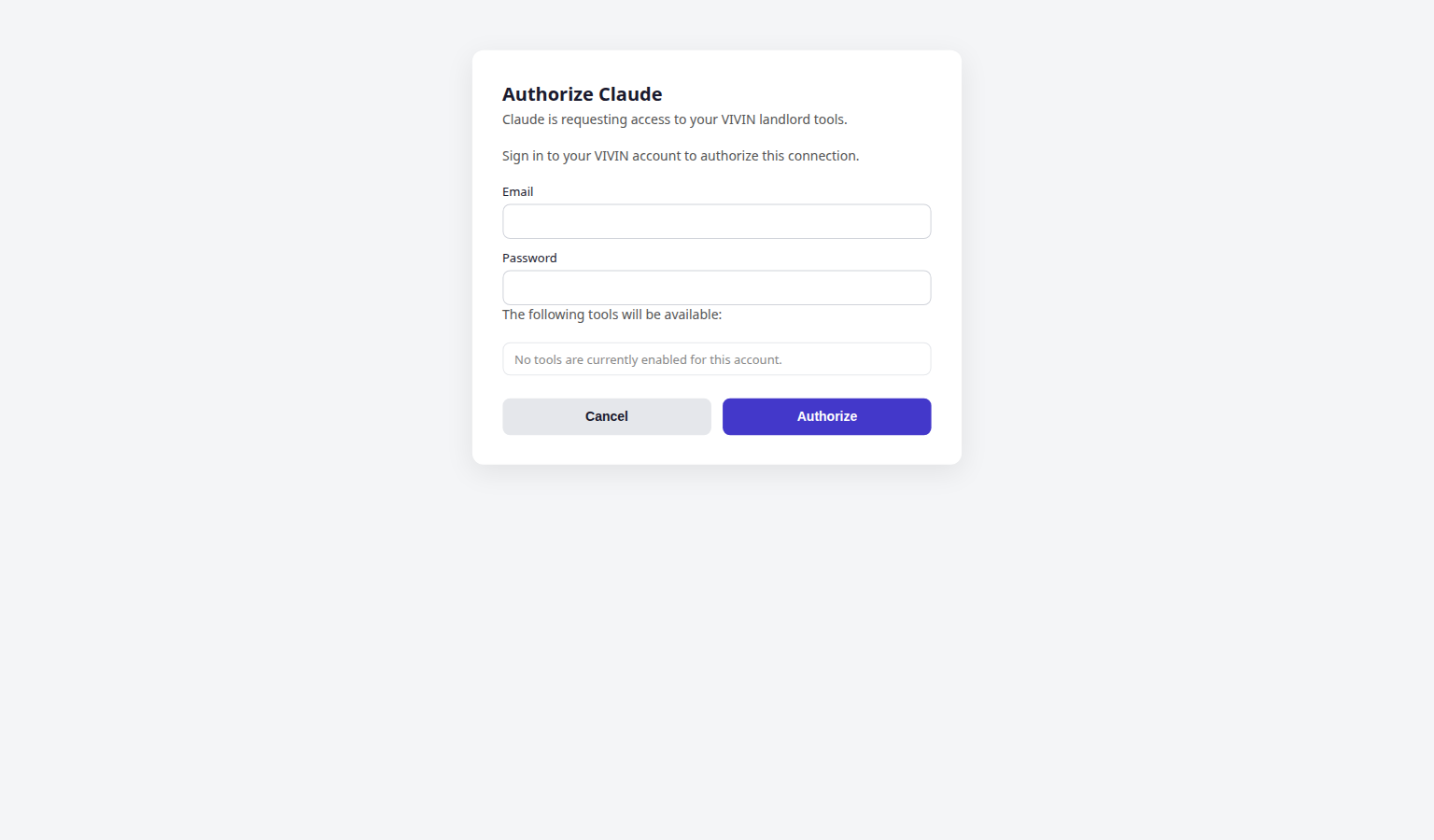
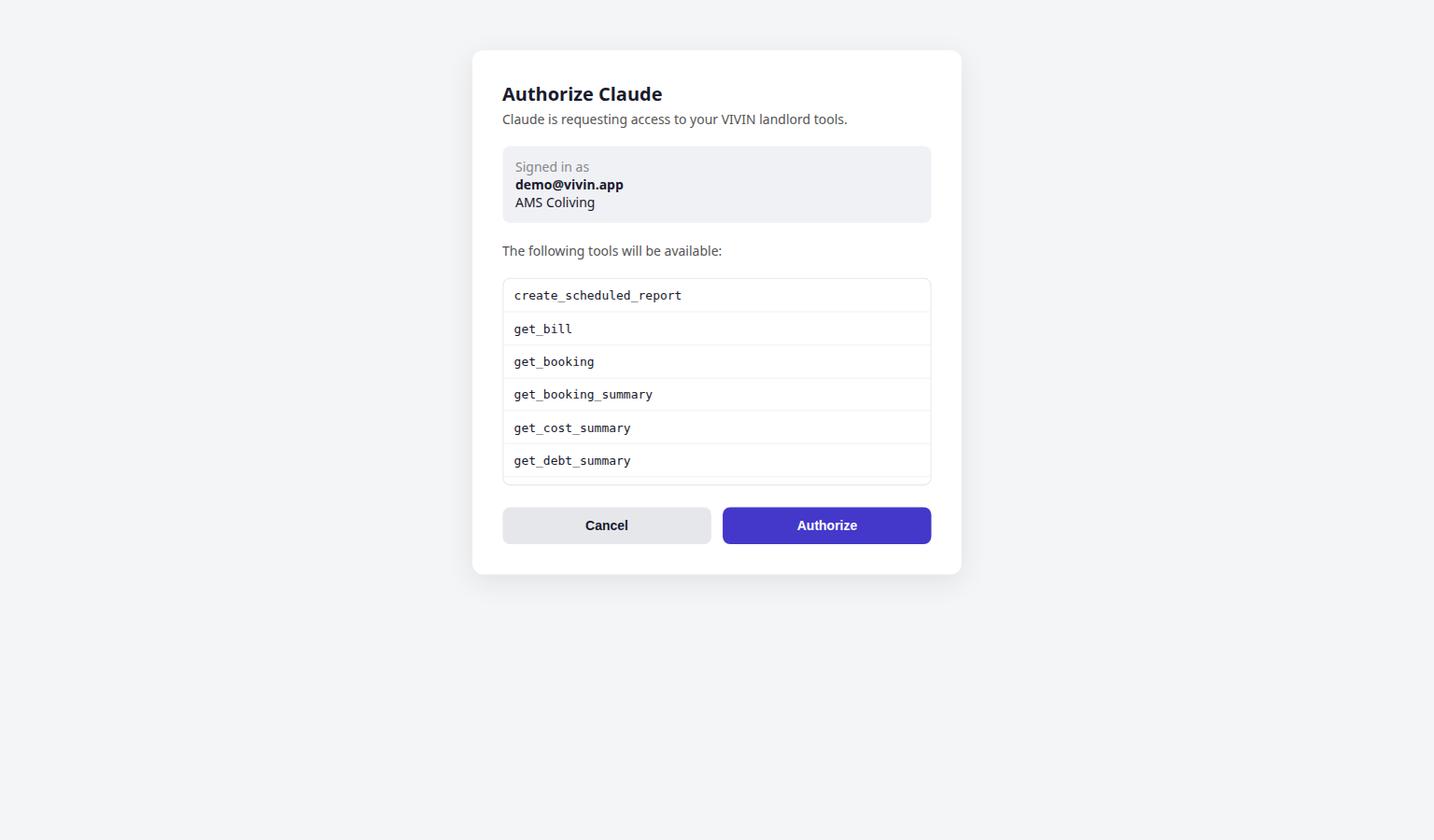
| Authorize | GET /oauth/authorize — PKCE is mandatory (code_challenge_method=S256). If the landlord already has a Vivin session cookie, the consent page shows their email and the tool domains they will grant; otherwise they sign in on the consent form. Deny returns access_denied. |
| Token | POST /oauth/token — authorization_code (with code_verifier) or refresh_token grant. Access tokens are the same management JWT shape as login; tokenSource is stamped mcp for audit. Refresh tokens live 60 days and rotate on each use. |
| Scope | Issued scope is the intersection of Tool permissions and the consenting user's role — one OAuth scope string per allowed tool domain (bookings, listings, properties, tenants, maintenance, payments, bills, owners, analytics). |
| Zero-tool block | Authorization is denied when the landlord has no MCP tools enabled — enable at least one domain on Account Settings → AI / MCP before connecting a connector. |
| Revocation | Disabling a user's AI access or stripping every tool domain on refresh causes access_denied on token refresh — the connector must send the landlord through OAuth again. |
API keys remain the right path for IDE configs and Claude Desktop Option B (mcpServers JSON) that paste a Bearer token into the Connection snippet. OAuth is for hosted connector platforms (ChatGPT, Claude web, Claude Desktop Connectors) that run the authorization-code flow on your behalf. Operator screen paths: Connect from ChatGPT / Claude below and AI / MCP — Connect from ChatGPT / Claude (in-card guides on the Connection card). Endpoint reference: MCP OAuth.
Connect from ChatGPT / Claude
Copy the MCP connection URL from Account Settings → AI / MCP → Connection (HTTPS path ending in /mcp — not a hand-built /sse URL). On that card, switch ChatGPT / Claude for the numbered click path next to the URL. Enable at least one Tool permissions domain before OAuth, or consent is denied.
| Client | Auth | Paste the Vivin URL here |
|---|---|---|
| ChatGPT (web) | OAuth | New connector → Server URL → Authentication OAuth → complete Vivin authorisation |
| Claude (web) | OAuth | Settings → Connectors → Add custom connector → name + URL → Add → Vivin authorisation |
| Claude Desktop | OAuth or API key | Settings → Connectors (OAuth), or paste Other MCP clients — config file + generated API key into local mcpServers |
| IDE assistants | API key Bearer | Paste the Connection card JSON snippet with a generated key |
Full numbered steps (including Claude Desktop Option B): AI / MCP — Connect from ChatGPT / Claude (settings-ai-mcp-connection-overview.png, settings-ai-mcp-connection-guides-flow.mp4, settings-ai-mcp-oauth-consent-chatgpt.png, settings-ai-mcp-oauth-consent-claude.png, landlord-mcp-oauth-consent-flow.mp4).
Request path
flowchart LR
 Client[External AI client]
 MCP[Landlord MCP server /mcp]
 Core[VIVIN Core API]
 Client -->|"Bearer JWT, then Mcp-Session-Id"| MCP
 MCP -->|"REST via API_BASE_URL"| Core
From MCP tools to HTTP
Swagger and webhook routes pair with API Reference hub, Webhooks & Notifications, and Integrations & Distribution (inbound channel POSTs are HTTP — not MCP tools).
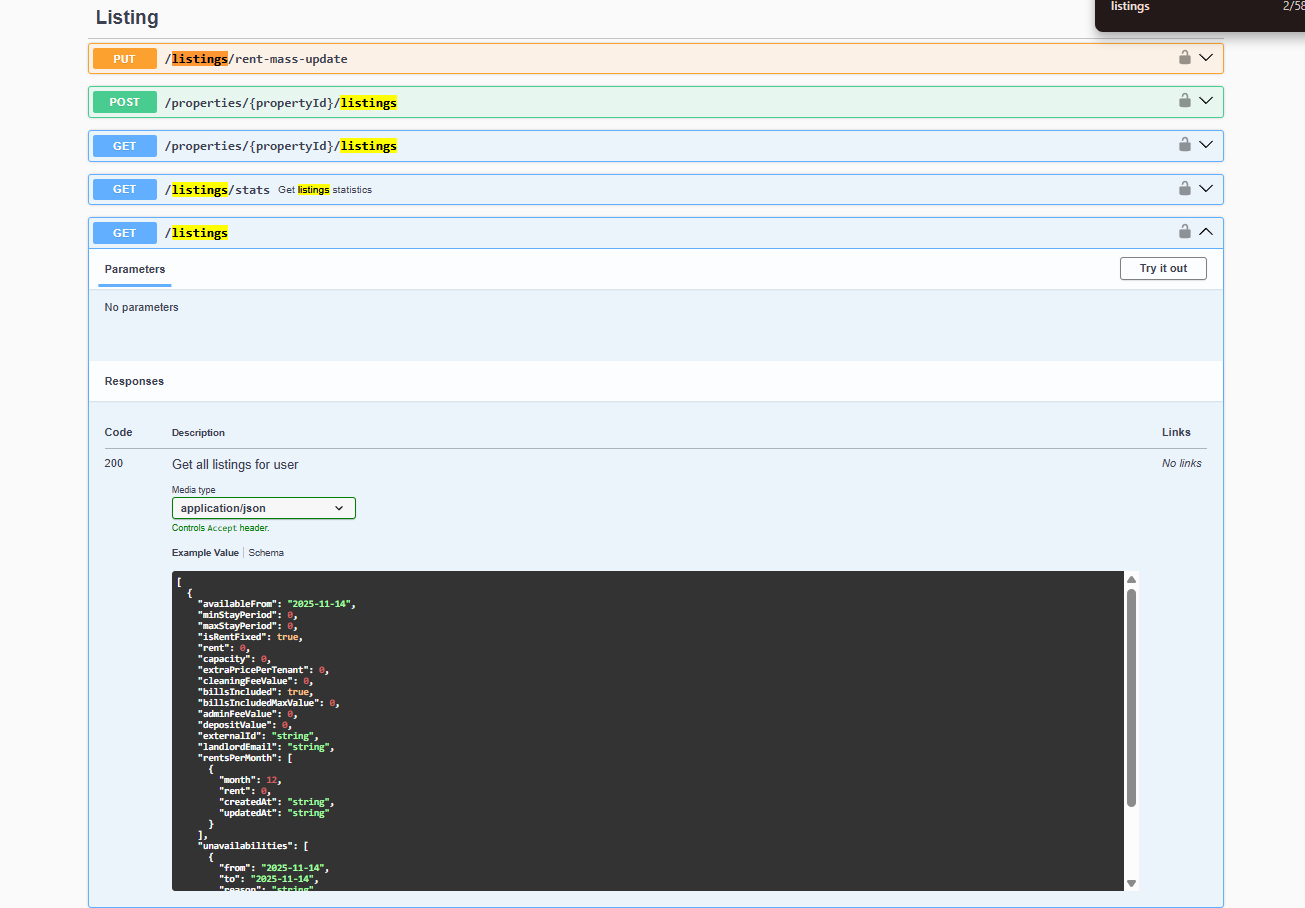
Each tool maps to one or more Core API routes. When you need field-level request and response bodies (for example to shape a payload on a write tool), use Integration Swagger on your API host—Try it out shows paths, parameters, and schemas the same way integrators debug listing and booking traffic. See the API Reference index for how to open it and authorize.
Inbound partner webhooks (channels → Vivin)
MCP tools call the Core API on your behalf; marketplace channels can also POST lifecycle events into Vivin at integration-scoped webhook routes (Housing Anywhere, Uniplaces). Those paths are HTTP integration surfaces — inspect them in Integration Swagger on your API host, not in the MCP tool catalogue.
| Integration | Inbound route (pattern) |
|---|---|
| Housing Anywhere | POST /housinganywhere-integration/{landlordKey}/webhook (listing_external_reference = full-feed listingReference) |
| Uniplaces | POST /uniplaces-integration/webhook (no {landlordKey}) |
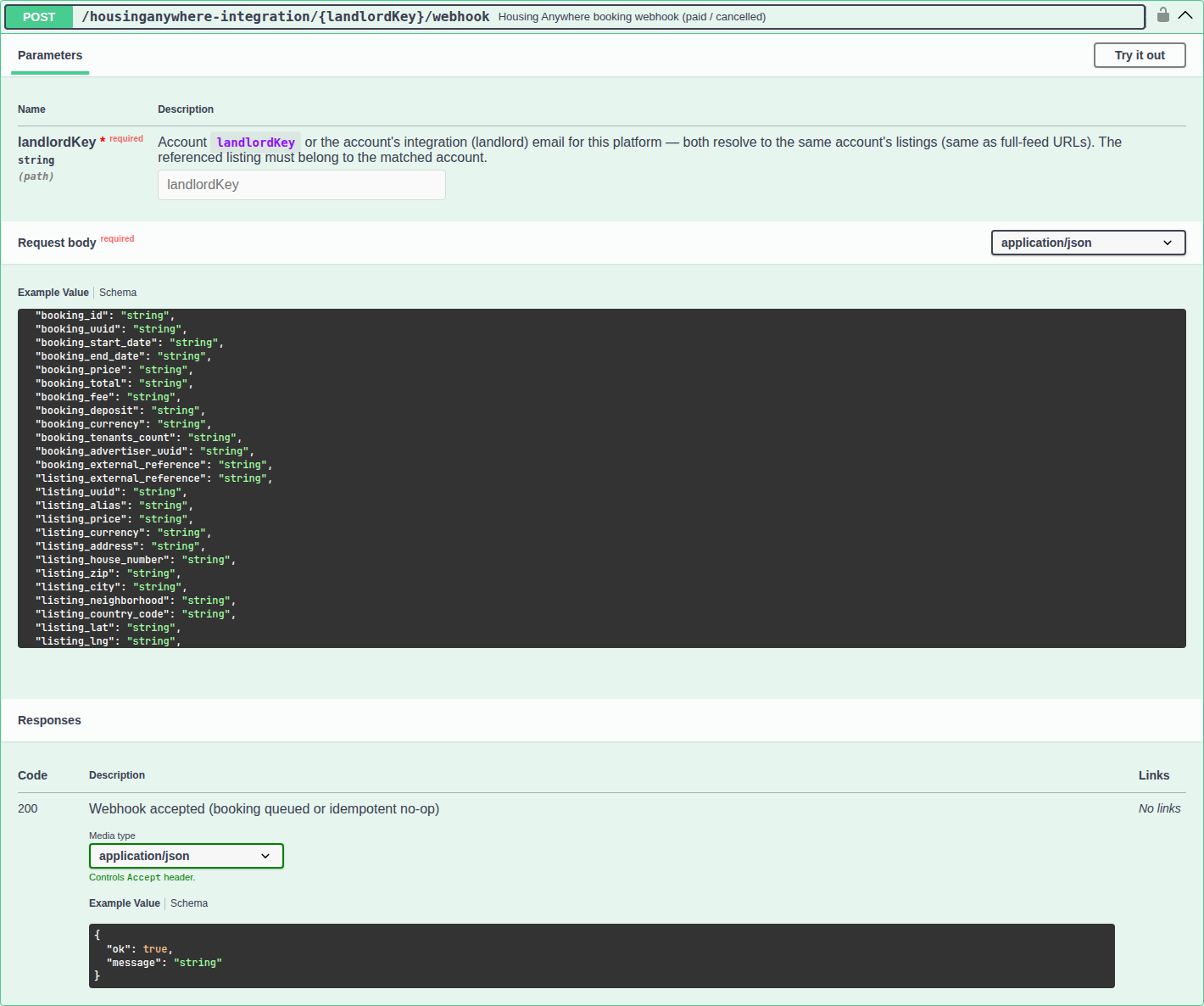
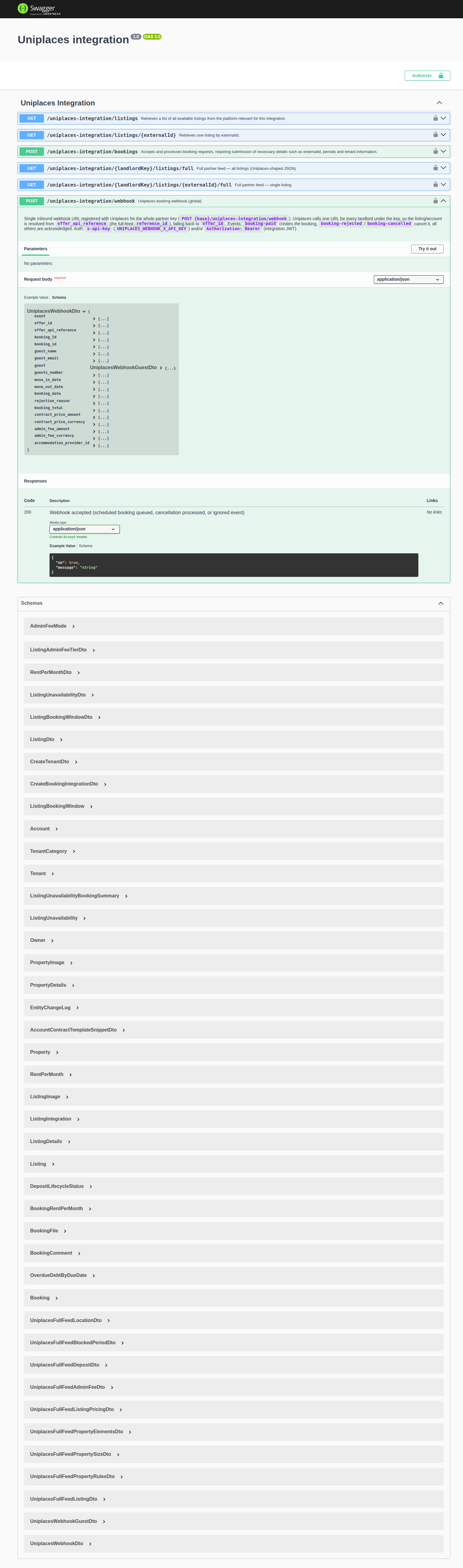
Full event names, auth headers, and payload fields: Webhooks & Notifications.
Request flow (at a glance)
flowchart LR
 subgraph clientSide[Your environment]
 C[MCP client\nIDE, script, or bridge]
 end
 subgraph vivinSide[VIVIN services]
 L[Landlord MCP server\nHTTP streamable /mcp]
 A[Core API\nsame tenancy rules as management]
 end
 C -->|Initial Bearer JWT\nlater Mcp-Session-Id| L
 L -->|API_BASE_URL\ntyped tools map to HTTP routes| A
Each tool call is a normal Core API request under the hood: the JWT must belong to a management user with the same module permissions they would need in the browser.
Tool overview
Write tools mirror management UI permissions — pair create-booking with Processing a New Booking, list-payments / get-payment with Handling a Late Payment — Step 4, and list-tickets with Operations module. Contrast booking-scoped reads in Tenant MCP.
The Landlord MCP server registers tools in two gated layers, plus seven always-on product-help topic tools:
- Core landlord tools (14) — portfolio intelligence, calendar, properties, listings, and bookings.
- Extended account tools (41) — REST-aligned account tools; each write tool sends a JSON
payloadobject that must match the Core API body for that route (use Swagger on the API host when Core Swagger is enabled). Together these layers register 55 gated MCP tool identifiers for a typical build — including three scheduled report tools, plus occupancy-by-tag and smart-lock inventory. get-vivin-context-*topic tools (7) — thematic slices of the static VIVIN product reference; always registered, outside the allowed-tools gate and not listed on AI / MCP → Tool permissions.
Product context (get-vivin-context-* topic tools)
AI Chat and WhatsApp Genius receive the same product reference as a system-prompt prefix (they do not call these MCP tools). External HTTP MCP clients get a short primer in the MCP instructions on connect, then call the matching topic tool for the slice they need. See AI Chat — How answers are produced and Automation & AI — How Genius replies behave.
| Topic | Detail |
|---|---|
| Tools | Seven read-only get-vivin-context-<topic> tools — each returns one thematic slice of the canonical VIVIN product reference (Portuguese of Portugal). Prefer the topic that matches the question instead of loading the whole reference at once. |
| When to call | The user asks what VIVIN is, how a feature works, or where to do something in the app — product knowledge only. Use data tools for the account’s bookings, finance, tickets, and similar. |
| Permissions | Always available on the Landlord MCP HTTP server, even when every Tool permissions domain is Off. They return no account data, so narrowing data domains must not remove product help. They do not appear as chips in the Tool permissions UI. |
| Session primer | On MCP initialize, the server also sends compact instructions (product primer + which topic tool to start with) so a connecting assistant starts oriented before any tool call. |
| Language | The document and primer are written in Portuguese (Portugal); assistants may answer the operator in the language of the question while grounding facts in that reference. |
| Tool | What that slice covers | Start here when… |
|---|---|---|
get-vivin-context-overview | What VIVIN is, who it serves, the app ecosystem, the account → owner → property → listing → booking → tenant chain, money-model basics, booking states, glossary, terminology | Concept or terminology questions — call this first for “what is VIVIN?” |
get-vivin-context-bookings-tenants | Booking lifecycle, tenants directory and categories, Tenant Portal, contracts and template cascade, Bookings / Tenants screens | Reservas, inquilinos, contratos, portal |
get-vivin-context-finance | Payment plans, allocations, payouts, EasyPay, fiscal invoicing, utilities, cashflow, KPIs, subscription billing, Finance / Analytics / Utilities / Audit | Rendas, pagamentos, faturas, consumos, indicadores |
get-vivin-context-properties-listings | Properties and listings, pricing and availability, partner portals, inbound sync / iCal, Dashboard / Listings / Sales | Propriedades, unidades, preços, disponibilidade, portais |
get-vivin-context-operations | Maintenance tickets, scheduled messaging, notifications, email, services marketplace, Operations / Inbox / Support | Manutenção, avarias, comunicações, operações |
get-vivin-context-ai | Genius Assistant, tenant WhatsApp chatbot, AI metering, MCP permissions / OAuth / API keys, both MCP servers | Genius, chatbot de inquilinos, ligações de IA |
get-vivin-context-platform | Account profile and settings, connections, auth, roles, preferences, leads, storage, Settings / Profile | Conta, utilizadores, permissões, integrações de conta |
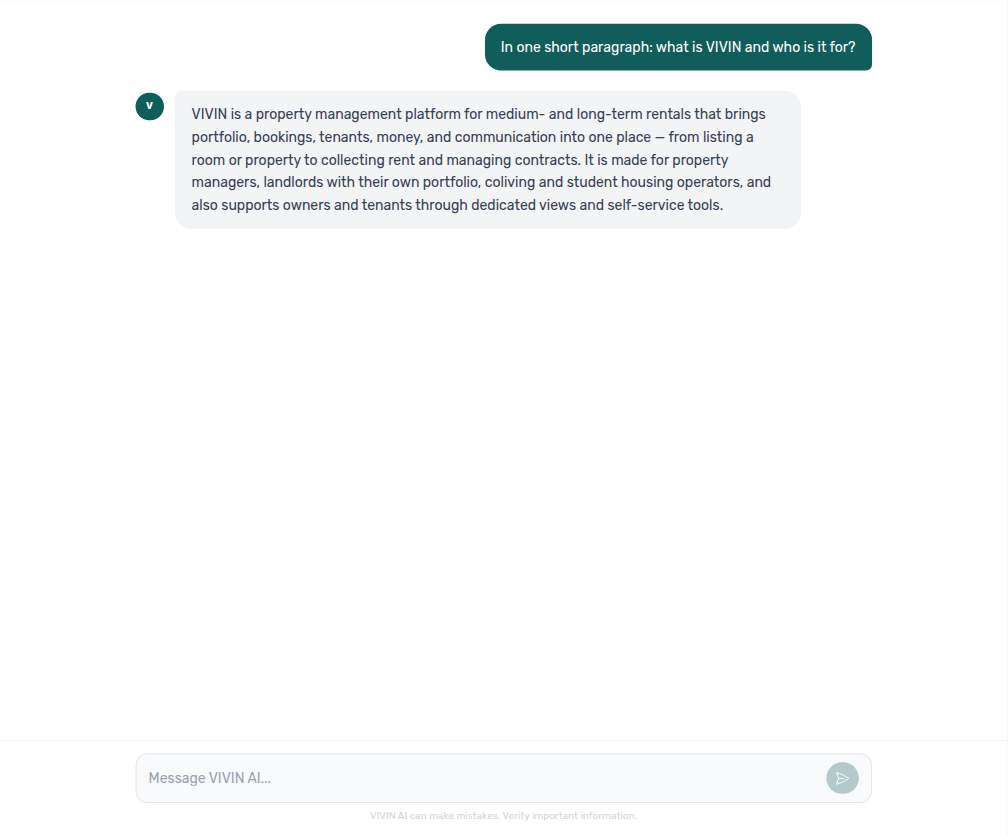
get-vivin-context-* topic tools.Themed “where do I click?” questions map to a topic slice for external MCP clients — for example invoicing / tax navigation is get-vivin-context-finance (and overview when the question is broader). In AI Chat, the full reference is already in the prompt, so the same question returns navigation without calling those tool names. After a finance where-to answer, open Integrations → Configure for VIVIN issuer setup, Invoicing → Tax Codes for line-type VAT, and Finance → Transactions for issued documents.
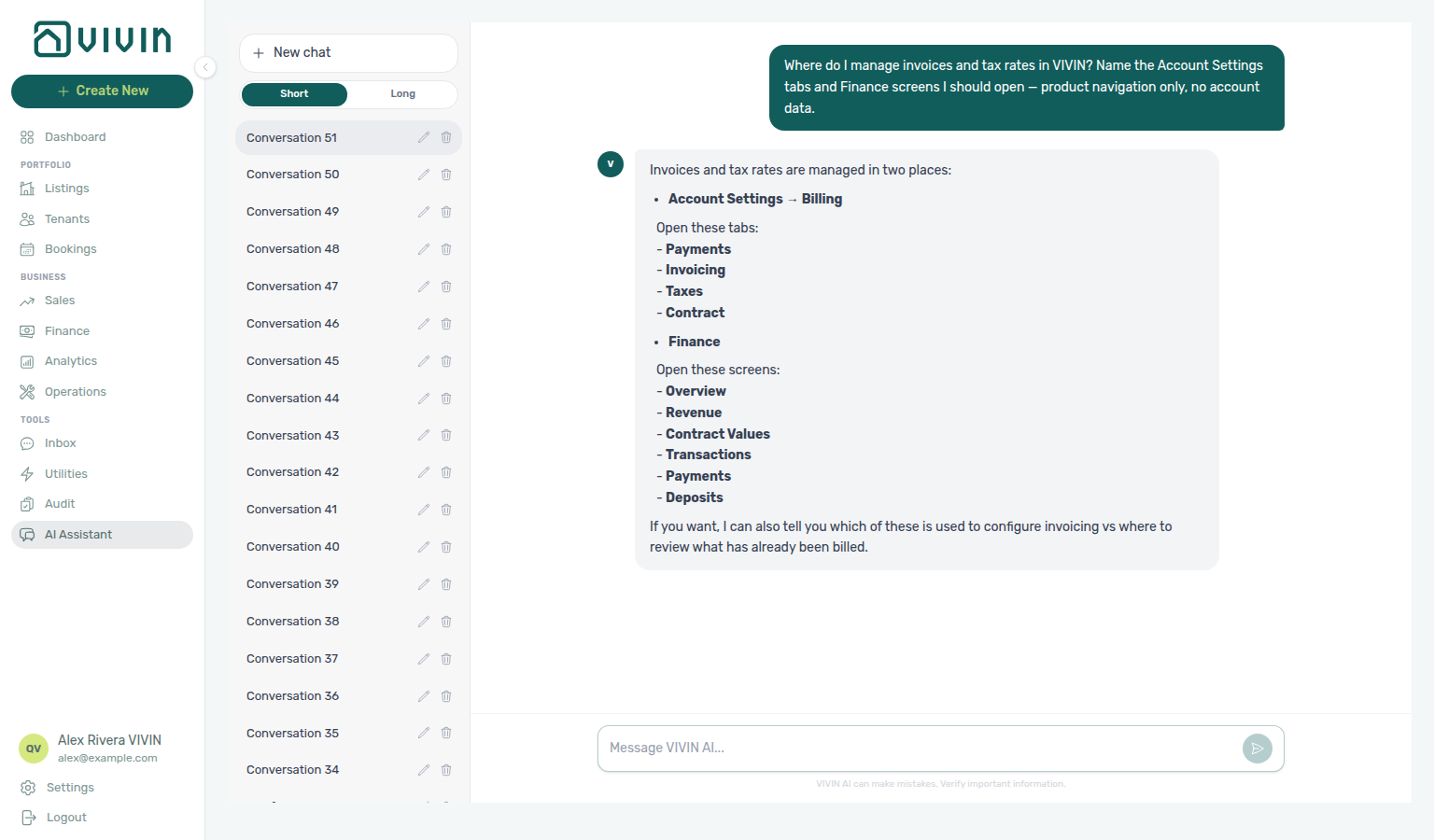
get-vivin-context-finance.| Where-to question | MCP topic tool | Canonical destination after the reply |
|---|---|---|
| “Where do I manage Genius scheduled reports?” | get-vivin-context-ai (or get-vivin-context-platform) | Account Settings → Genius → Scheduled reports — the digest table. AI / MCP only gates the Scheduled reports tool domain. If the assistant says Settings → AI, open Genius for the table. |
| “Where do I assign cleaning on turnover morning on Operations Planning?” | get-vivin-context-operations | Operations → Planning (needs Planning (schedule board)); create the job on Tickets first when needed. |
| “Where do I open Operations Tickets to create and track maintenance work?” | get-vivin-context-operations | Operations → Tickets — create, assign, filter, and close maintenance rows. The assistant may say left menu / Operations, and may use Tickets de manutenção; the English tab label is Tickets. Same-day dispatch: Planning. |
| “Where do I open Audit to review manual blocks and discounts?” | get-vivin-context-properties-listings (or get-vivin-context-overview) | Tools → Audit — Manual Blocks and Discounts tabs. Edit blocks on unit calendars; apply discounts on booking Contract Values. |
| “Where do I enter utility bills and review allocations?” | get-vivin-context-finance | Tools → Utilities — Bills, Allocations, Cost map, and Connections. Month-end habit: Entering Monthly Utility Bills. |
| “Where do I open Analytics for portfolio KPI charts like ADR and RevPAR?” | get-vivin-context-finance | Business → Analytics — Overview, Revenue, Occupancy, ADR, RevPAR, and Maintenance. The assistant may say KPI; the sidebar label is Analytics. Cash/debt questions stay on Finance. |
| “Where do I open Sales to edit monthly rents and manage channel connections?” | get-vivin-context-properties-listings | Business → Sales — Overview, Multicalendar, Pricing, and Channel Manager. The assistant may say Prices; the tab label is Pricing. Account credentials: Settings → Integrations. |
| “Where do I open the Inbox to reply to tenant WhatsApp messages across my portfolio?” | get-vivin-context-operations | Tools → Inbox — global WhatsApp list, reply, search, labels, pause bot. The assistant may say left menu without naming Tools. Per-reservation threads: Bookings → Communication. |
| “Where do I open Tenants to find a person, see their bookings, and review debt across stays?” | get-vivin-context-bookings-tenants | Portfolio → Tenants — people directory, profile sidebar, With Debt. The assistant may say left menu without naming Portfolio. Portfolio-wide debt: Finance. |
| “Where do I open Bookings to review reservations and the unit timeline?” | get-vivin-context-bookings-tenants | Portfolio → Bookings — List and Timeline. The assistant may say left menu without naming Portfolio. Person-first work: Tenants; monthly rents: Sales. |
| “Where do I open Bookings list status tabs to filter reservations by lifecycle — Upcoming, Ongoing, Ended, and Canceled?” | get-vivin-context-bookings-tenants | Bookings list filters — Upcoming, Ongoing (may say Current), Ended, Canceled. Not Sales → Multicalendar and not Timeline-only. |
| “Where do I copy the Tenant Portal link for a booking from Contract Info?” | get-vivin-context-bookings-tenants | Bookings → Contract Info → Method of payments → Tenant Portal — copy/open the booking-scoped portal link. Not ChatBot and not Portal settings portal gates. |
| “Where do I open Finance and the booking Payment plan to review payment allocation?” | get-vivin-context-finance | Finance (Contract Values, Transactions, Payments) plus Bookings → Payment plan. Not Settings → Payments due days and not Tax Codes. |
| “Where do I open Listings to manage properties and units in my portfolio?” | get-vivin-context-properties-listings | Portfolio → Listings — properties grouped with units, occupancy, side-panel editors, Archived. The assistant may say left menu without naming Portfolio. Reservations: Bookings; monthly rents: Sales. |
| “Where do I open the Setup pill under Listings (property or unit edit sidebar — English pill label Setup — for operational fields like contract terms, payments, channels, and calendar — not the Full integration pill for marketplace Profile Location Amenities bilingual copy, not Sales Channel Manager, and not Settings Integration capabilities) to edit listing contract payments and channels?” | get-vivin-context-properties-listings | Listings → Setup — operational contract, payments, channels, and calendar on the property or unit sidebar. The assistant typically says Listings → open the unit/listing edit sidebar → Setup. Not Full integration (marketplace payload); not Sales → Channel Manager; not Integration capabilities. |
| “Where do I open the Full integration pill under Listings (property or unit edit sidebar — English pill label Full integration — for marketplace and booking-engine payload fields like Profile copy, Location, Amenities, bilingual descriptions — not the Setup pill for contract payments and channels, not Sales Channel Manager, and not Settings Integration capabilities) to edit partner marketplace descriptions and amenities?” | get-vivin-context-properties-listings | Listings → Full integration — marketplace / booking-engine payload (Profile copy, Location, Amenities, bilingual descriptions). The assistant typically says Listings → open the unit/listing edit sidebar → Full integration. Not Setup (contract/payments/channels); not Sales → Channel Manager; not Integration capabilities. |
| “Where do I open the Photos pill under Listings (property or unit edit sidebar — English pill label Photos — for the booking-engine gallery, cover photo, and drag-to-reorder thumbnails — not the Setup pill for contract payments and channels, not the Full integration pill for marketplace Profile Location Amenities bilingual copy, and not Sales Channel Manager) to upload and reorder listing gallery and cover photo?” | get-vivin-context-properties-listings | Listings → Photos — booking-engine gallery, cover photo, and drag-to-reorder thumbnails on the property or unit sidebar. The assistant typically says Listings → open the unit/listing edit sidebar → Photos. Not Setup; not Full integration; not Sales → Channel Manager. |
| “Where do I open the Short term card under Listings (unit edit sidebar on the Setup pill — English card label Short term with lightning icon — for nightly pricing Price per night, Nightly calendar overrides, cleaning fees, min/max stay, Sale window, and Lead time — not the Sales Pricing monthly rent grid, not Sales Channel Manager, not the Full integration pill, and not monthly Rent Value) to set nightly short-term rates and stay rules on a unit?” | get-vivin-context-properties-listings | Listings → Short term — nightly rates, Nightly calendar, stay rules, and cleaning fees on the unit Setup sidebar. The assistant typically says Listings → open the unit edit sidebar → Setup → Short term. Not Sales → Pricing; not Sales → Channel Manager; not monthly Rent Value. |
| “Where do I open the Dashboard to review portfolio KPIs, vacant units, and occupancy forecast?” | get-vivin-context-properties-listings | Dashboard — KPI cards, forecasts, Vacant Units. The assistant may say main menu / Dashboard, and may call month-range charts KPI — sidebar label is Analytics. Ledgers: Finance. |
| “Where do I open Notifications to search and filter my full alert history?” | get-vivin-context-operations | Notifications (/notifications) — search, All / Unread / Read, row-click. The assistant may say left menu; it is not a sidebar item — use the bookmark or View all from the Dashboard bell. |
| “Where do I bookmark Bookings list search with the q query param and open Notifications full history with no sidebar entry?” | get-vivin-context-overview (or get-vivin-context-operations / get-vivin-context-bookings-tenants) | Management Frontend Deep Links — typically /bookings?q=… and /notifications. Notifications has no sidebar entry. Not the Dashboard bell alone; not Inbox WhatsApp. |
| “Where do I find the Portfolio, Business, and Tools sidebar groups in the management app…?” | get-vivin-context-overview (or get-vivin-context-platform) | Modules — Shell and navigation — Portfolio (Listings, Bookings, Tenants), Business (Sales, Finance, Analytics, Operations), Tools (Inbox, Utilities, Audit, AI Assistant). Dashboard sits above; Settings at the bottom. |
| “Where do I open Bookings list status filters for booking lifecycle, Finance and the booking Payment plan for payment allocation, Create New in the left sidebar…, and the Tenant Portal link from Bookings Contract Info…?” | get-vivin-context-overview (or get-vivin-context-bookings-tenants / get-vivin-context-finance) | Concepts — Product maps — Bookings status filters, Finance + booking Payment plan, left-sidebar Create New, Bookings → Contract Info → Method of payments (Tenant Portal link). Deep guides: Booking Lifecycle, Payment Allocation, Create New Menu, Tenant Portal. |
| “Where do I open Listings for property onboarding, Bookings for processing a new reservation, Operations for check-in and check-out queues, Finance for late payments and deposits, and Notifications for alert triage…?” | get-vivin-context-overview (or get-vivin-context-bookings-tenants / get-vivin-context-operations / get-vivin-context-finance) | Common Workflows — Product maps — left-hand menu Listings, Bookings, Operations, Finance; Notifications via /notifications or Dashboard bell View all. Deep guides: Onboarding a New Property, Processing a New Booking, Managing a Check-in, Handling a Late Payment, Notification triage. |
| “Where do I open Owners under Settings Team and Listings under Portfolio to onboard a new property — register the owner, then create the property and units…?” | get-vivin-context-overview (or get-vivin-context-platform / get-vivin-context-properties-listings) | Onboarding a New Property — Settings → Team → Owners, then Portfolio → Listings (create the property, then units). The assistant typically says Settings → Team → Owners first, then Portfolio → Listings. Not reservation work on Bookings; not the broader Common Workflows hub map alone. |
| “Where do I open Bookings under Portfolio and Create New Booking to process a new booking — check for channel imports first, then create a direct reservation…?” | get-vivin-context-overview (or get-vivin-context-bookings-tenants) | Processing a New Booking — Portfolio → Bookings, then + Create New → Booking. The assistant typically says open Bookings, check for channel imports, then Create New Booking. Not property onboarding on Listings; not the broader Common Workflows hub map alone. |
| “Where do I open Operations under Business and the Check-in & Check-out tab to manage a check-in — review upcoming arrivals with Next 7 days and the Check-ins filter…?” | get-vivin-context-overview (or get-vivin-context-operations) | Managing a Check-in — Business → Operations → Check-in & Check-out, then Next 7 days and the Check-ins filter. The assistant typically says Business → Operations → Check-in & Check-out. Not reservation creation on Bookings; not the broader Common Workflows hub map alone. |
| “Where do I open Operations under Business and the Check-in & Check-out tab to manage a check-out — review upcoming departures with Next 7 days and the Check-outs filter…?” | get-vivin-context-overview (or get-vivin-context-operations) | Managing a Check-out — Business → Operations → Check-in & Check-out, then Next 7 days and the Check-outs filter. The assistant typically says Business → Operations → Check-in & Check-out. Not arrival planning on Managing a Check-in; not the broader Common Workflows hub map alone. |
| “Where do I open Finance under Business to handle a late payment — review Debt Aging on Overview and Contract Values with the In Debt filter…?” | get-vivin-context-overview (or get-vivin-context-finance) | Handling a Late Payment — Business → Finance, then Overview → Debt Aging and Contract Values with the In Debt filter. The assistant typically says Business → Finance. Not alert triage on Notifications alone; not the broader Common Workflows hub map alone. |
| “Where do I open the Dashboard bell and the full Notifications inbox at /notifications to triage alerts — use Unread and Mark all as read…?” | get-vivin-context-overview (or get-vivin-context-operations) | Notification triage — Dashboard header bell, then bookmark /notifications (All / Unread / Read, Mark all as read). The assistant typically points at the bell and /notifications (it may say left menu — Notifications is not a sidebar item). Not collections on Handling a Late Payment; not the broader Common Workflows hub map alone. |
| “Where do I open Bookings under Portfolio to cancel a booking — open the booking sidebar Contract Info tab and Cancel booking with refund types…?” | get-vivin-context-overview (or get-vivin-context-bookings-tenants) | Cancelling a Booking — Portfolio → Bookings, booking sidebar Contract Info, then Cancel booking (refund types). The assistant typically says Portfolio → Bookings, then Contract Info → Cancel booking. Not completed-stay closure on Managing a Check-out; not the broader Common Workflows hub map alone. |
| “Where do I open Utilities under Tools to enter monthly utility bills — use the Bills tab and Add Bill with Upload PDF or Manual Entry…?” | get-vivin-context-finance | Entering Monthly Utility Bills — Tools → Utilities → Bills, then Add Bill (Upload PDF or Manual Entry). The assistant typically says Tools → Utilities → Bills, then Add Bill, and may mention Allocations. Not the broader Utilities module map alone; not Account Settings Global Settings → Utilities overage rules; not the broader Common Workflows hub map alone. |
| “Where do I open Audit under Tools to review manual blocks for Manual block hygiene — use the Manual Blocks tab with Reason and End columns, Created by filter, and unit Calendar edits…?” | get-vivin-context-properties-listings (or get-vivin-context-overview) | Manual block hygiene — Tools → Audit → Manual Blocks, then Reason / End, Created by, and unit Calendar edits in Listings. The assistant typically says Tools → Audit → Manual Blocks. Not the broader Audit module map alone (“manual blocks and discounts”); not the broader Common Workflows hub map alone. |
| “Where do I open Analytics under Business for Portfolio KPI review — use the month-range picker with Overview, Revenue, Occupancy, ADR, and RevPAR tabs, then reconcile on Dashboard and Sales…?” | get-vivin-context-finance | Portfolio KPI review — Business → Analytics, then month-range picker, KPI tabs (Overview, Revenue, Occupancy, ADR, RevPAR, Maintenance), and cross-checks on Dashboard / Sales. The assistant typically says Business → Analytics. Not the broader Analytics module map alone (“portfolio KPI charts like ADR and RevPAR”); not Finance → Overview cash/debt; not the broader Common Workflows hub map alone. |
| “Where do I reset a management user password for Resetting a Management User Password — use the sign-in Forgot password link and /reset-password request form with Send reset link, or Settings Users Resend password for a teammate…?” | get-vivin-context-platform | Resetting a Management User Password — Forgot password? on the sign-in page → /reset-password / Send reset link, or Settings → Team/Users → Resend password for a teammate. The assistant typically says Forgot password on the sign-in page and Settings → Team/Users with Resend password. Not the broader Users invite map alone; not tenant Booking ID + Access Code portal recovery. |
| “Where do I open Account Settings to manage users, integrations, and workspace preferences?” | get-vivin-context-platform | Account Settings (sidebar Settings) — Team (users / owners), System (Global Settings, Subscription, Integrations), and related groups. The assistant typically says Open Settings in the management app. |
| “Where do I open General Information to edit company name, branding, and account contact details?” | get-vivin-context-platform | Settings → System → Global Settings (/settings/general redirects) — company identity and branding cards. The assistant may still say Settings → Conta → Informação geral, Settings → Conta, or Account → General Information; follow System → Global Settings instead. Not Subscription billing; not the other Preferences cards (English tab Global Settings). |
| “Where do I open the Global Settings tab under Account Settings System (English tab label Global Settings, also called Preferences — not Personal Settings, not Tenant categories, and not Property Categories) to configure booking defaults, check-in and check-out times, preparation days, vacant unit preference, fees, utilities, and Owner Reports?” | get-vivin-context-platform | Settings → System → Global Settings (/settings/preferences) — booking defaults, preparation days, vacant unit preference, fees, utilities, Owner Reports. The assistant typically says Settings → System → Global Settings. Older Account-group prompts may still say Account → Global Settings — follow System. English tab label Global Settings; docs title Preferences. Tenant edit / module / signing gates: Portal settings. Not Personal Settings; not Tenant categories; not Categories. |
| “Where do I open Portal settings under Account Settings Tenant Portal to configure tenant edit permissions, portal modules, and mandatory fields before contract signing (English tab label Portal settings — not Global Settings, not Services, and not FAQs)?” | get-vivin-context-platform | Settings → Tenant Portal → Portal settings (/settings/tenantPortal) — tenant edit permissions, portal modules, and mandatory signing fields. The assistant may still say Settings → Property → Tenant categories; follow Tenant Portal → Portal settings. Per-segment overrides: Tenant categories. Booking defaults: Global Settings. |
| “Where do I open Users to invite team members and manage role permissions?” | get-vivin-context-platform | Settings → Team → Users (/settings/users) — invites, roles, permission matrix. The assistant typically says Settings → Team; English tab label is Users. Not landlord records on Owners; not My Profile. |
| “Where do I open Owners to register property owners and set IBAN and fiscal ID before creating properties?” | get-vivin-context-platform | Settings → Team → Owners (/settings/owners) — landlord registry, IBAN, fiscal ID, ID document type. The assistant typically says Settings → Team → Owners. Not teammate accounts on Users. |
| “Where do I open Support to create and track Vivin help tickets with the Vivin team?” | get-vivin-context-operations | Account Settings → Support (/settings/support) or the desktop Help & Support FAB. The assistant typically says Settings → Support. Not + Create New → New Ticket (Operations). |
| “Where do I open My Profile to update my display name?” | get-vivin-context-platform | My Profile (/profile) via header user menu → My Profile. The assistant typically says Top right menu → My Profile; email is read-only. Locale / email toggles: Personal Settings. |
| “Where do I open Personal Settings to change my interface language and email notification toggles?” | get-vivin-context-platform | Personal Settings (/settings/personal) — interface language, email / in-app toggles, tab order. The assistant typically says Profile → Personal Settings. Not workspace Preferences (English tab Global Settings); not display-name edits on My Profile. |
| “Where do I open Create New to add a booking, tenant, or property without leaving my current screen?” | get-vivin-context-overview (or get-vivin-context-platform) | + Create New in the left sidebar. The assistant may say top bar / header / global Create New in the management app header — use the sidebar + (collapsed rail: icon + tooltip). Narrow mobile: module Add / Create. |
| “Where do I configure the tenant services marketplace catalogue and approve tenant service requests?” | get-vivin-context-operations (or get-vivin-context-platform) | Settings → Tenant Portal → Services (/settings/services) — catalogue + Requests queue. The assistant may still say Settings → Property → Services; follow Tenant Portal → Services. Portal visibility: Portal settings — Allow to see services. Concept hub: Services Marketplace. |
| “Where do I configure the tenant WhatsApp chatbot persona and special rules?” | get-vivin-context-ai | Settings → System → ChatBot (/settings/chatbot) — persona, IF/THEN Special Rules, FAQ, Bot Status. The assistant may still say Settings → Sistema → assistente virtual / WhatsApp chatbot (or System → Virtual Assistant); follow System → ChatBot. English tab label is ChatBot. Not operator AI Chat / Inbox. Concept hub: Automation & AI. |
| “Where do I open Integrations to connect Airbnb, Booking.com, and other marketplace credentials?” | get-vivin-context-platform | Settings → System → Integrations (/settings/integrations) — marketplace / provider cards and Channel Manager rules. The assistant typically says Settings → System → Integrations. Per-unit links: Listings → Channels. Concept hub: Integrations & Distribution. |
| “Where do I open the Integration capabilities tab under Account Settings System (the System group next to Integrations — English tab label Integration capabilities at /settings/integrationFieldCapability — not the Integrations credentials tab, and not Listings Channels) to view the read-only partner field matrix for required versus supported marketplace payload fields?” | get-vivin-context-platform | Settings → System → Integrations (/settings/integrations; old capabilities bookmark opens here) — partner field coverage on connection cards; see Integration capabilities. The assistant may still say Settings → System → Integration capabilities; follow Integrations instead. Not Integrations credentials; not Listings → Channels. |
| “Where do I open Categories to manage listing tags, booking tags, and ticket types for my portfolio?” | get-vivin-context-platform | Settings → System → Categories (/settings/categories) — chip catalogs (listings, bookings, tickets, and related). The assistant may still say Settings → Property → Categories; follow System → Categories. Not Tenant categories (portal segments on the Tenants card). |
| “Where do I open Tenant categories to manage portal segments and the default for integration-created tenants?” | get-vivin-context-platform | Settings → System → Categories (Tenants card; /settings/tenantCategories redirects) — portal field/module rules and integration default. The assistant may still say Settings → Property → Tenant categories (sometimes Categories of tenants); follow System → Categories. Not standalone chip catalogs on the same Categories page alone. |
| “Where do I open Payments under Account Settings to configure tenant due days, deposit refund deadline, late penalties, and payment priorities?” | get-vivin-context-finance (or get-vivin-context-platform) | Settings → Billing → Payments (/settings/payments) — due days, deposit refund deadline, late penalties, Payments priorities. The assistant typically says Settings → Billing (then Payments), or Settings → Billing / Payments. Not portfolio Finance ledgers; not Fees. |
| “Where do I open the Rent adjustment card under Account Settings Payments (the Billing group Payments tab at /settings/payments — English card label Rent adjustment with Review and apply — not Change monthly rent on a single booking Contract Info, and not Finance Transactions) to raise rent instalments on selected current bookings from a chosen month with Bulk Rent Increase?” | get-vivin-context-finance (or get-vivin-context-platform) | Settings → Payments → Rent adjustment (/settings/payments) — portfolio percentage raise with Review and apply. The assistant typically says Settings → Payments (then the Billing group Payments tab → Rent adjustment), or Settings → Billing → Payments → Rent adjustment. Not single-stay Change monthly rent; not Finance → Transactions. Requires Bulk Rent Increase. |
| “Where do I open Invoicing under Account Settings to configure Tax Codes and line-type VAT rates?” | get-vivin-context-finance (or get-vivin-context-platform) | Settings → Billing → Invoicing (/settings/invoicing) — Tax Codes, line-type VAT, Hostkit series / InvoiceXpress remarks when applicable. The assistant typically says Settings → Billing (invoicing / tax configuration, including Tax Codes). Not VIVIN Invoicing issuer numbering; not Finance → Transactions issued documents. |
| “Where do I open VIVIN Invoicing under Account Settings to configure issuer details, document numbering, the tax-rate catalogue, and Word templates? Not the shared Invoicing Tax Codes tab, and not Finance Transactions.” | get-vivin-context-finance (or get-vivin-context-platform) | Settings → System → Integrations → Configure — issuer details, document numbering, tax-rate catalogue, Word templates. Live replies often say Settings → Faturação → Faturação (and may send Word files to Contrato). Follow Integrations → Configure instead. Not the shared Invoicing Tax Codes tab; not Finance → Transactions. There is no Billing sidebar tab for this provider. |
| “Where do I open Fees under Account Settings to configure booking fee toggles for admin cleaning and exit fees and custom invoice labels?” | get-vivin-context-finance (or get-vivin-context-platform) | Settings → System → Global Settings (/settings/fees redirects) — Fee visibility / Custom fee names cards. The assistant may still say Settings → Faturação and point at a pagamentos / taxas area (sometimes taxa administrativa / taxa de limpeza / taxa de saída); follow Global Settings instead. Not Payments due-day / penalty rules; not per-property euro amounts on Listings. |
| “Where do I open Utilities under Account Settings to configure chargeable utility types, Tenant Notification, and Charge Time for tenant overages — not Property Expenses, and not the Tools Utilities module?” | get-vivin-context-finance (or get-vivin-context-platform) | Settings → System → Global Settings (/settings/utilities redirects) — Utilities card (chargeable types, Tenant Notification, Charge Time). The assistant may still say Settings → Property → Utilities (while excluding Property Expenses and the Tools module); follow Global Settings instead. Not Tools → Utilities bills/allocations; not Fees. Name Global Settings and disambiguate from Property Expenses / the Tools module. |
| “Where do I open Contract to upload the account default Word template and manage property or unit overrides?” | get-vivin-context-bookings-tenants (or get-vivin-context-platform) | Settings → Billing → Contract (/settings/contract) — account default .docx and override list. The assistant may still say Settings → Faturação → Contrato and/or Settings → Contract Templates; follow Settings → Billing → Contract instead. Property/unit uploads also from Listings; per-booking PDF on Bookings → Contract Info. |
| “Where do I open Emails to configure Communication Rules and booking lifecycle email templates for tenants?” | get-vivin-context-platform | Settings → System → Emails (/settings/communications) — Communication Rules + Booking lifecycle emails. The assistant may still say Settings → System → Communications and/or Faturação/Conta → templates de comunicação/email; follow System → Emails. English tab label is Emails. Not operator Personal Settings notification toggles. |
| “Where do I open FAQs under Account Settings to review and publish tenant FAQ entries and run the FAQ Generator (English labels — Tenant Portal FAQs tab, not ChatBot persona)?” | get-vivin-context-platform | Settings → Tenant Portal → FAQs (/settings/faqs) — catalogue, publish toggles, FAQ Generator. The assistant may still say Settings → System → Assistant Virtual → Tenant Portal FAQs, System → Virtual Assistant → Tenant Portal FAQs, Settings → System → FAQ, or Sistema → Assistente virtual / FAQ; follow Tenant Portal → FAQs. English tab label is FAQs. Persona / IF/THEN: ChatBot under System. |
| “Where do I open Ticket priority to configure keyword rules and exception overrides for chatbot maintenance ticket triage?” | get-vivin-context-platform | Settings → System → ChatBot → Ticket priority (/settings/chatbot) — keyword columns, Exception Rules, Analyze tickets. The assistant typically says Settings → System → Ticket priority (may omit ChatBot); follow ChatBot → Ticket priority. Localized replies may say Sistema → Prioridade de tickets. English subtab label is Ticket priority. Not Preferences → Ticket Priorities (SLA hours). |
| “Where do I open AI / MCP to create Landlord MCP API keys and manage tool permissions?” | get-vivin-context-platform (or get-vivin-context-ai) | Settings → System → AI / MCP (/settings/mcp) — Connection URL, API keys, account / per-user tool permissions. The assistant typically says Settings → AI (may omit System); follow Settings → System → AI / MCP. English tab label is AI / MCP. Not tenant ChatBot; not the Genius Scheduled reports table. |
| “Where do I configure Services, Ticket priority, and ChatBot persona or special rules that booking-scoped Tenant MCP assistants read (not Account Settings AI / MCP Landlord API keys, and not Tools → AI Assistant)? Name the Settings tabs — product navigation only, no account data.” | get-vivin-context-ai (or get-vivin-context-platform / get-vivin-context-operations) | Services, Ticket priority, and ChatBot — catalogues Tenant MCP tools read. The assistant may still say Settings → Property → Services, Settings → System → Ticket Priority, and Settings → Sistema → assistente virtual (or System → Virtual Assistant; English tab ChatBot; may also mention FAQ); use Tenant Portal → Services and System → ChatBot. Not AI / MCP Landlord keys; not in-app AI Assistant. |
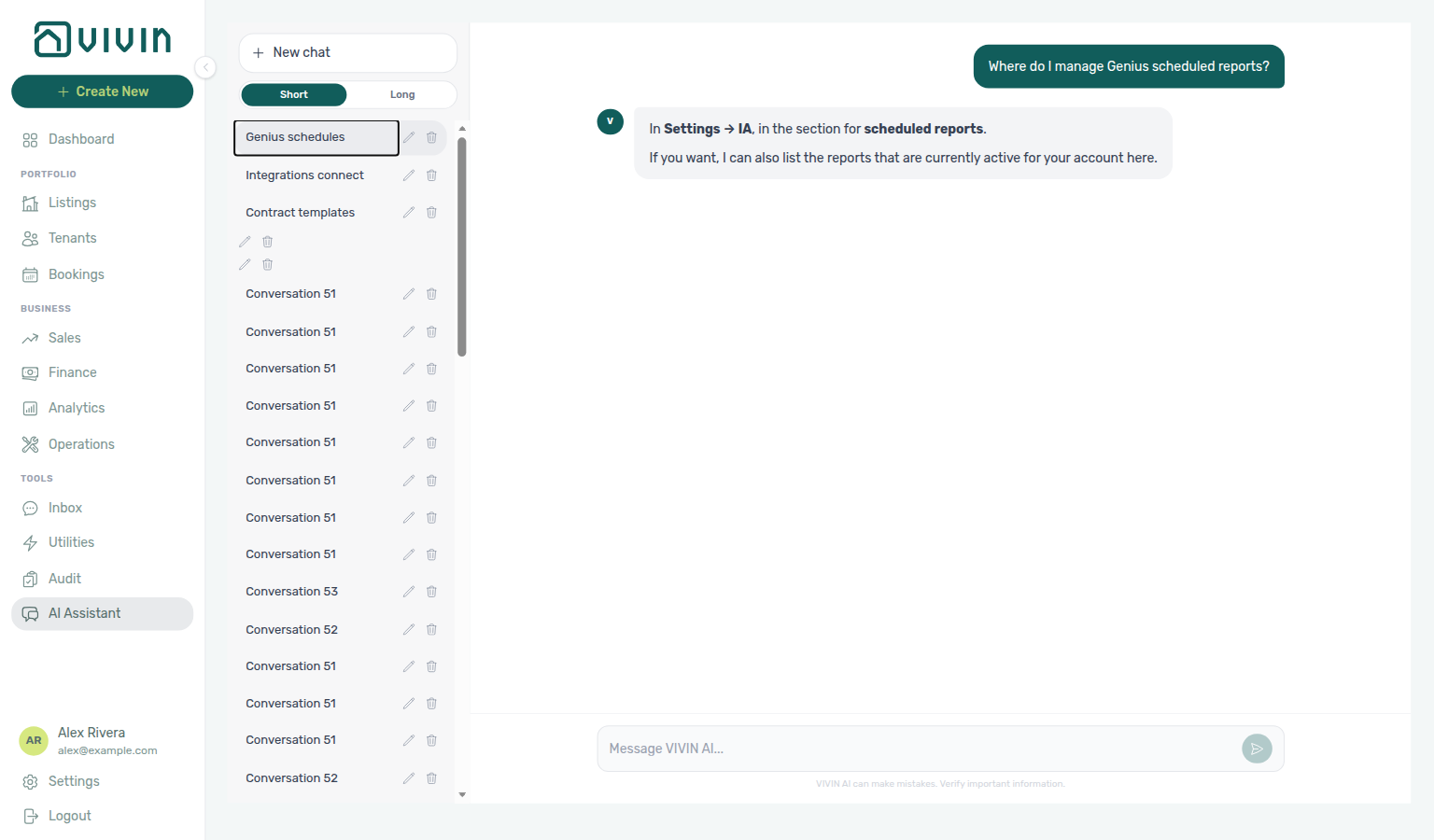
get-vivin-context-ai / platform; open Genius for the table.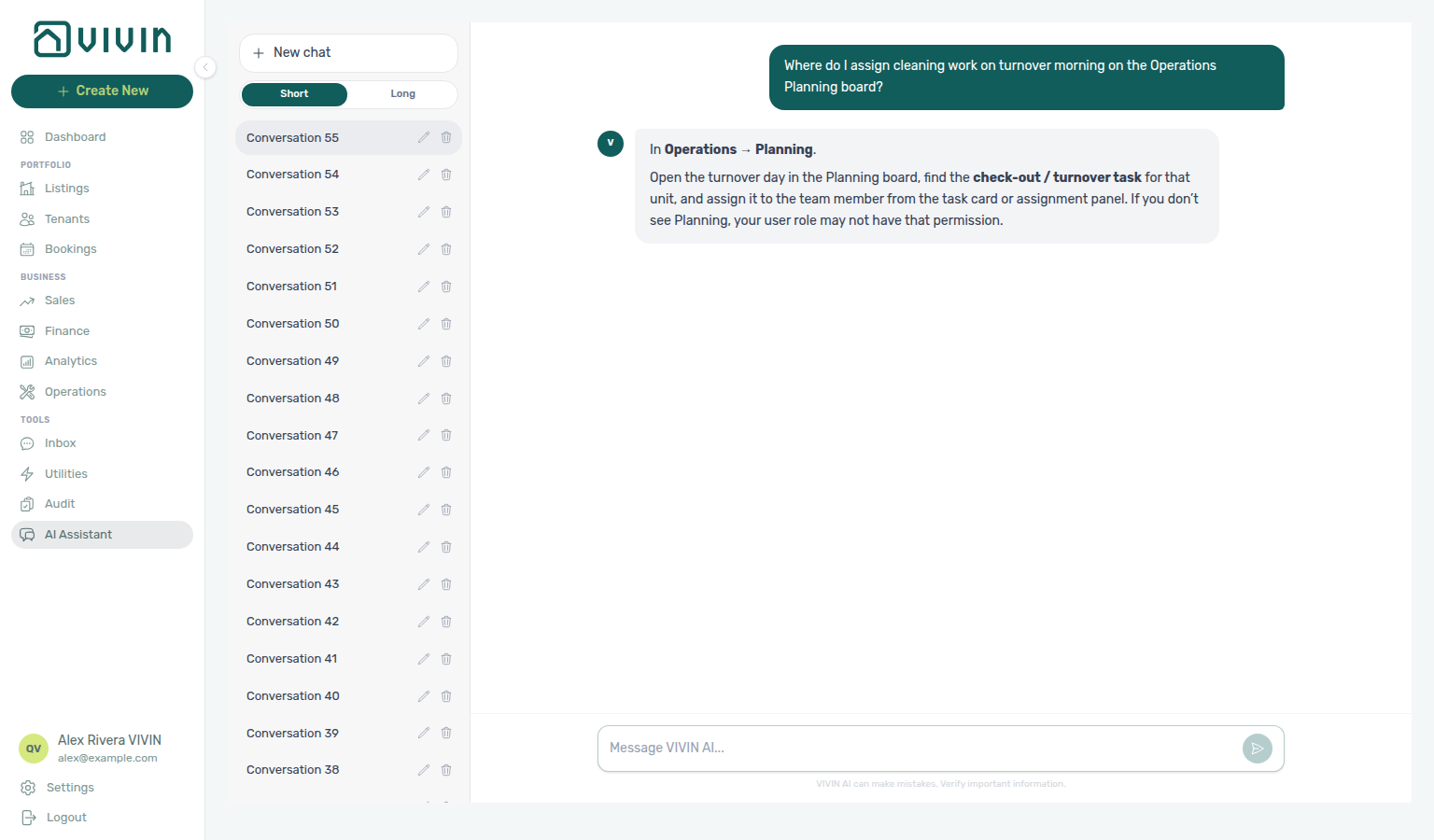
get-vivin-context-operations.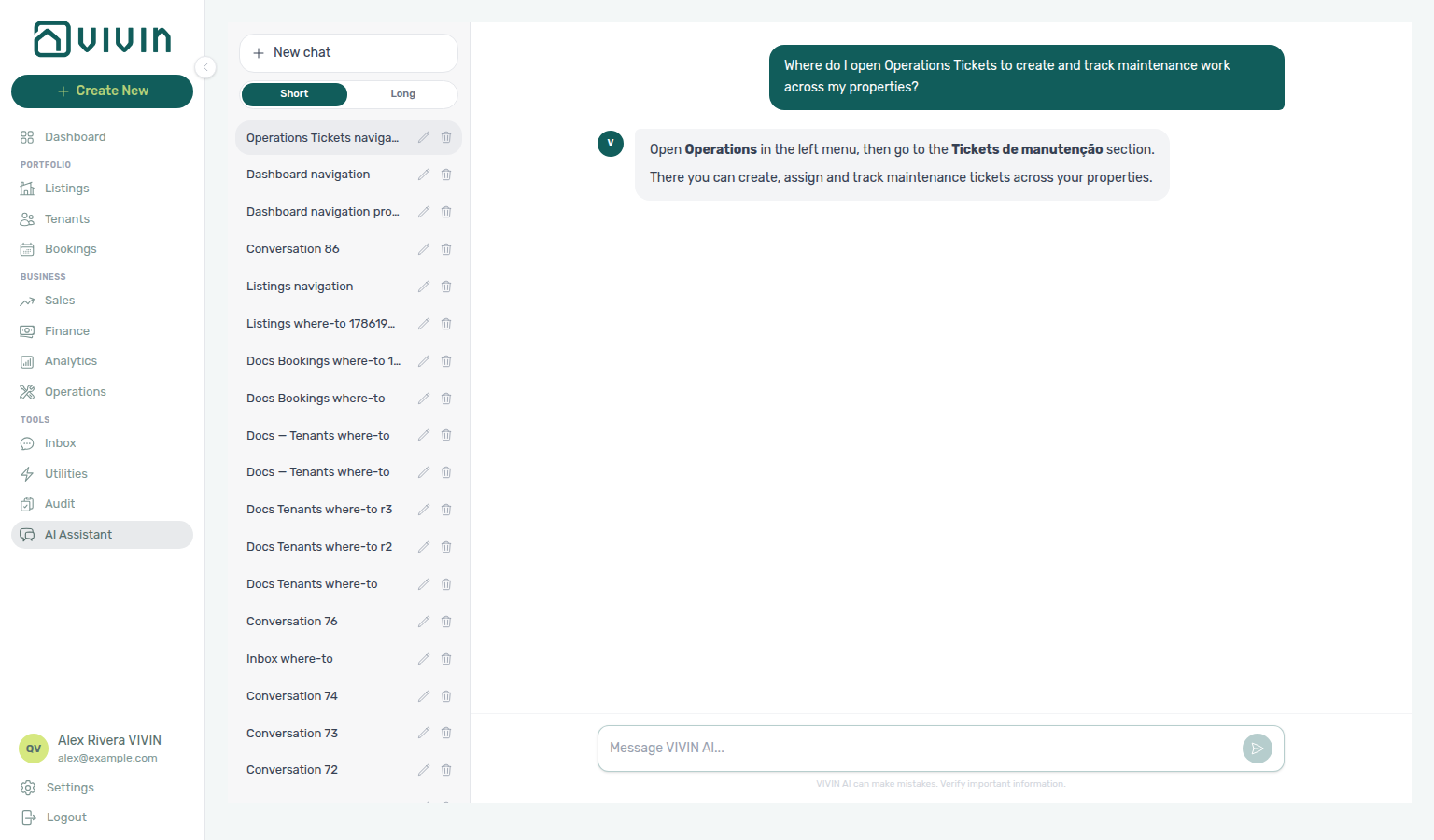
get-vivin-context-operations.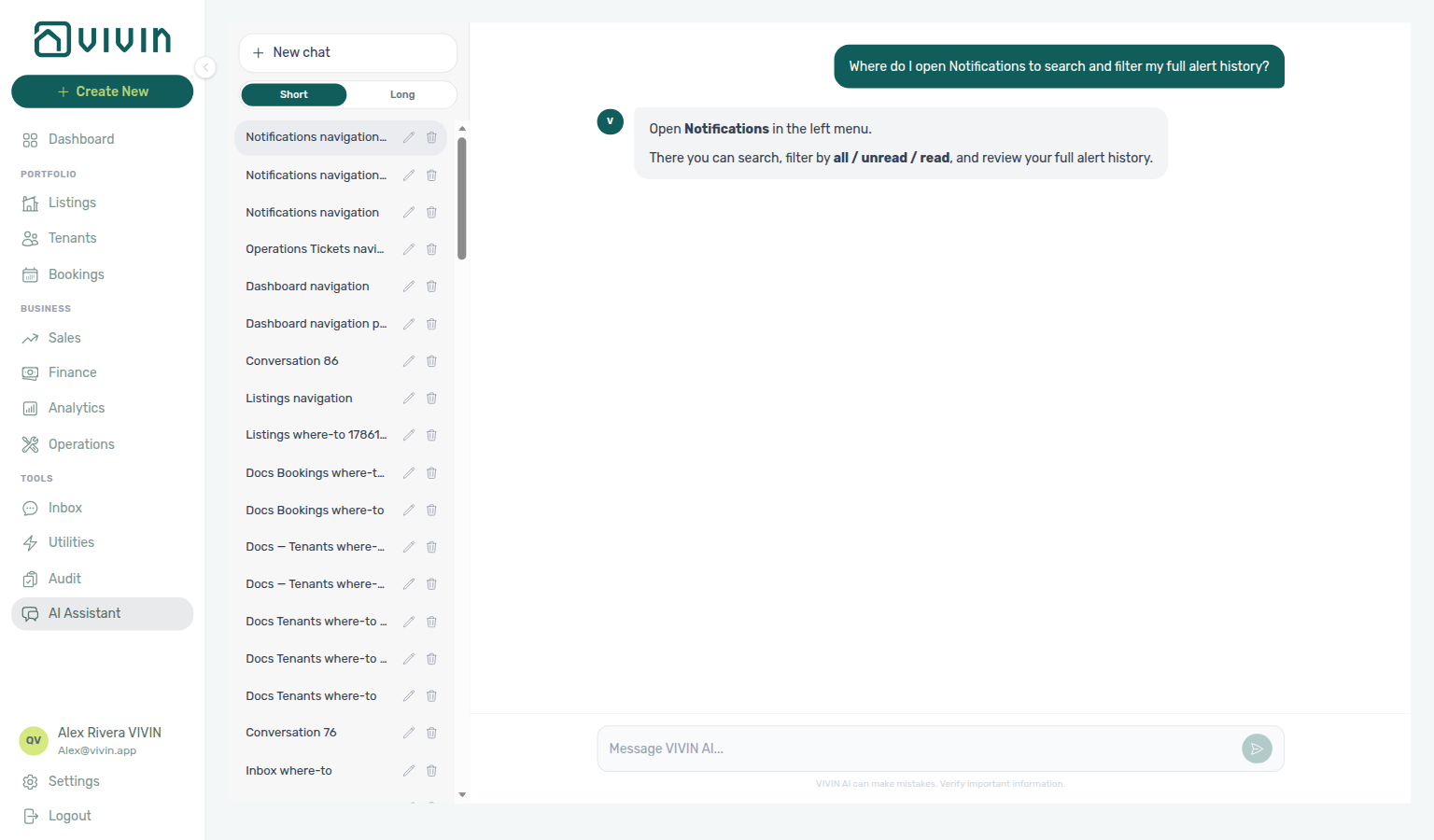
get-vivin-context-operations.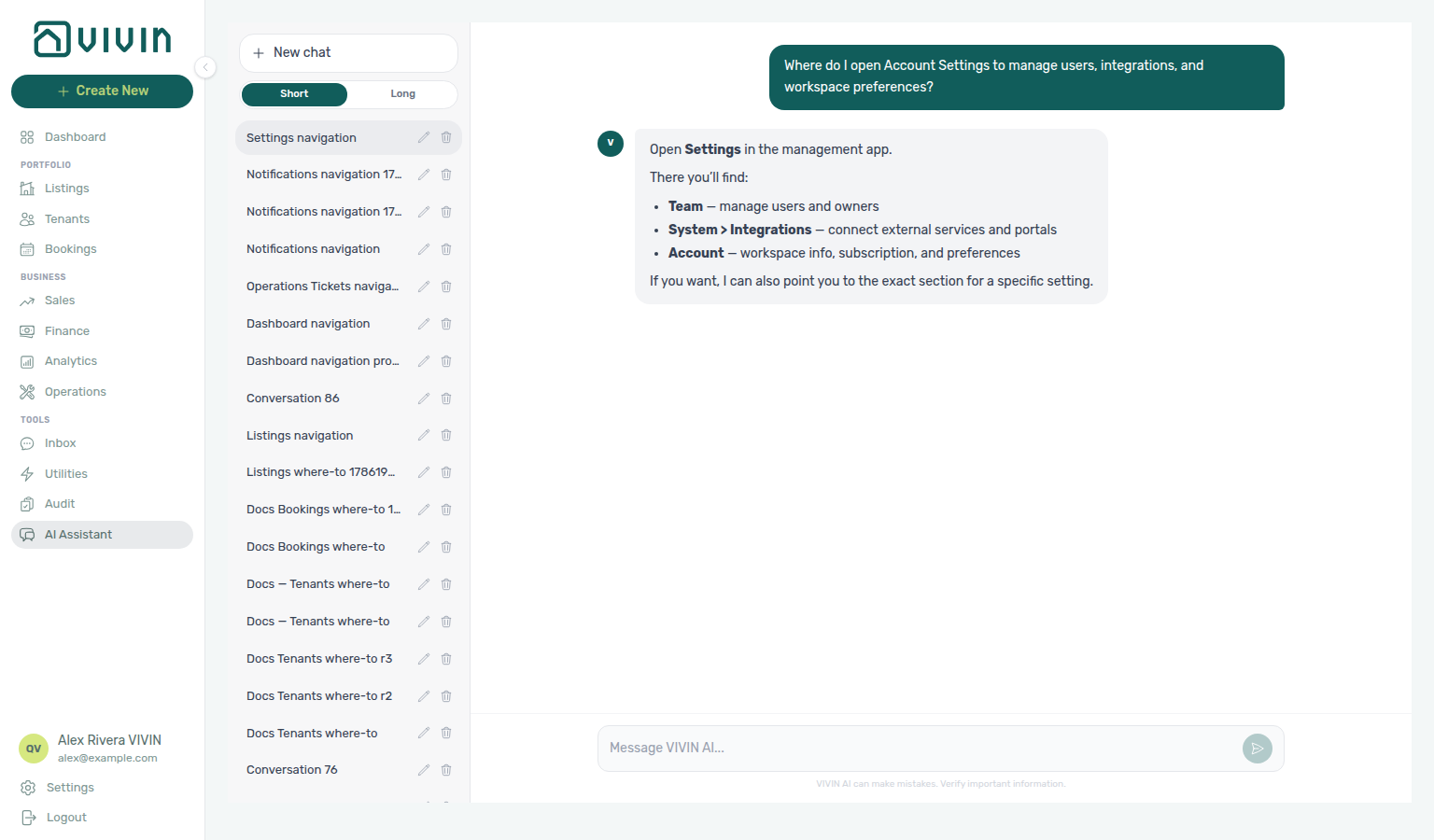
get-vivin-context-platform.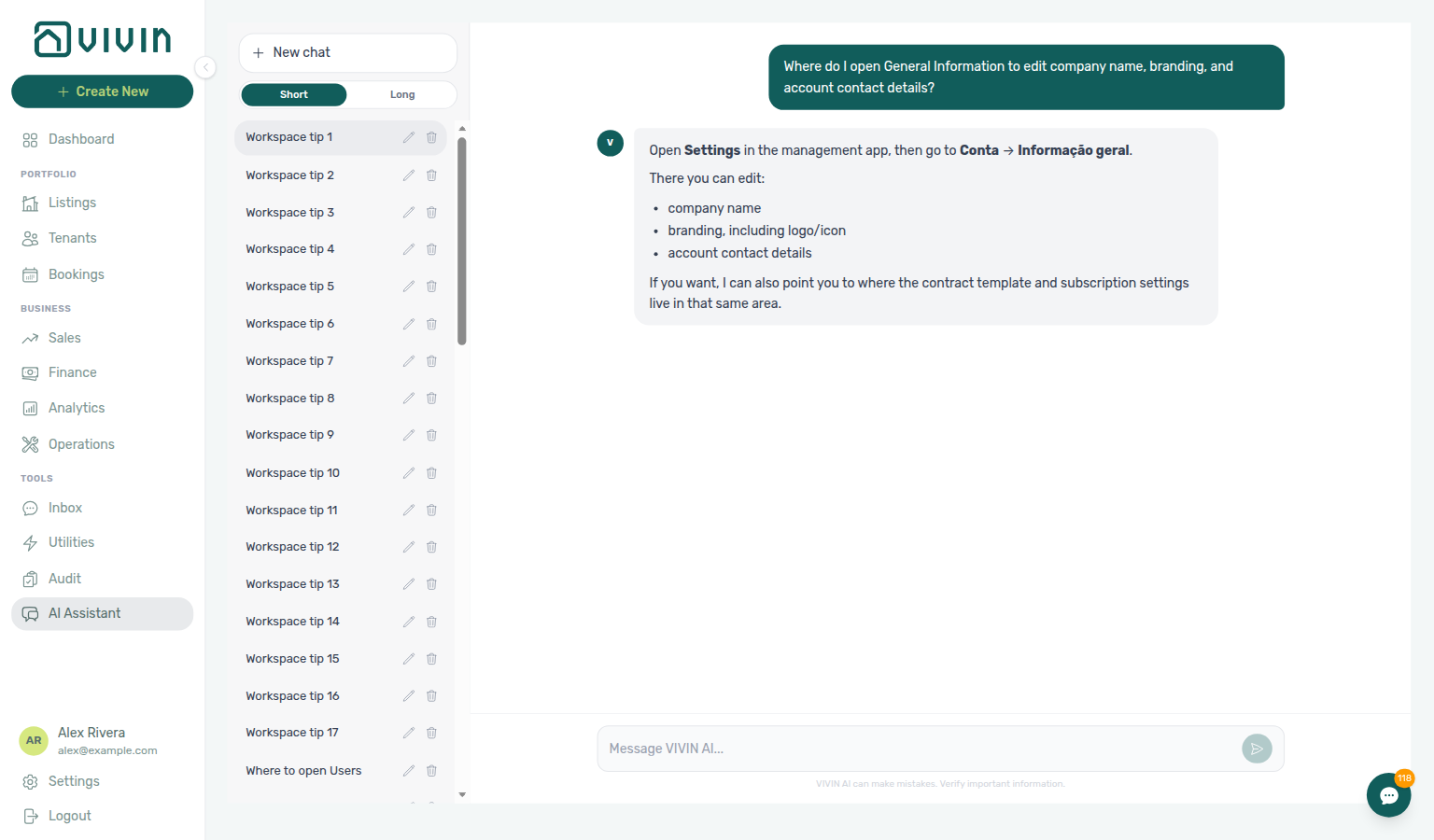
get-vivin-context-platform; open Settings → System → Global Settings (the assistant may still say Conta → Informação geral or Account → General Information).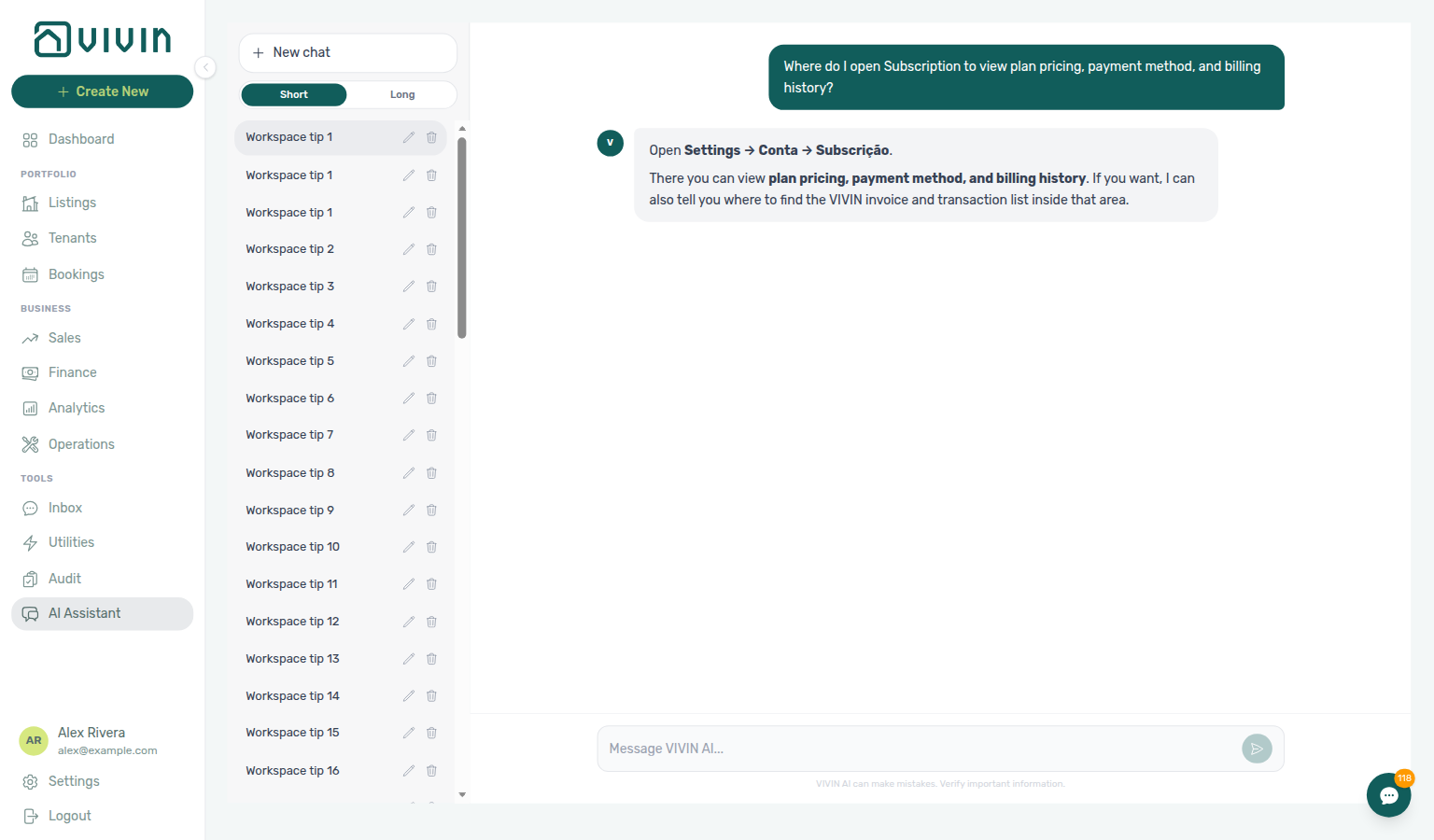
get-vivin-context-platform; open Settings → System → Subscription (the assistant may still say Conta → Subscrição or Account → Subscription).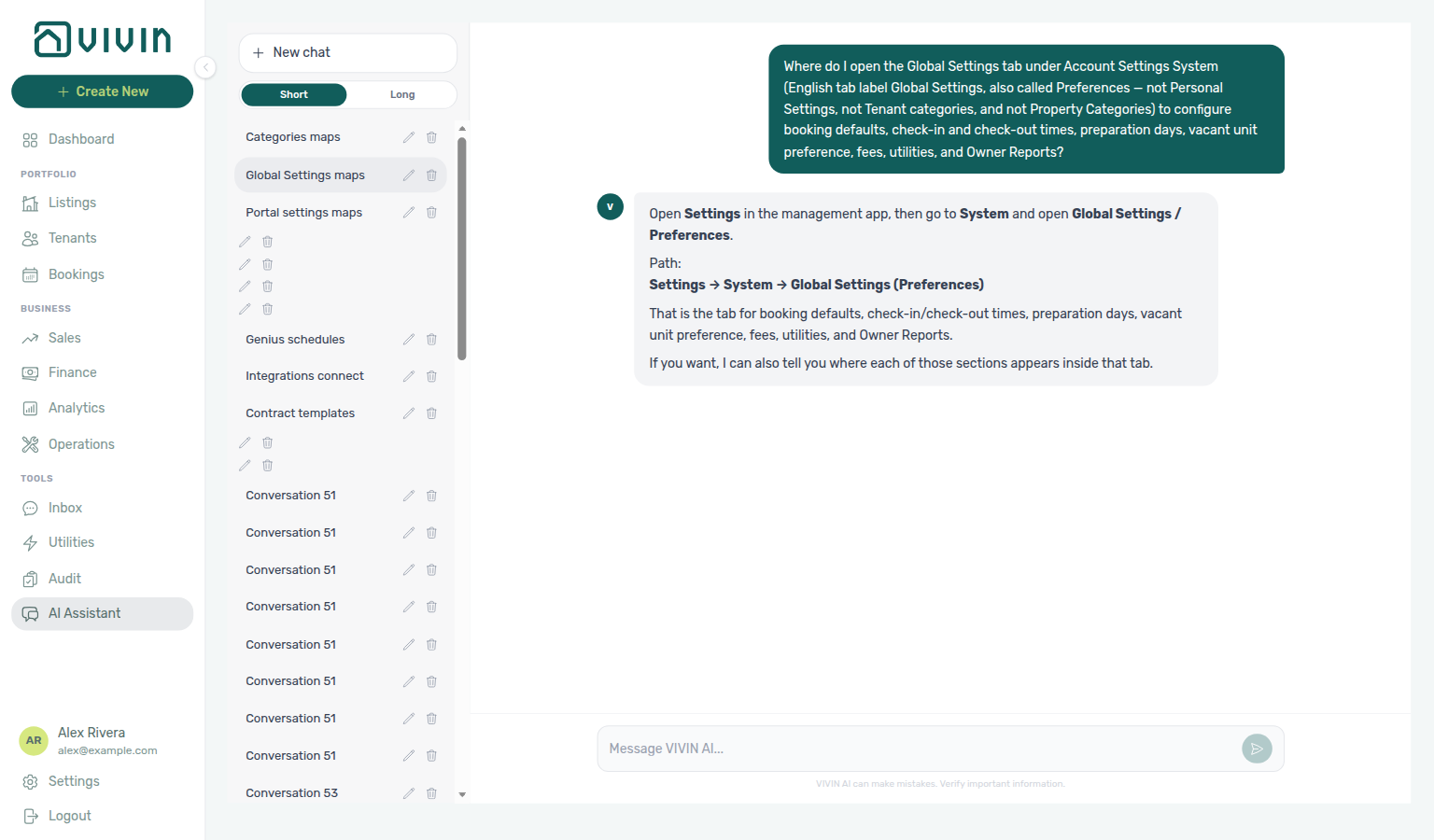
get-vivin-context-platform; open Settings → System → Global Settings.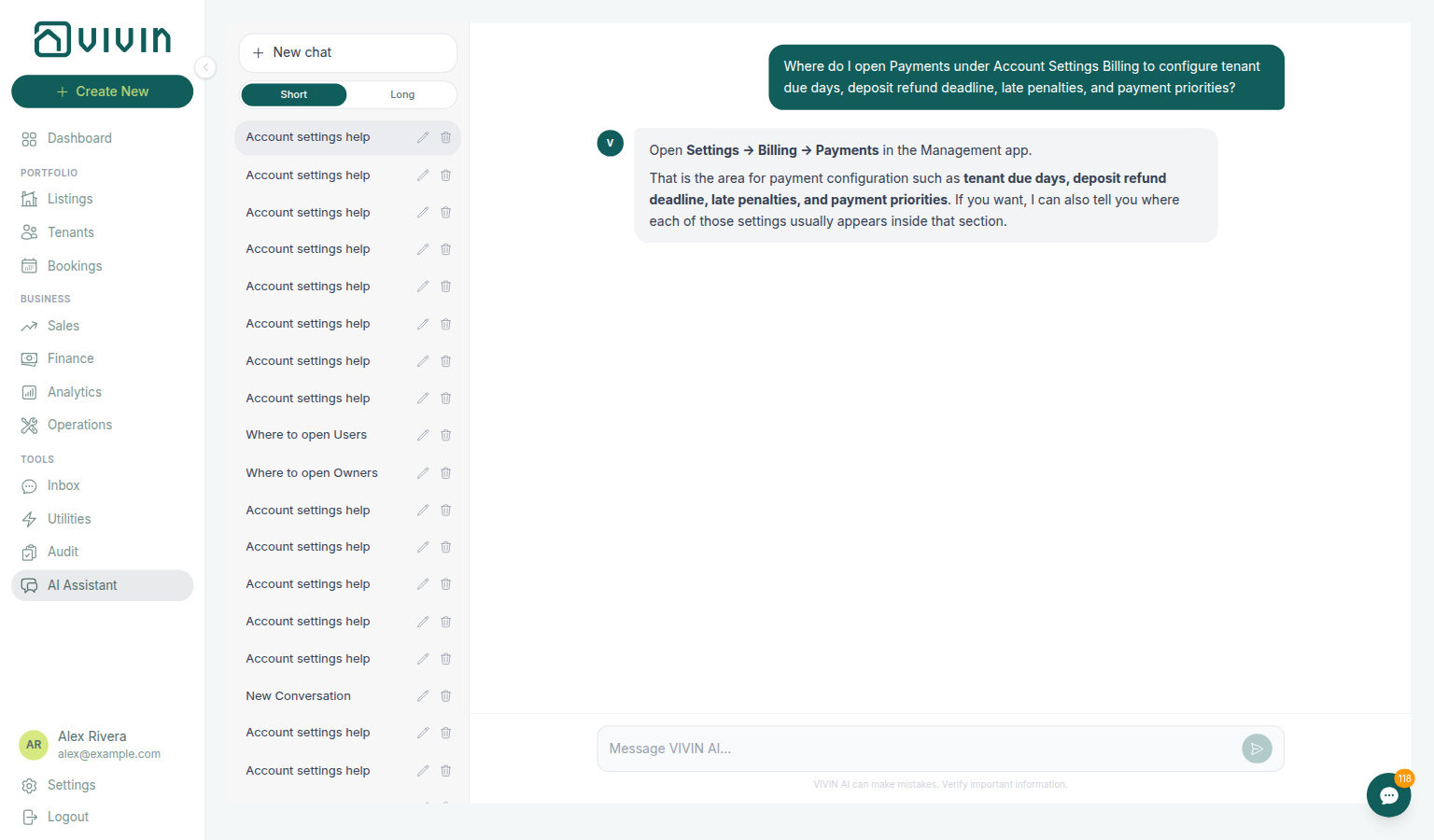
get-vivin-context-finance / get-vivin-context-platform; open Settings → Billing → Payments.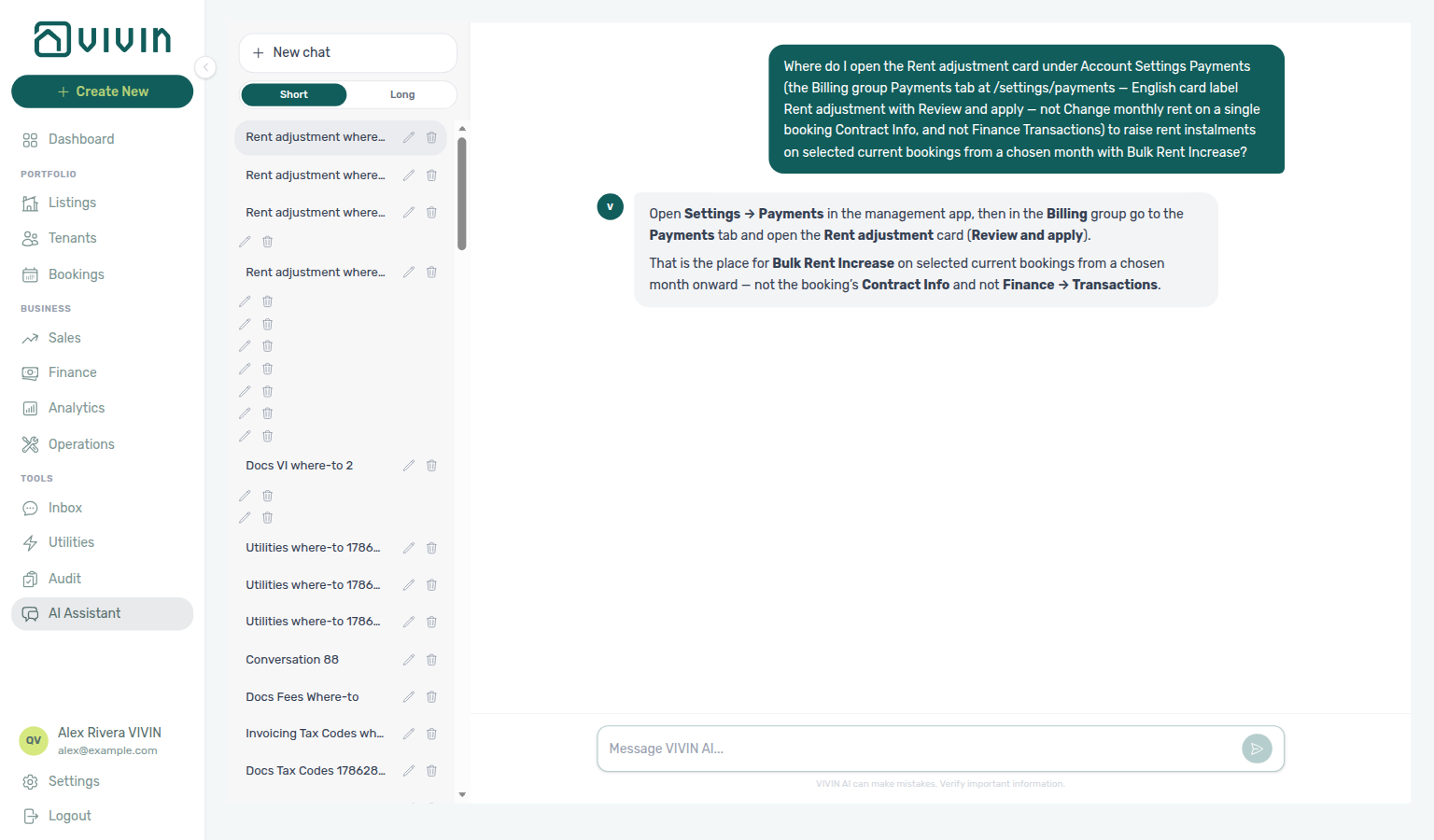
get-vivin-context-finance / get-vivin-context-platform; open Settings → Payments → Rent adjustment.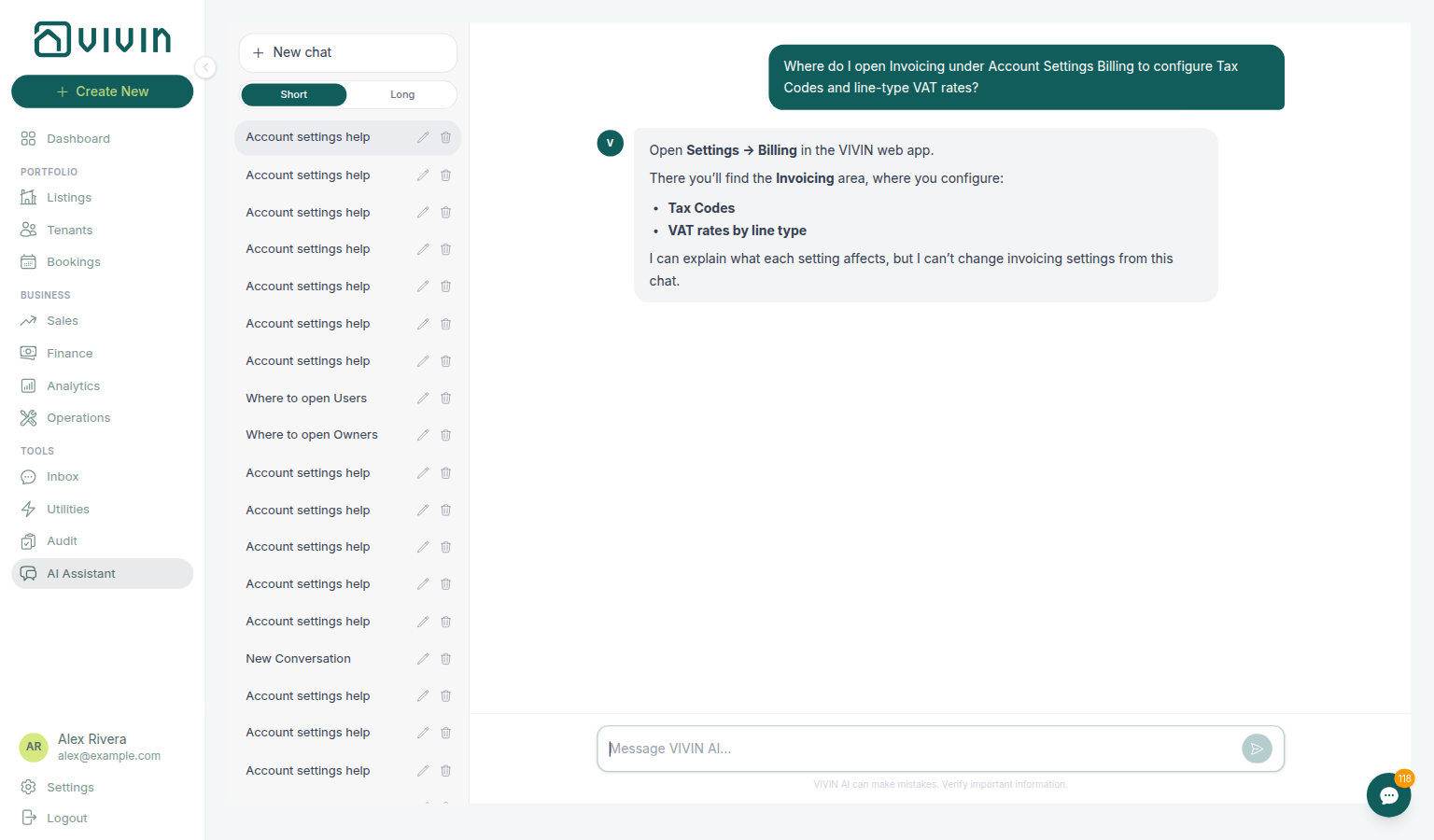
get-vivin-context-finance / get-vivin-context-platform; open Settings → Billing → Invoicing.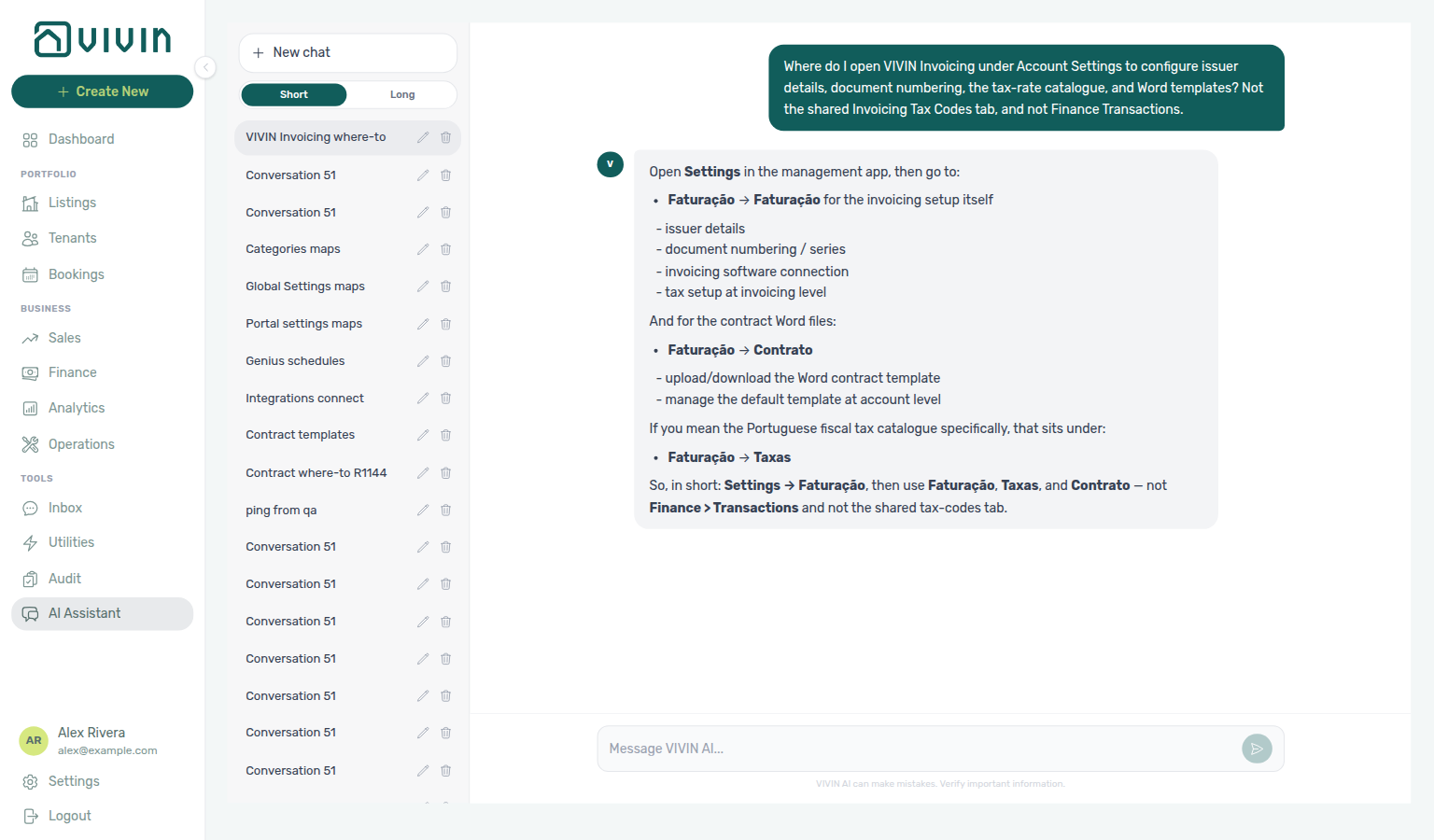
get-vivin-context-finance / get-vivin-context-platform; open Settings → System → Integrations and Configure (the reply may still name Faturação).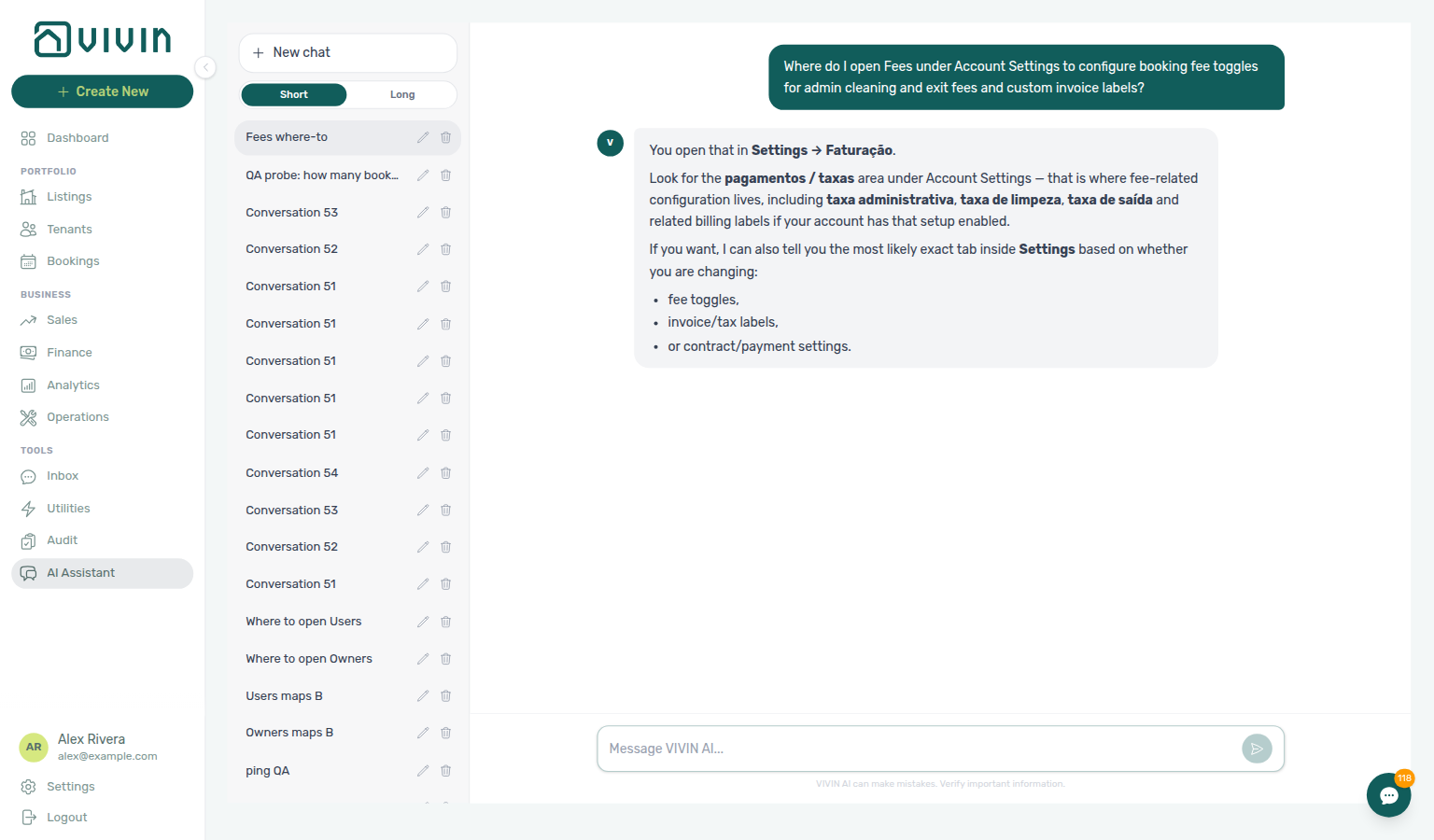
get-vivin-context-finance / get-vivin-context-platform; open Settings → System → Global Settings (fee cards).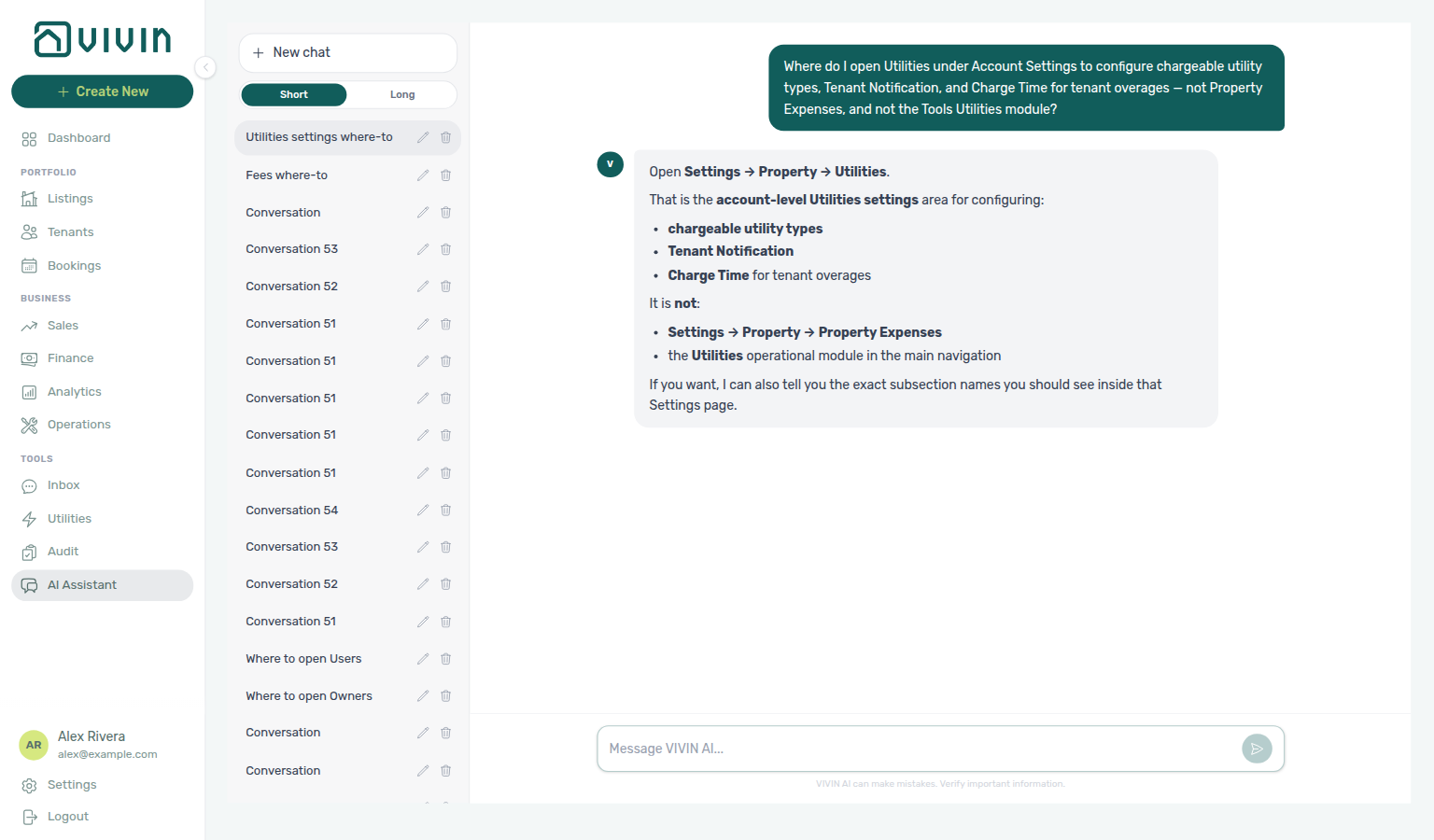
get-vivin-context-finance / get-vivin-context-platform; open Settings → System → Global Settings (Utilities card).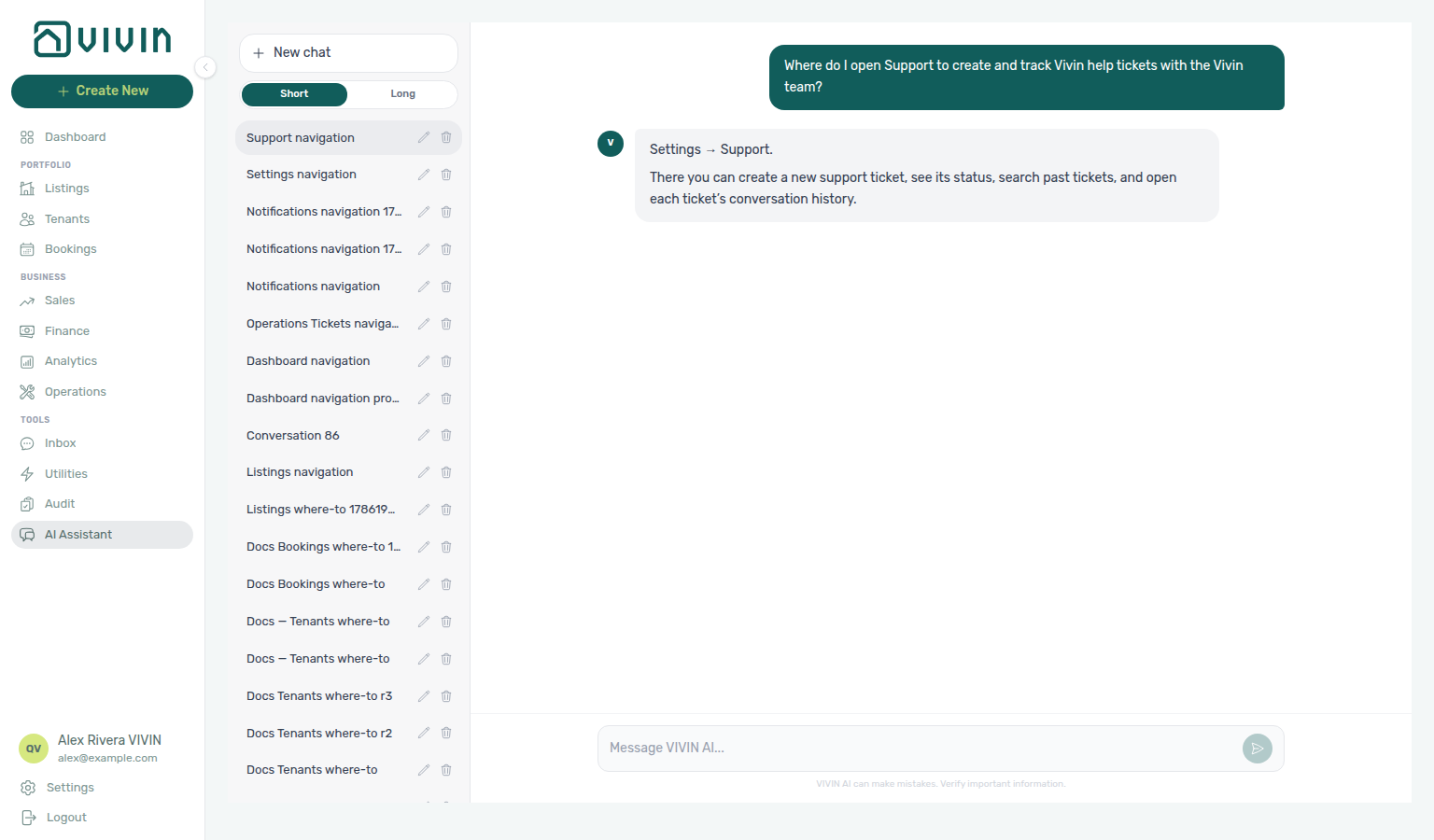
get-vivin-context-operations.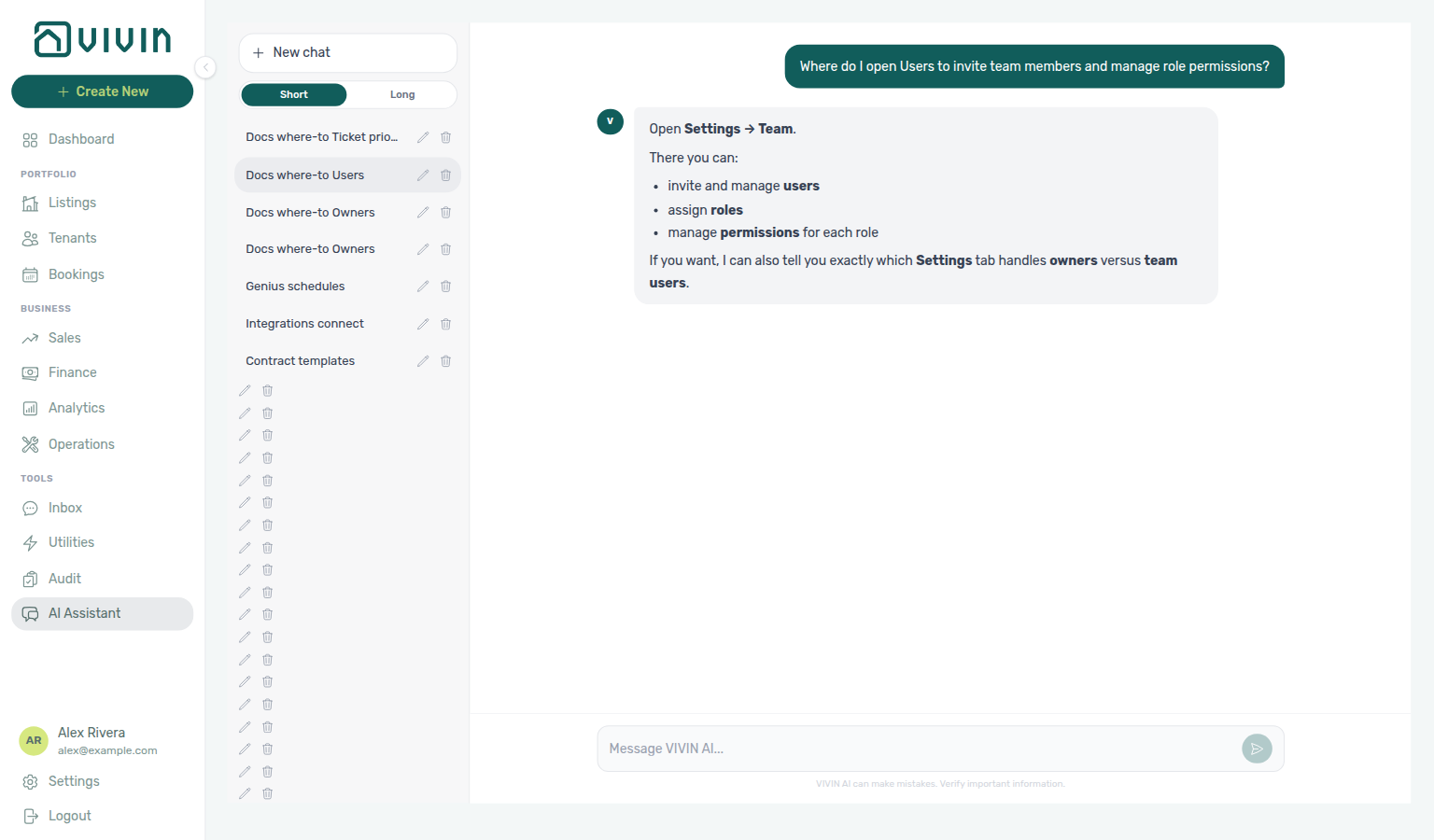
get-vivin-context-platform; open Settings → Team → Users (reply may say Settings → Team without naming the tab).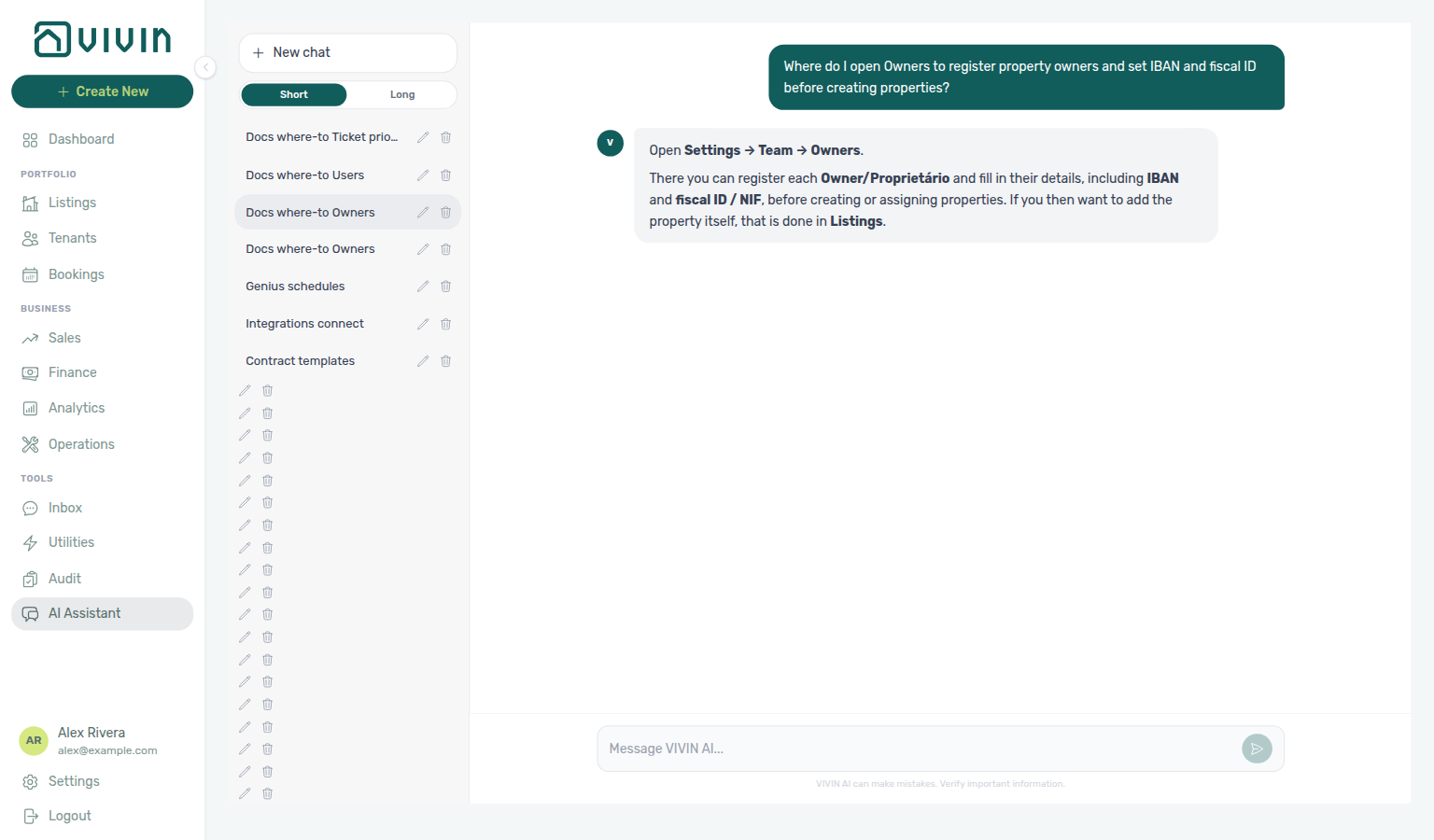
get-vivin-context-platform; open Settings → Team → Owners.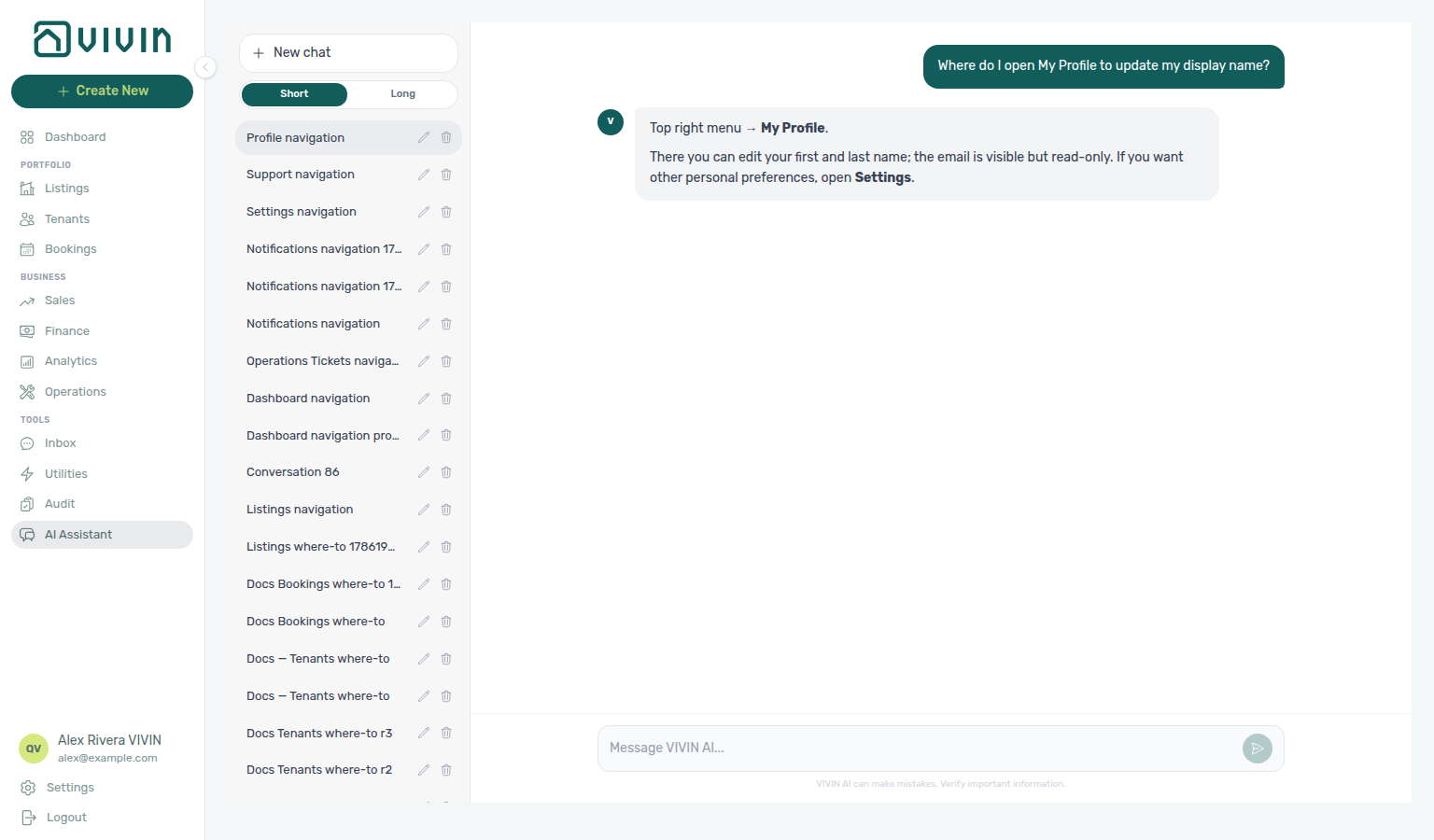
get-vivin-context-platform.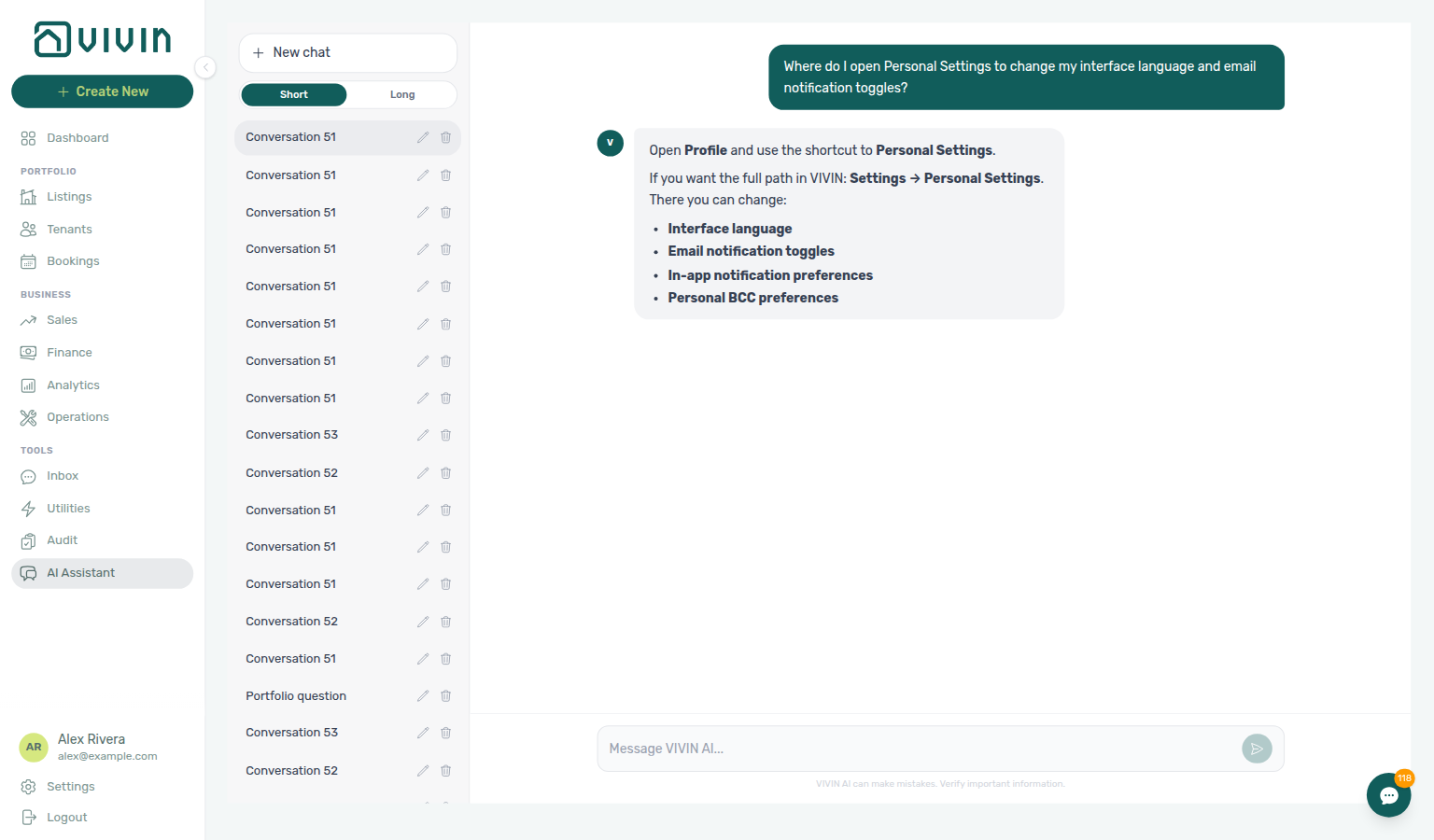
get-vivin-context-platform; open Profile → Personal Settings.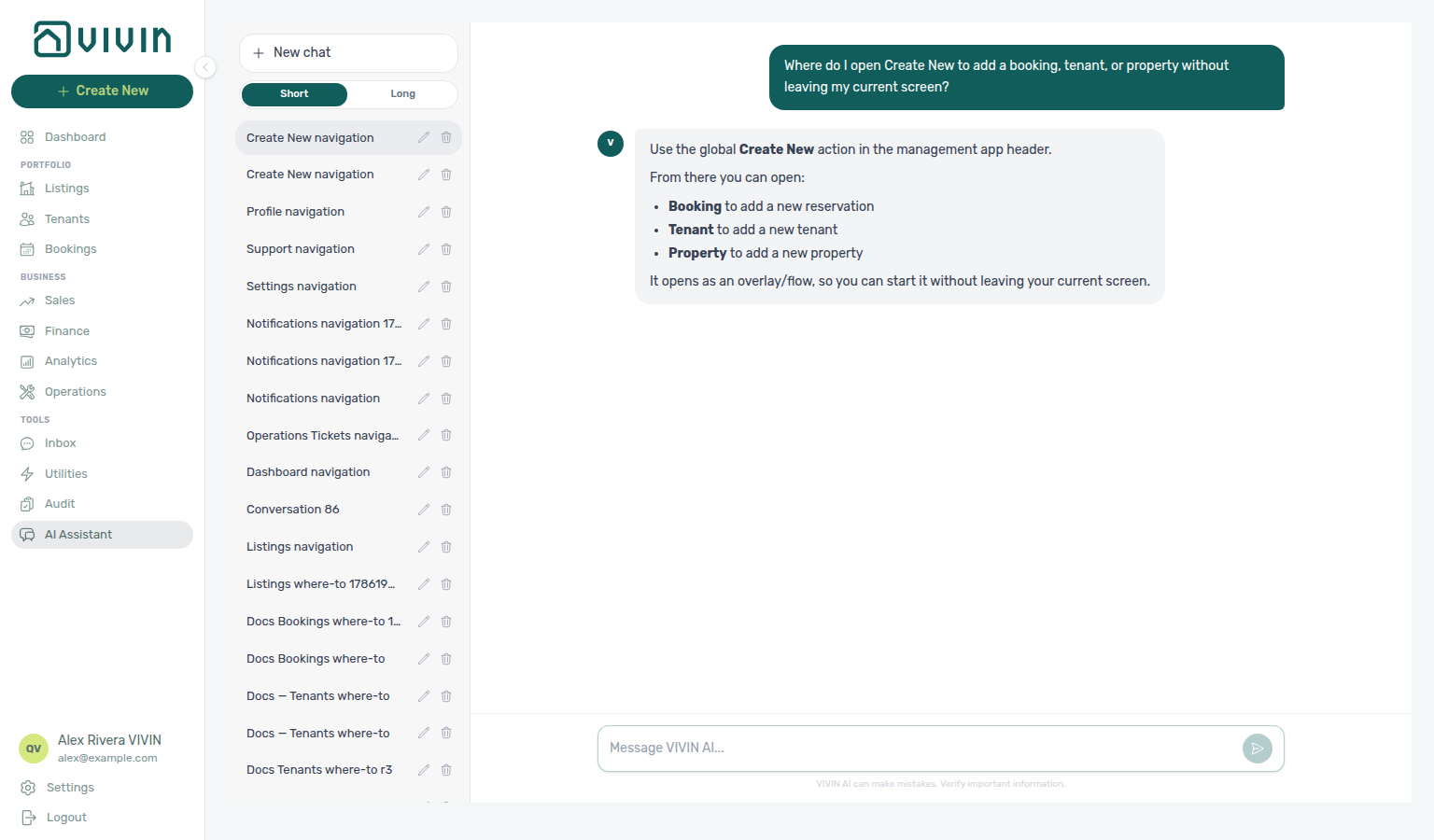
get-vivin-context-overview; use left-sidebar + Create New even if the reply says header / top bar.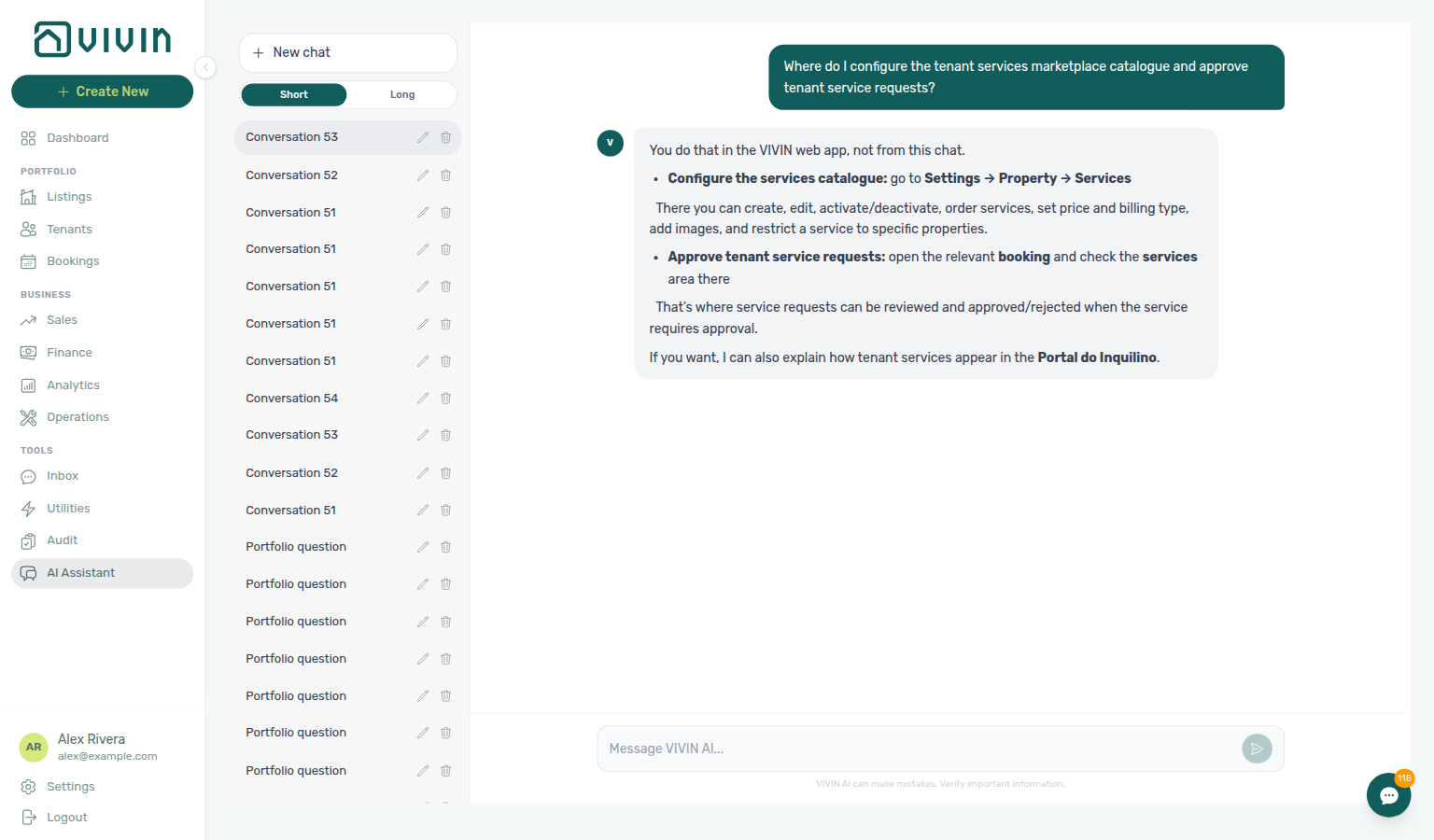
get-vivin-context-operations; open Settings → Tenant Portal → Services.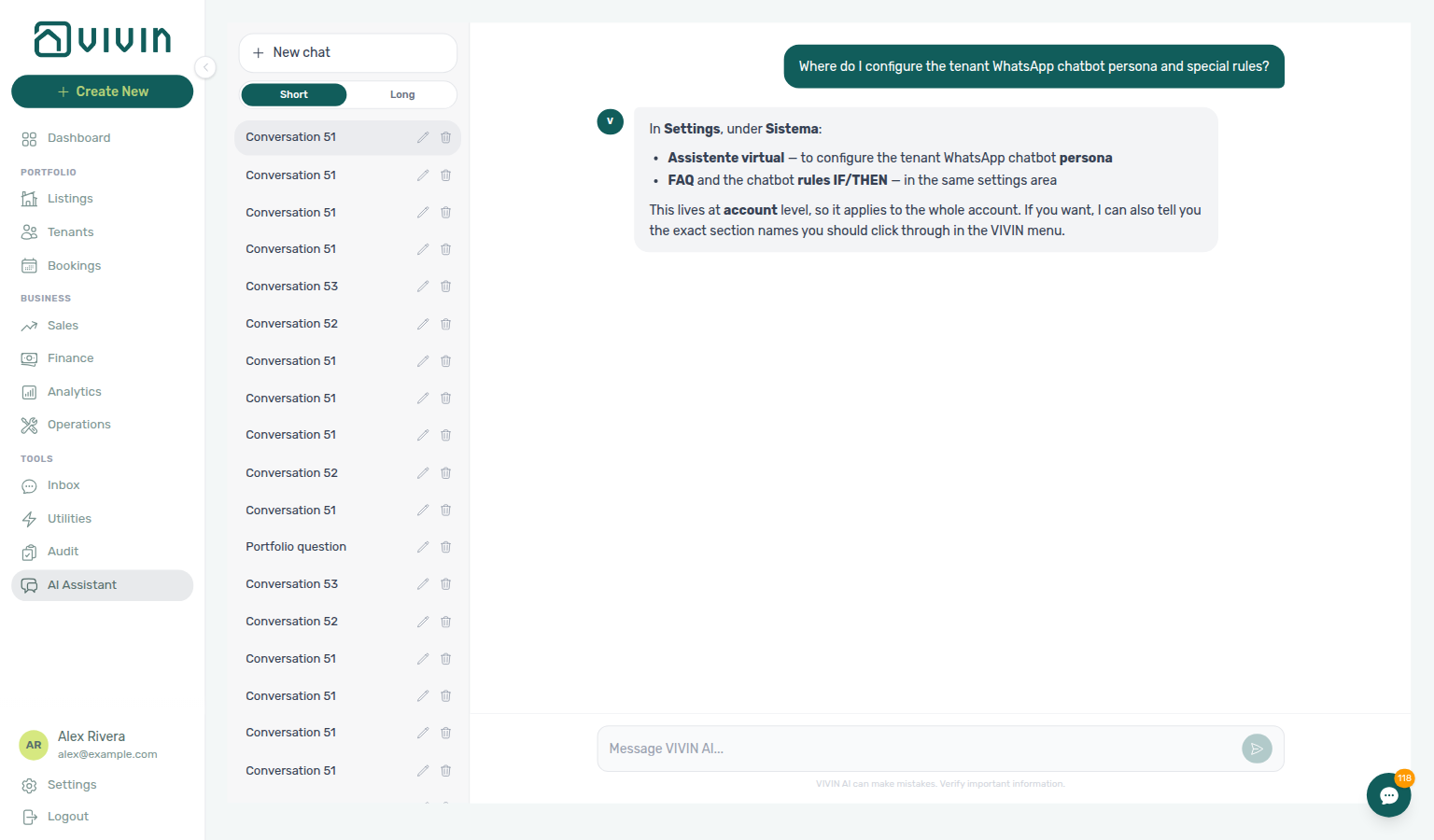
get-vivin-context-ai; open Settings → System → ChatBot (even if the reply says Sistema → assistente virtual).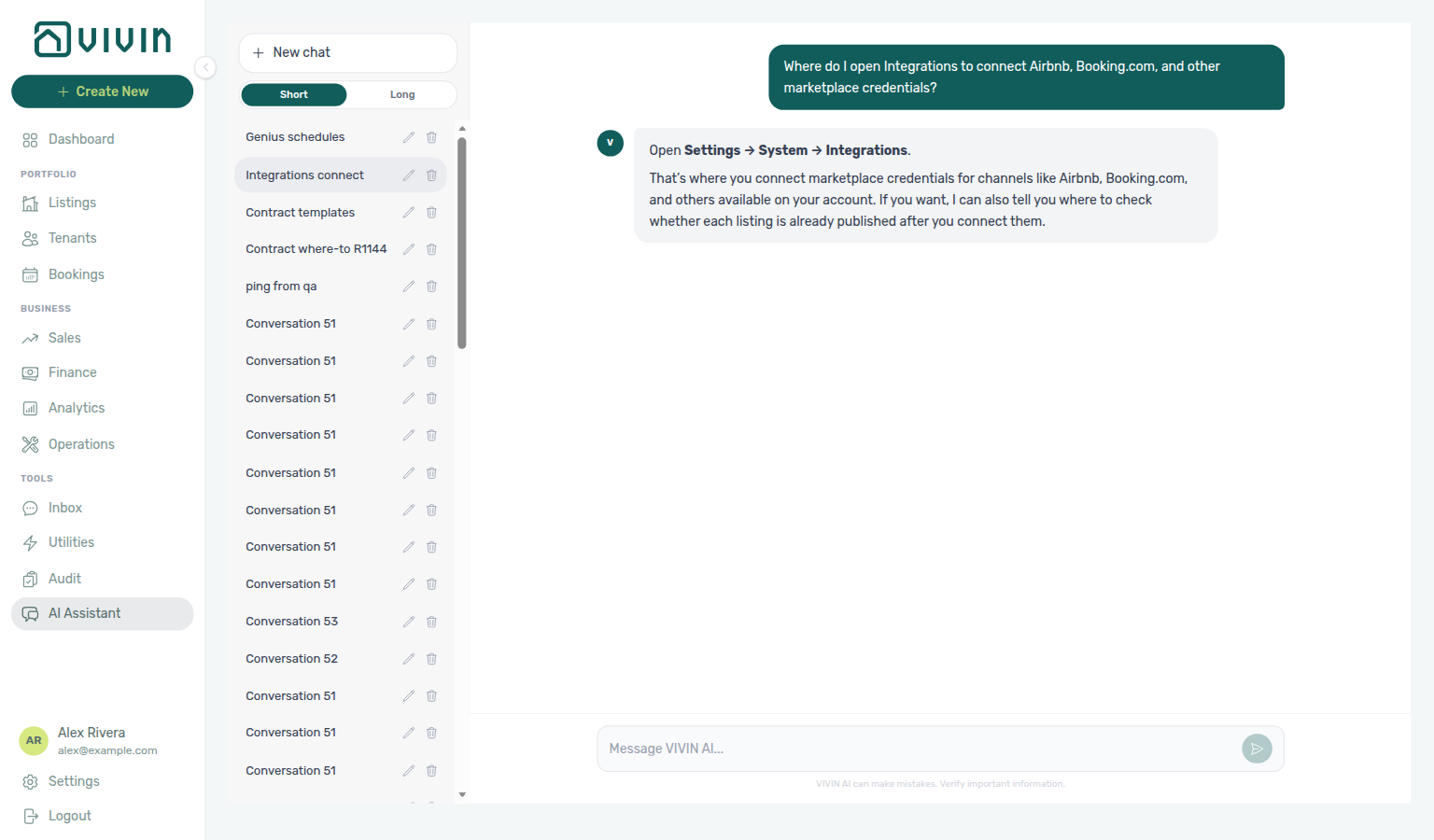
get-vivin-context-platform; open Settings → System → Integrations.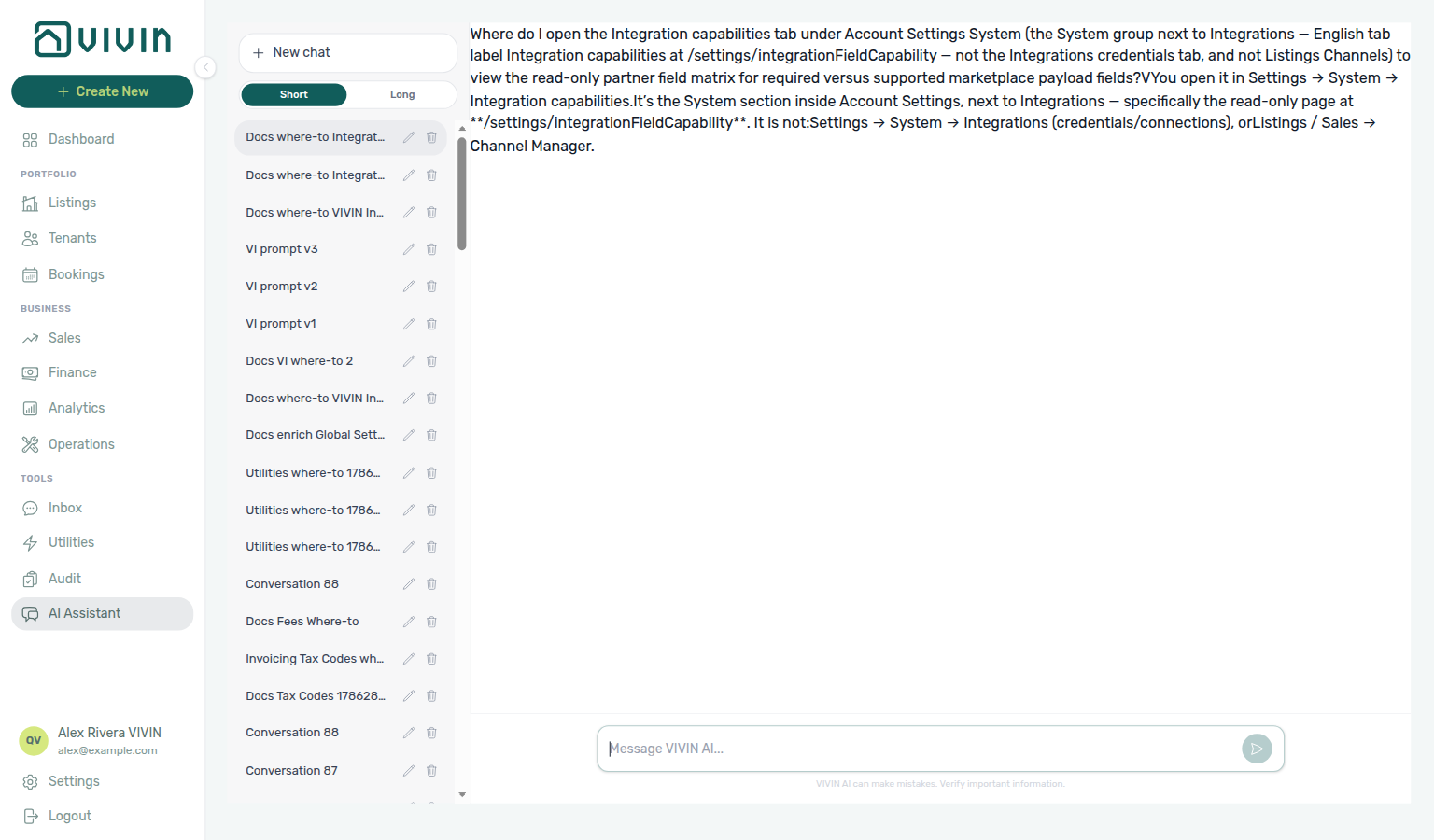
get-vivin-context-platform; open Settings → System → Integrations.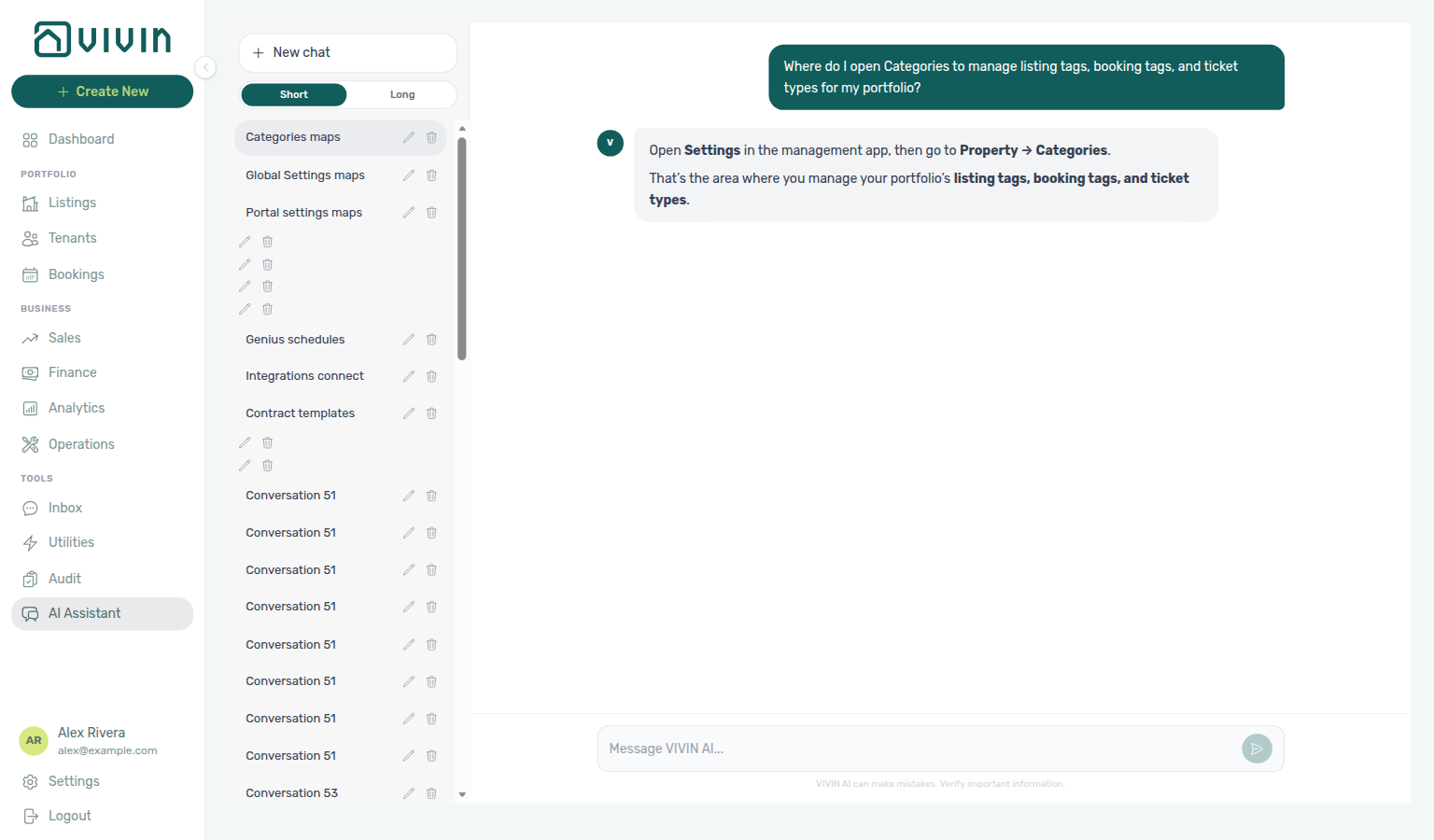
get-vivin-context-platform; open Settings → System → Categories.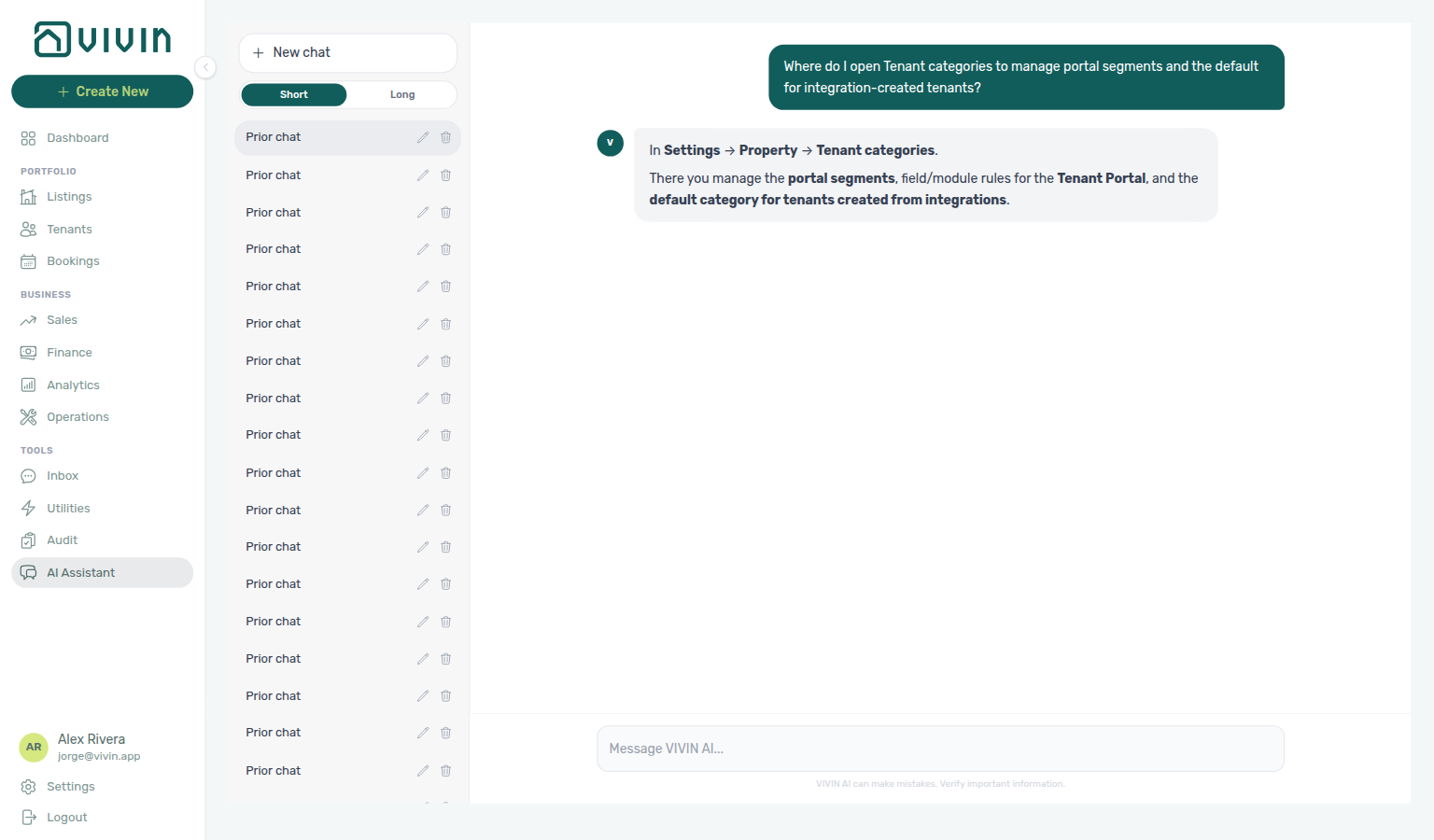
get-vivin-context-platform; open Settings → System → Categories (Tenants card).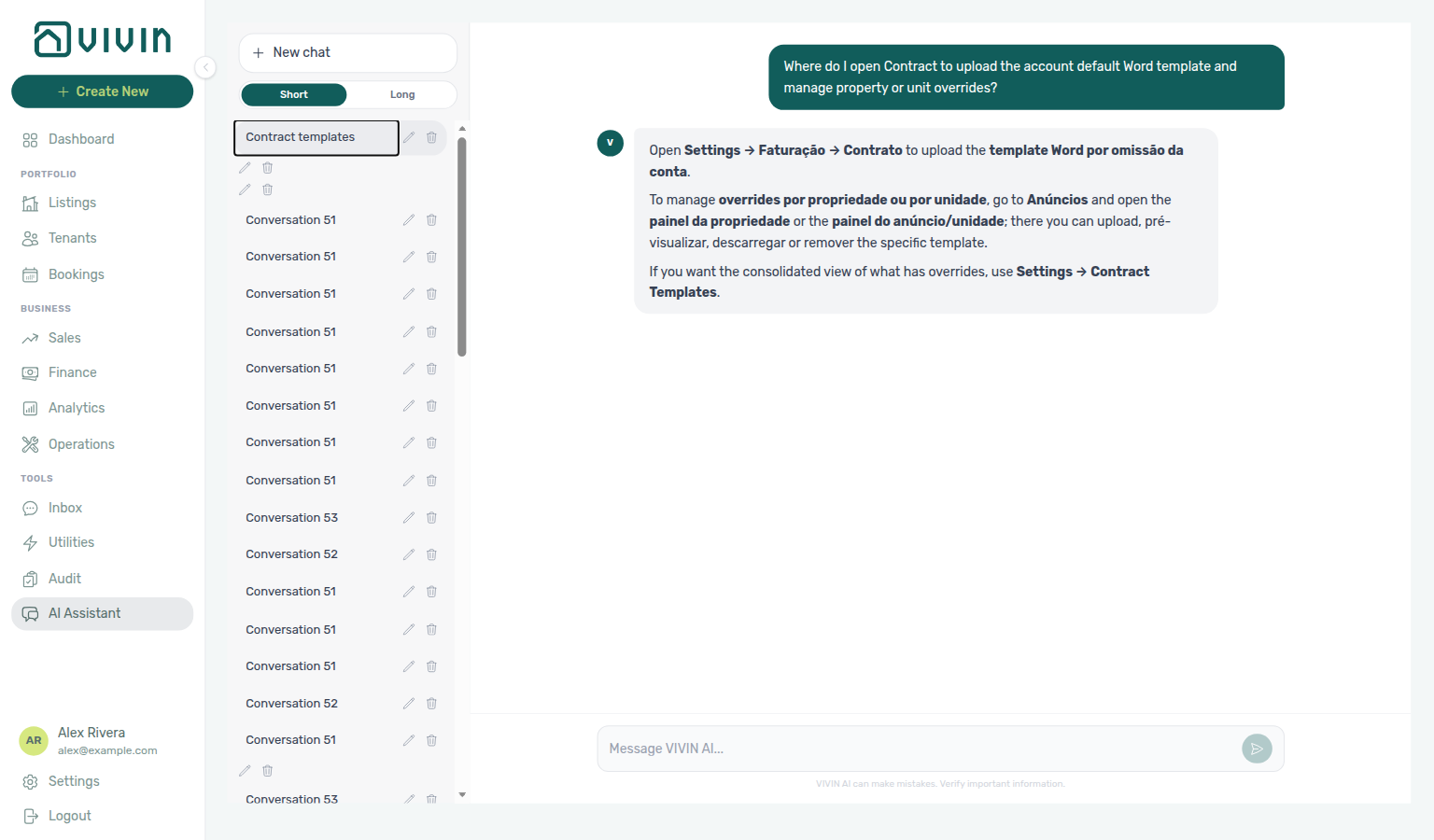
get-vivin-context-bookings-tenants; open Settings → Billing → Contract (even if the reply says Faturação → Contrato or Contract Templates).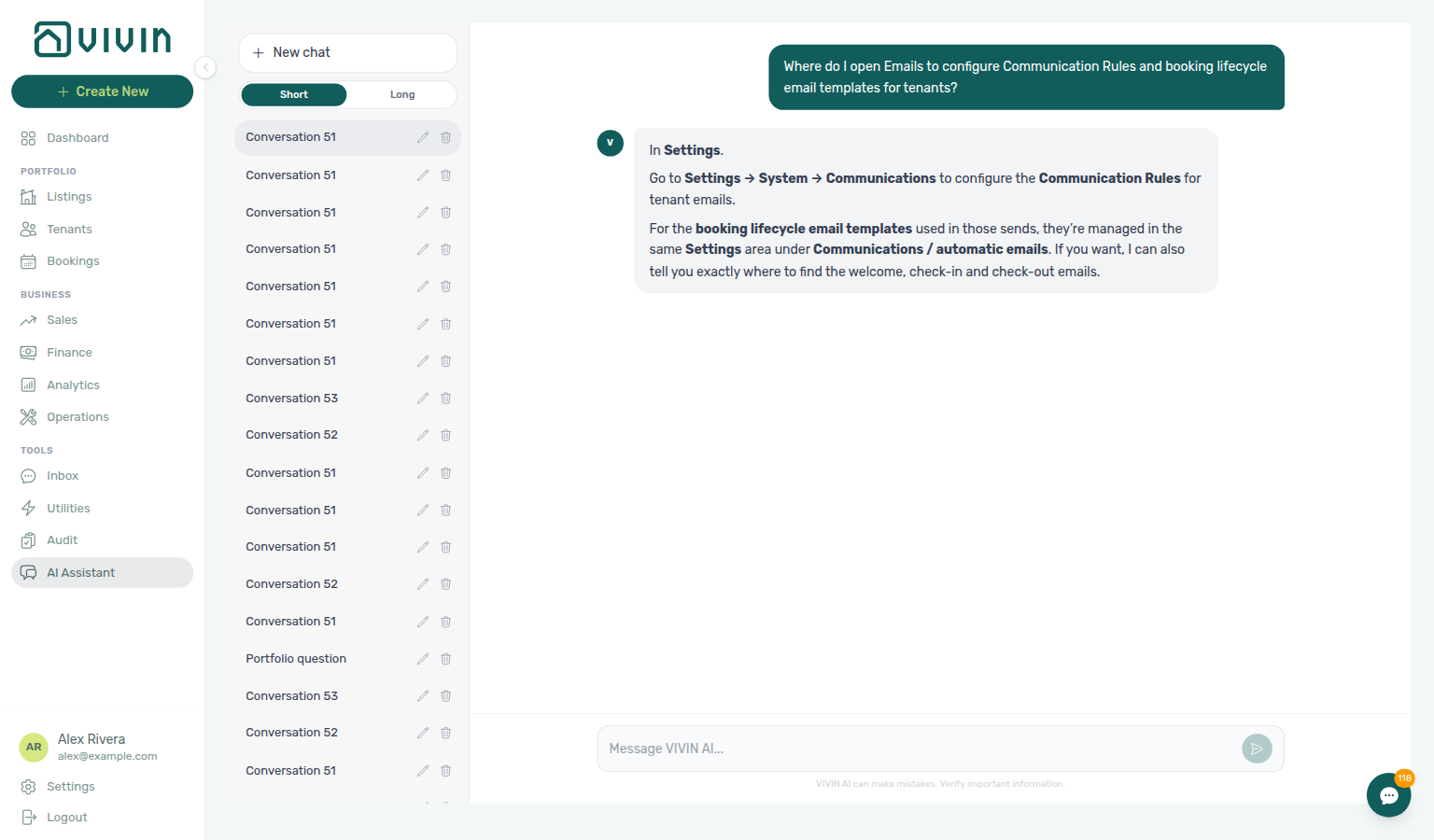
get-vivin-context-platform; open Settings → System → Emails (reply may say Communications).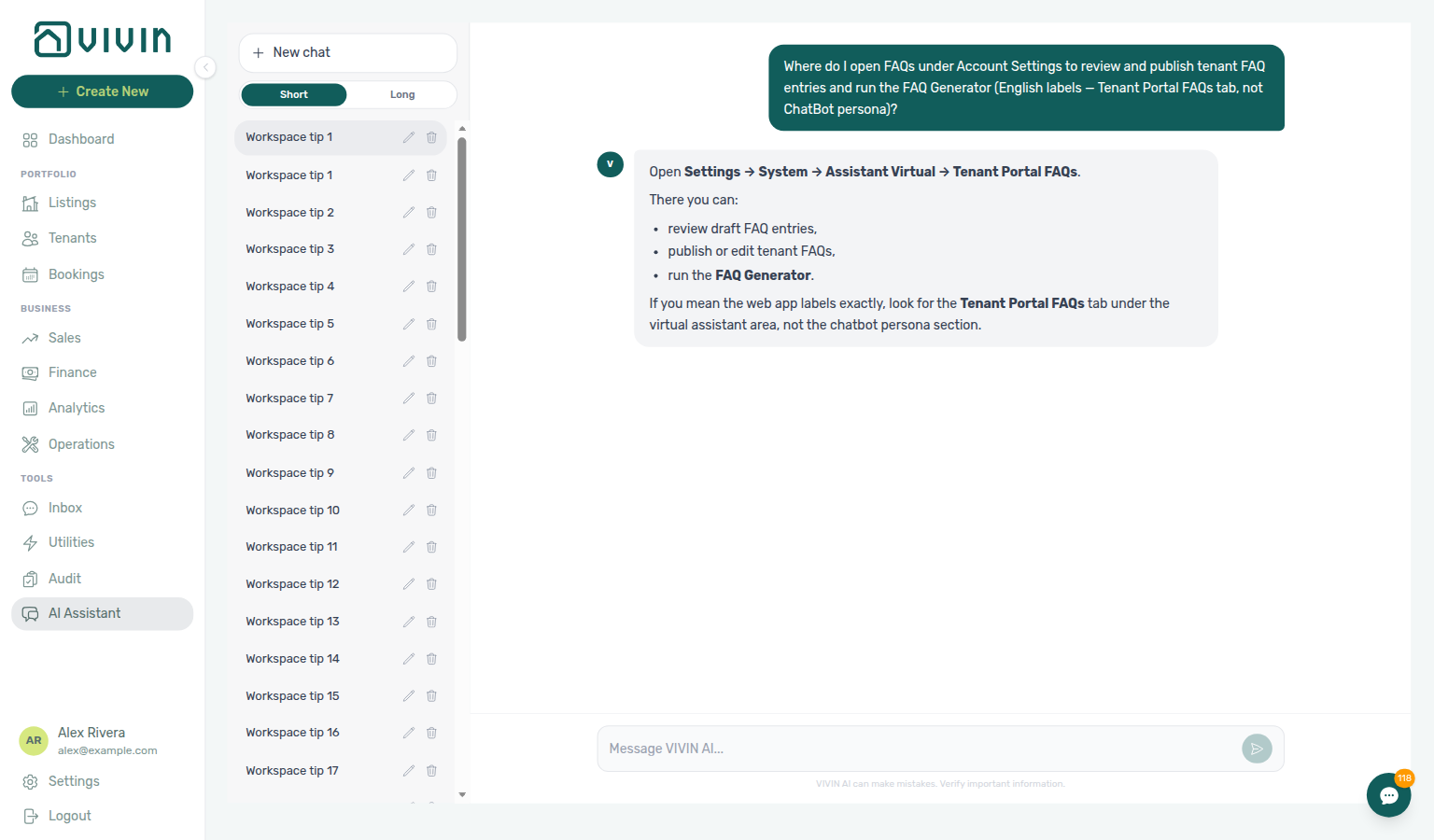
get-vivin-context-platform; open Settings → Tenant Portal → FAQs (reply may still say System → Assistant Virtual → Tenant Portal FAQs or Virtual Assistant).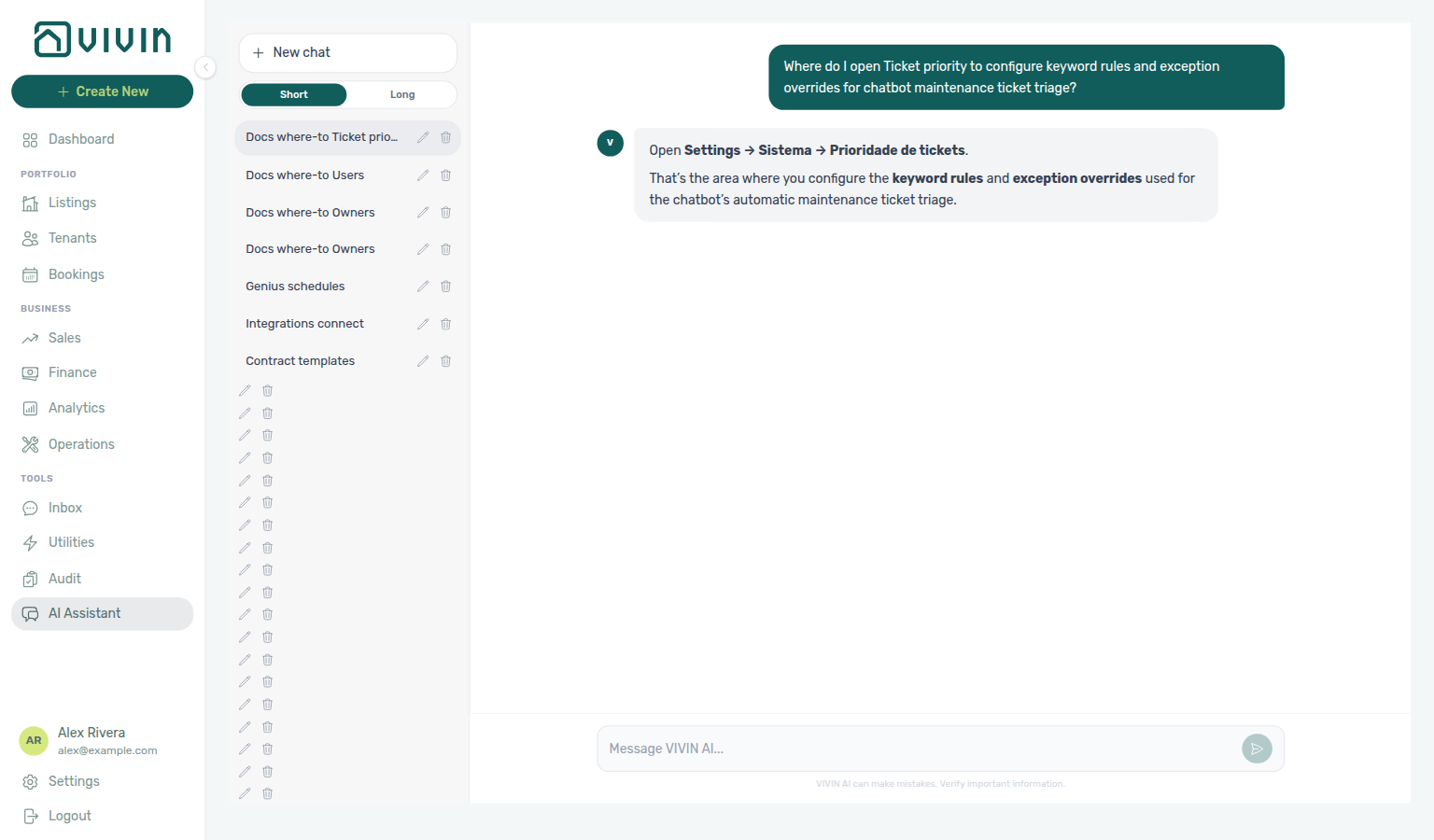
get-vivin-context-platform; open Settings → System → ChatBot → Ticket priority (reply may say Settings → System → Ticket priority).
get-vivin-context-platform / get-vivin-context-ai; open Settings → System → AI / MCP (reply may say Settings → AI).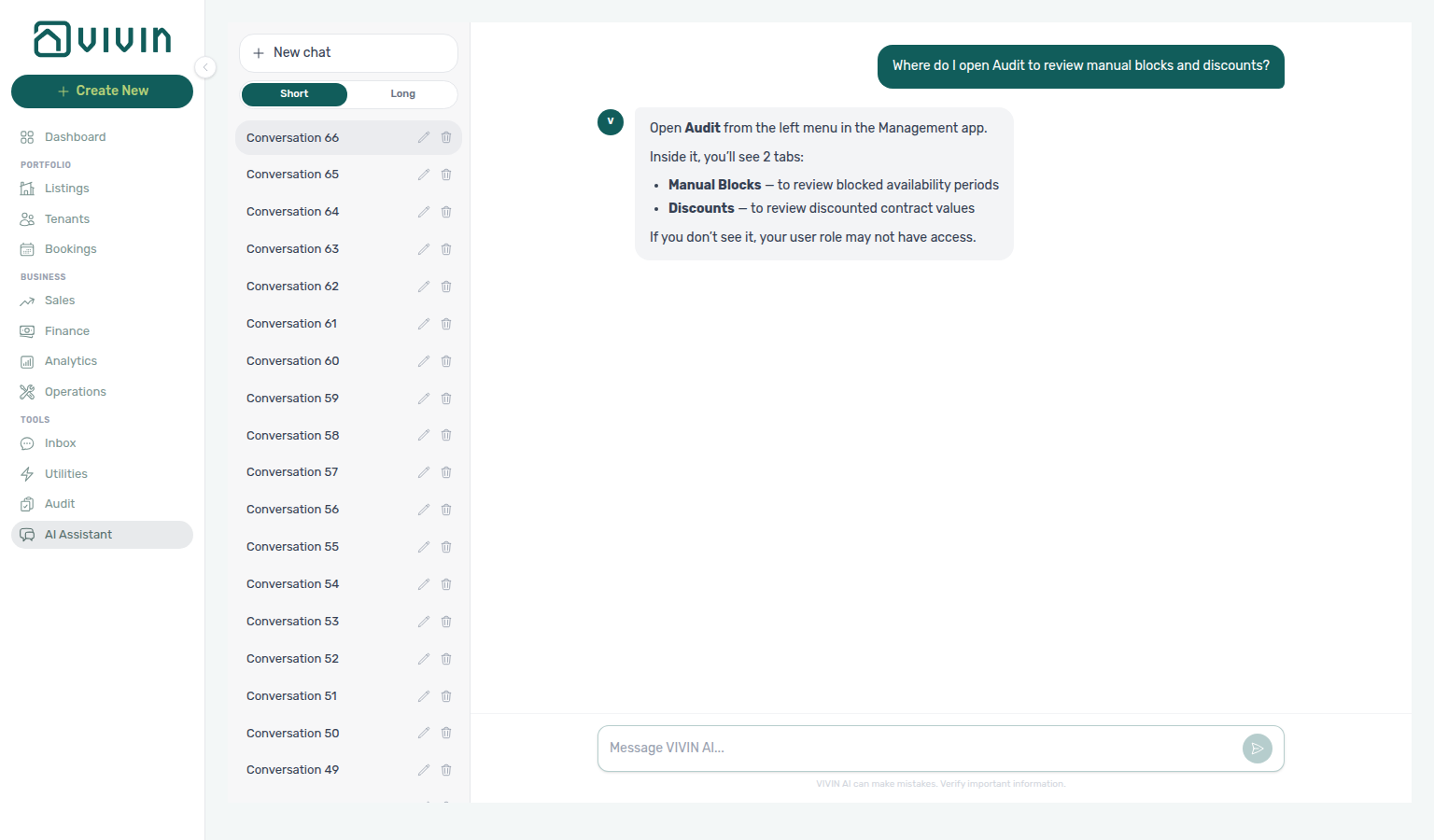
get-vivin-context-properties-listings / overview.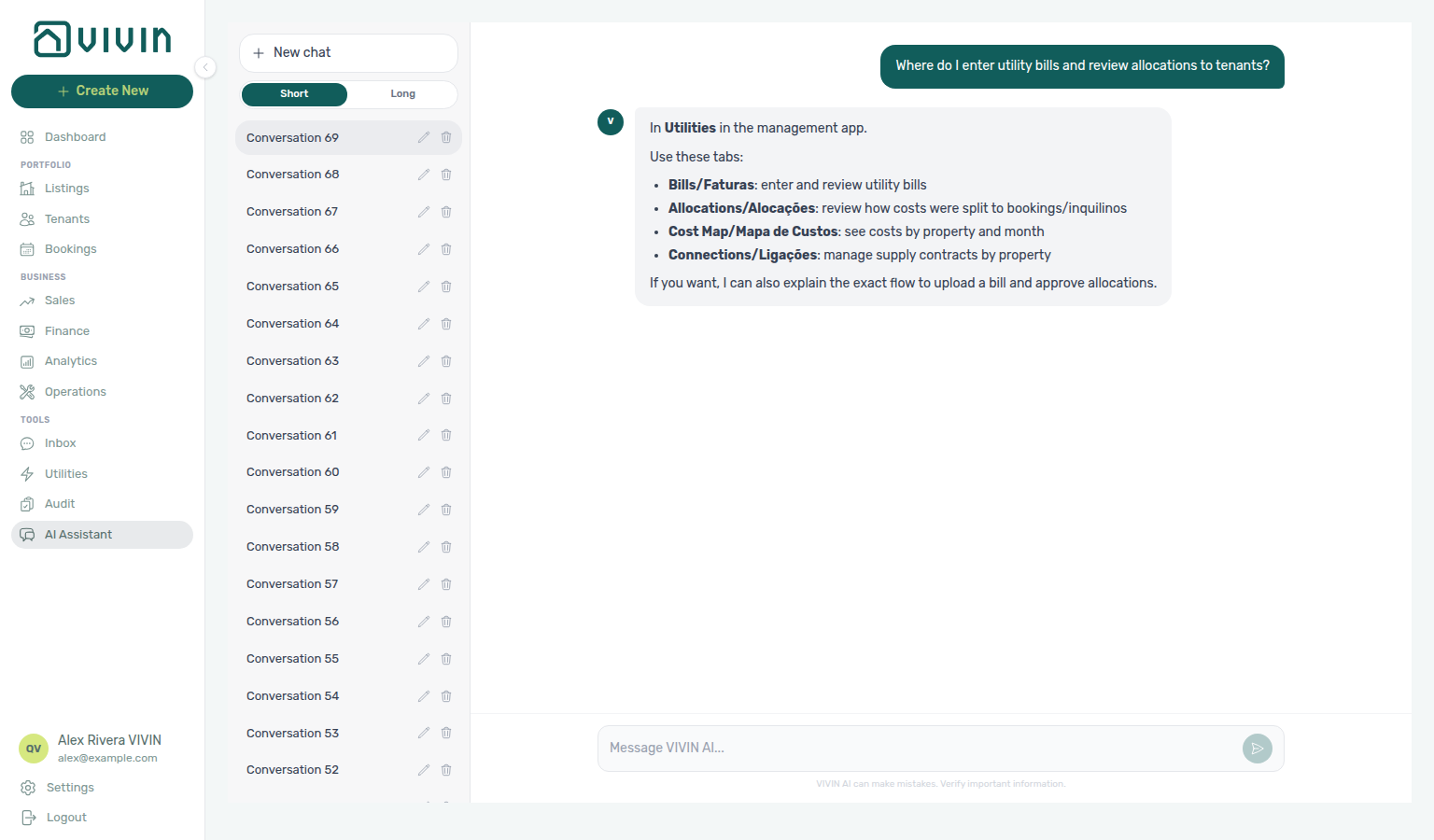
get-vivin-context-finance (utilities slice).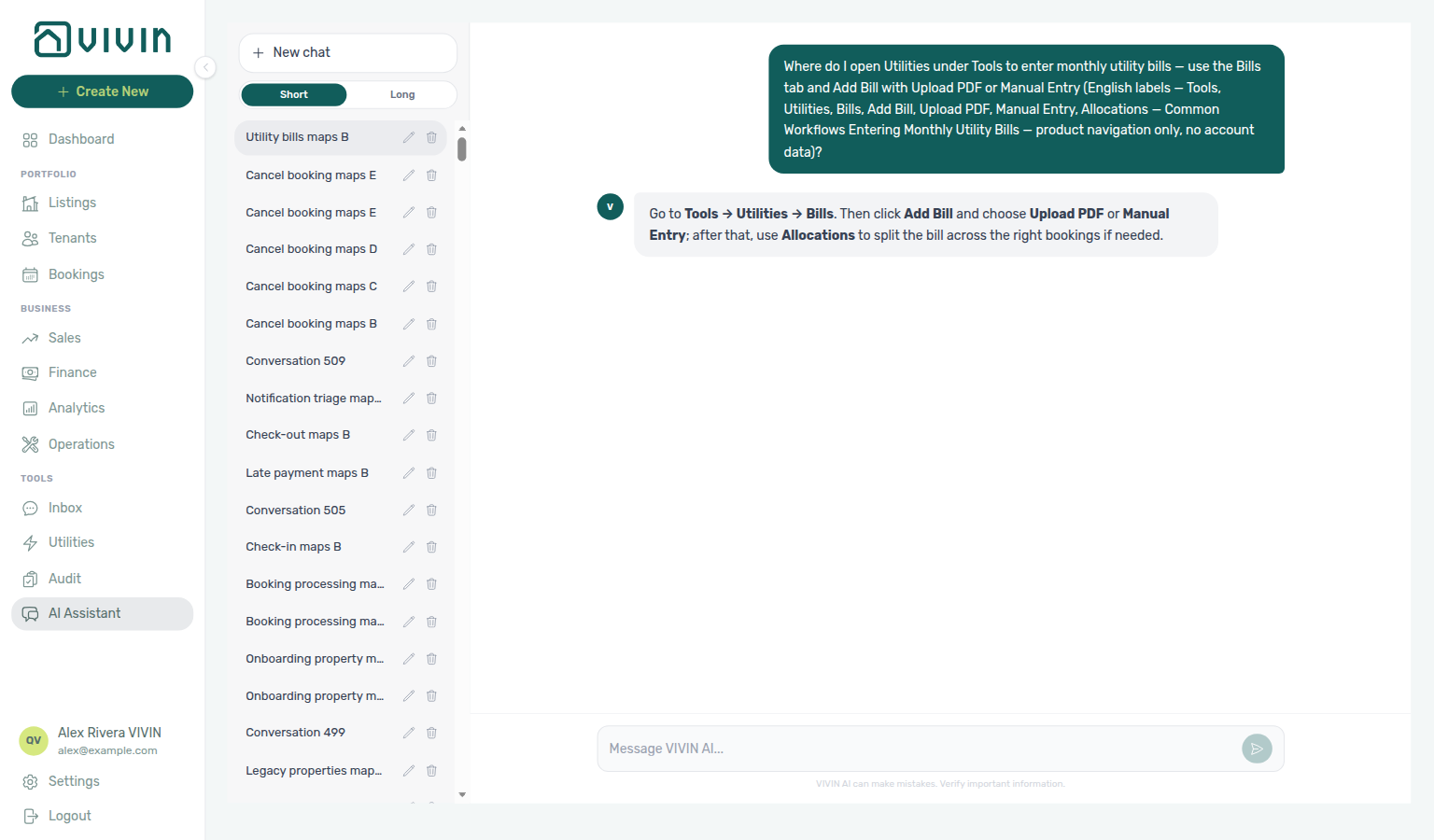
get-vivin-context-finance; open Tools → Utilities → Bills and Add Bill.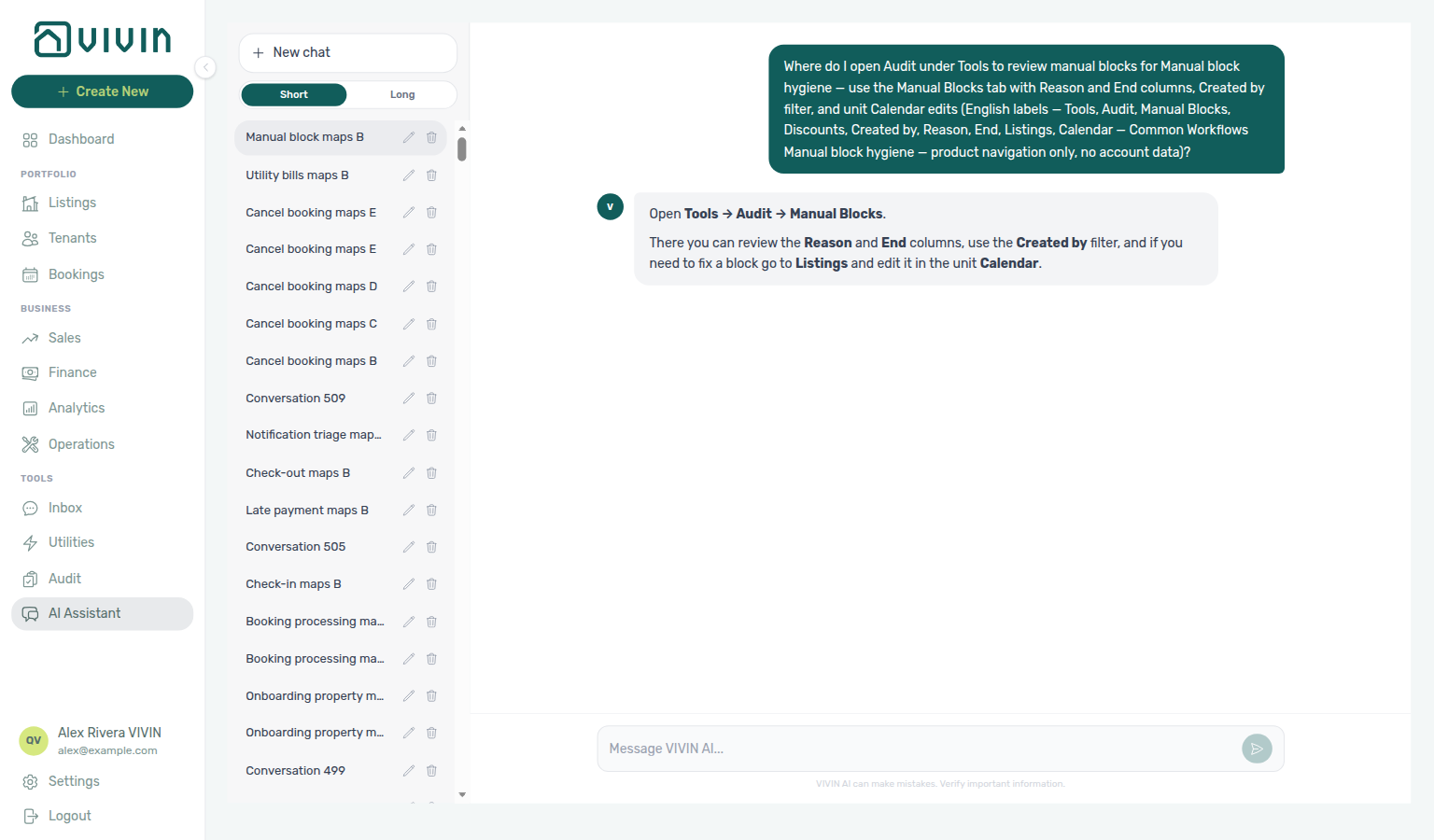
get-vivin-context-properties-listings / overview; open Tools → Audit → Manual Blocks.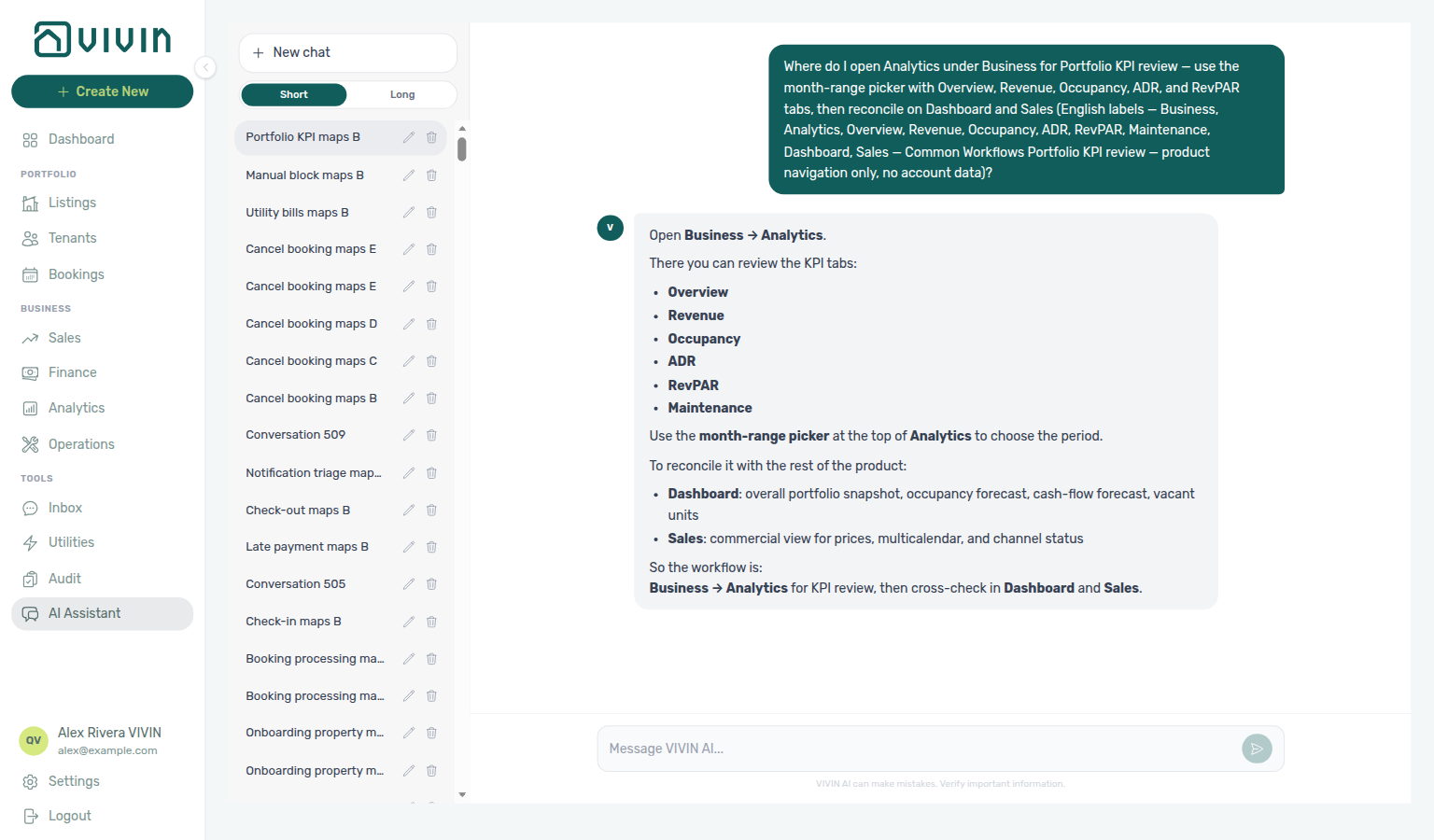
get-vivin-context-finance; open Business → Analytics, the month-range picker, and the Occupancy tab.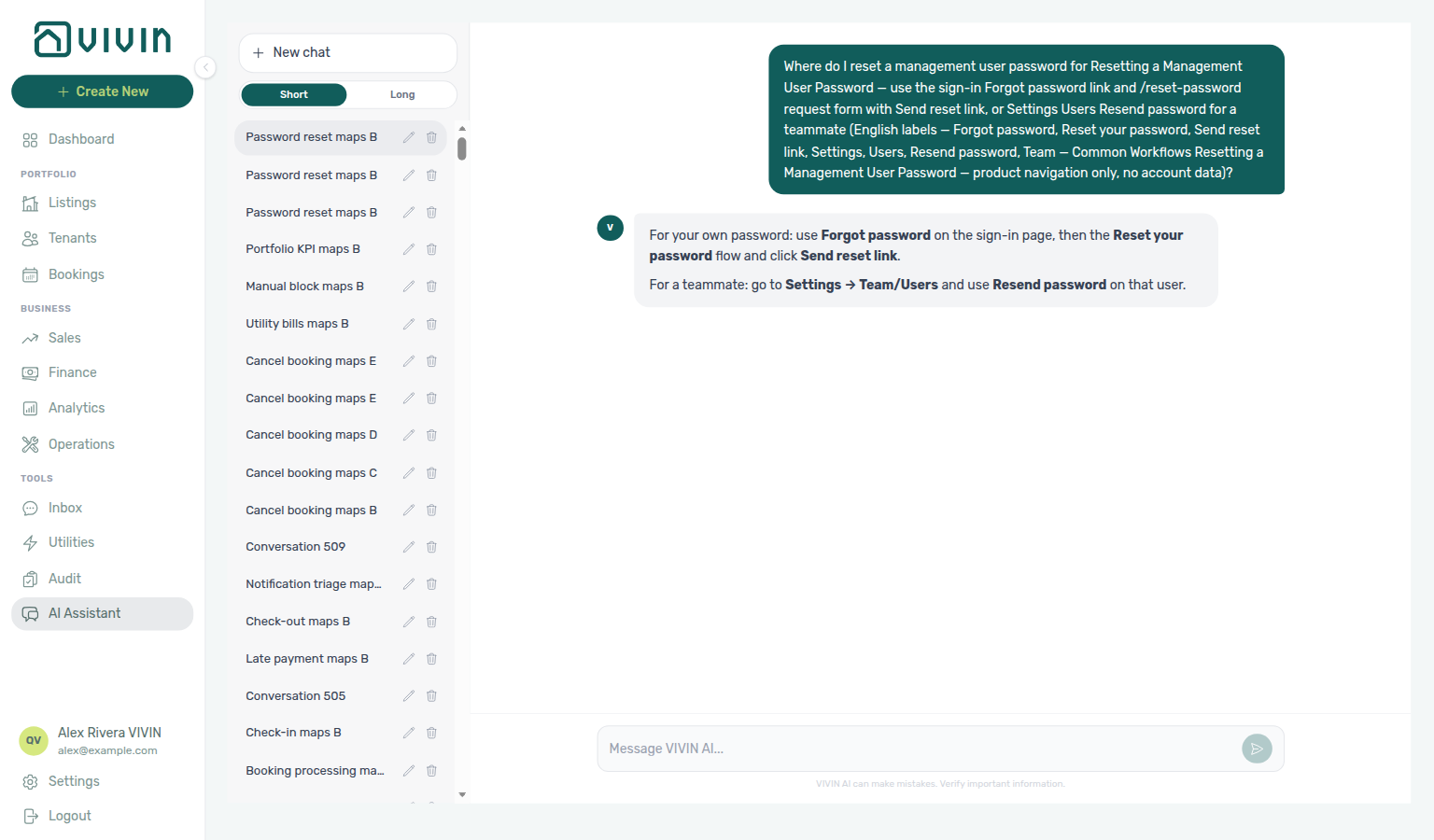
get-vivin-context-platform; open Settings → Users, the sign-in Forgot password? link, and the /reset-password request form.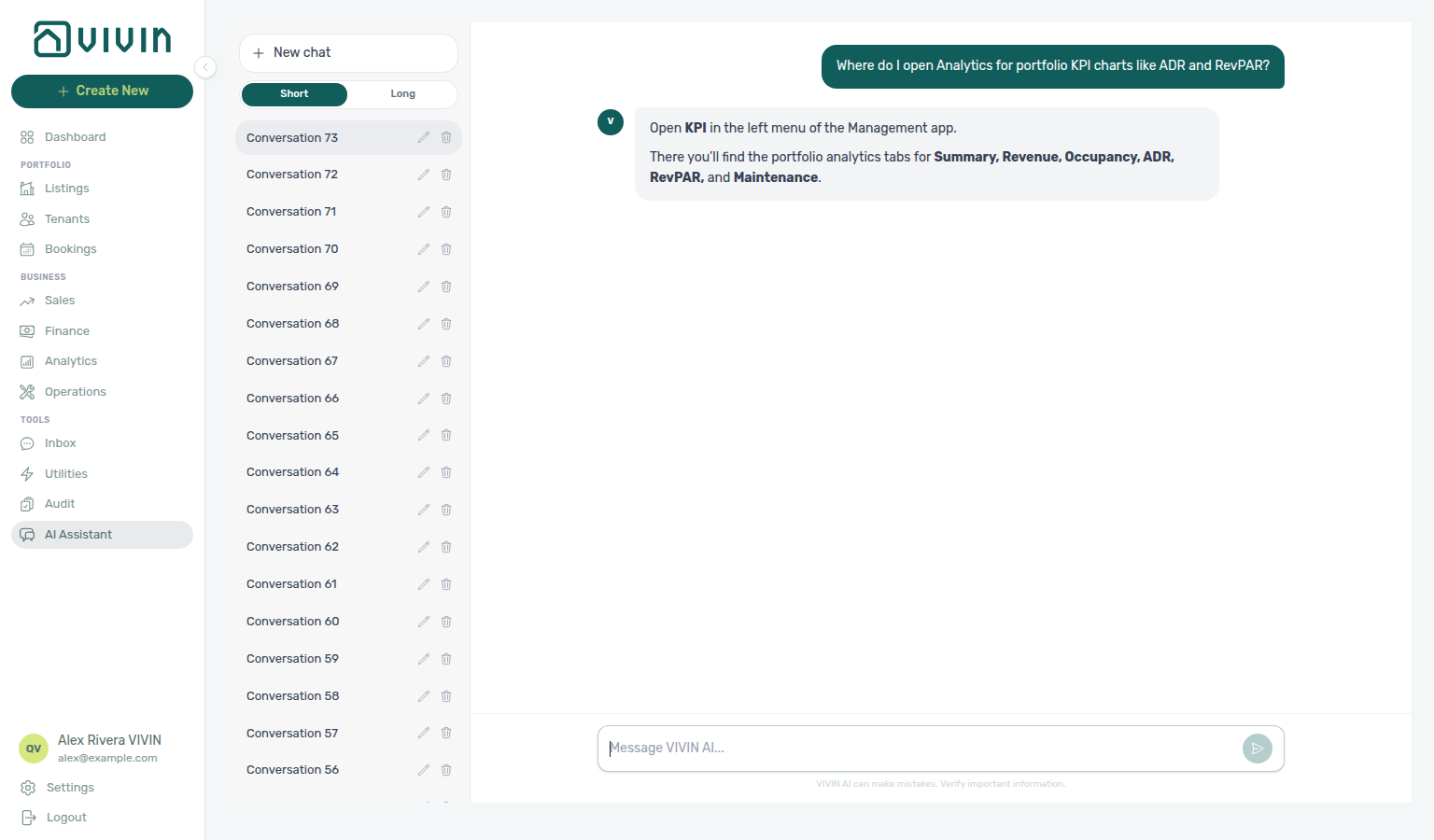
get-vivin-context-finance (KPI / Analytics slice).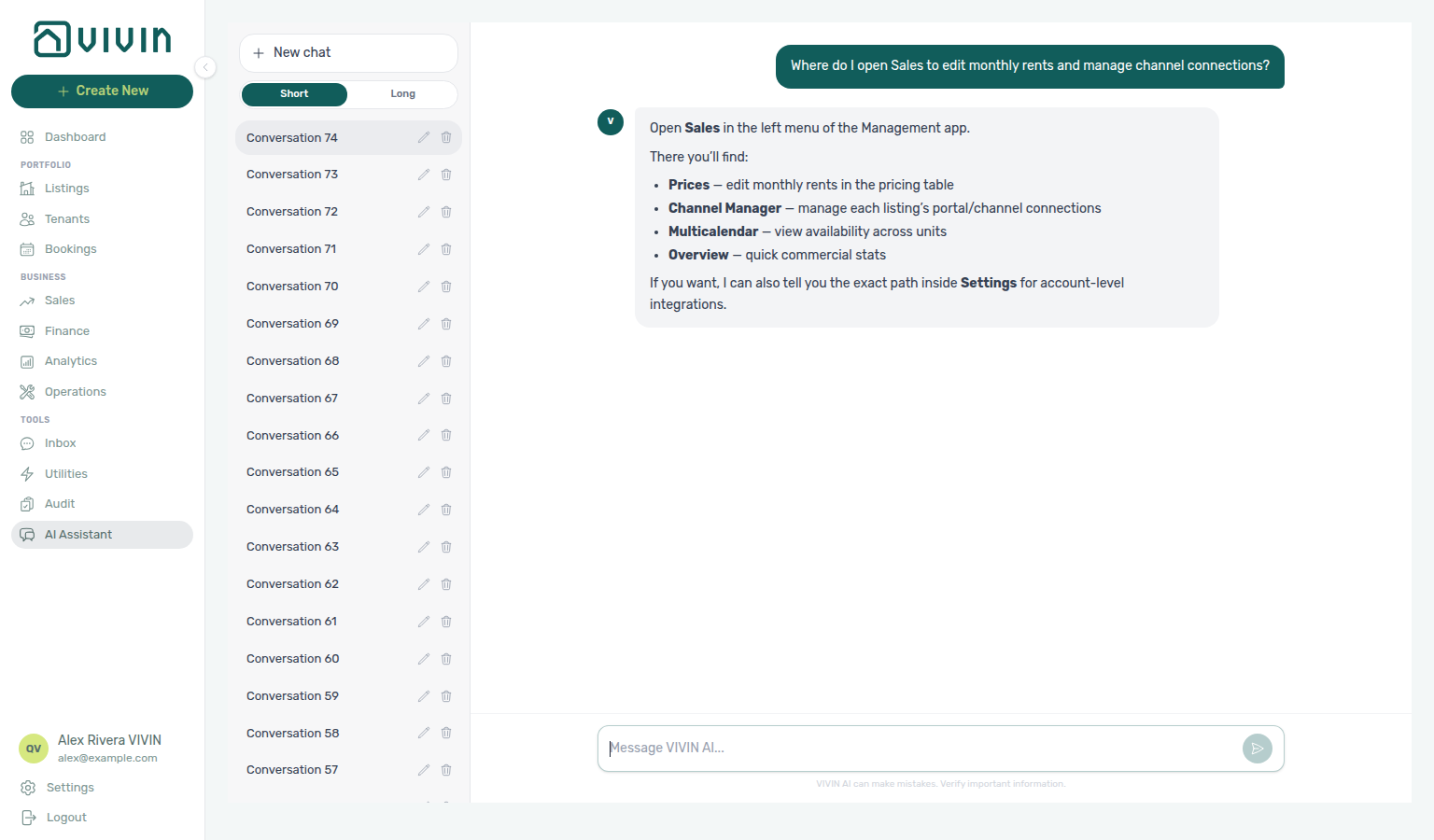
get-vivin-context-properties-listings (Sales slice).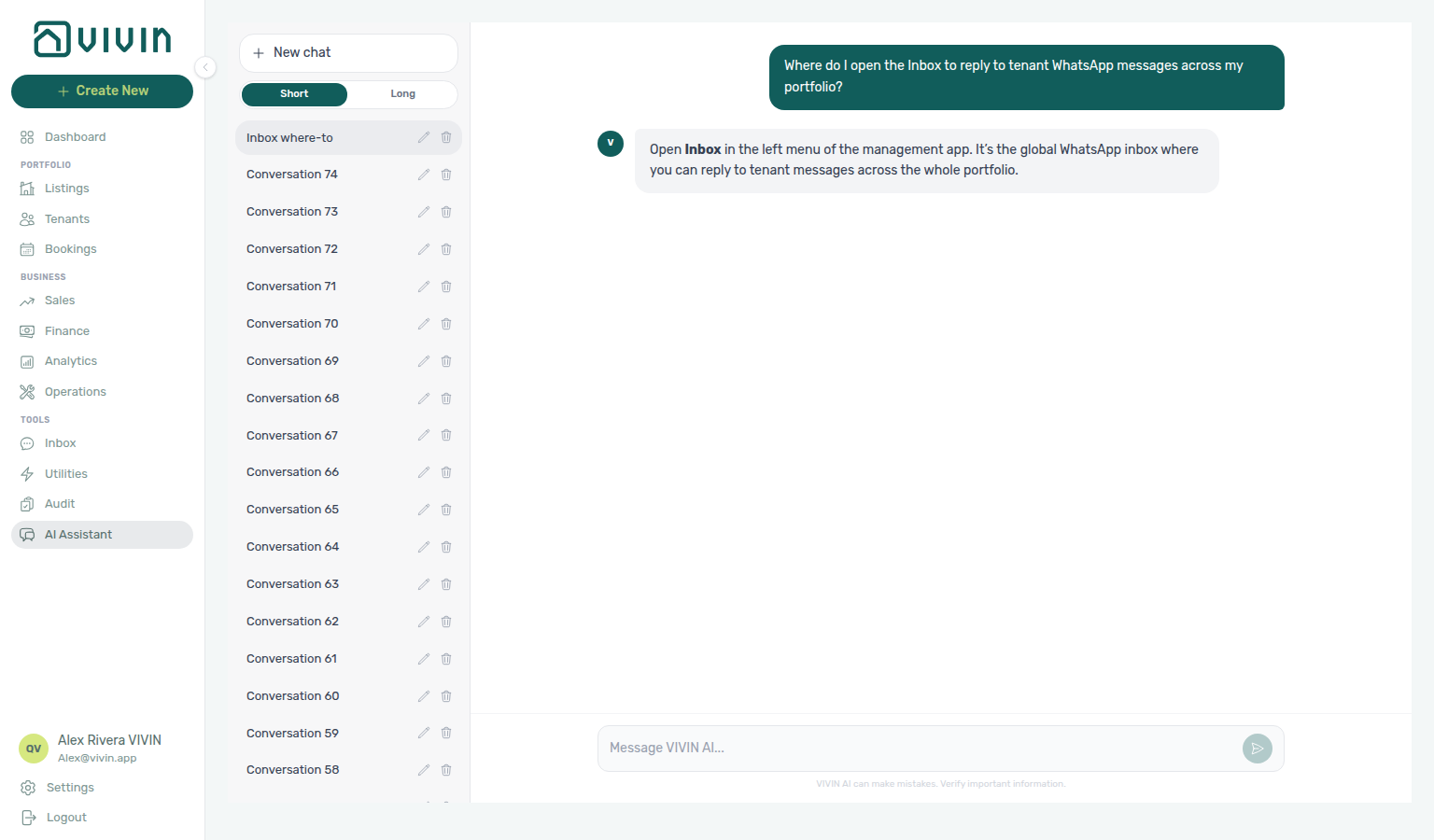
get-vivin-context-operations (Inbox slice).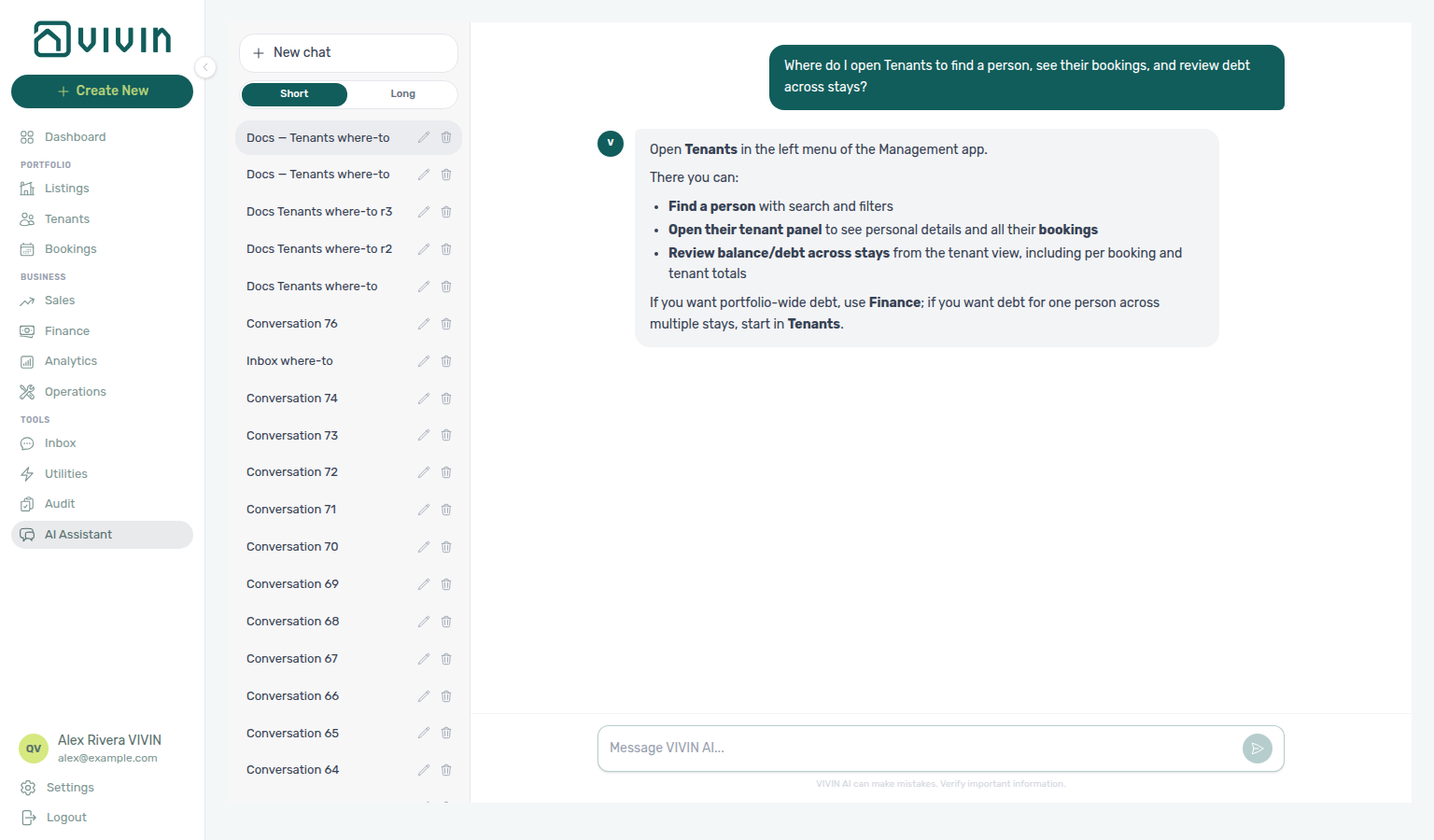
get-vivin-context-bookings-tenants.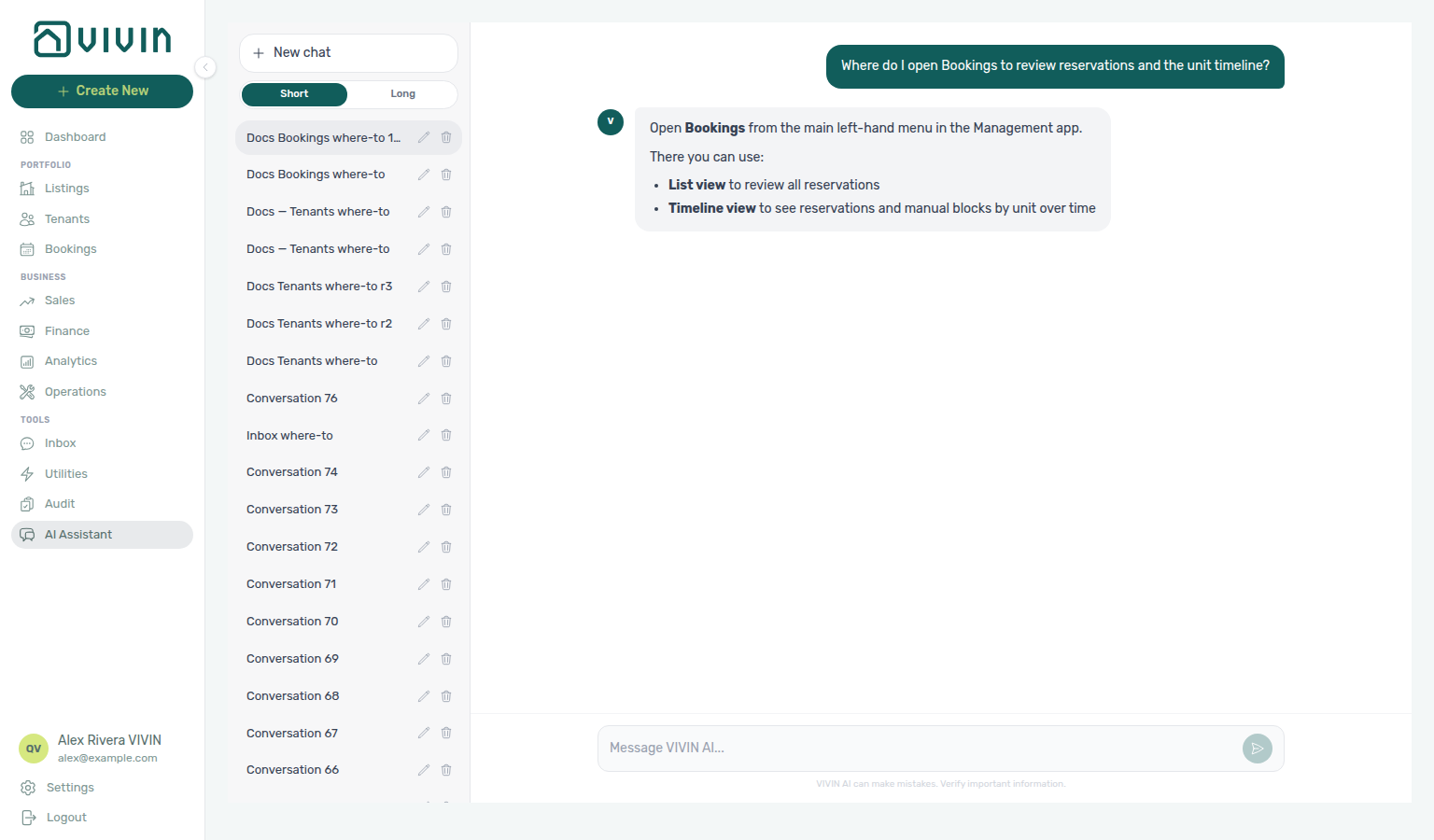
get-vivin-context-bookings-tenants.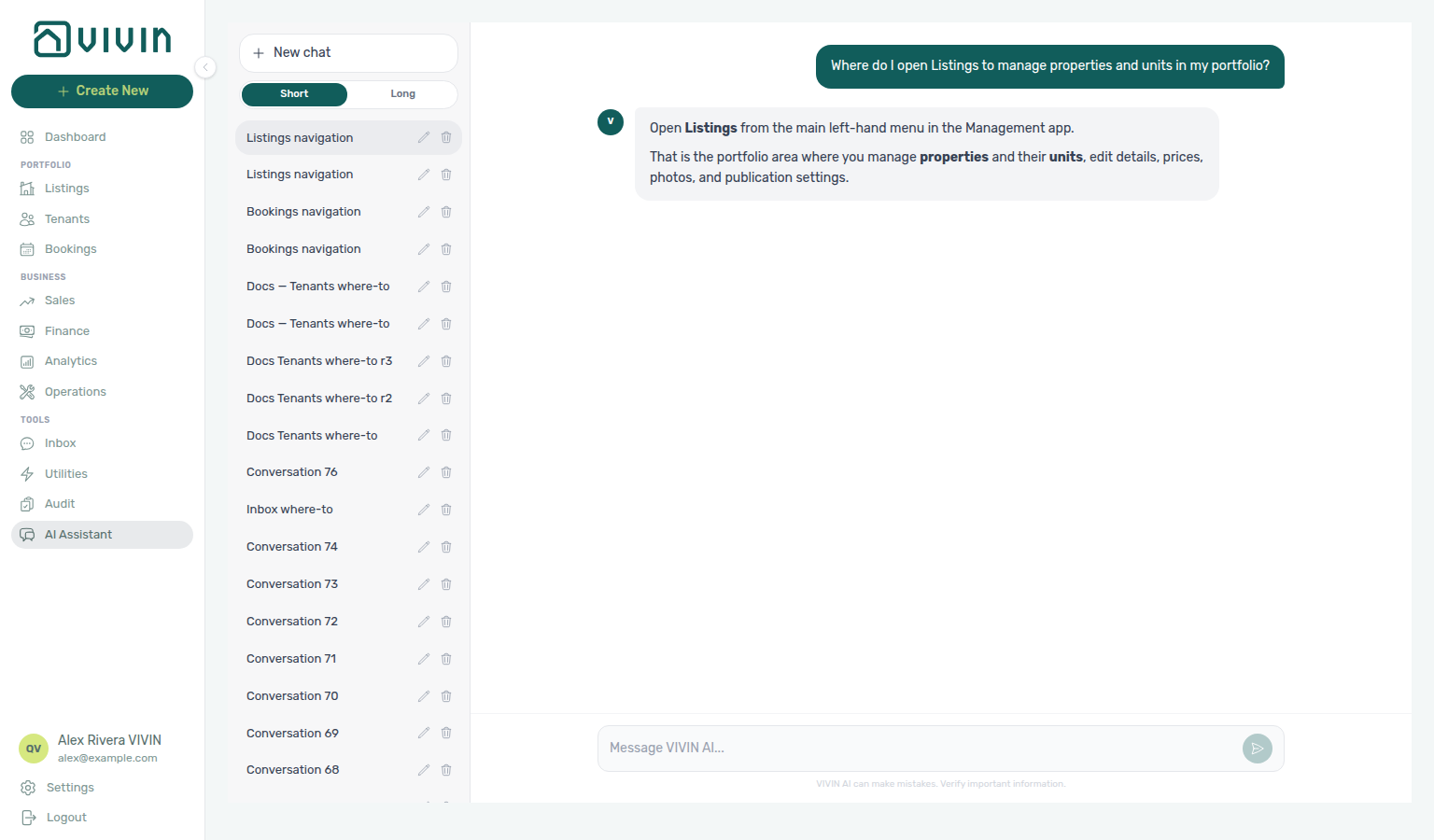
get-vivin-context-properties-listings.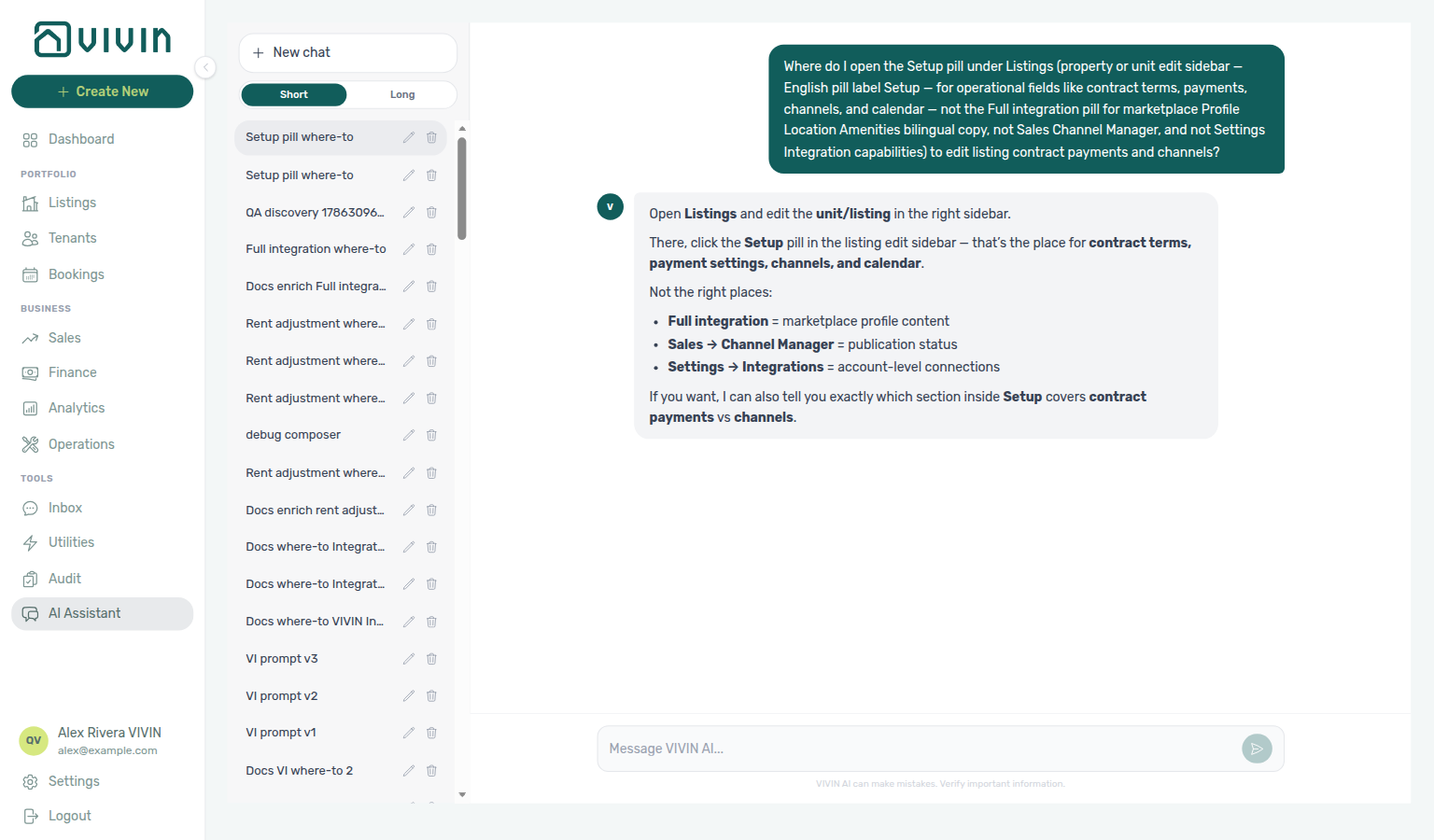
get-vivin-context-properties-listings.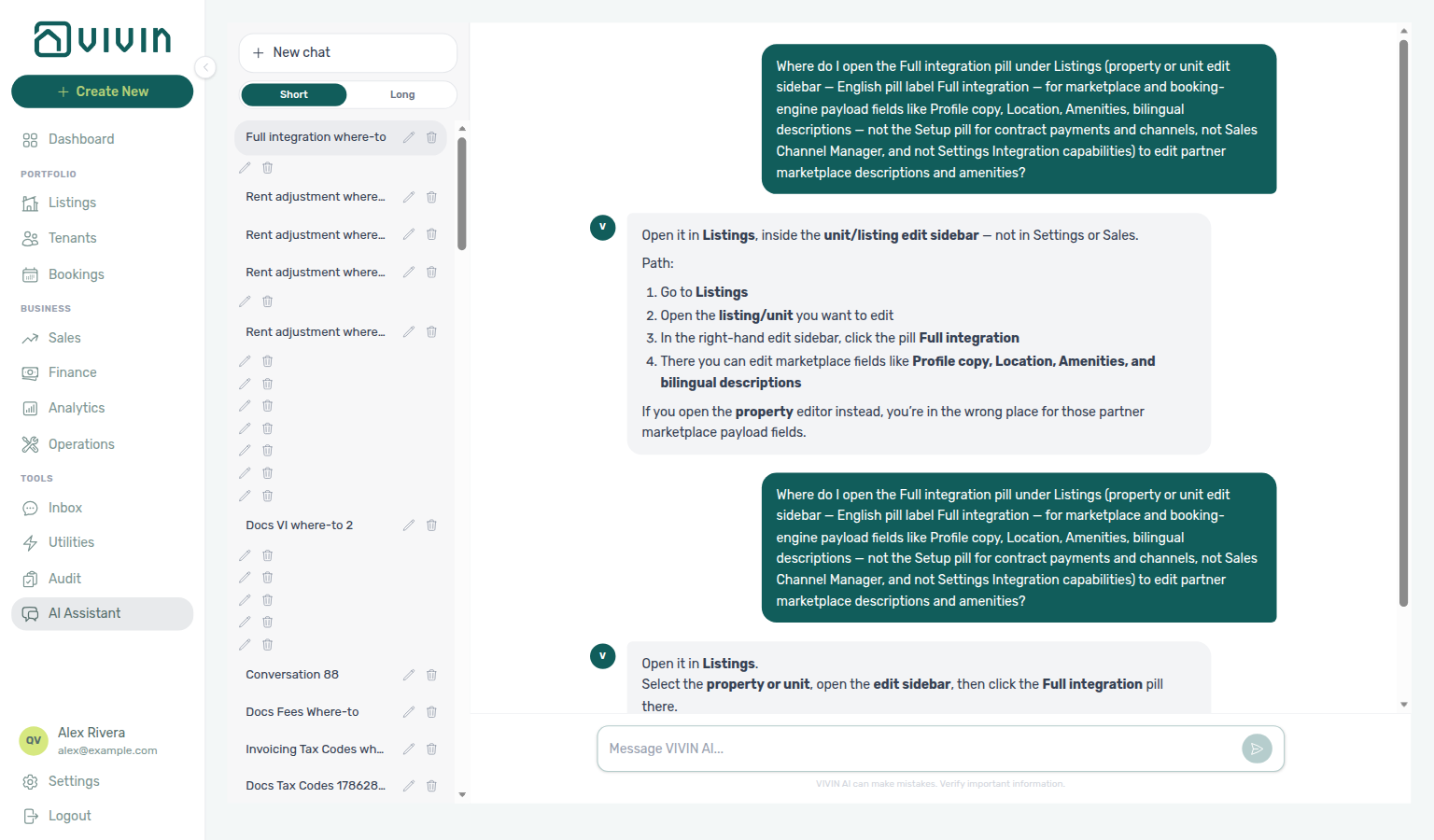
get-vivin-context-properties-listings.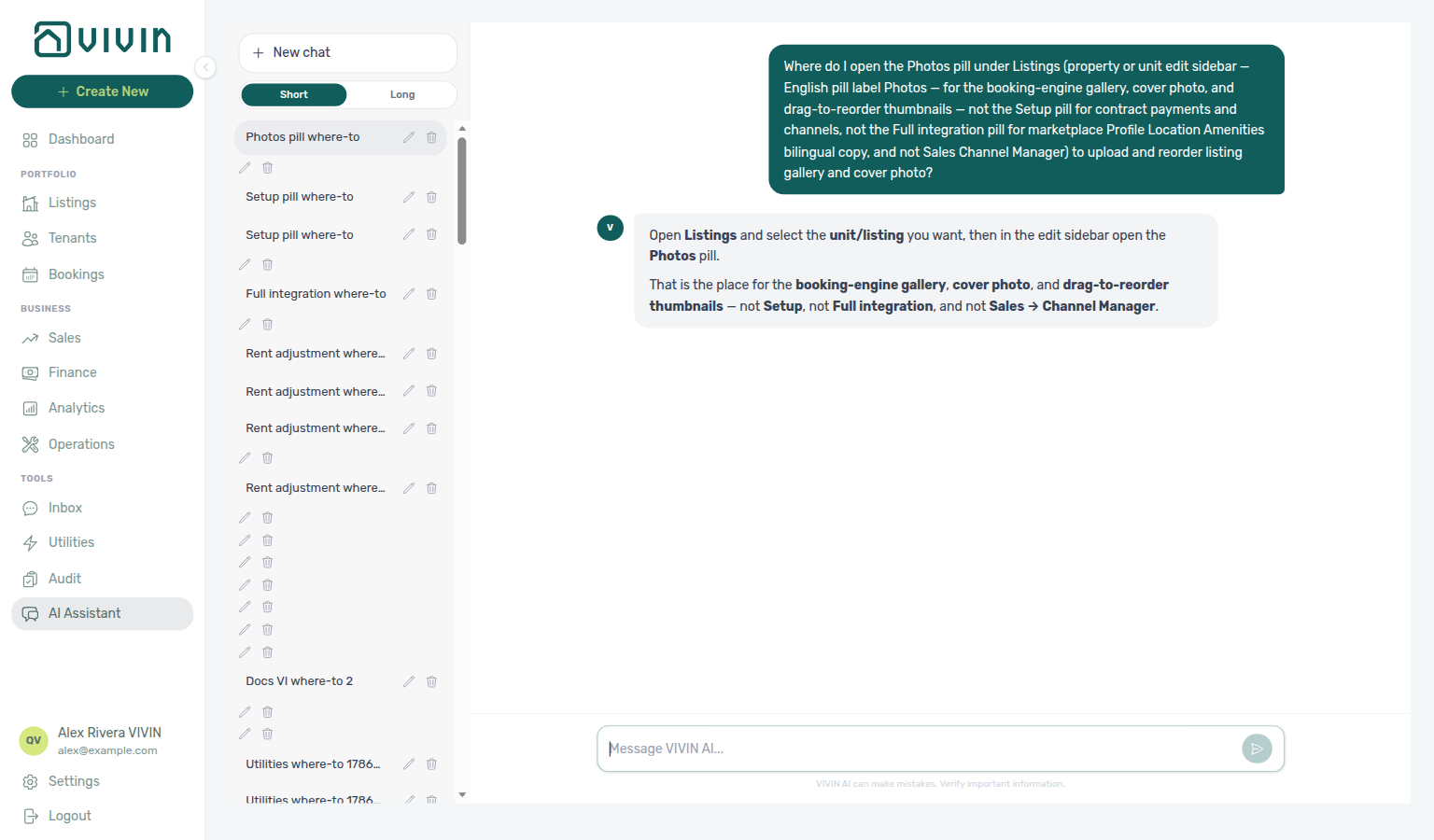
get-vivin-context-properties-listings.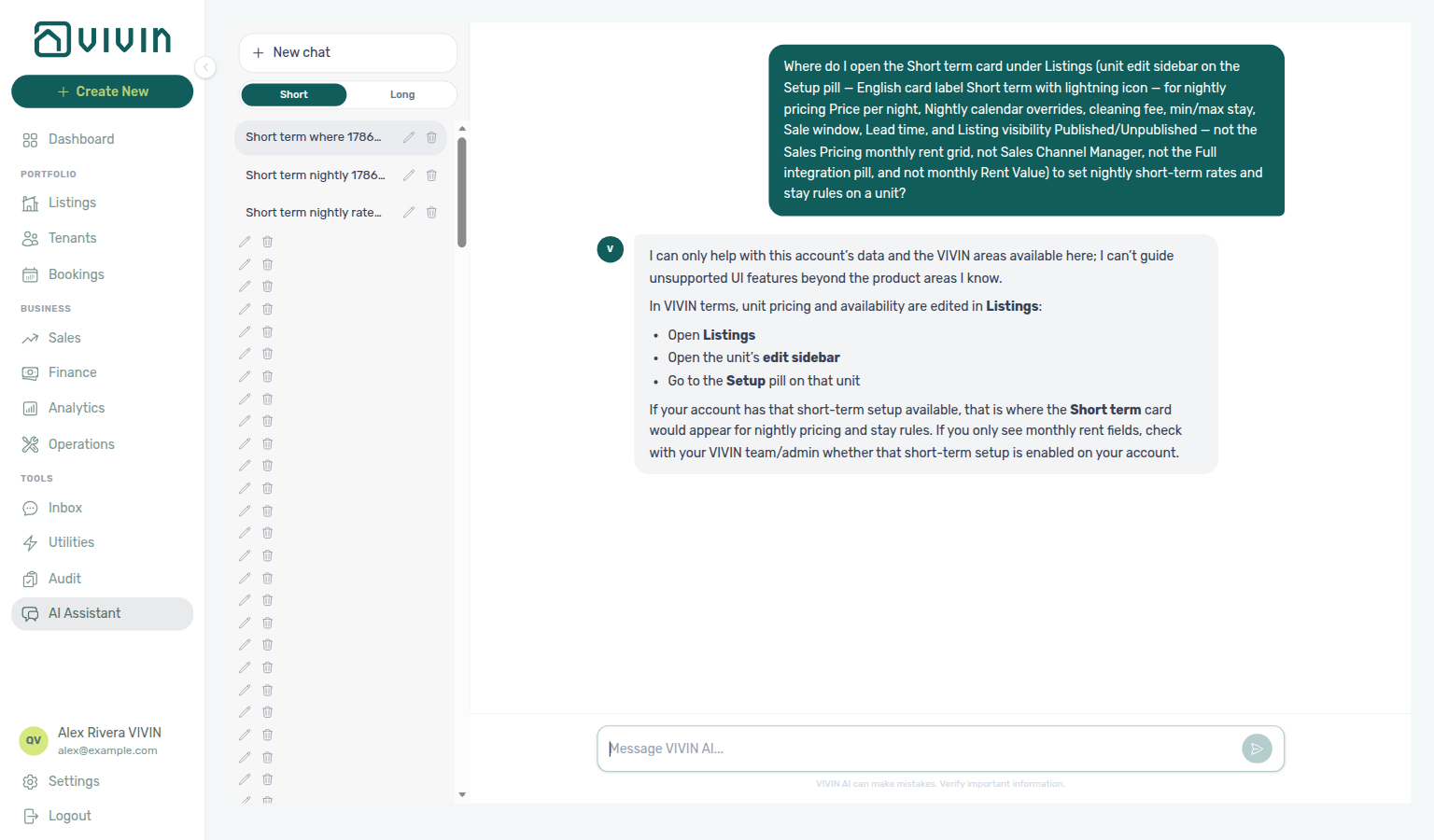
get-vivin-context-properties-listings.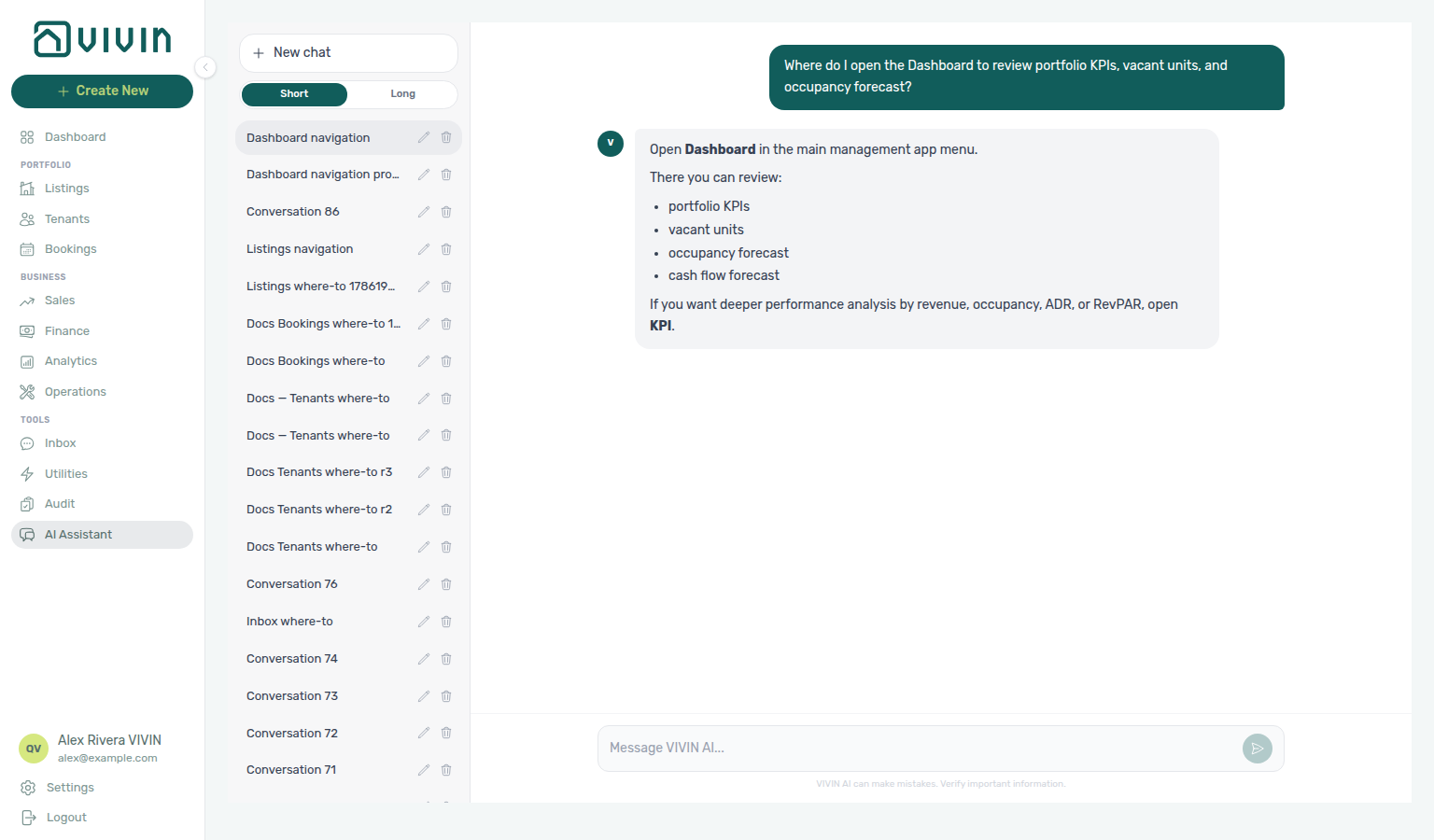
get-vivin-context-properties-listings (Dashboard slice).Read-only and intelligence
| Tool | Purpose |
|---|---|
get-booking-summary | Portfolio booking counts plus short active/upcoming lists. Also answers bookings received for a creation window — see Bookings received. |
get-upcoming-move-ins | Upcoming move-ins with property and listing names (prefer those fields to identify the unit). |
get-vacant-units-next-month | Occupancy / vacancy snapshot for a day or date range — see Occupancy, vacancy, and smart locks for dual vacancy readings and block sources. |
get-listing-calendar | Calendar for a tenant’s unit (needs tenant email or phone identifiers, optional bookingId). |
get-vivin-context-* | Static product-reference slices (see Product context) — not account data. |
Bookings, properties, and listings
| Tool | Purpose |
|---|---|
create-booking | Create a booking (POST /bookings; body matches Core CreateBookingWithInlineTenantDto). |
get-booking | Fetch one booking by ID. |
upload-booking-contract | Upload an unsigned contract PDF (base64); Core may clear any previous signed contract for that booking—treat as sensitive. |
create-property / get-property / list-properties / update-property | Property CRUD and paginated list. list-properties pages through GET /properties/portfolio (limit/offset; default limit 50, max 100). Each page payload includes total, limit, offset, returned, nextOffset, and properties — each row a thin directory entry (id, internal name, address, floor, owner, unit/listing counts, tags) without the full configuration or unit rows; use get-property / get-property-details for one property’s full record. When nextOffset is not null, call again with offset=nextOffset until it is null — do not treat a single page’s returned count as the portfolio size (total is). The legacy bulk GET /properties list was removed — always page. |
create-listing / get-listing / update-listing / list-listings | Listing (unit) create and update under a property or by listing ID. list-listings is read-only and returns the thin account-wide projection from GET /listings/options (id, internal name, tags, property) — not the partner partial GET /listings calendar feed in Integration Swagger. |
Extended account tools (REST-aligned)
Registered tool identifiers (MCP kebab-case names):
| Area | Tools |
|---|---|
| Tenants | list-tenants (optional status including withDebt, plus sortBy / sortDirection — e.g. tenants who owe, largest first), get-tenant, create-tenant, update-tenant, get-tenant-bookings |
| Maintenance | create-ticket, list-tickets, get-ticket, get-ticket-status-counts, get-ticket-aggregates, update-ticket, add-ticket-comment, close-ticket — create-ticket requires a non-empty title (same as Operations → New ticket); empty titles are rejected; get-ticket-status-counts is the whole-account status total plus per-card priority chips (see Ticket status counts); get-ticket-aggregates is the whole-account ticket count ranked per property, per unit, and bucketed per month (the Analytics → Maintenance ranking and trend, server-computed) — the tool for “which property has the most tickets” |
| Bills | create-bill, list-bills, get-bill, get-cost-map (Utilities Cost map per-property totals — see Utilities cost map (June 2026)) |
| Bookings | list-bookings, update-booking, cancel-booking, extend-booking |
| Listings & rent | list-listings (GET /listings/options), set-listing-pricing-month, get-listing-pricing-table |
| Payments & invoices | list-payments (same Contract Values filters as the Finance tab: type / status / invoice / search / sort), get-payments-summary (per-type counts and paid / debt / scheduled splits), get-payment, create-manual-payment-in, generate-invoice |
| Owners | list-owners, create-owner, get-owner, update-owner |
| Properties (extra read) | list-smart-locks — every connected smart lock with battery health (critical / ok / unknown); gated by the Properties tool domain (see Occupancy, vacancy, and smart locks) |
| Analytics (portfolio metrics) | get-revenue-summary, get-income-by-property, get-finance-overview, get-debt-summary, list-owner-reports, get-owner-report-preview (see Owner settlement preview), get-cost-summary (Cash Flows outflow, average cost per unit, category split, and excluding a category — see Operational cost summary, June 2026, April 2026, by category, June by category, excluding a category, excluding Maintenance, and excluding Manutenção in June, and excluding uncategorized in June, and excluding maintenance in April, and excluding maintenance and uncategorized in April, and 1–15 April 2026, and 16–30 April 2026, and February 2026, and 1–14 February 2026, and 15–28 February 2026, and January 2026, and March 2026, and May 2026), get-maintenance-closure-rate (closed vs received in a named window — see Maintenance closure rate, 45-day window, 50-day window, and 90-day window), get-occupancy-by-tag — gated by the Analytics tool domain; revenue/overview/income-by-property figures are Finance-page data, not Analytics ADR/RevPAR charts; occupancy-by-tag is night-based segment history |
| Scheduled reports | create-scheduled-report, list-scheduled-reports, update-scheduled-report — recurring vacancy / open-debt / upcoming-check-ins / Finance overview digests for the calling user (WhatsApp and/or email); see Scheduled reports tools |
Bookings received
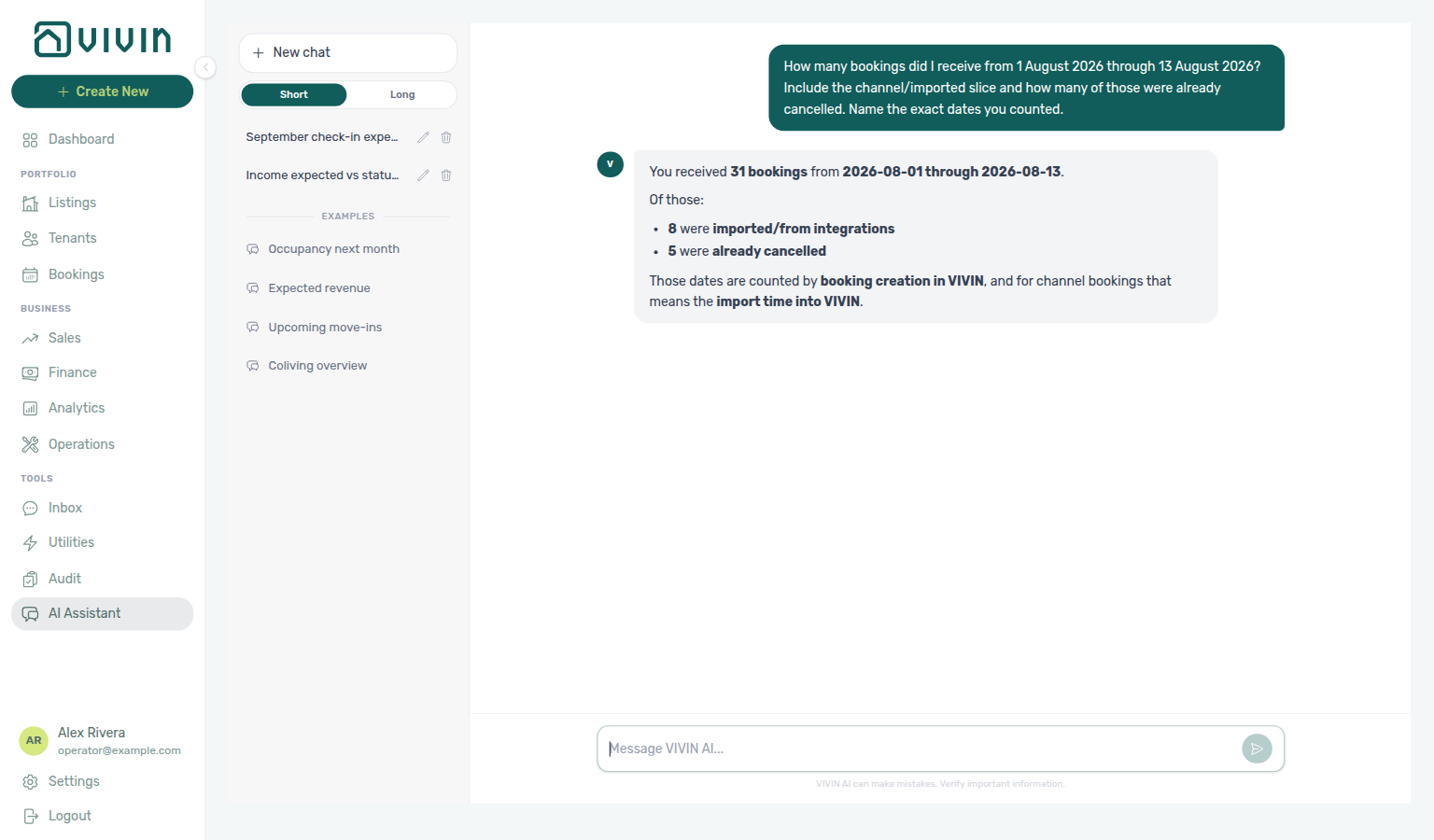
Ask “how many bookings did I receive today / this week / this month?” in AI Chat or WhatsApp Genius. Enable the Bookings domain on AI / MCP → Tool permissions. Reconcile row-level imports on Bookings.
get-booking-summary still returns the familiar status counts (total, active, upcoming, ended, canceled) and short active/upcoming lists. It also answers how many reservations were created in a date window:
| Field / idea | Meaning |
|---|---|
bookingsCreatedInWindow | How many bookings were created in VIVIN during the window (the “bookings received” headline). |
bookingsCreatedInWindowFromIntegration | Slice of that total that arrived from a channel / integration import. |
bookingsCreatedInWindowCanceled | Slice of that total already canceled. |
createdWindow (from, to, basis) | Exact dates counted, plus the basis string — assistants should name these dates in the reply. |
Window: Pass createdFrom (and optional createdTo) as YYYY-MM-DD. Omitting both defaults to today (account calendar). A single day uses the same value for from and to.
Basis: Creation time in VIVIN. For a channel booking that is when the sync imported it — not necessarily the guest’s click time on Airbnb or another portal. When a landlord compares against an OTA “bookings today” report, assistants should say that VIVIN counts import time.
Status counts stay separate: Active / upcoming / ended / canceled describe the portfolio right now. Bookings received counts creations inside the window (including ones that may already be canceled).
Ticket status counts
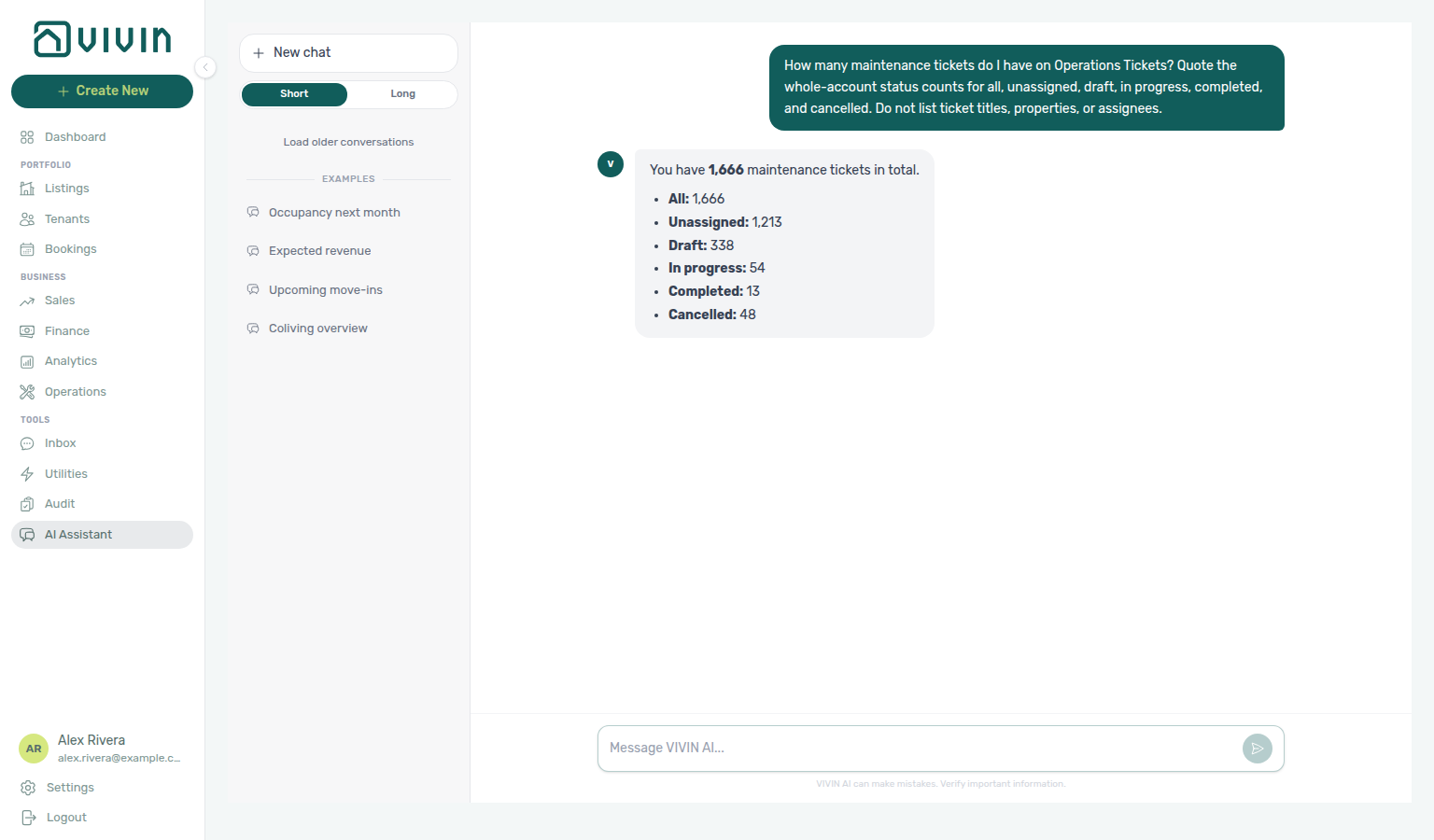
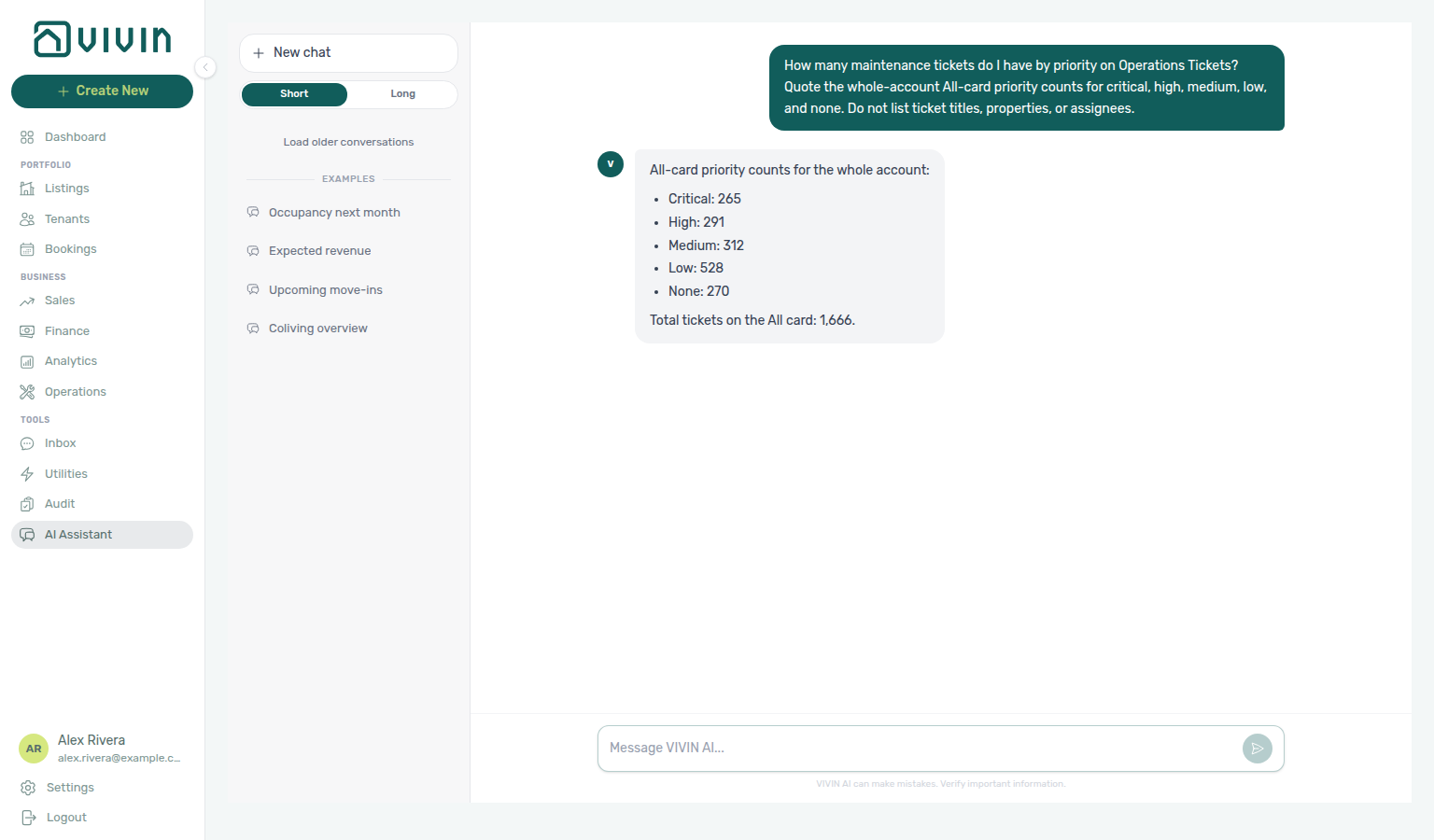
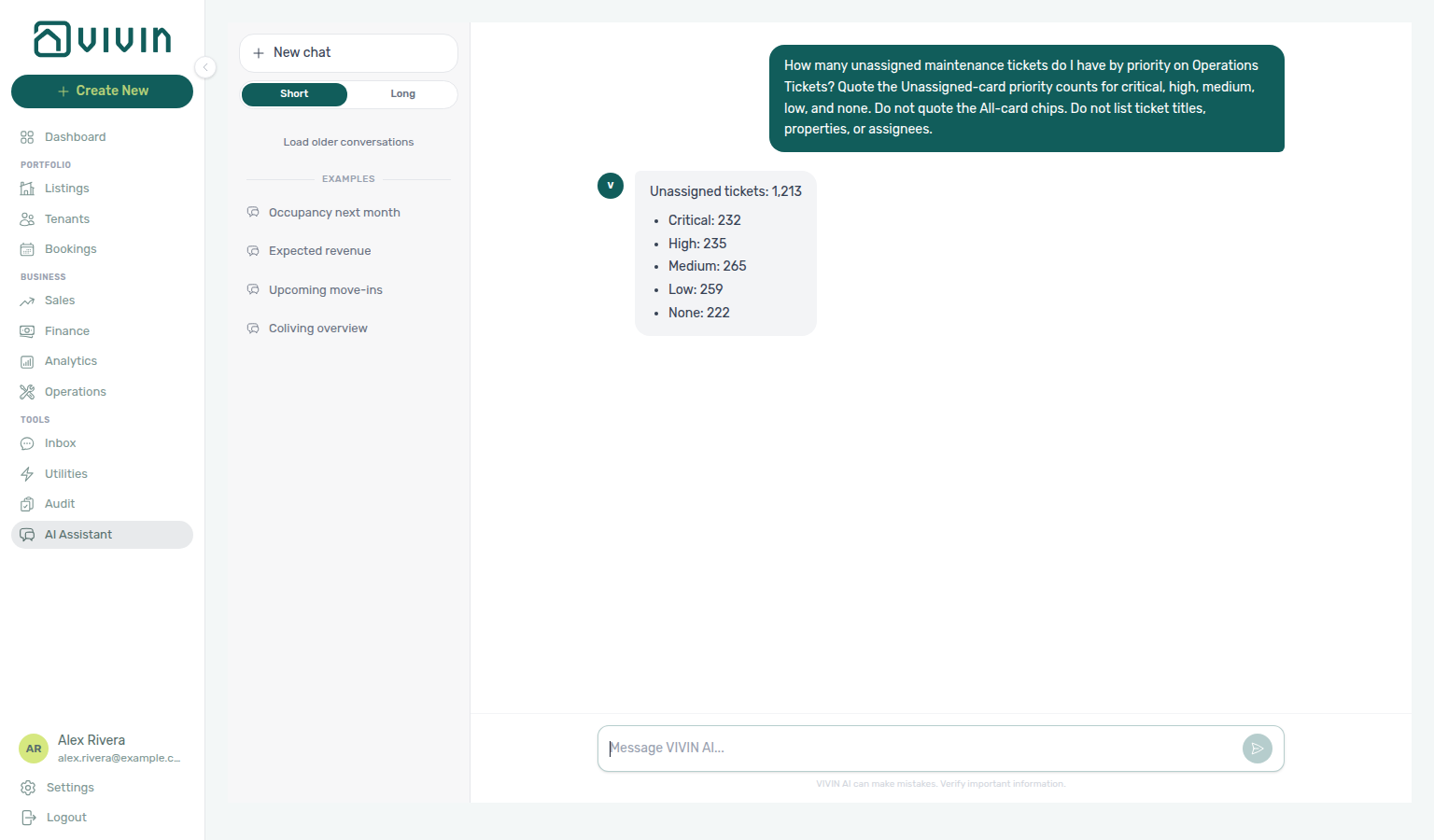
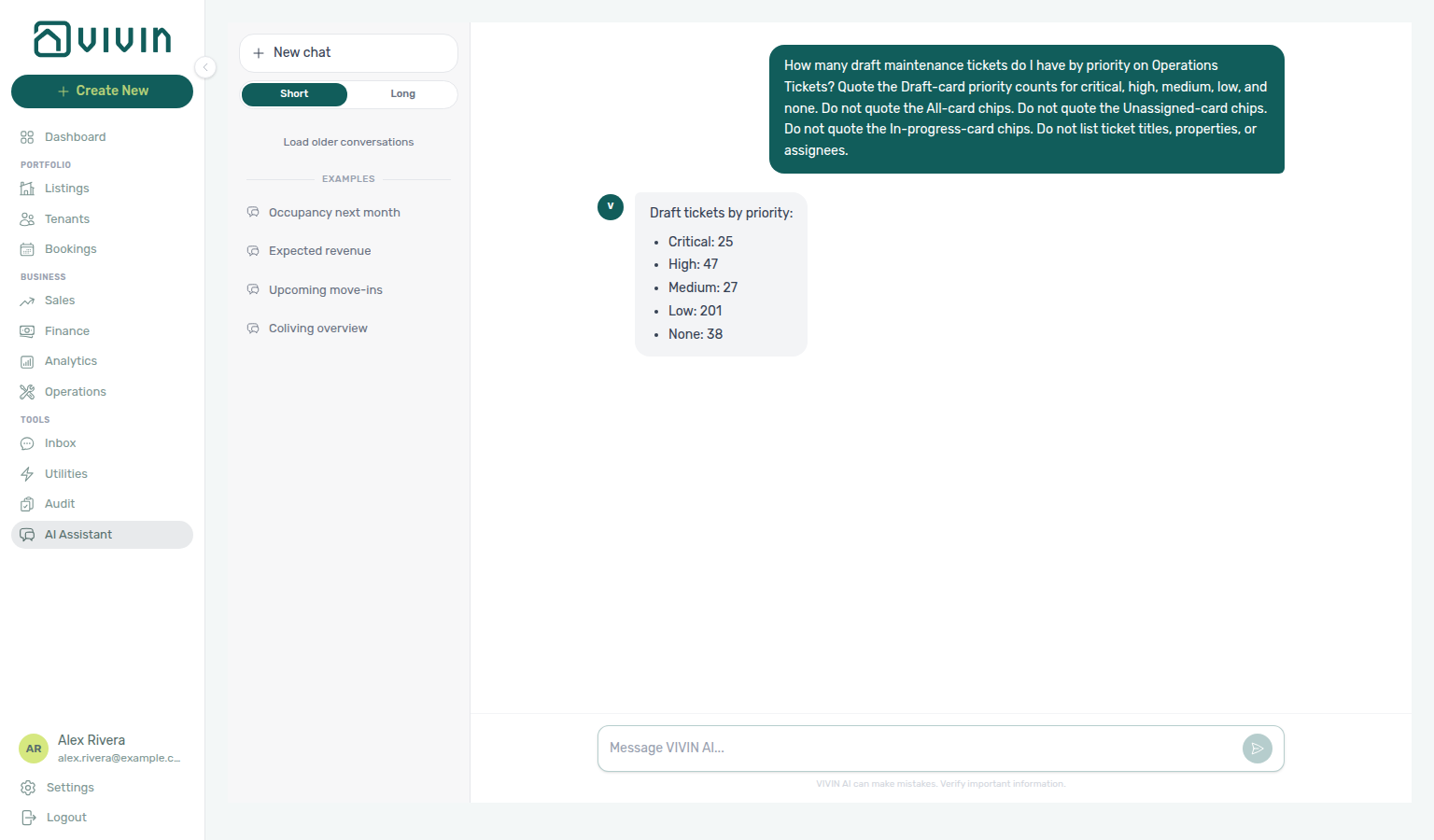
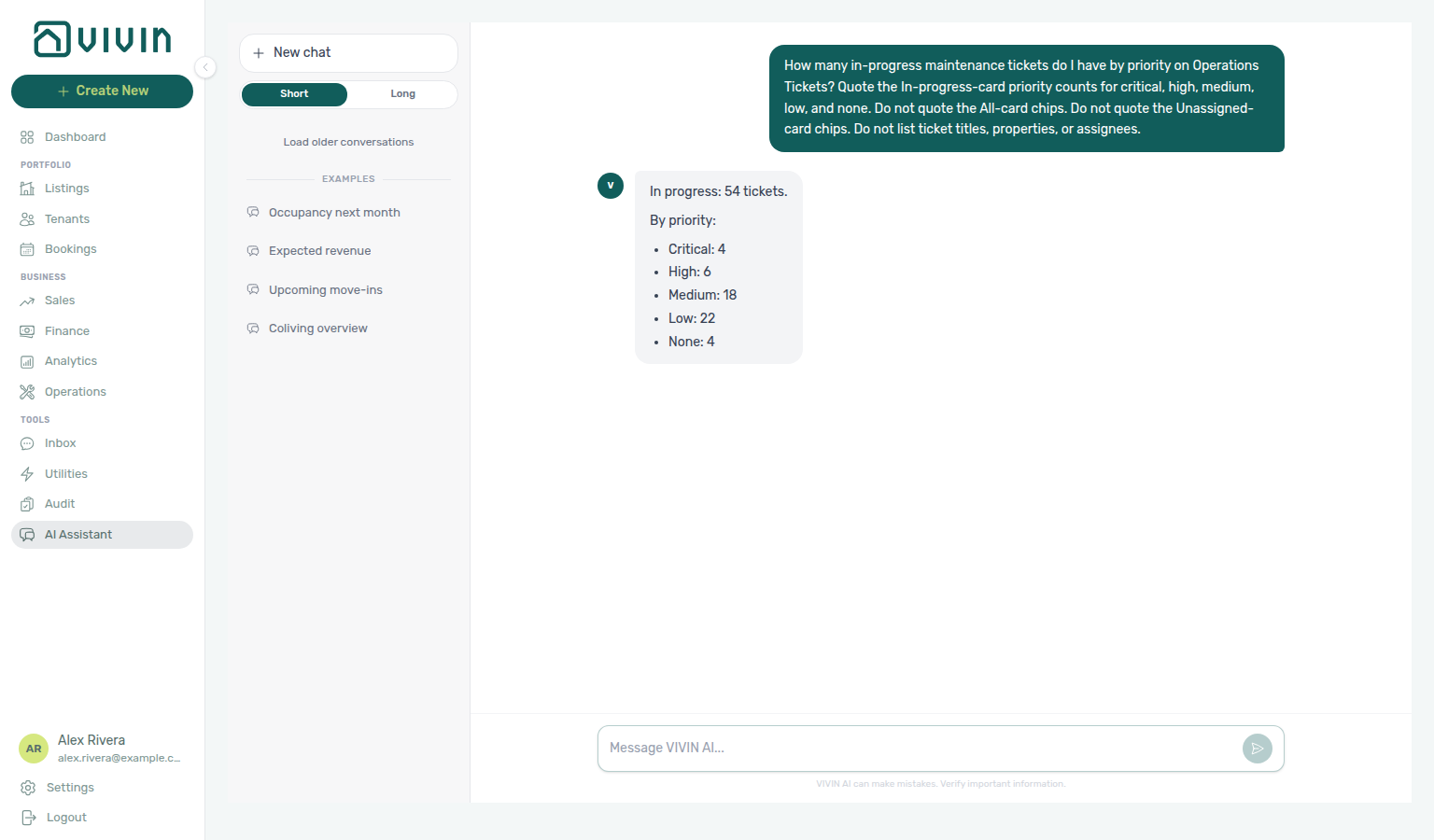
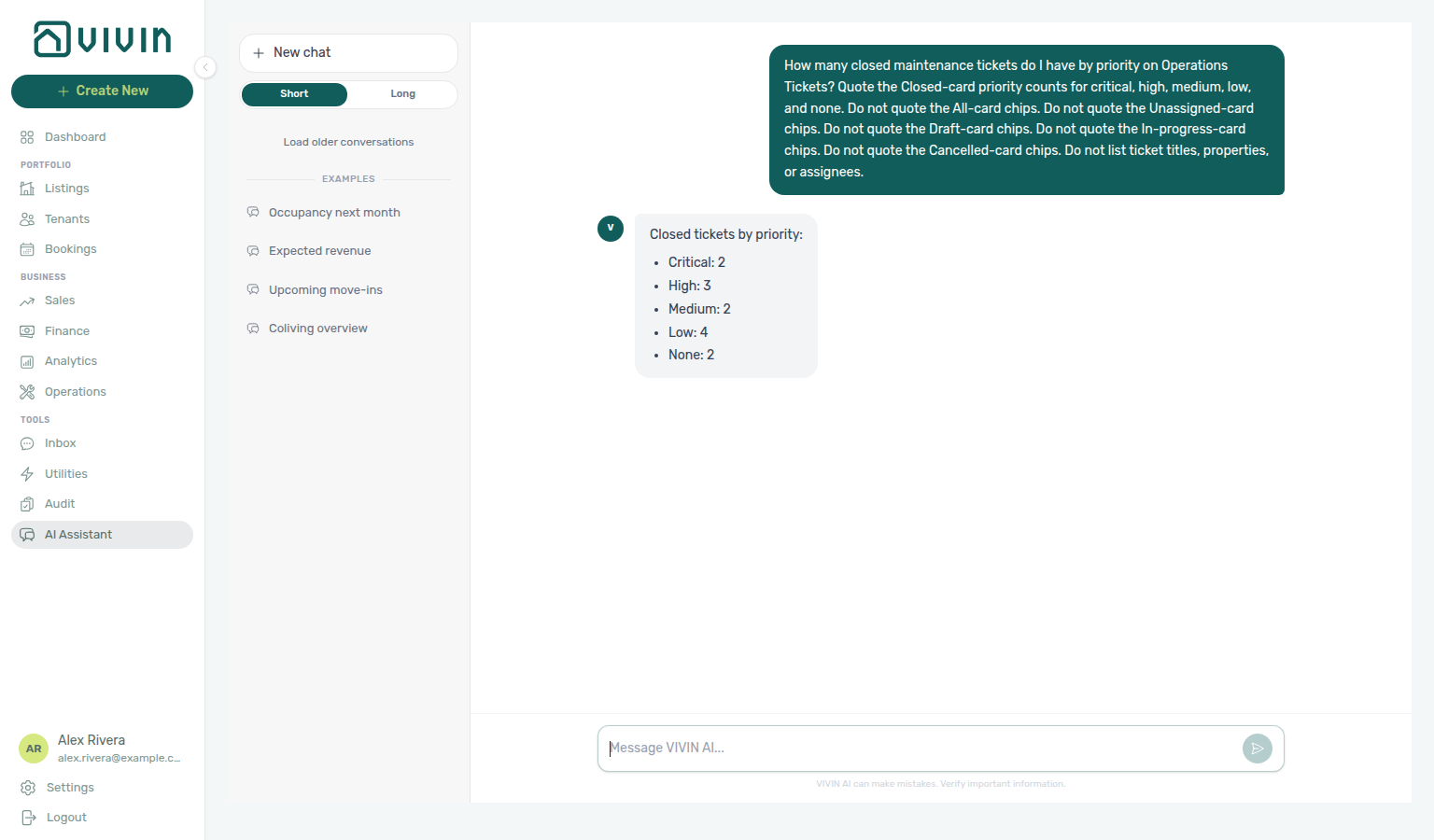
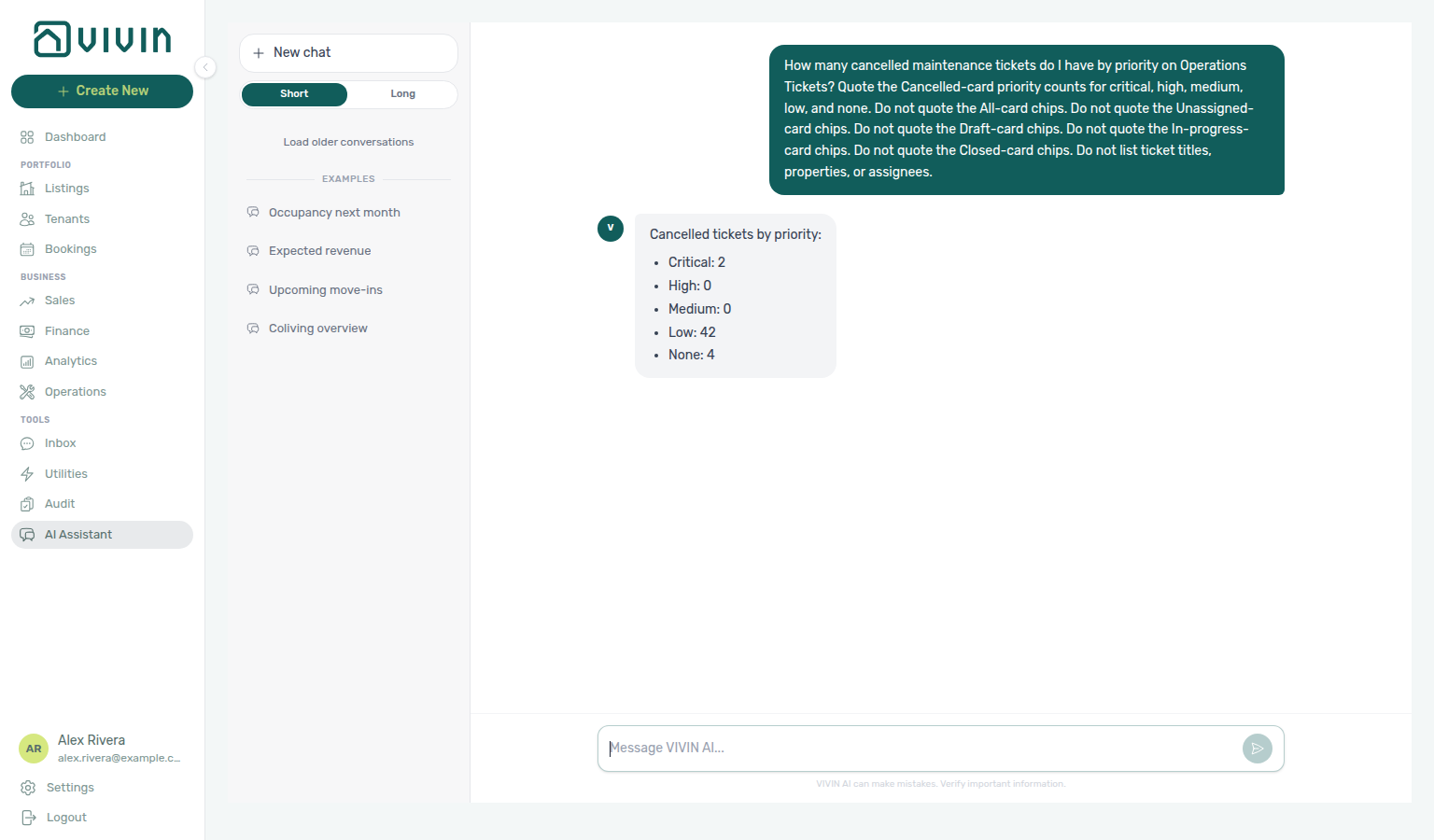
Ask “how many maintenance tickets do I have?” in AI Chat or WhatsApp Genius — or “how many by priority?” for the All card chips (ticket priority counts), or “how many unassigned by priority?” for the Unassigned card chips (unassigned priority counts), or “how many draft by priority?” for the Draft card chips (draft priority counts), or “how many in-progress by priority?” for the In progress card chips (in-progress priority counts), or “how many closed by priority?” for the Closed card chips (closed priority counts), or “how many cancelled by priority?” for the Cancelled card chips (cancelled priority counts). For closed vs received in a named window, use maintenance closure rate instead of these status cards. Enable the Maintenance domain on AI / MCP → Tool permissions. Reconcile the numbers on Operations → Tickets with Overdue off.
get-ticket-status-counts returns whole-account status totals for maintenance tickets. Use it for “how many tickets do I have?” — never count a list-tickets page. The default list omits Closed and Cancelled and is paginated, so a first-page row count understates the portfolio. For “which property has the most tickets” (or per-unit and per-month counts), use get-ticket-aggregates instead — it returns the server-computed ranking over every matching ticket, counting all statuses by default.
| Field / idea | Meaning |
|---|---|
all | Every ticket, including Closed, Cancelled, and Duplicate (Duplicate is in All only — it has no card of its own). |
unassigned | Tickets with no assignee (excluding far-future Draft display rows). |
draft | Display status: Unassigned or In progress tickets whose Schedule date is more than 30 days ahead. |
inProgress | In-progress tickets that are inside the 30-day window. |
completed | Same bucket as Closed on Operations → Tickets. |
cancelled | Cancelled tickets. |
*Priority (critical / high / medium / low / none) | Per-status priority split. allPriority is the five chips under the All card and adds up to all. unassignedPriority is the five chips under the Unassigned card and adds up to unassigned. draftPriority is the five chips under the Draft card and adds up to draft. inProgressPriority is the five chips under the In progress card and adds up to inProgress. completedPriority is the five chips under the Closed card and adds up to completed (same bucket as Closed on Operations → Tickets). cancelledPriority is the five chips under the Cancelled card and adds up to cancelled. none is tickets with no priority set — report it; do not drop it. |
Keep Maintenance enabled on AI / MCP. Reconcile with the status cards on Operations → Tickets with Overdue off — when Overdue is on, those cards shrink to overdue tickets only and will not match all.
Maintenance closure rate
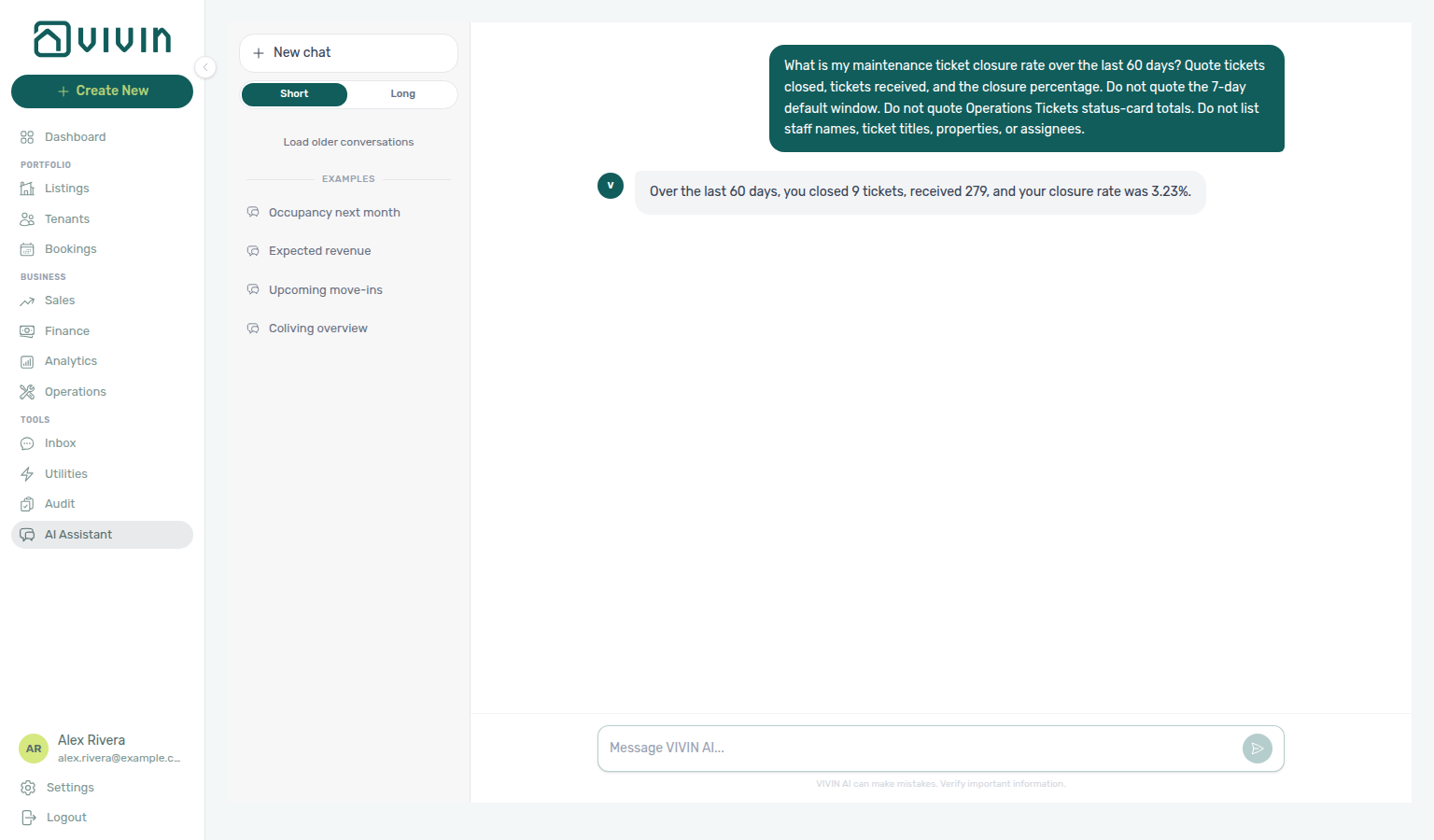
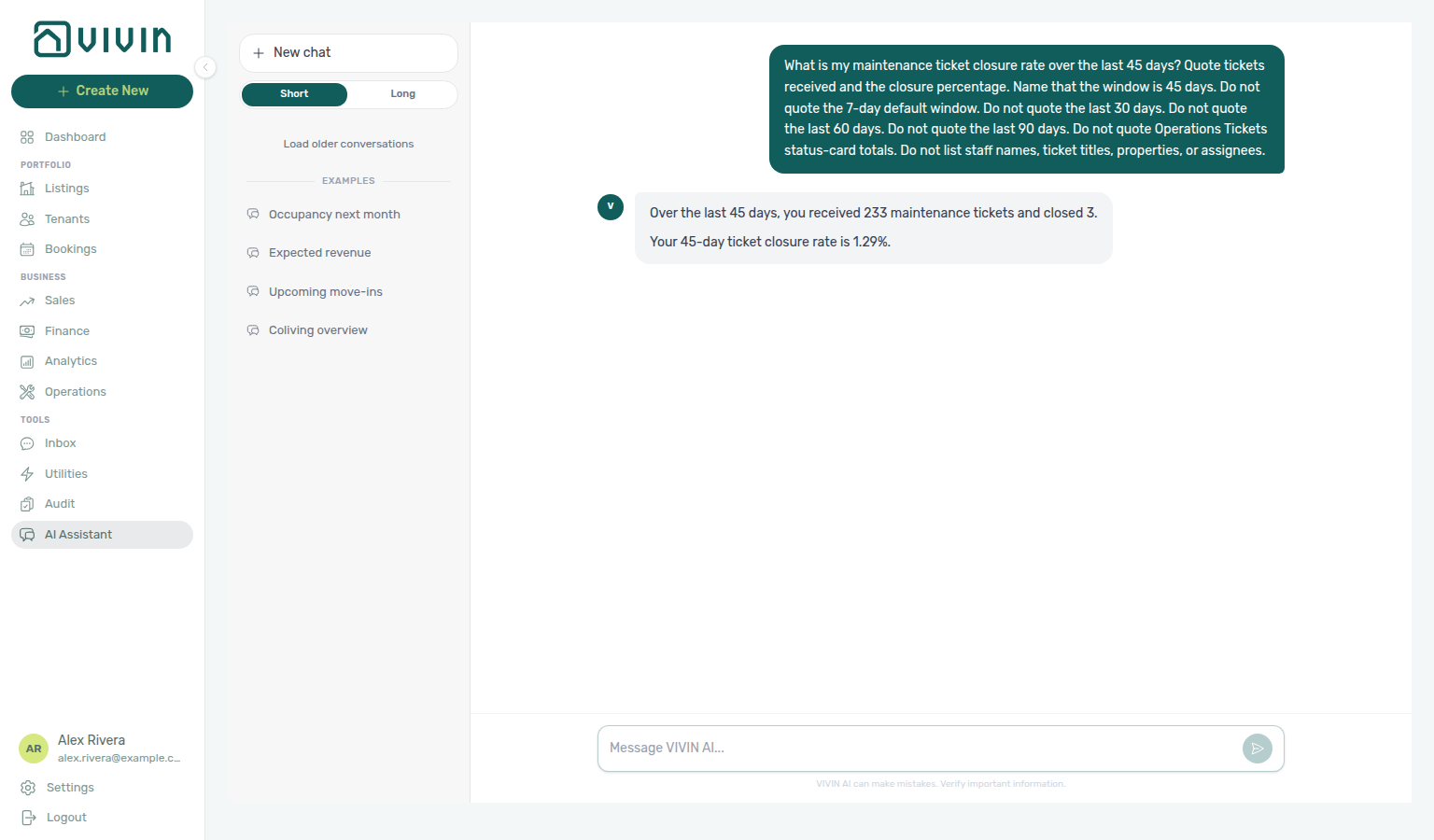
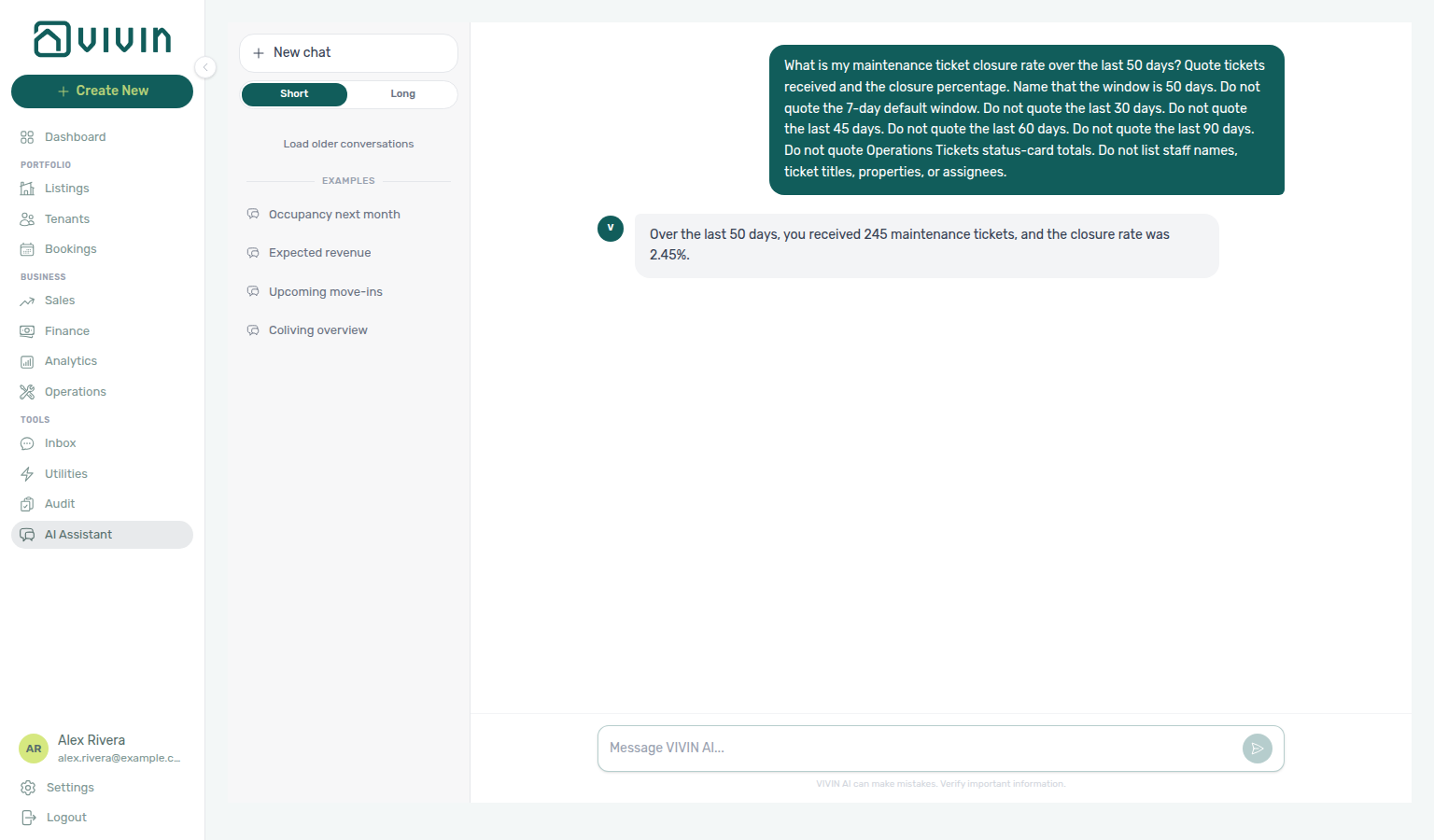
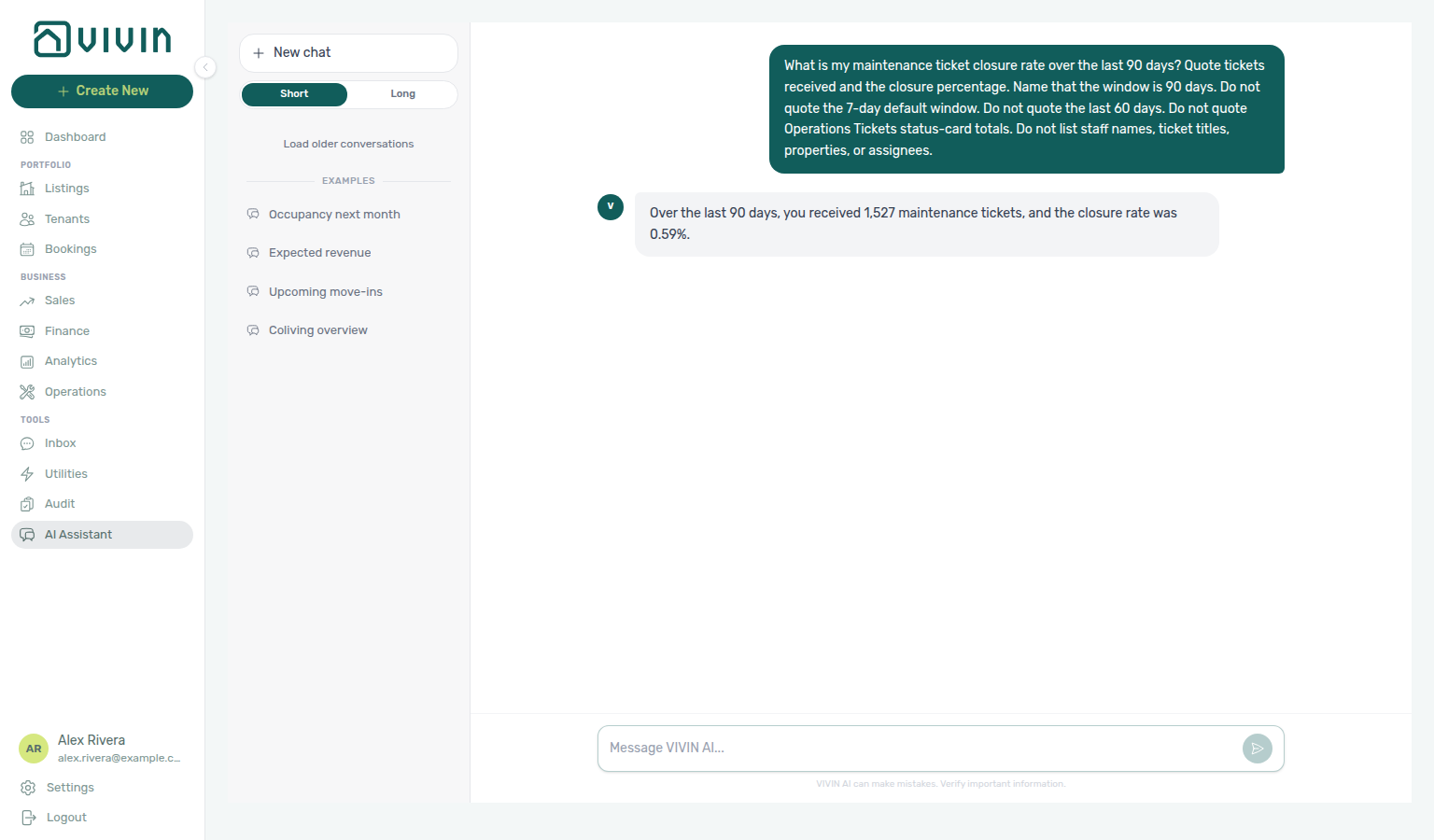
Ask “what is my maintenance ticket closure rate over the last 60 days?” in AI Chat or WhatsApp Genius. Ask “what is my maintenance ticket closure rate over the last 45 days?” when you want the mid-length window that can already show closures when 30 days is still 0%. Ask “what is my maintenance ticket closure rate over the last 50 days?” when you want the window between 45 and 60. Ask “what is my maintenance ticket closure rate over the last 90 days?” when you want the longest allowed window. Enable the Analytics domain on AI / MCP → Tool permissions — this read is not the Maintenance domain. Reconcile created vs closed on Operations → Overview — Ticket volume trend.
get-maintenance-closure-rate returns tickets closed vs tickets received for a trailing window. Use it for “what is my closure rate?” — never count a list-tickets page, and never treat the Operations Tickets Closed card (all-time completed) or Staff Workload (open tickets now) as the same figure.
| Field / idea | Meaning |
|---|---|
days | Trailing window (1–90). Default is 7. Name a longer window when the last week has no closures. |
closed | Tickets with a close date inside the window. |
received | Tickets created inside the window. |
closureRatePct | Closed ÷ received as a percentage (null when received is 0). |
perStaff | Optional assignee split (same grouping as Staff Workload). For a portfolio check, quote the account totals — not a staff ranking. |
Keep Analytics enabled on AI / MCP. The 7-day default can be 0% even when a 60-day window has closures — name the days. Use 45 days when you want a mid-length window that can already have closures while 30 days is still 0%. Use 50 days when you want a window between 45 and 60. Use 90 days when you want the longest allowed window.
Maintenance closure rate (45-day window)
Ask “what is my maintenance ticket closure rate over the last 45 days?” when you want closed vs received for a mid-length trailing window. Quote received and the percentage. Closed can match one assignee’s close count on Staff Workload — name 45 days and quote received, not closed alone. Do not treat the 50-day window, the 60-day example, the 90-day maximum, the 30-day look (which can still be 0%), or the 7-day default as the same figure.
Maintenance closure rate (50-day window)
Ask “what is my maintenance ticket closure rate over the last 50 days?” when you want closed vs received for a trailing window between the 45-day mid-length look and the 60-day example. Quote received and the percentage. Closed can match a nearby window if you only compare that count — name 50 days and quote received, not closed alone. Do not treat the 45-day mid-length window, the 60-day example, the 90-day maximum, the 30-day look (which can still be 0%), or the 7-day default as the same figure.
Maintenance closure rate (90-day window)
Ask “what is my maintenance ticket closure rate over the last 90 days?” when you want closed vs received for the longest trailing window (1–90). Quote received and the percentage. Closed can match a shorter window that had the same closures — name 90 days and quote received, not closed alone. Do not treat the 60-day example, the 50-day window, the 45-day mid-length window, or the 7-day default as the same figure.
Operational cost summary
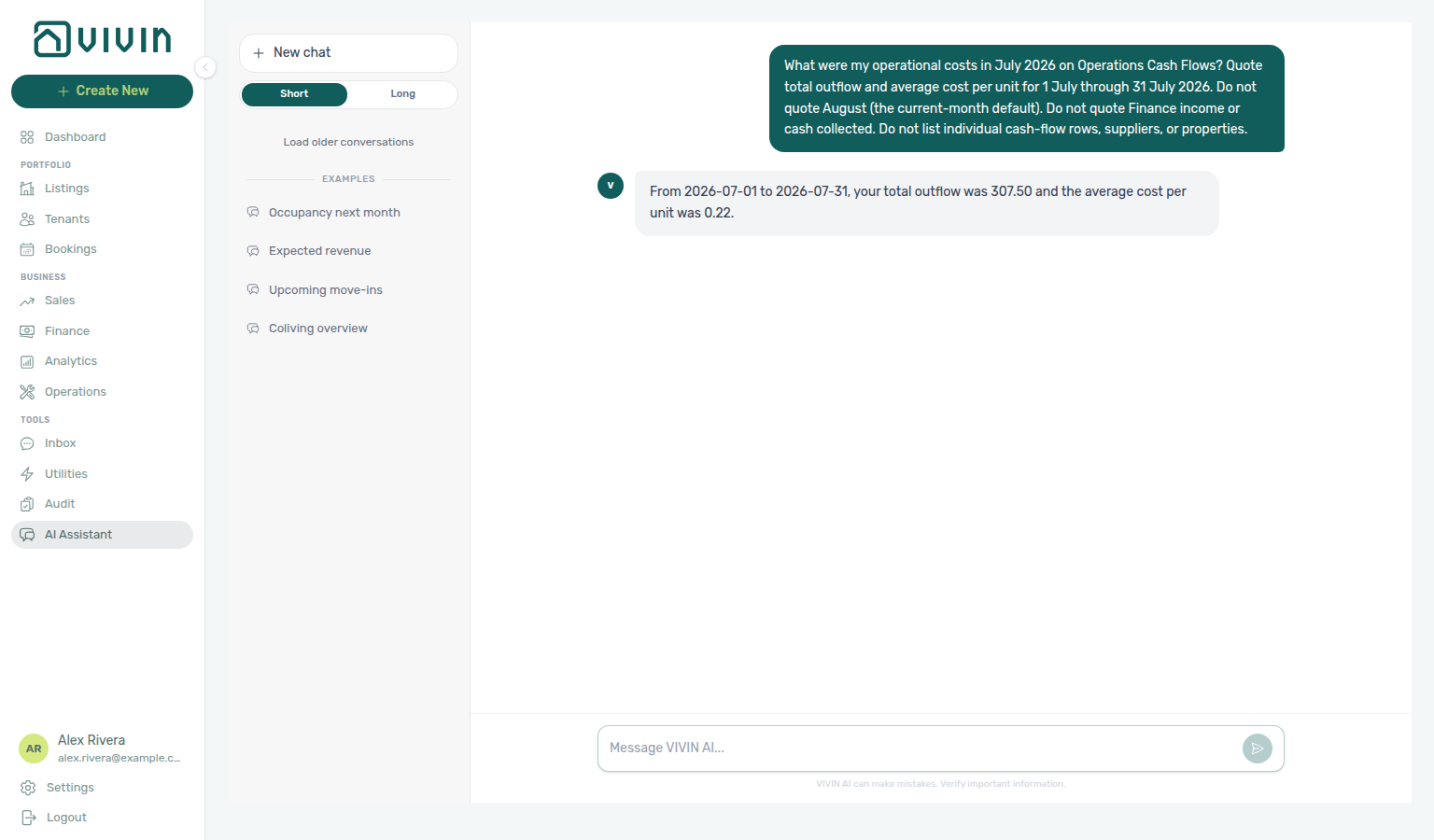
Ask “what were my operational costs in July 2026?” in AI Chat or WhatsApp Genius. Ask “what were my operational costs in June 2026?” when you want another named settled month. Ask “what were my operational costs in April 2026?” when you want a third named settled month. Ask “what were my operational costs from 1 April through 15 April 2026?” when you want a custom half-month window. Ask “what were my operational costs from 16 April through 30 April 2026?” when you want the other custom half-month window. Ask “what were my operational costs in February 2026?” when you want a fourth named settled month. Ask “what were my operational costs from 1 February through 14 February 2026?” when you want a custom February half-month window. Ask “what were my operational costs from 15 February through 28 February 2026?” when you want the other custom February half-month window. Ask “what were my operational costs in January 2026?” when you want a fifth named settled month. Ask “what were my operational costs in March 2026?” when you want a sixth named settled month. Ask “what were my operational costs in May 2026?” when you want a seventh named settled month. Ask “what were my operational costs by category in July 2026?” when you want the category split. Ask “what were my operational costs by category in June 2026?” when you want another named month’s split. Ask “what were my operational costs in July 2026 excluding Carpentry & doors?” when you want remaining totals after dropping one category. Ask “what were my operational costs in July 2026 excluding Maintenance?” when you want remaining totals after dropping a different exact name. Ask “what were my operational costs in June 2026 excluding Manutenção?” when you want remaining totals after dropping that month’s Portuguese Cash Flows name. Ask “what were my operational costs in June 2026 excluding uncategorized?” when you want remaining totals after dropping that other exact Cash Flows name. Ask “what were my operational costs in April 2026 excluding maintenance?” when you want remaining totals after dropping that month’s exact Cash Flows name. Ask “what were my operational costs in April 2026 excluding maintenance and uncategorized?” when you want remaining totals after dropping both exact names. Enable the Analytics domain on AI / MCP → Tool permissions — this read is not the Operations write domain. Reconcile on Operations → Cash Flows with the matching month chip.
get-cost-summary returns Cash Flows inflow / outflow totals for a date window, plus average cost per unit. Use it for “what did we spend on operations in July?” — never sum a Cash Flows page of rows, and never treat Finance → Overview income or cash collected as the same figure.
| Field / idea | Meaning |
|---|---|
from / to | Inclusive calendar days (YYYY-MM-DD). Default is the current month through today. Name a settled month when you do not want a mid-month partial. |
totalOutflow | Operational spend in the window (after optional category exclusions). |
totalInflow | Operational inflows in the window (refunds and similar). |
averageCostPerUnit | Outflow ÷ listing count (null when the account has no units). |
byCategory | Optional category split — quote each category’s outflow for a named window; skip a row-by-row supplier list. See Operational cost summary by category and June 2026. |
excludeCategories | Optional exact Cash Flows category names to drop from totals and averages (for example Carpentry & doors, not a shortened Carpentry; Maintenance when that English name is on Cash Flows; Manutenção when that Portuguese name is the one that spent; or uncategorized when that exact Cash Flows name has spend; or maintenance when that lowercase Cash Flows name is the one that spent in April). Pass more than one exact name when you want remaining totals after dropping both (for example maintenance and uncategorized in April). See Operational costs excluding a category, excluding Maintenance, excluding Manutenção in June, excluding uncategorized in June, excluding maintenance in April, and excluding maintenance and uncategorized in April. |
Keep Analytics enabled on AI / MCP. The current-month default can understate a finished month — name the dates. Use June 2026 when you want a different named settled month from the July example. Use April 2026 when you want a third named settled month (not June, not July). Use 1–15 April 2026 when you want a custom half-month window (not the full April month). Use 16–30 April 2026 when you want the other custom half-month window (not 1–15 April, and not the full April month). Use February 2026 when you want a fourth named settled month (not June, not July, not April, and not the April custom windows). Use 1–14 February 2026 when you want a custom February half-month window (not the full February month). Use 15–28 February 2026 when you want the other custom February half-month window (not 1–14 February, and not the full February month). Use January 2026 when you want a fifth named settled month (not February, not April, not June, not July, and not the April custom windows). Use March 2026 when you want a sixth named settled month (not January, not February, not April, not May, not June, not July, and not the April custom windows). Use May 2026 when you want a seventh named settled month (not January, not February, not March, not April, not June, not July, and not the April custom windows).
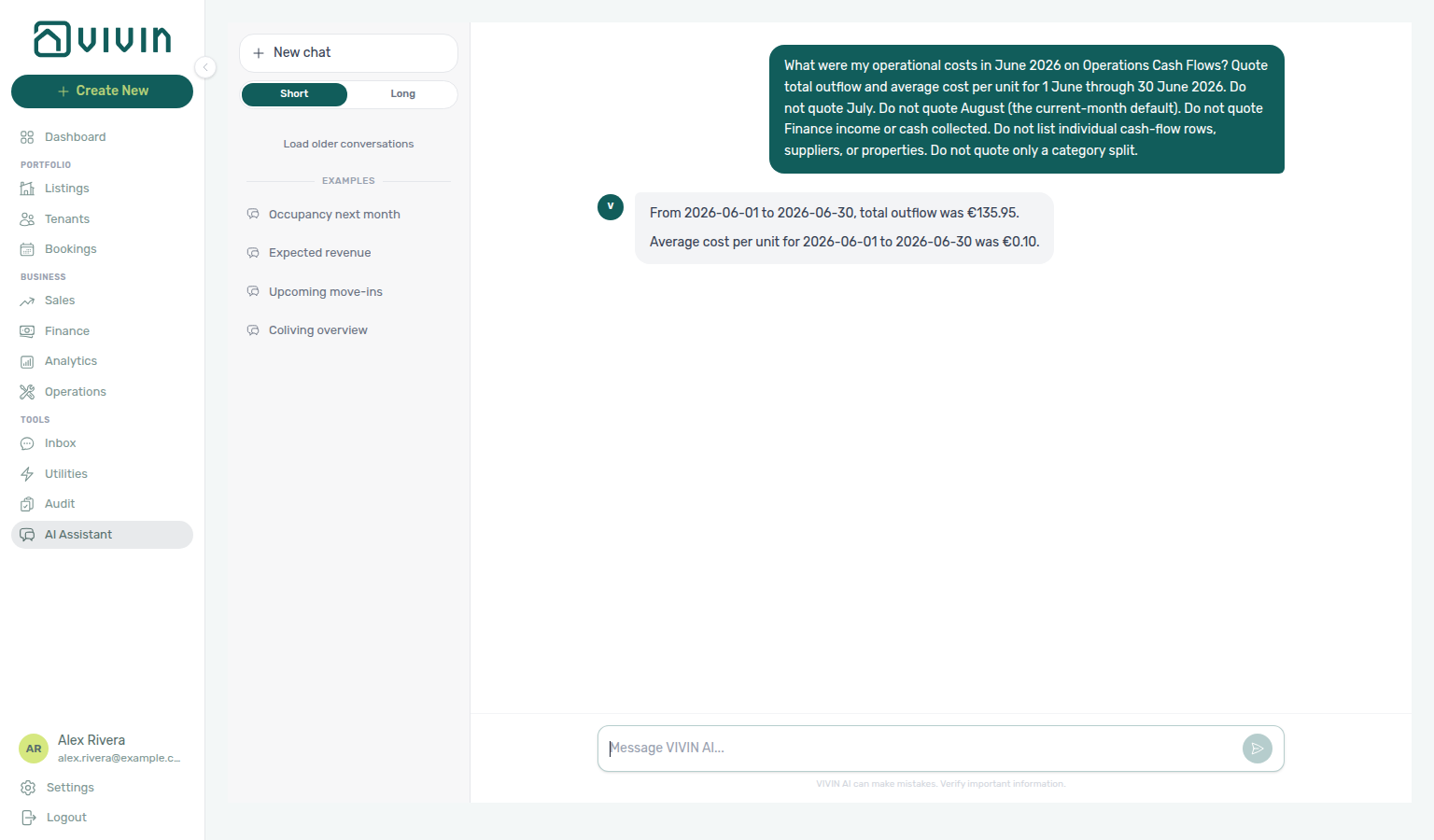
Operational cost summary (June 2026)
Ask “what were my operational costs in June 2026?” when you want Cash Flows outflow and average cost per unit for a different named settled month than the July example. Quote total outflow and average cost per unit. A single category’s outflow is not the portfolio total — name June and quote the headline totals. Do not treat the July teaching month, the current-month default, Finance income, or a category split as the same figure.
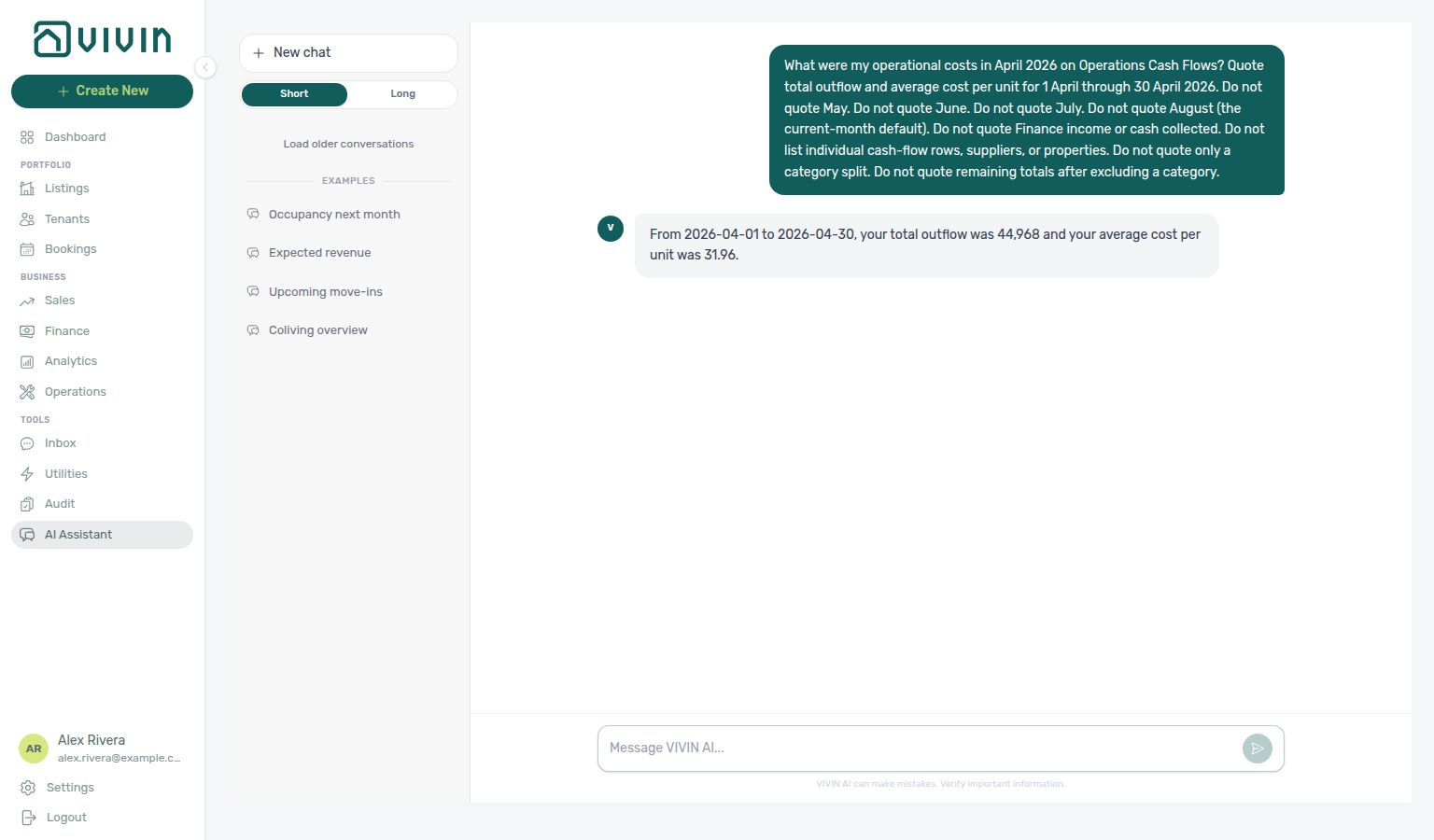
Operational cost summary (April 2026)
Ask “what were my operational costs in April 2026?” when you want Cash Flows outflow and average cost per unit for a different named settled month than the July example or June 2026. Quote total outflow and average cost per unit. A single category’s outflow is not the portfolio total — name April and quote the headline totals. Do not treat the July or June teaching months, the current-month default, remaining totals after excluding a category, Finance income, or a category split as the same figure. See 1–15 April 2026 when you want a custom half-month window. See 16–30 April 2026 when you want the other half of April.
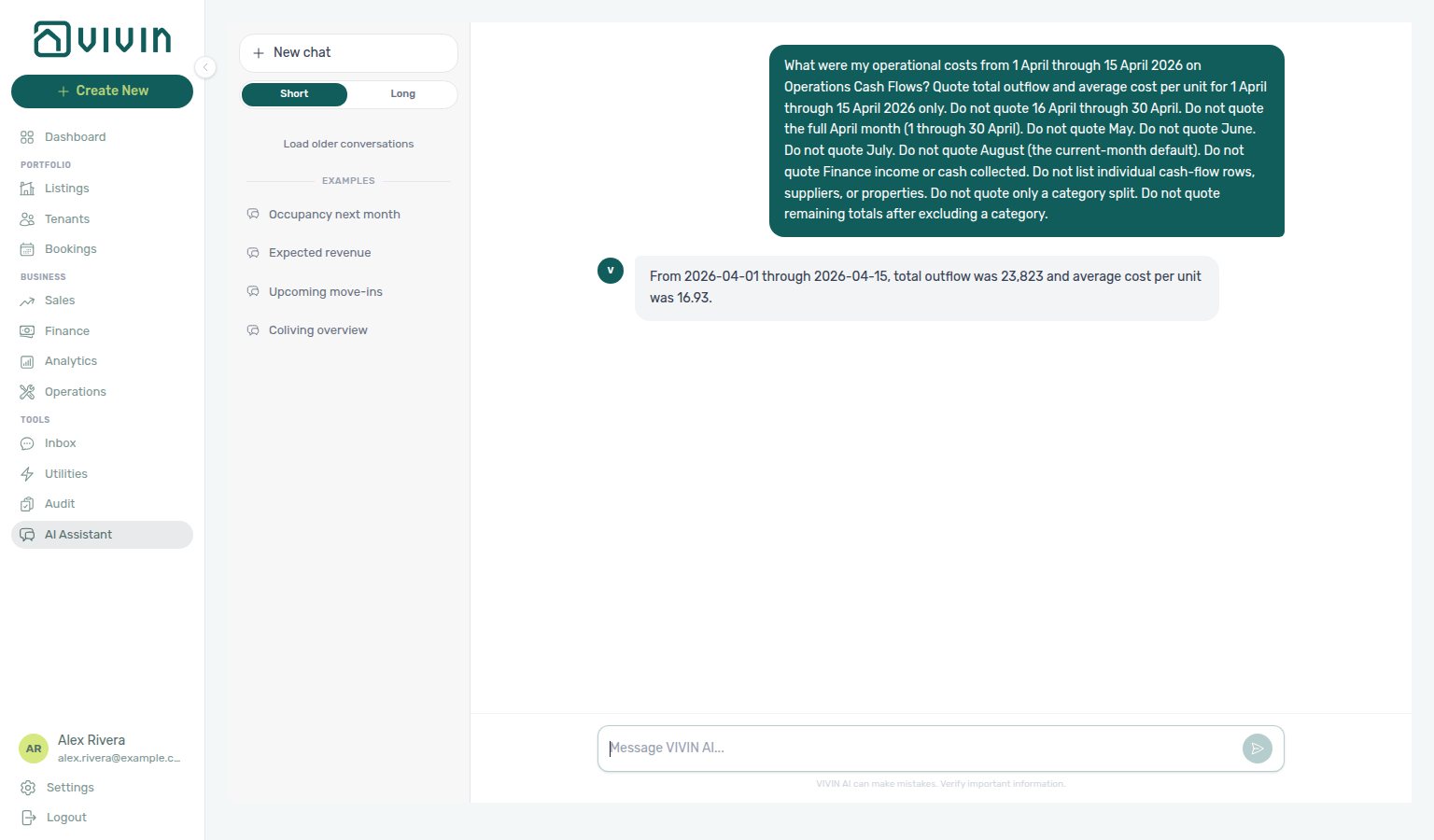
Operational cost summary (1–15 April 2026)
Ask “what were my operational costs from 1 April through 15 April 2026?” when you want Cash Flows outflow and average cost per unit for a custom date range that is not a full calendar month. Quote total outflow and average cost per unit. Do not treat the full April month (1 through 30 April), 16–30 April, the July or June teaching months, the current-month default, remaining totals after excluding a category, Finance income, or a category split as the same figure.
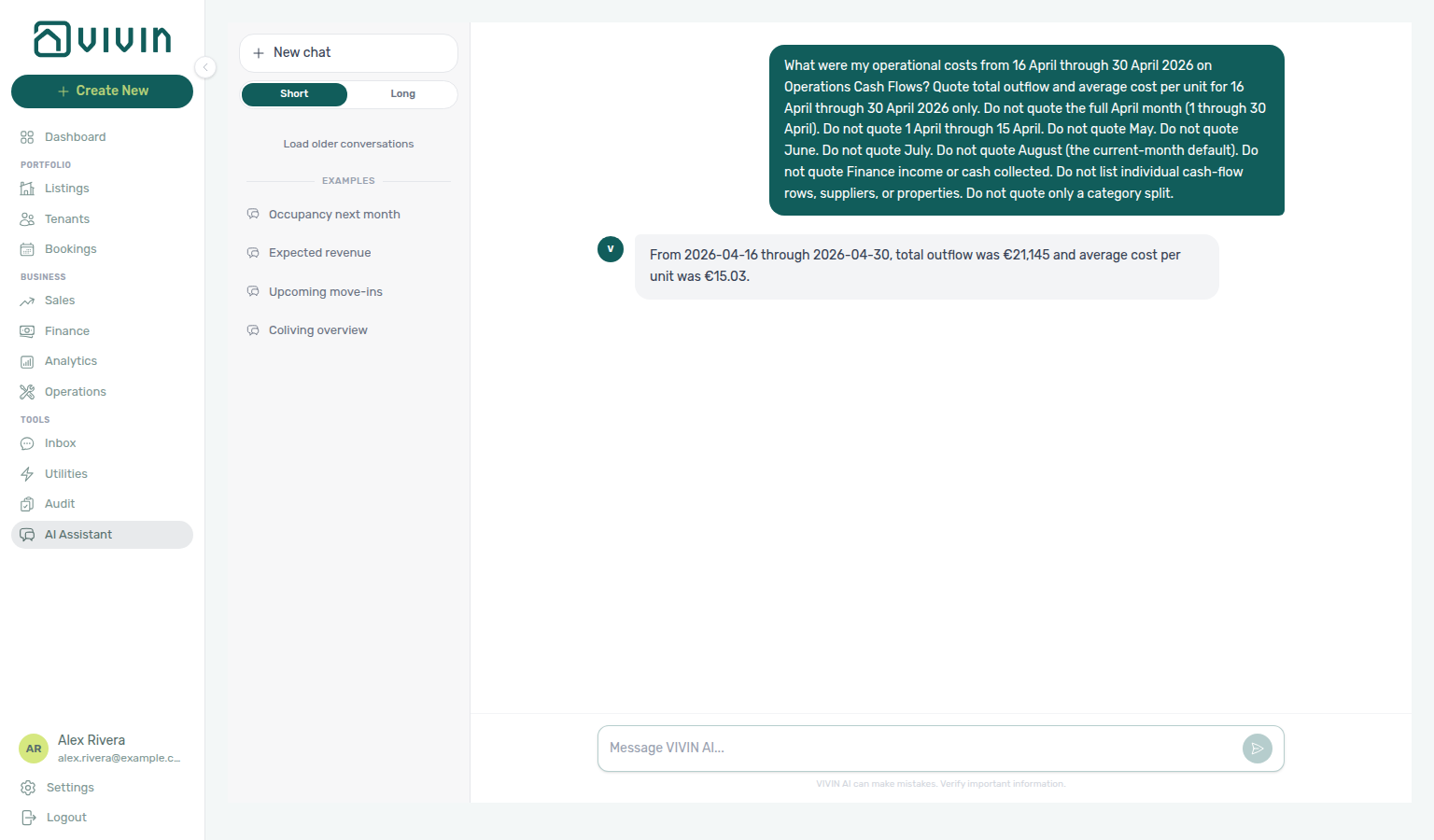
Operational cost summary (16–30 April 2026)
Ask “what were my operational costs from 16 April through 30 April 2026?” when you want Cash Flows outflow and average cost per unit for the other custom half-month window. Quote total outflow and average cost per unit. Do not treat the full April month (1 through 30 April), 1–15 April, the July or June teaching months, the current-month default, remaining totals after excluding a category, Finance income, or a category split as the same figure.
Operational cost summary (February 2026)
Ask “what were my operational costs in February 2026?” when you want Cash Flows outflow and average cost per unit for a fourth named settled month. Quote total outflow and average cost per unit. Do not treat the July example, June 2026, April 2026, the 1–15 April or 16–30 April custom windows, the current-month default, remaining totals after excluding a category, Finance income, or a category split as the same figure. See 1–14 February 2026 when you want a custom half-month window. See 15–28 February 2026 when you want the other half of February.
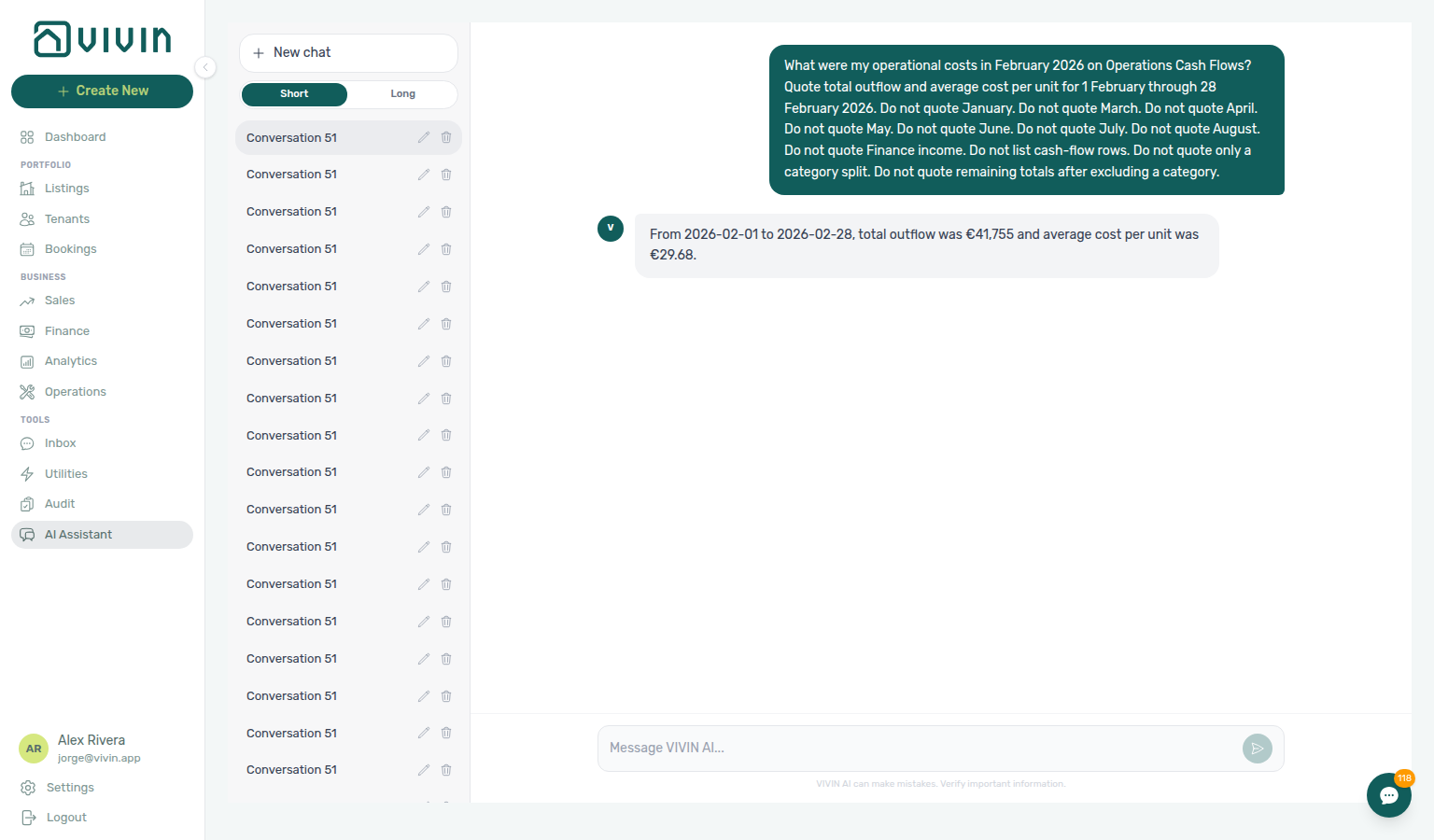
Operational cost summary (1–14 February 2026)
Ask “what were my operational costs from 1 February through 14 February 2026?” when you want Cash Flows outflow and average cost per unit for a custom date range that is not a full calendar month. Quote total outflow and average cost per unit. Do not treat the full February month (1 through 28 February), 15–28 February, the 1–15 April or 16–30 April custom windows, the July or June teaching months, the current-month default, remaining totals after excluding a category, Finance income, or a category split as the same figure.
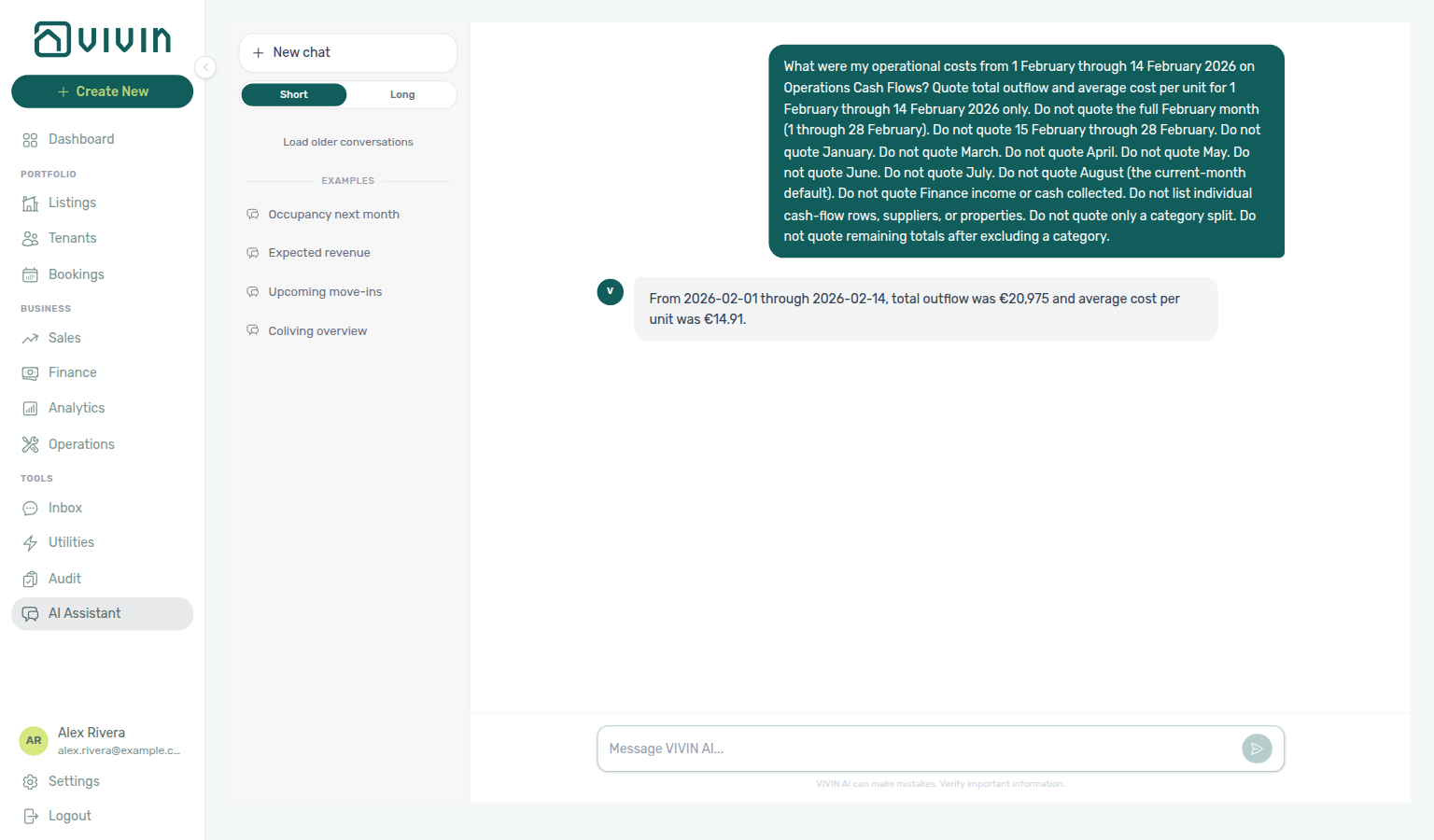
Operational cost summary (15–28 February 2026)
Ask “what were my operational costs from 15 February through 28 February 2026?” when you want Cash Flows outflow and average cost per unit for the other custom half-month window in February. Quote total outflow and average cost per unit. Do not treat the full February month (1 through 28 February), 1–14 February, the 1–15 April or 16–30 April custom windows, the July or June teaching months, the current-month default, remaining totals after excluding a category, Finance income, or a category split as the same figure.
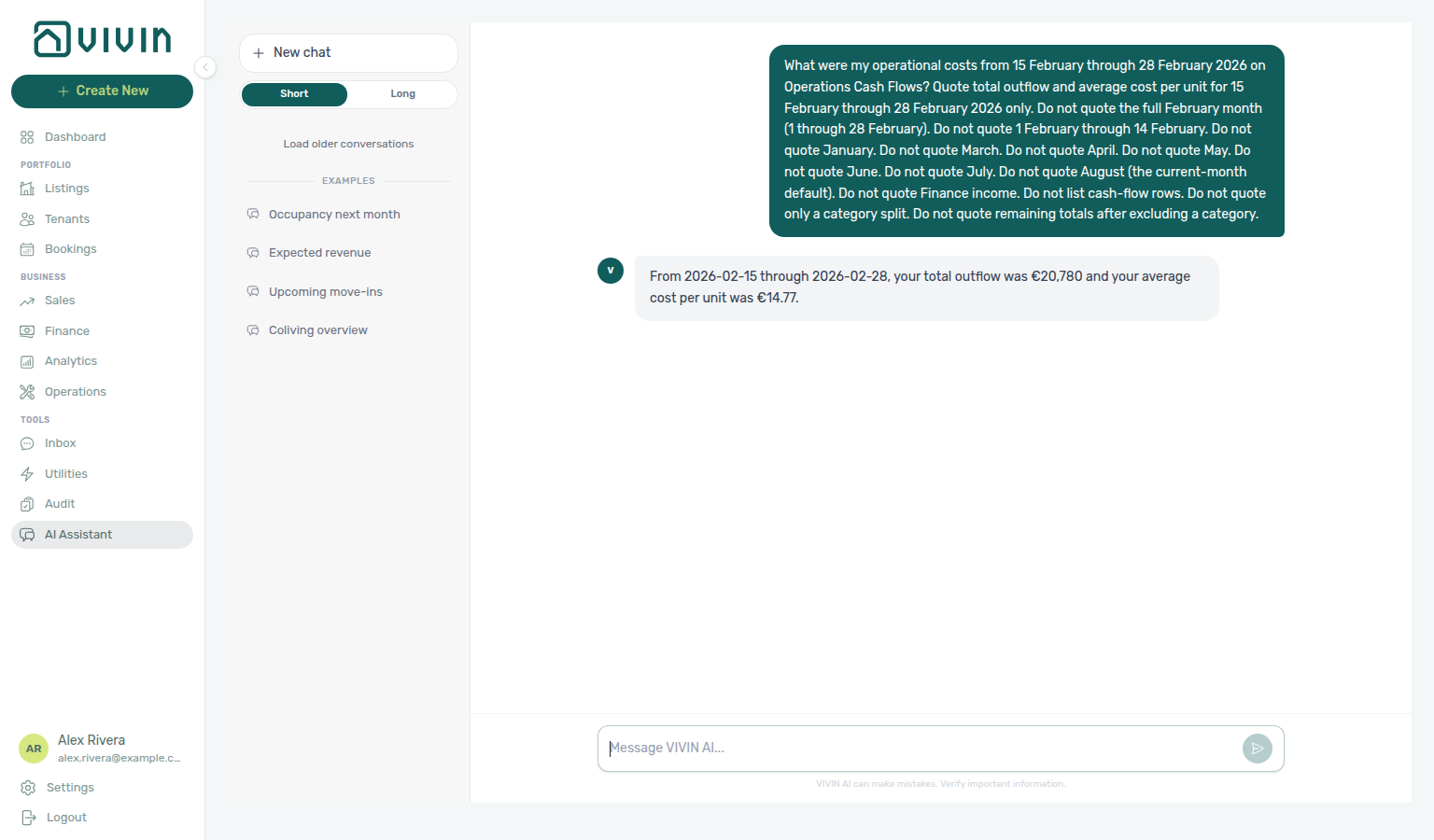
Operational cost summary (January 2026)
Ask “what were my operational costs in January 2026?” when you want Cash Flows outflow and average cost per unit for a fifth named settled month. Quote total outflow and average cost per unit. Do not treat the July example, June 2026, April 2026, February 2026, the 1–14 February or 15–28 February, 1–15 April or 16–30 April custom windows, the current-month default, remaining totals after excluding a category, Finance income, or a category split as the same figure.
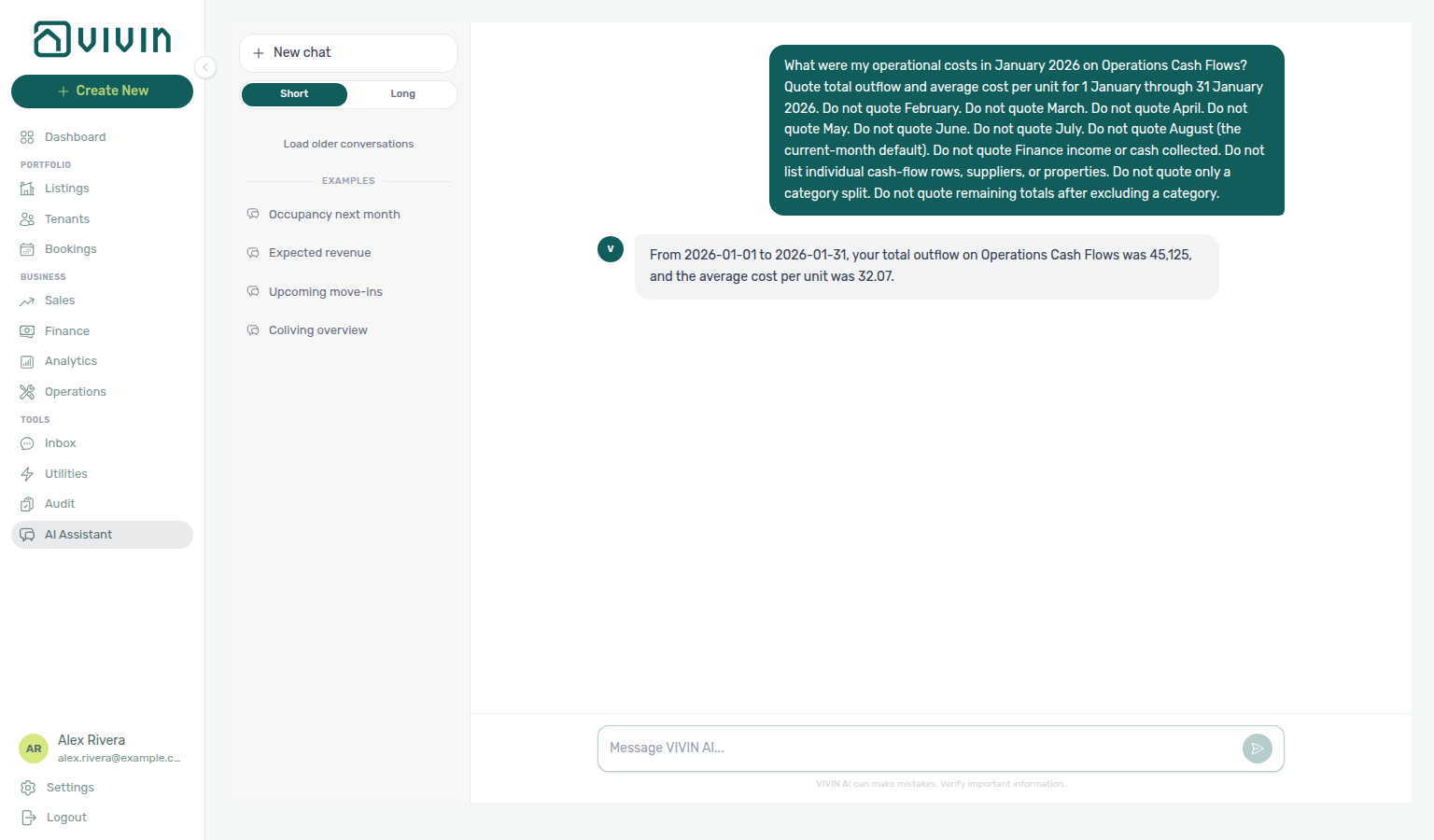
Operational cost summary (March 2026)
Ask “what were my operational costs in March 2026?” when you want Cash Flows outflow and average cost per unit for a sixth named settled month. Quote total outflow and average cost per unit. Do not treat the July example, June 2026, April 2026, February 2026, January 2026, the 1–14 February or 15–28 February, 1–15 April or 16–30 April custom windows, the current-month default, remaining totals after excluding a category, Finance income, or a category split as the same figure.
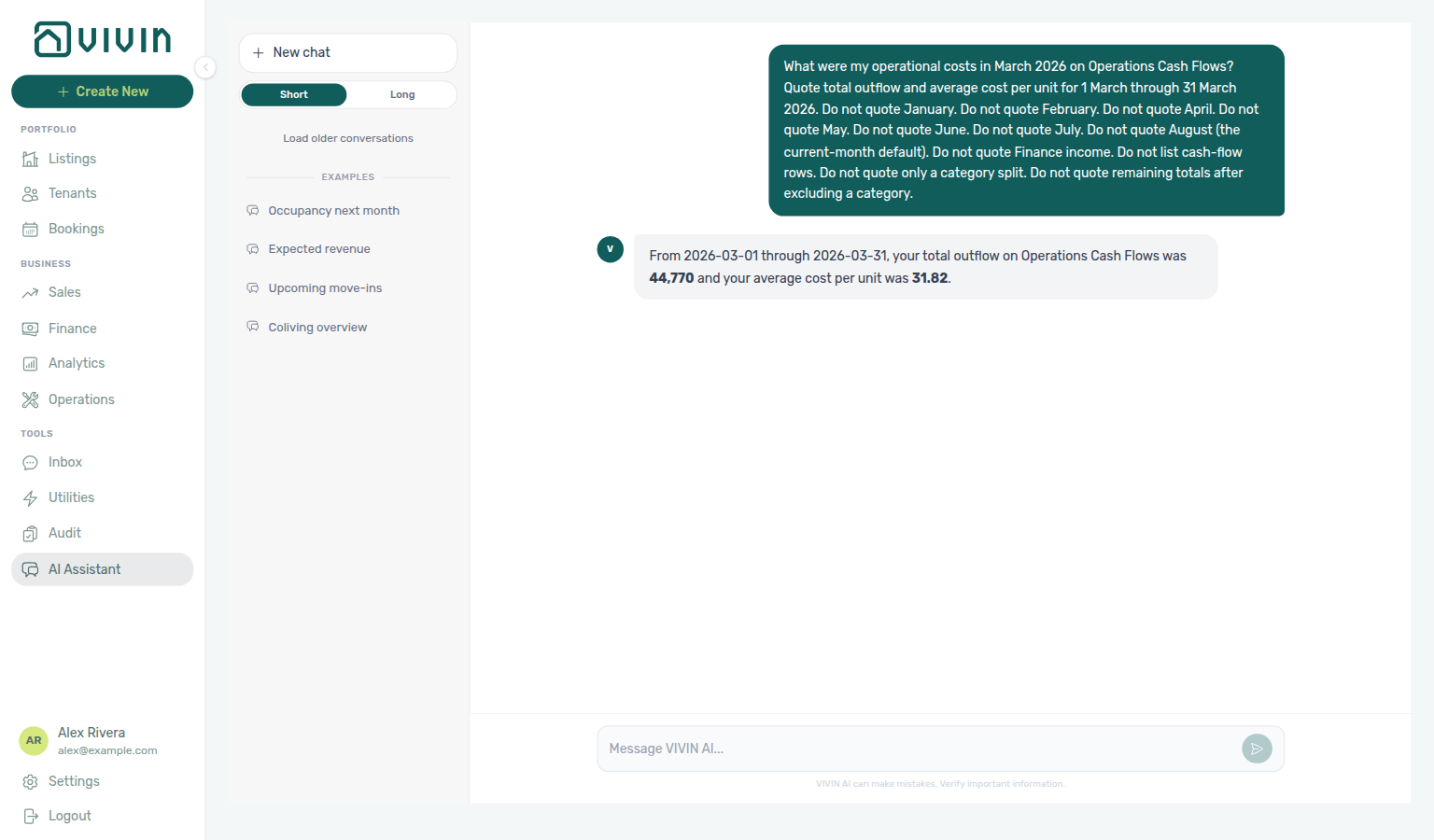
Operational cost summary (May 2026)
Ask “what were my operational costs in May 2026?” when you want Cash Flows outflow and average cost per unit for a seventh named settled month. Quote total outflow and average cost per unit. Do not treat the July example, June 2026, April 2026, February 2026, January 2026, March 2026, the 1–14 February or 15–28 February, 1–15 April or 16–30 April custom windows, the current-month default, remaining totals after excluding a category, Finance income, or a category split as the same figure.
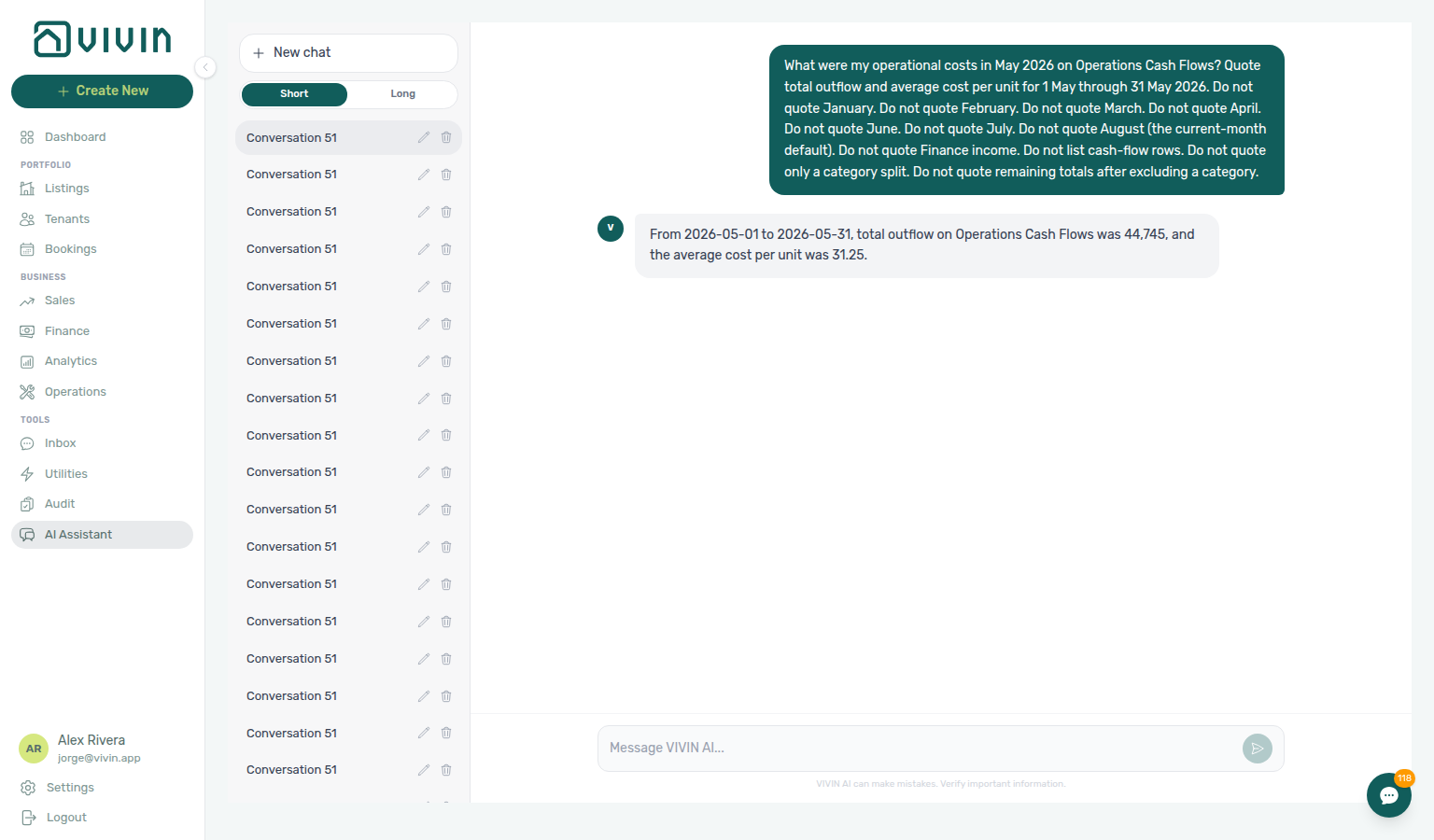
Operational cost summary by category
Ask “what were my operational costs by category in July 2026?” when you want the Cash Flows category split — not headline total outflow / average cost per unit alone. Quote each category’s outflow for the named dates. Skip uncategorized when it is 0. Do not sum a Cash Flows page of rows. See June 2026 when you want another named month’s split (including uncategorized when it has outflow).
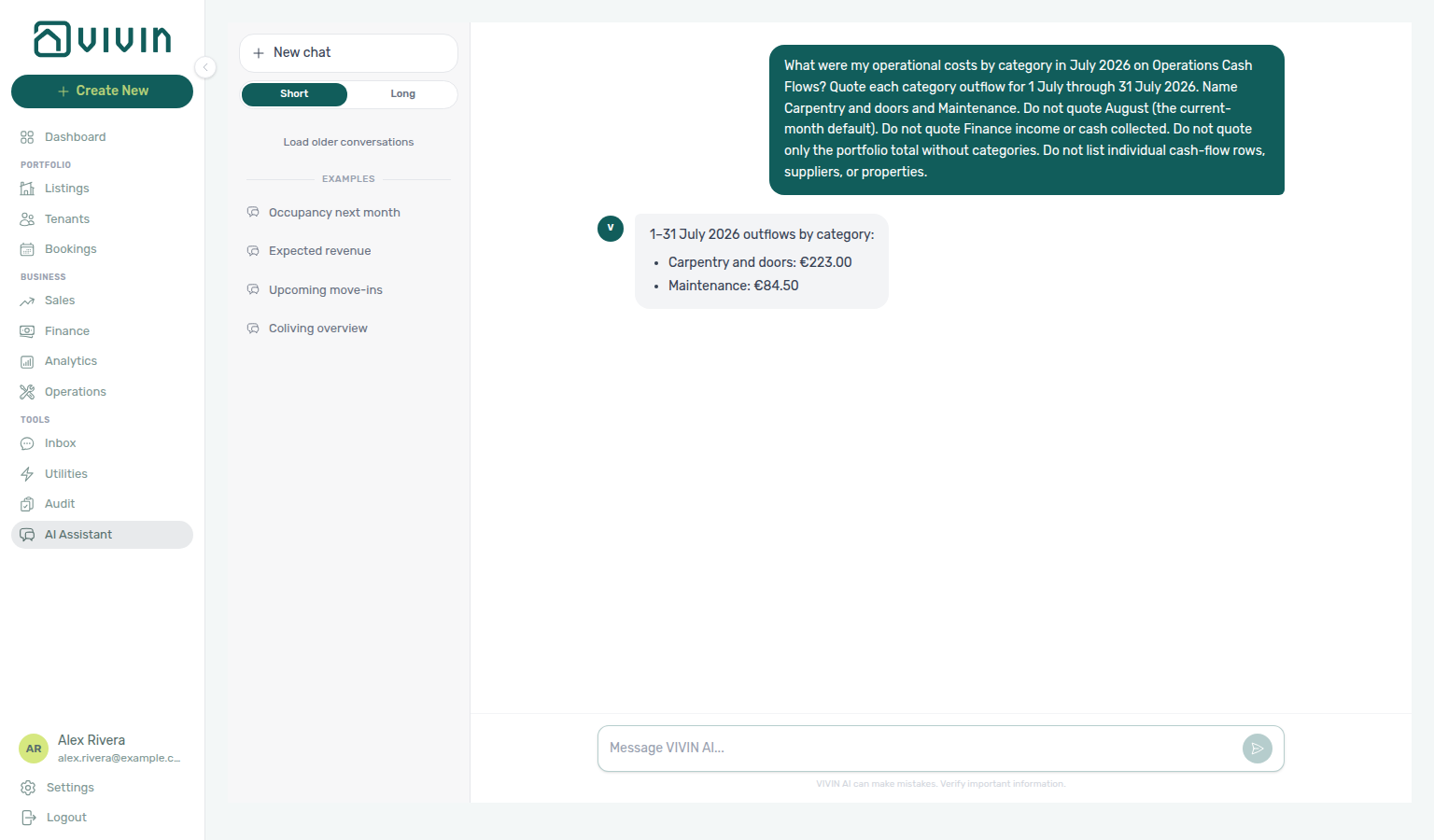
Operational cost summary by category (June 2026)
Ask “what were my operational costs by category in June 2026?” when you want the Cash Flows category split for a different named settled month than the July example. Quote each category’s outflow. Include uncategorized when it has outflow. Category names follow Cash Flows for that month — Manutenção here, not July’s English Maintenance. Do not treat July Carpentry & doors + Maintenance, June headline totals, the current-month default, or Finance income as the same figure.
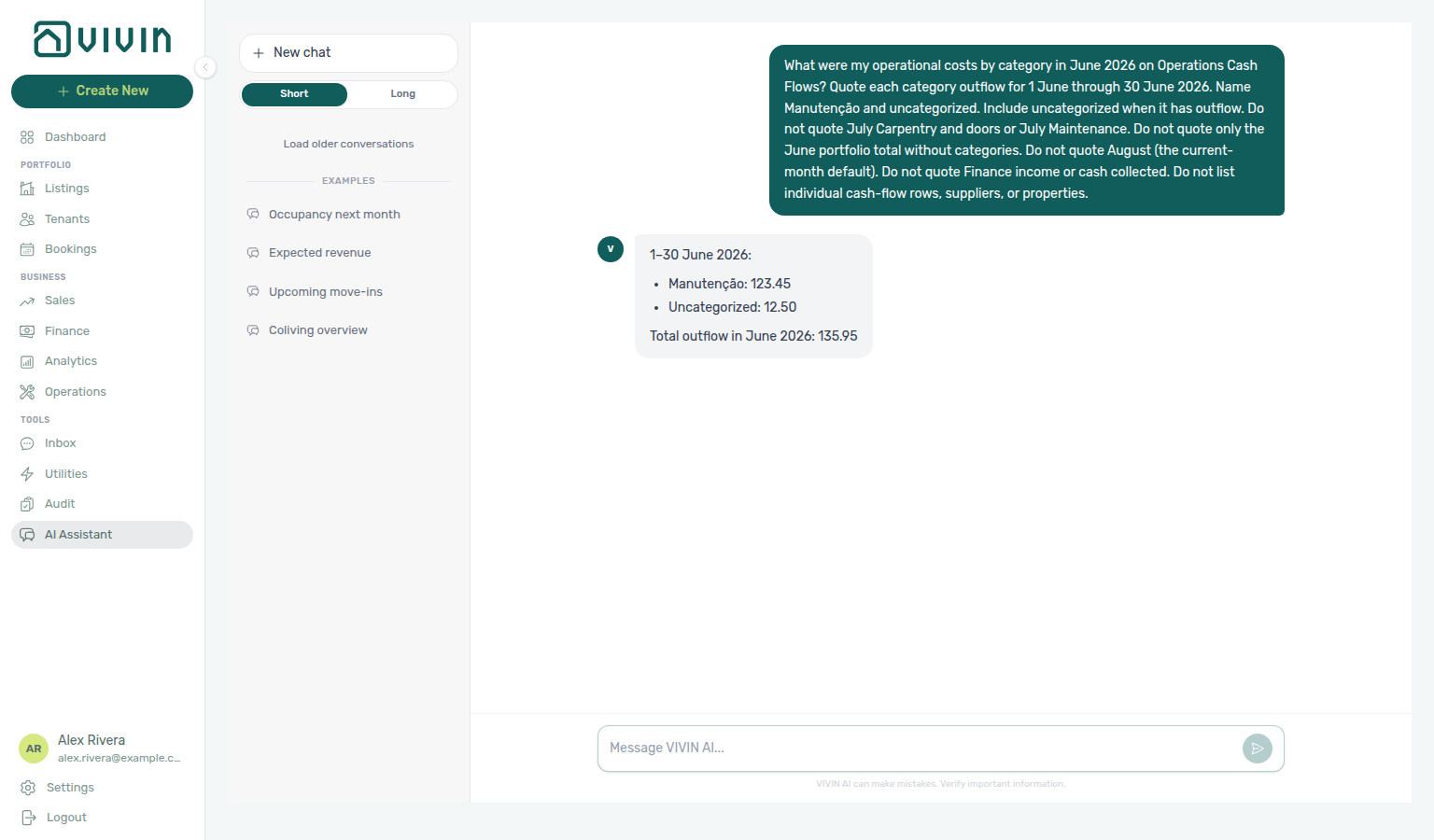
Operational costs excluding a category
Ask “what were my operational costs in July 2026 excluding Carpentry & doors?” when you want remaining total outflow / average cost per unit after dropping one cost-allocation category — not the unfiltered headline, and not the category split that still lists every spend row. Use the exact category name as it appears on Cash Flows. See excluding Maintenance when you want remaining totals after dropping a different exact name, excluding Manutenção in June when that month’s Cash Flows name is Portuguese, and excluding uncategorized in June when you want remaining totals after dropping that other exact name, and excluding maintenance in April when that month’s Cash Flows name is lowercase maintenance, and excluding maintenance and uncategorized in April when you want remaining totals after dropping both exact names.
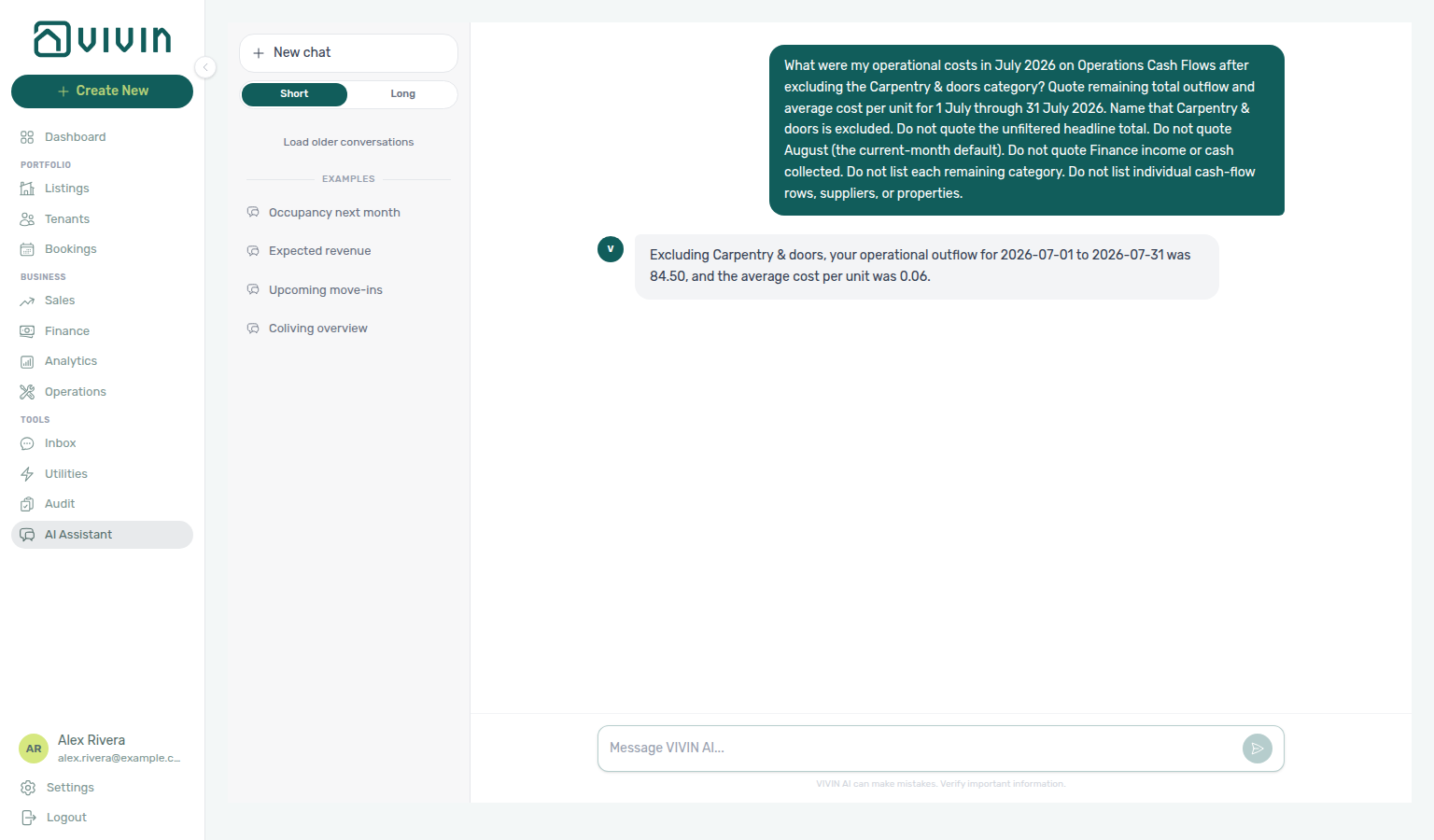
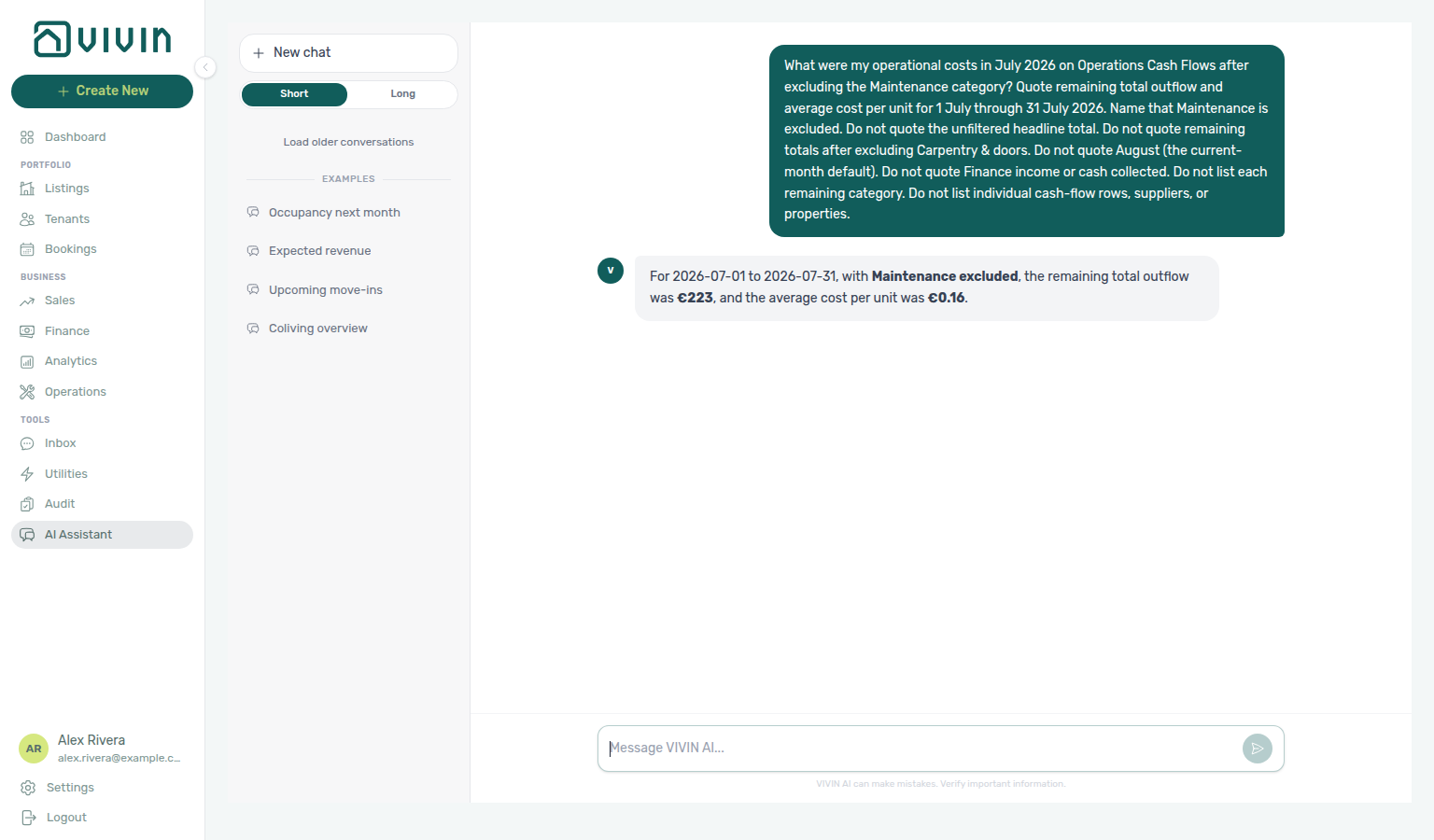
Operational costs excluding Maintenance
Ask “what were my operational costs in July 2026 excluding Maintenance?” when you want remaining total outflow / average cost per unit after dropping a different exact Cash Flows name than Carpentry & doors — not that Carpentry remaining total, not the unfiltered headline, and not the category split that still lists every spend row. Remaining outflow can match the other category’s spend — quote the average. Use the exact English Maintenance label as it appears on Cash Flows for that month (not Portuguese Manutenção). See excluding Manutenção in June when that month’s Cash Flows name is Portuguese, excluding uncategorized in June when you want remaining totals after dropping that other exact June name, and excluding maintenance in April when that month’s Cash Flows name is lowercase maintenance, and excluding maintenance and uncategorized in April when you want remaining totals after dropping both exact names.
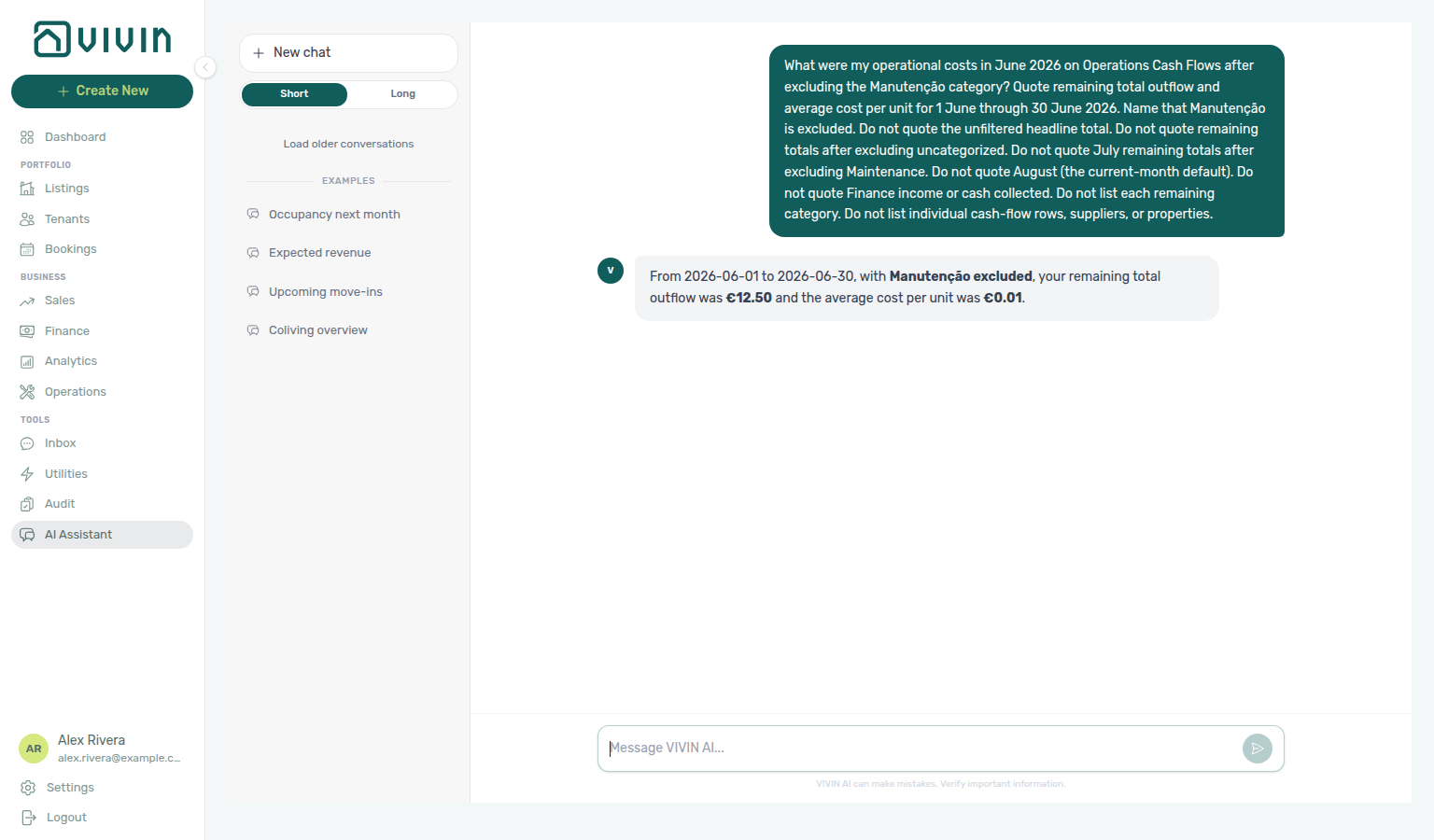
Operational costs excluding Manutenção (June 2026)
Ask “what were my operational costs in June 2026 excluding Manutenção?” when you want remaining total outflow / average cost per unit after dropping that month’s Portuguese Cash Flows name — not English Maintenance in July (which does not match June), not remaining totals after excluding uncategorized, not the unfiltered June headline, and not the June category split that still lists every spend row. Remaining outflow can match the other category’s spend — quote the average. Use the exact Manutenção label as it appears on Cash Flows for that month (not English Maintenance).
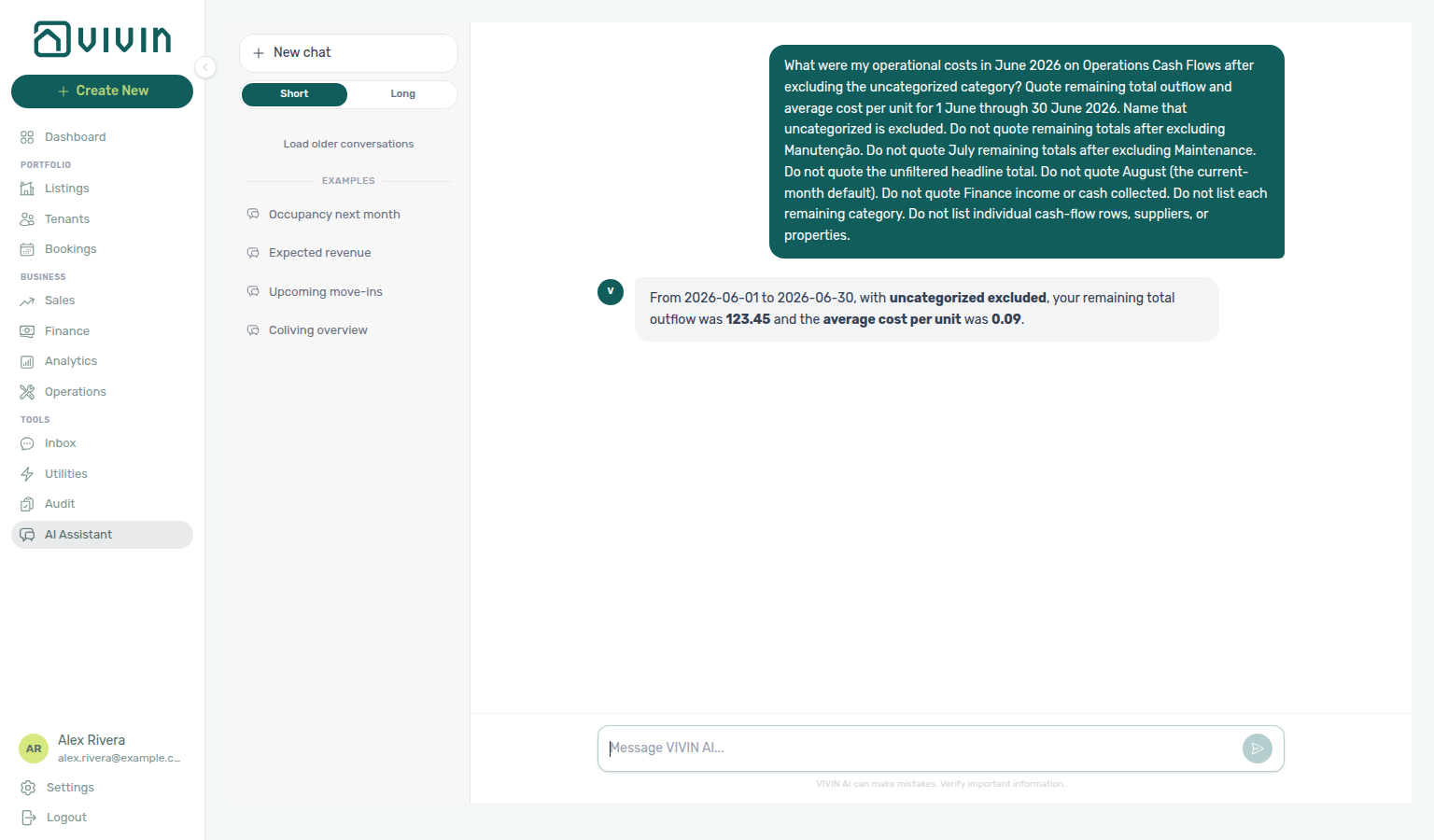
Operational costs excluding uncategorized (June 2026)
Ask “what were my operational costs in June 2026 excluding uncategorized?” when you want remaining total outflow / average cost per unit after dropping that month’s uncategorized spend — not remaining totals after excluding Manutenção, not English Maintenance in July, not the unfiltered June headline, and not the June category split that still lists every spend row. Remaining outflow can match the other category’s spend — quote the average. Use the exact uncategorized label as it appears on Cash Flows for that month.
Operational costs excluding maintenance (April 2026)
Ask “what were my operational costs in April 2026 excluding maintenance?” when you want remaining total outflow / average cost per unit after dropping that month’s exact Cash Flows name — not English Maintenance in July (a different named month), not Portuguese Manutenção (which does not match April), not remaining totals after excluding uncategorized in June, not the unfiltered April headline, and not a category split that still lists every spend row. Remaining outflow is the rest of April spend after dropping maintenance — quote the average. Use the exact maintenance label as it appears on Cash Flows for that month (lowercase; not Portuguese Manutenção). See excluding maintenance and uncategorized in April when you want remaining totals after dropping both exact names.
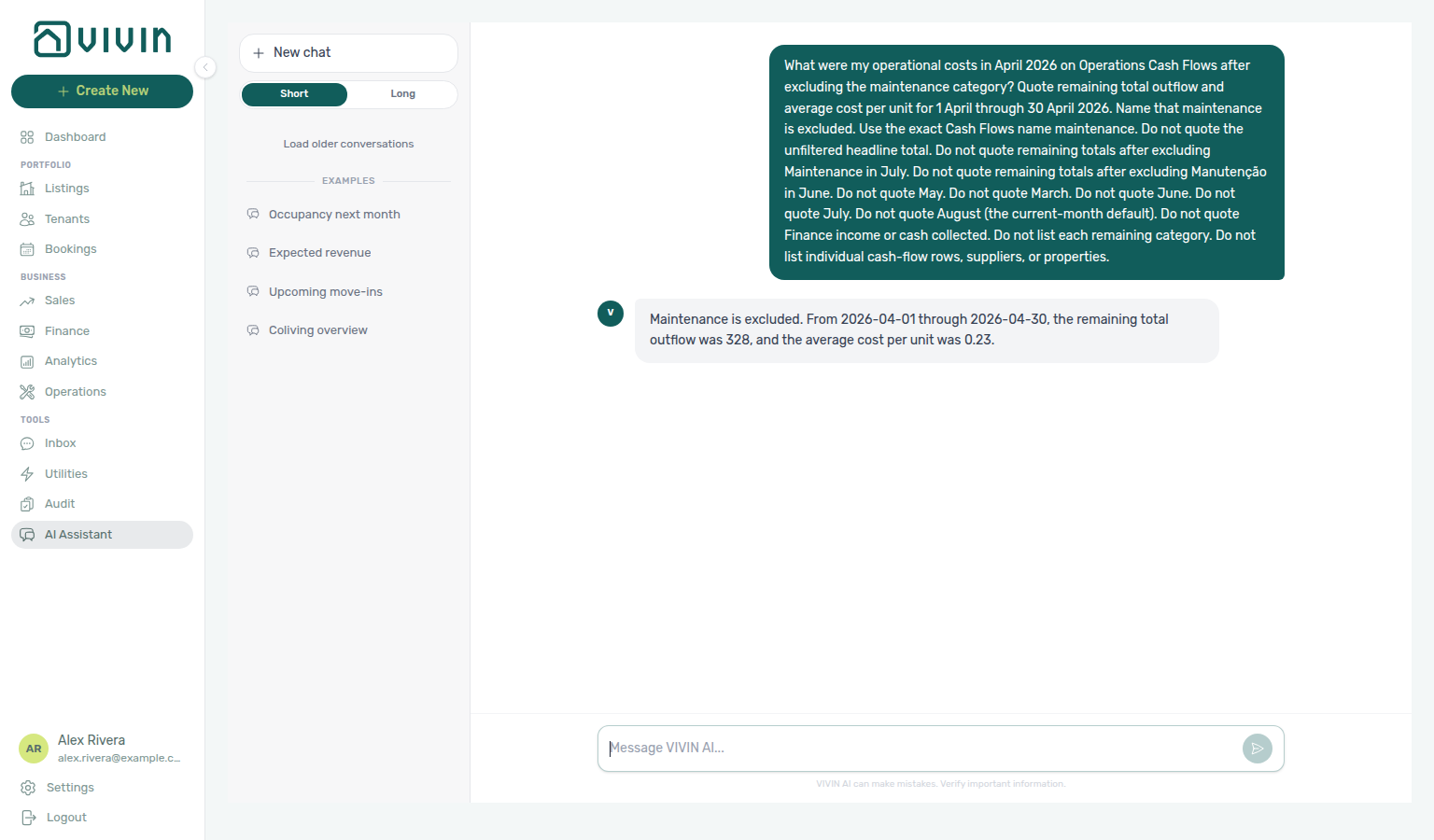
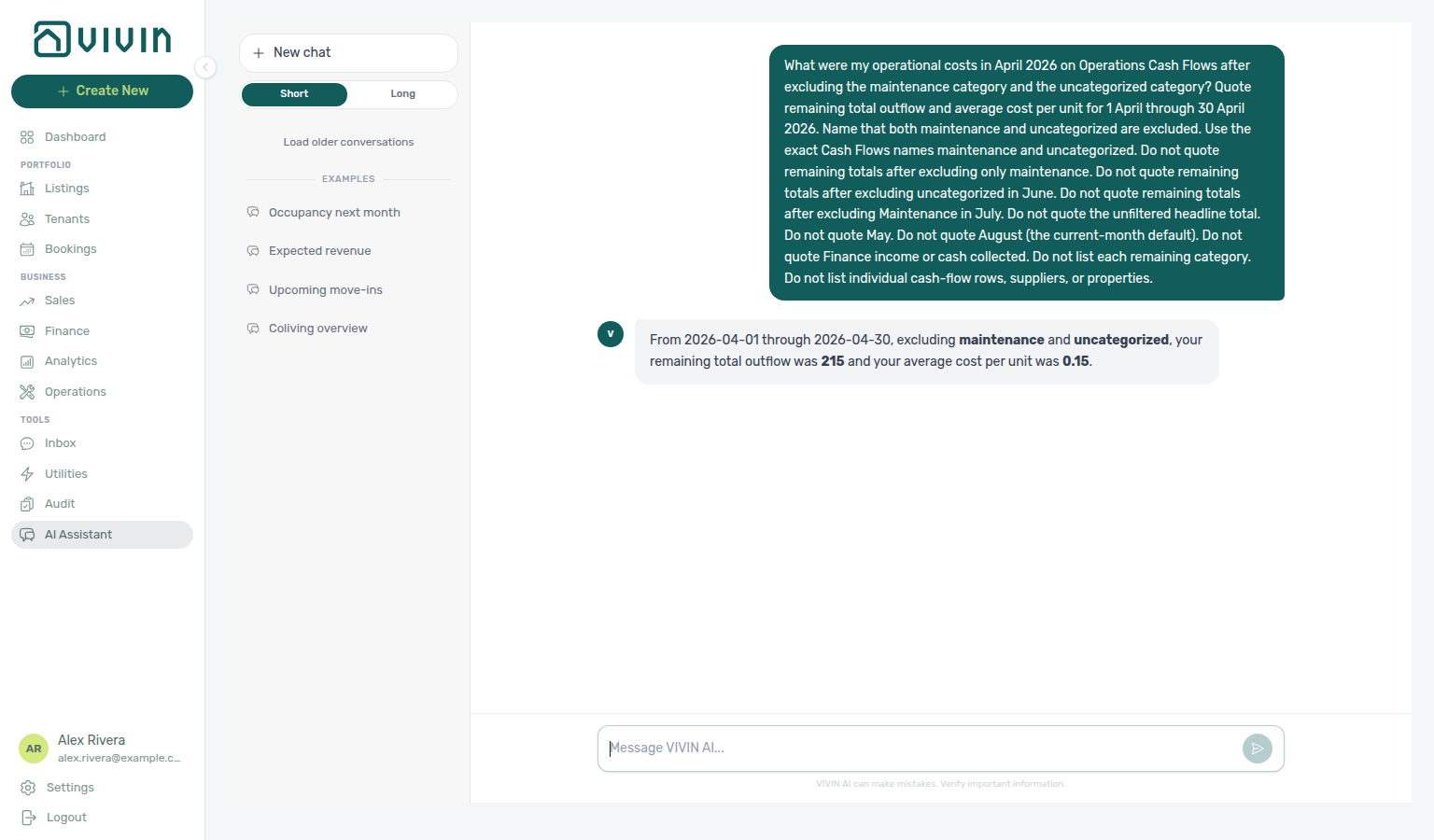
Operational costs excluding maintenance and uncategorized (April 2026)
Ask “what were my operational costs in April 2026 excluding maintenance and uncategorized?” when you want remaining total outflow / average cost per unit after dropping two exact Cash Flows names in one ask — not remaining totals after excluding maintenance only, not remaining totals after excluding uncategorized in June, not English Maintenance in July, not the unfiltered April headline, and not a category split that still lists every spend row. Remaining outflow is smaller than excluding maintenance alone — quote the average. Use the exact maintenance and uncategorized labels as they appear on Cash Flows for that month.
Utilities cost map (June 2026)
Ask “How much did utilities cost for Casa Abel II in June 2026 on the Utilities Cost map?” in AI Chat or WhatsApp Genius when you want per-property utility allocation — total cost, absorbed cost, and cost per occupied room-day — not operational cost summary (Cash Flows outflow). Use get-cost-map. Name 1 June through 30 June. Quote the property totals; do not sum Cost map cells. Ask for the whole portfolio, then name the building you want quoted. Keep Bills enabled on AI / MCP (this read is not the Analytics Cash Flows domain). Reconcile on Utilities → Cost map for the same dates. Distinct from June operational costs. See FAQ — June Utilities cost map.
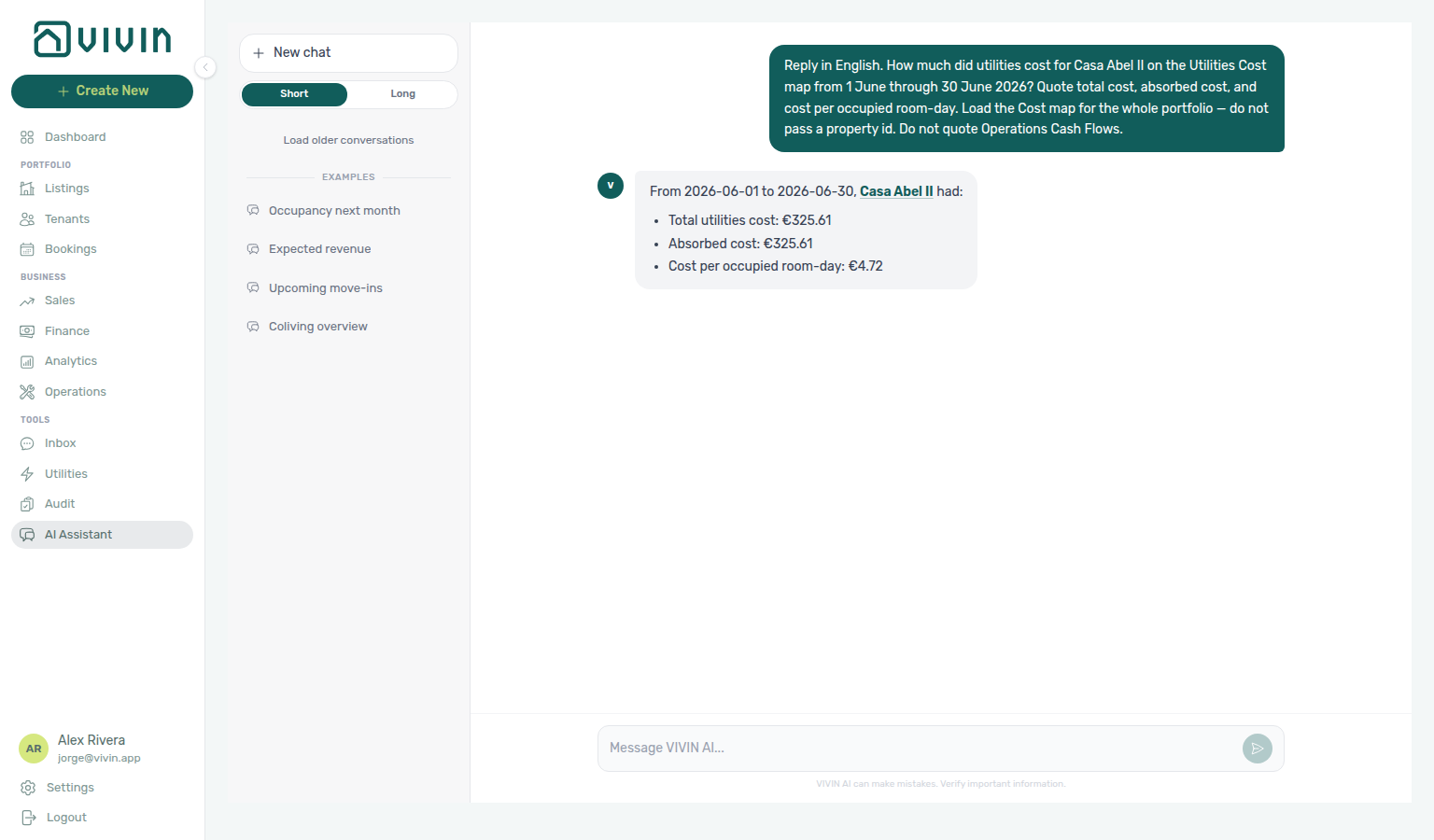
Occupancy, vacancy, and smart locks
Ask these in AI Chat or WhatsApp Genius the same way external MCP clients call the tools. When vacancy looks suppressed by holds, pair with Manual block hygiene. Enable domains on AI / MCP → Tool permissions.
Three reads help operators separate true vacancy, calendar blocks, segment occupancy, and access hardware:
| Tool | Domain | What it answers |
|---|---|---|
get-vacant-units-next-month | Bookings | Point-in-time vacancy for a day or range. Omit dates → next calendar month (not “today”). Pass from (and optional to) as YYYY-MM-DD for “right now”, a weekend, or a custom window. Returns two vacancy readings that differ on multi-day windows: units free every day vs free on at least one day (partially vacant units are itemised). Free-night totals come as server aggregates — totalFreeNights (= freeNightsFullyVacant + freeNightsPartiallyVacant), covering the whole account (fully vacant = vacant-every-day units × window days; partially vacant = sum of free days over all partially vacant units). Never sum freeDays from the unit lists — those lists are capped samples (unitListCap; truncated: true when cut). dailyBreakdown is an uncapped per-day rollup for the window (date, occupiedUnits, blockedUnits, freeUnits) — use it for “which day has the most free rooms” or any day-by-day trend instead of calling the tool once per day (omitted with dailyBreakdownOmitted: true only when the window exceeds 92 days). propertyBreakdown is an uncapped per-property rollup (propertyName, totalListings, vacantListings, occupied / blocked / unavailable counts) — use it to rank “which property has the most units” or “which property is emptiest” instead of listing every unit. Units of archived properties are excluded, the same as in list-listings. blockedUnits lists holds: manual (operator-typed reason — reclaimable) vs integration (OTA/iCal already rented elsewhere — not lost revenue). Always state which vacancy reading you quote. |
get-occupancy-by-tag | Analytics | Occupancy rolled up by unit tag and listing type with month-by-month history (default 12 months). Use it to compare segments (“studios vs rooms”, “which tag softens in summer”) — a single vacancy list cannot. Night-based rates compare across month lengths. Tag groups overlap when a unit has several tags; listing-type groups partition the portfolio. The payload also reports untagged vs total listings so a tag ranking is not mistaken for full-portfolio coverage. The current month is marked and already counts future bookings — exclude it when describing a settled trend. See Occupancy by listing type (July 2026) when you want listing-type rates for a named settled month, and Occupancy by listing type (June 2026) when you want listing-type rates for June (a different settled month — not July). See Occupancy by unit tag (July 2026) when you want tag rates for that same month rather than the trailing-year best-performer ranking. See Occupancy by unit tag (June 2026) when you want tag rates for June (a different settled month — not July). |
list-smart-locks | Properties | Inventory of connected smart locks with batteryStatus: critical (replace now), ok, or unknown (no state reported — not the same as healthy). Optional charge % when the device exposes a battery pack. |
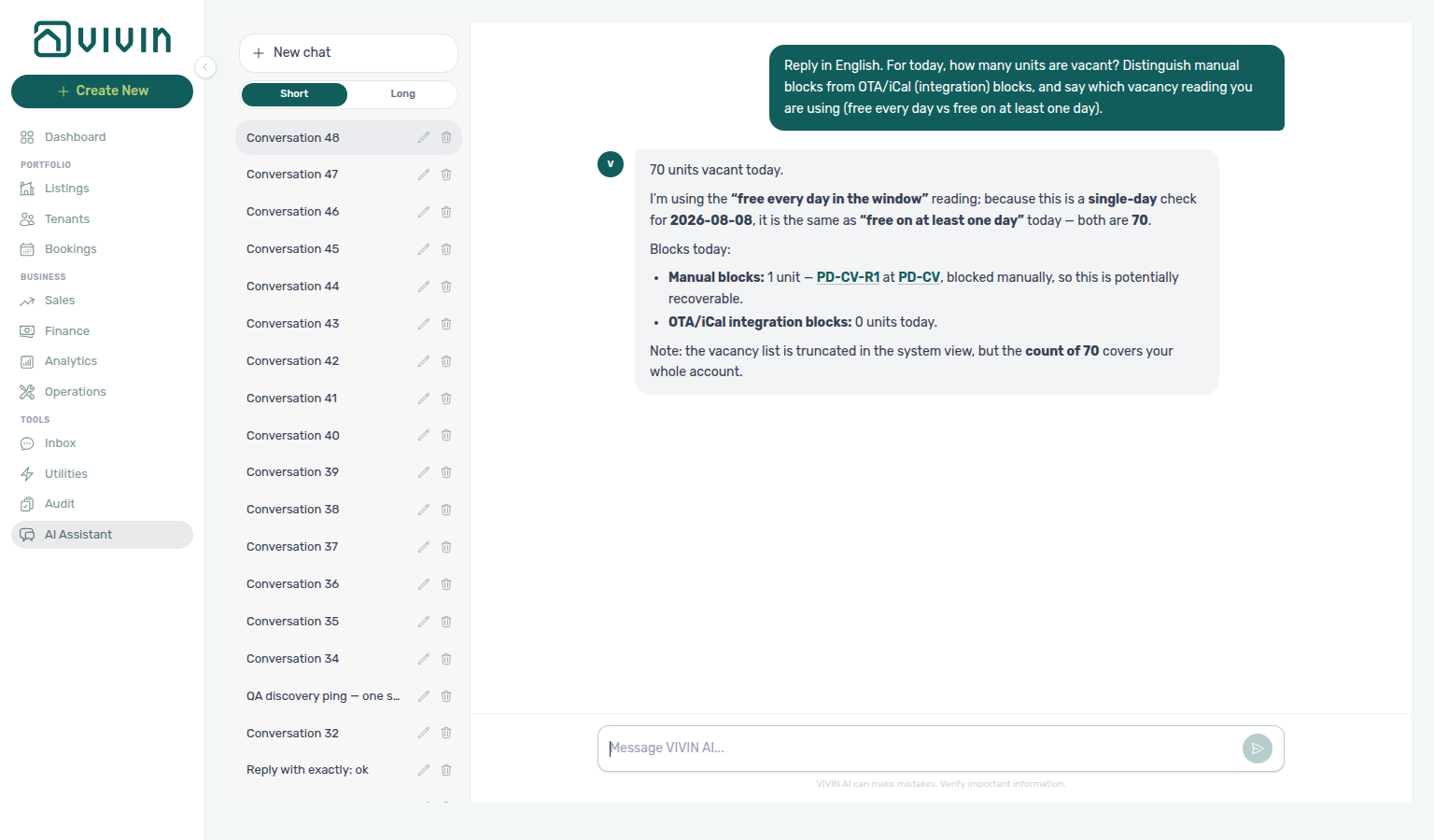
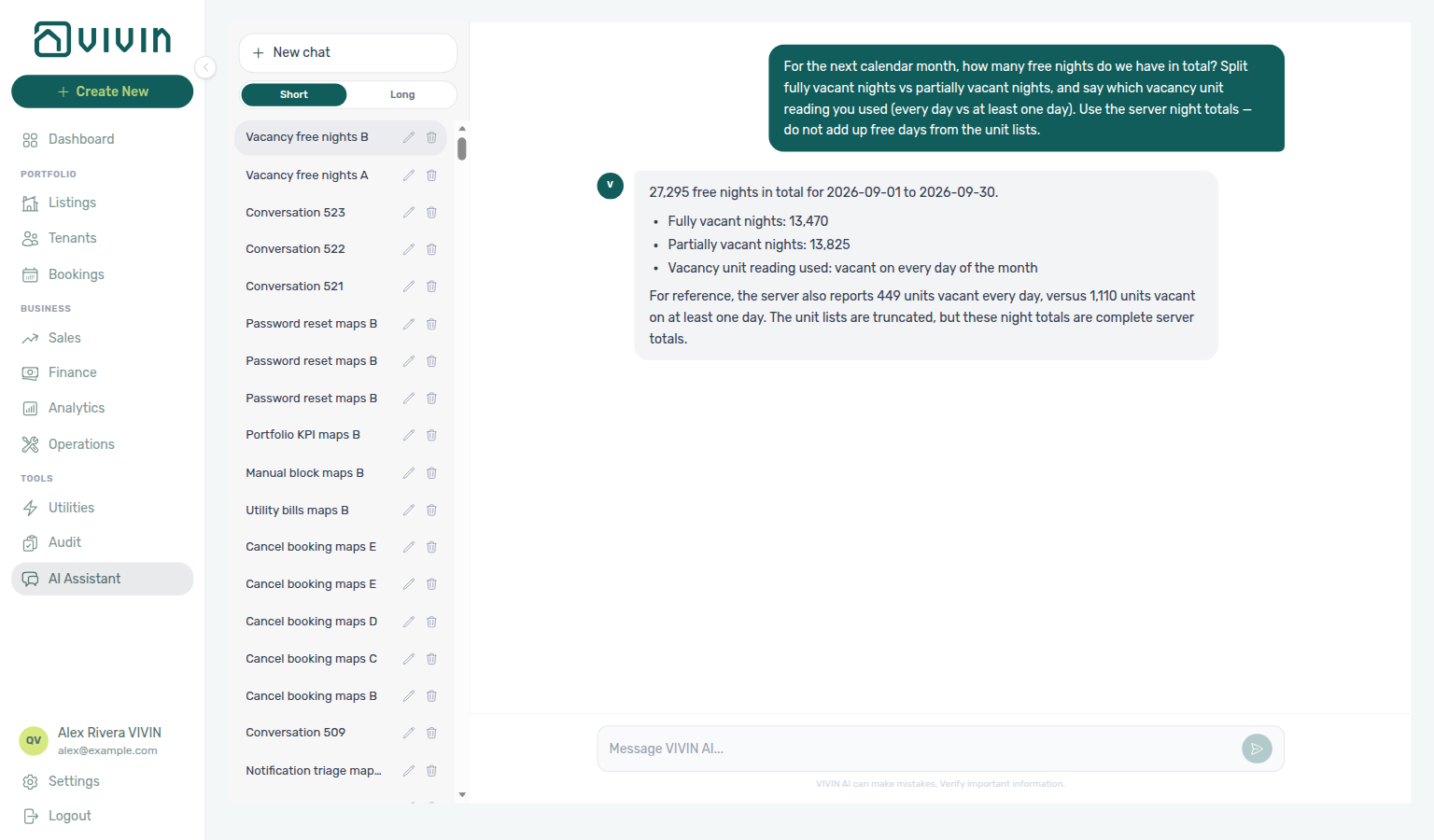
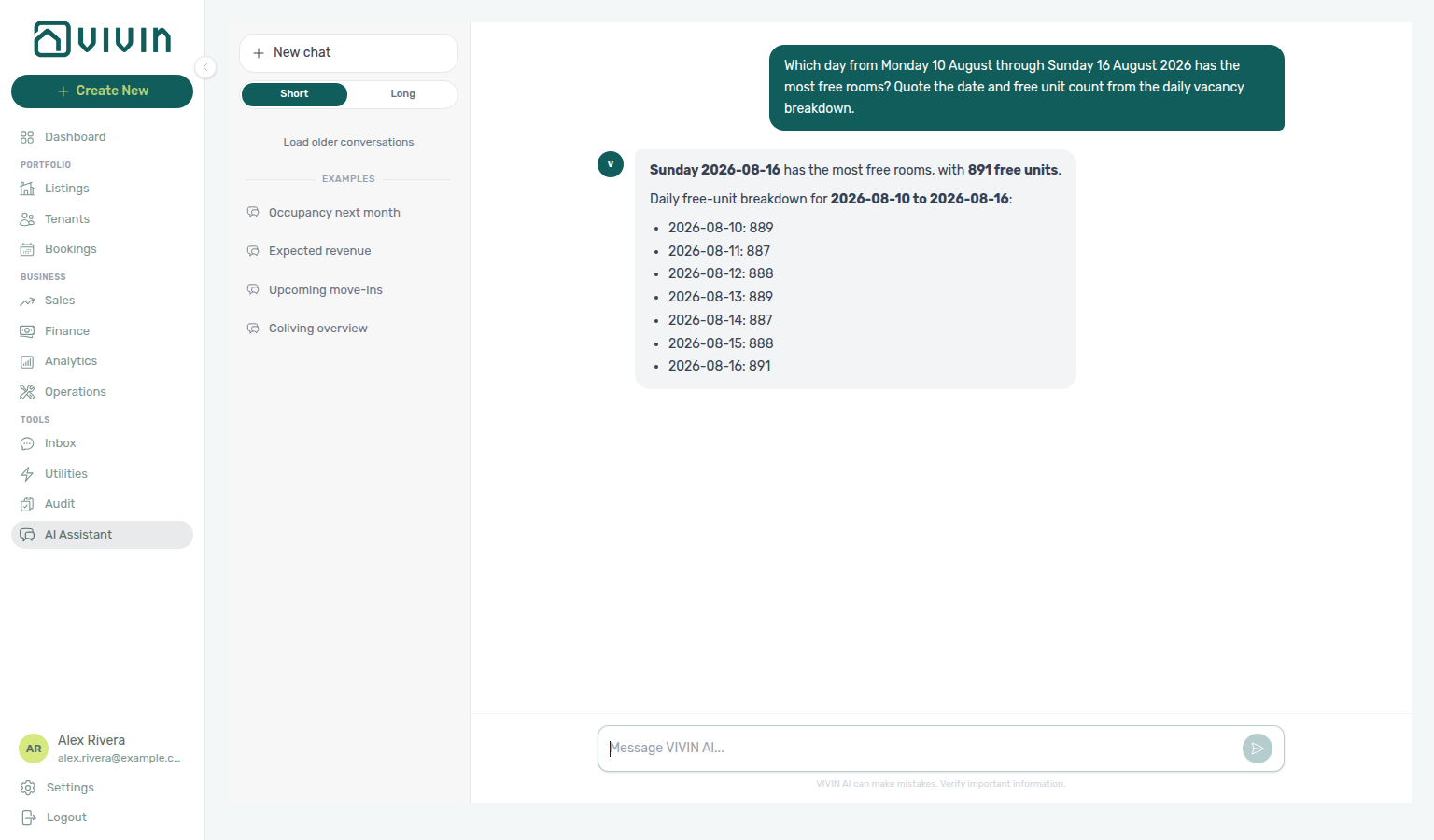
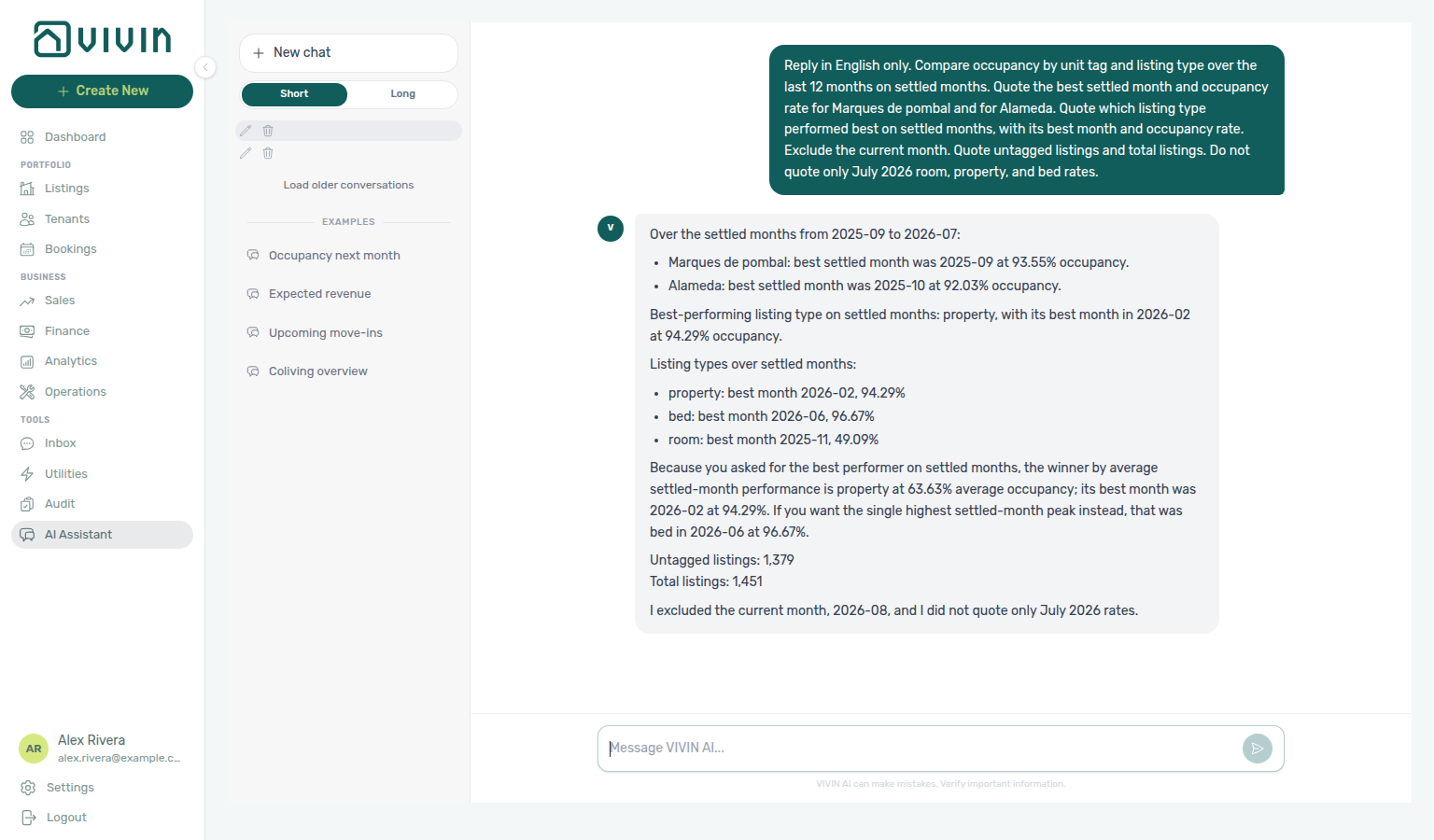
Occupancy by listing type (July 2026)
Ask “What was occupancy by listing type in July 2026?” in AI Chat or WhatsApp Genius when you want night-based occupancy rates for each listing type in a named settled month. Use get-occupancy-by-tag and quote the listingType history row for 2026-07 — room, property, and bed partition the portfolio. Do not quote June listing-type rates (see Occupancy by listing type (June 2026)), tag groups (they overlap — see Occupancy by unit tag (July 2026) and Occupancy by unit tag (June 2026)), the current month (isCurrentMonth), 12-month averages, or the trailing-year bestMonth ranking. See FAQ — Occupancy by listing type for a named month.
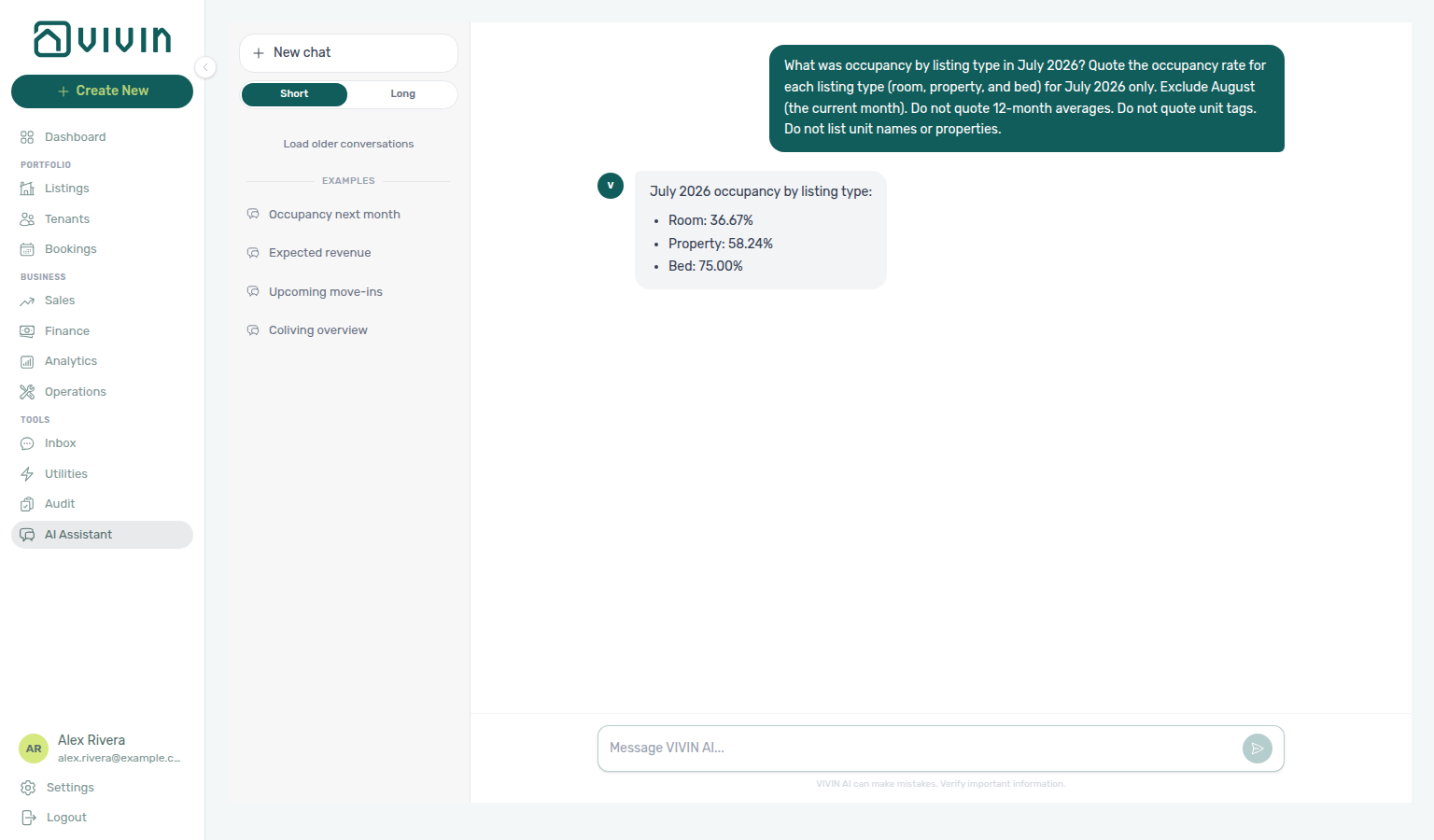
Occupancy by listing type (June 2026)
Ask “What was occupancy by listing type in June 2026?” in AI Chat or WhatsApp Genius when you want night-based occupancy rates for each listing type in that named settled month. Use get-occupancy-by-tag and quote the listingType history row for 2026-06 — room, property, and bed partition the portfolio. Do not quote July listing-type rates, tag groups (they overlap — see Occupancy by unit tag (July 2026) and Occupancy by unit tag (June 2026)), the current month (isCurrentMonth), 12-month averages, or the trailing-year bestMonth ranking. See FAQ — Occupancy by listing type for June.
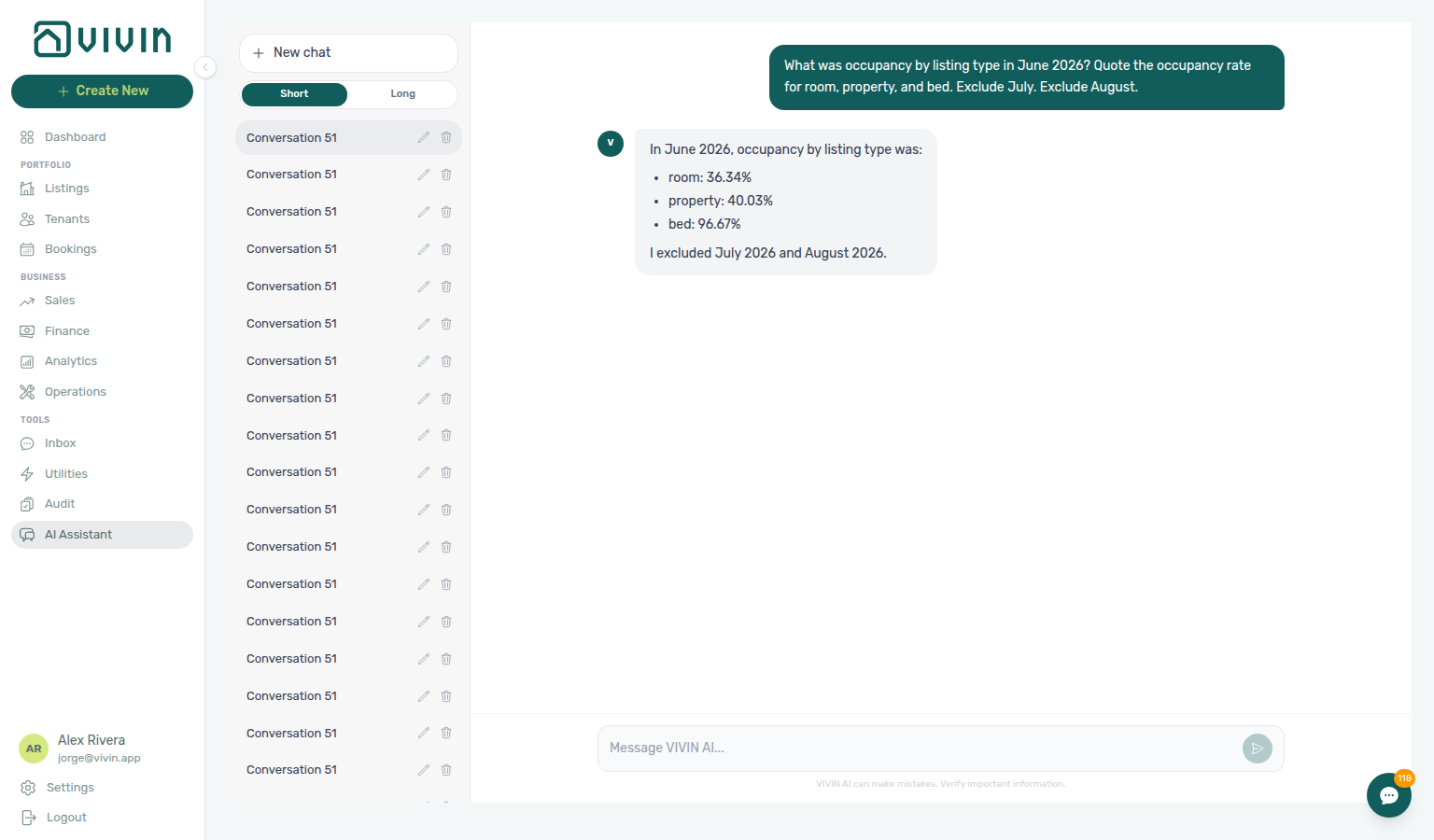
Occupancy by unit tag (July 2026)
Ask “What was occupancy by unit tag in July 2026?” in AI Chat or WhatsApp Genius when you want night-based occupancy rates for unit tags in a named settled month. Use get-occupancy-by-tag and quote the tag history row for 2026-07 — neighbourhood tags such as Marques de pombal and Alameda. Do not quote listingType groups (room, property, bed), the current month (isCurrentMonth), 12-month averages, or the trailing-year bestMonth ranking. Tag groups overlap when a unit has several tags. See FAQ — Occupancy by unit tag for a named month.
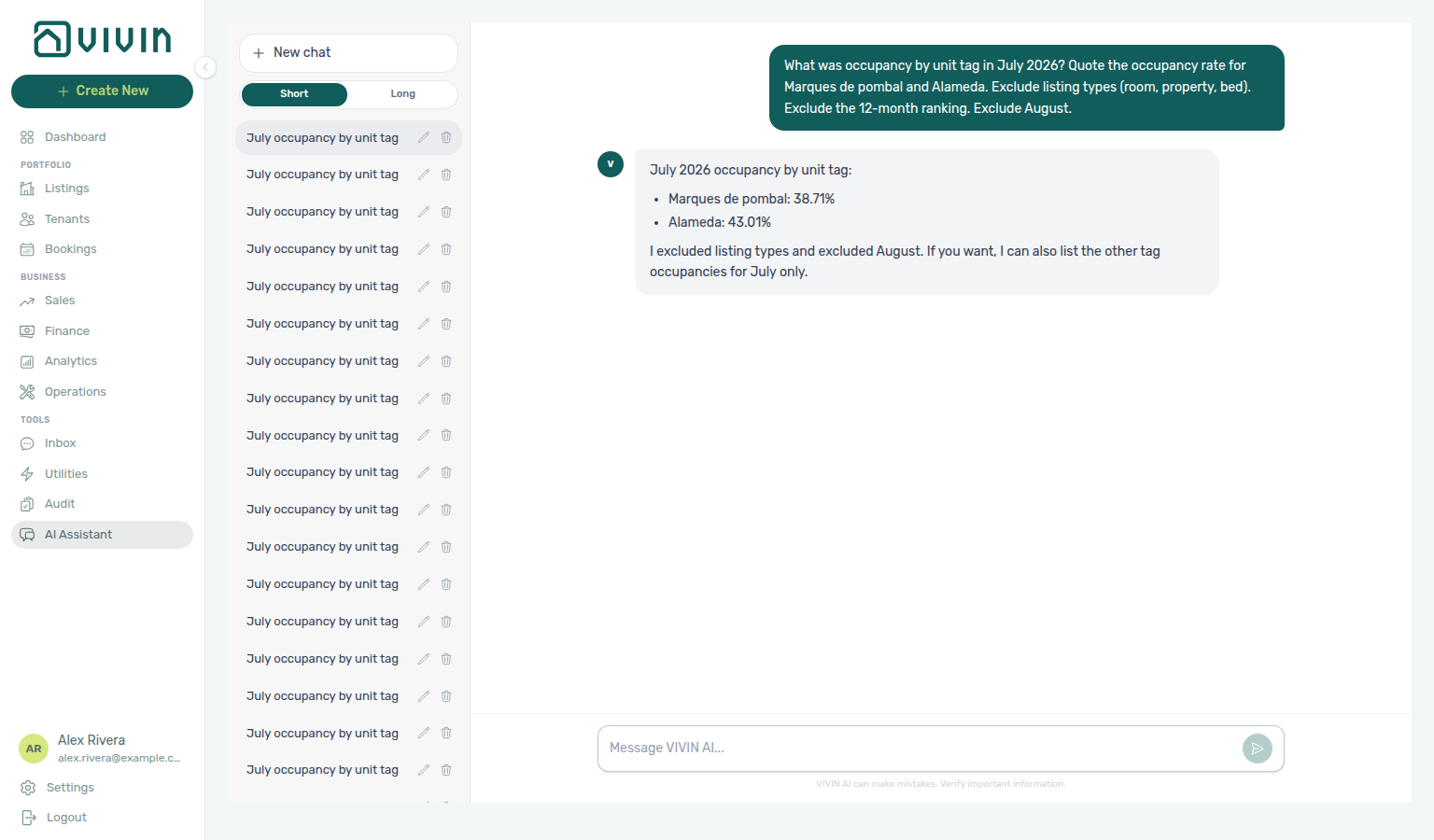
Occupancy by unit tag (June 2026)
Ask “What was occupancy by unit tag in June 2026?” in AI Chat or WhatsApp Genius when you want night-based occupancy rates for unit tags in that named settled month. Use get-occupancy-by-tag and quote the tag history row for 2026-06 — neighbourhood tags such as Marques de pombal and Alameda. Do not quote July tag rates, listingType groups (room, property, bed), the current month (isCurrentMonth), 12-month averages, or the trailing-year bestMonth ranking. Tag groups overlap when a unit has several tags. See FAQ — Occupancy by unit tag for June.
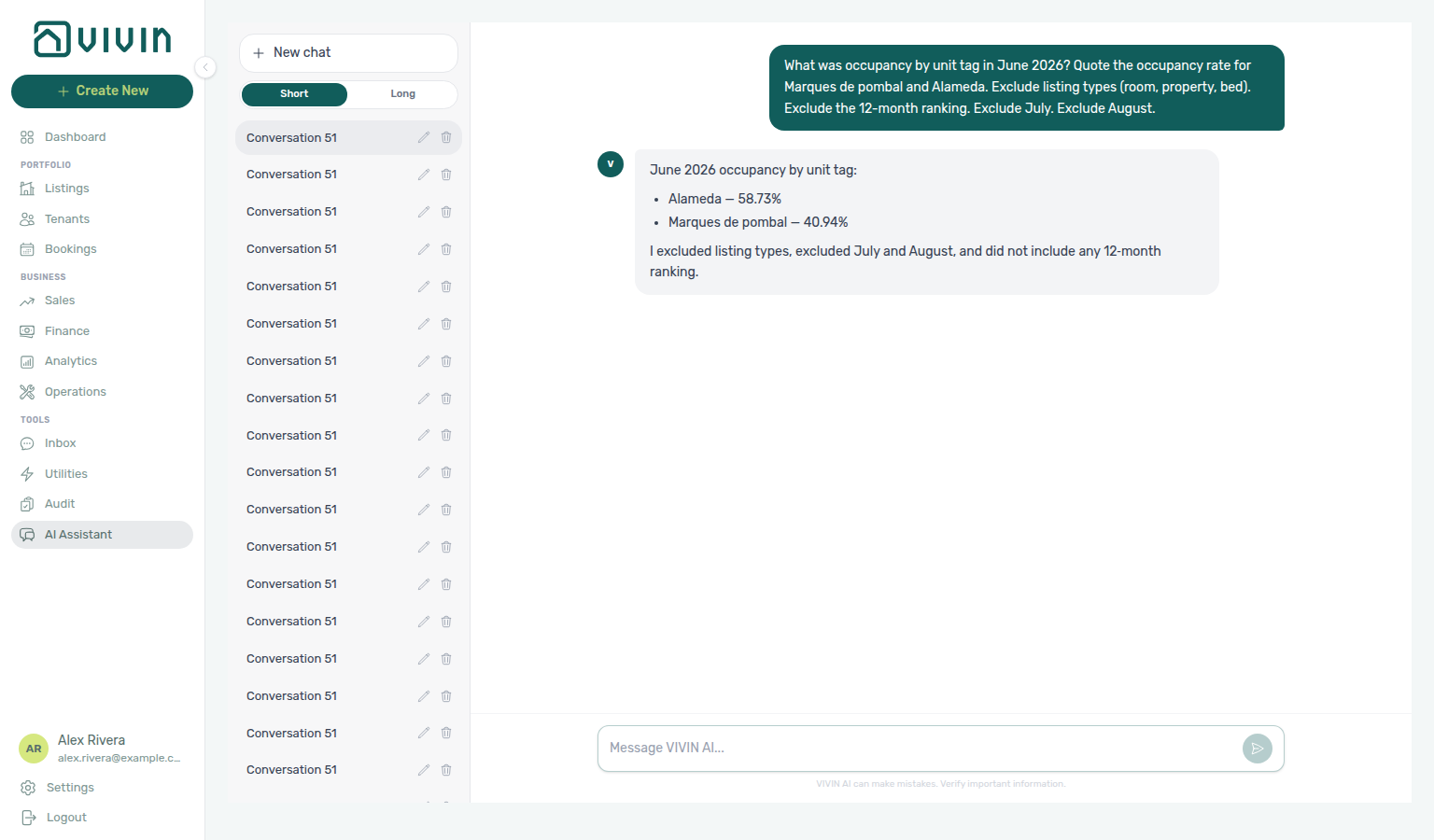
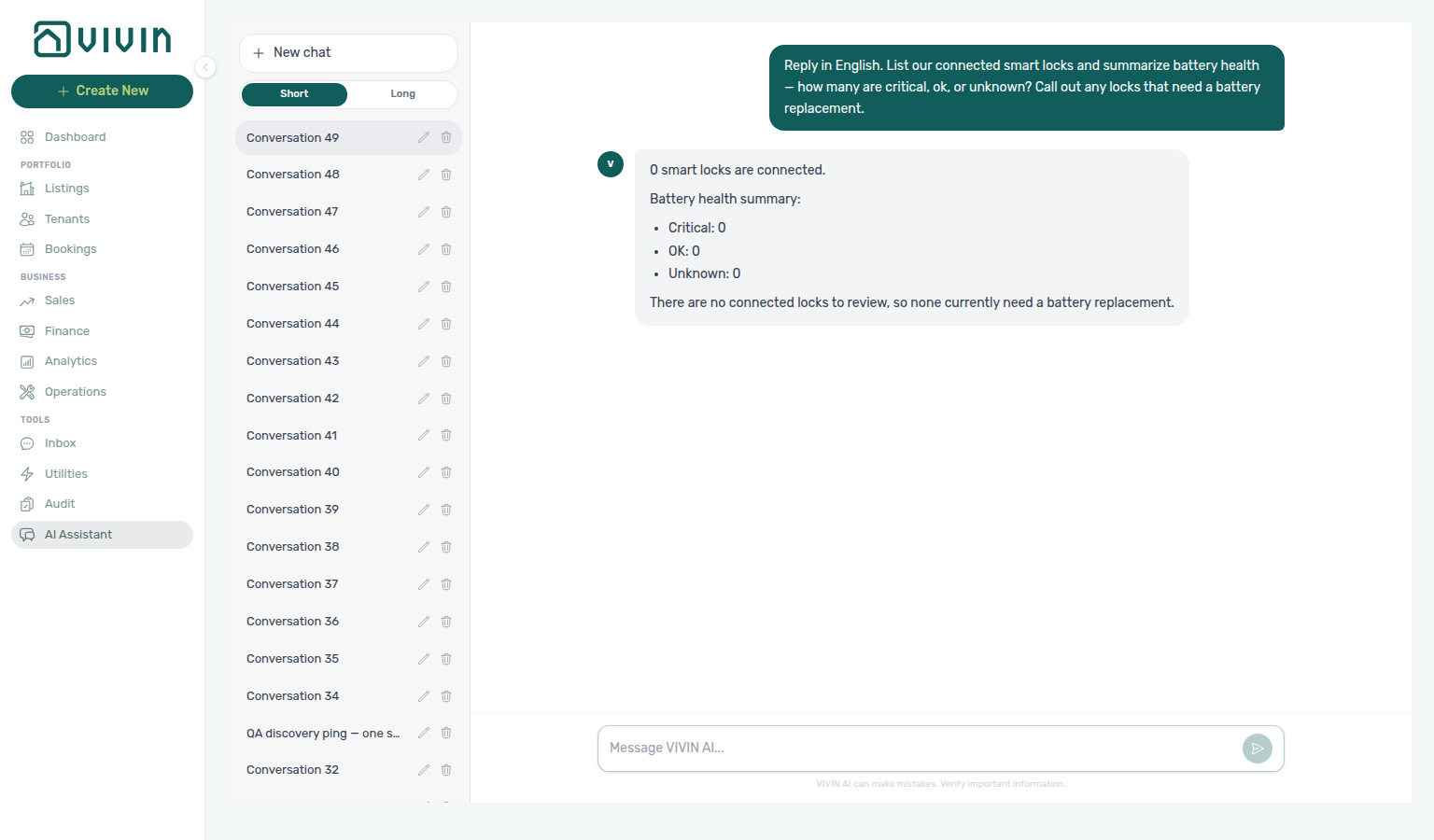
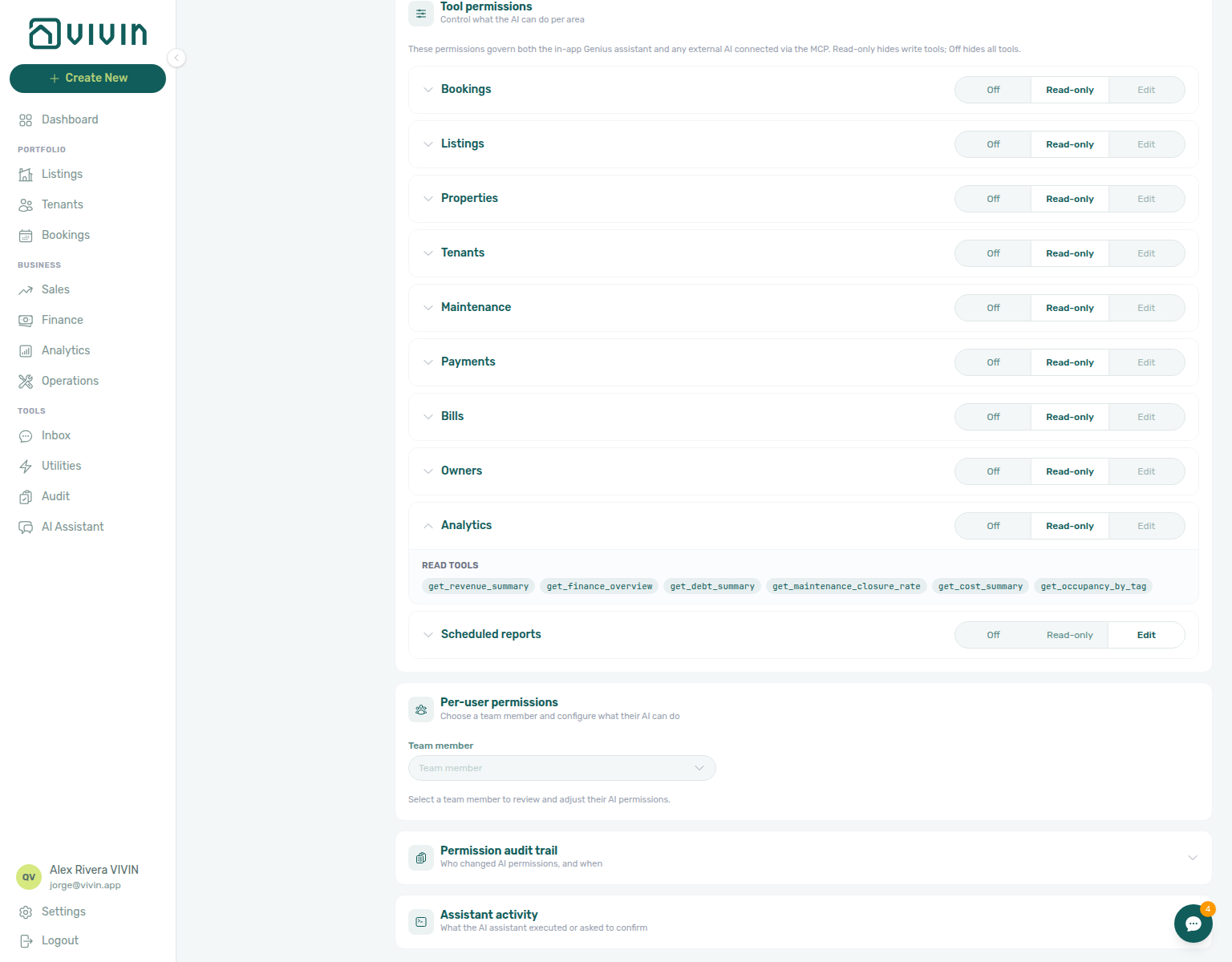
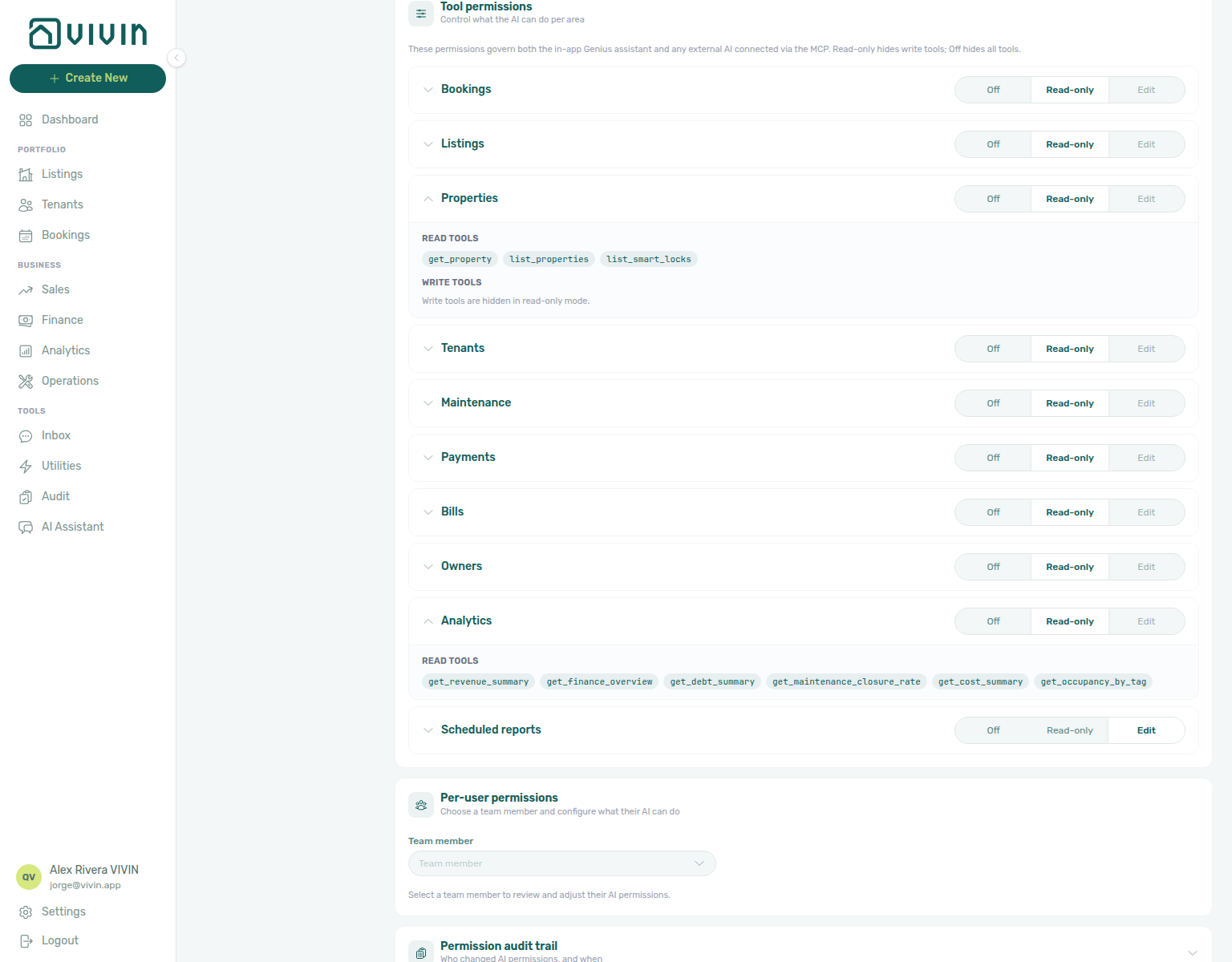
Scheduled reports tools
Operator-facing habit: Automation & AI — Scheduled reports. Enable the Scheduled reports domain (Edit) on AI / MCP → Tool permissions.
These three tools manage per-user scheduled-report rows — not portfolio bookings or payments. Report content is rendered by a deterministic catalogue (vacancy next 30 days, open debt, upcoming check-ins next 7 days, Finance overview for the current month: income expected, cash collected, invoiced, pending invoicing, total debt, overdue deposits) in en / pt; the LLM only creates or updates the schedule.
| Tool | Purpose |
|---|---|
create-scheduled-report | Create a daily / weekly / monthly schedule (channel, language, cadence) |
list-scheduled-reports | List the signed-in user’s schedules (active and paused) |
update-scheduled-report | Pause, resume, cancel, or change cadence / channel / language on one schedule |
Anti-spam: max 10 active schedules per user; minimum frequency daily. Delivery uses the account WhatsApp path and/or the user’s email (ai-chat-scheduled-reports-create-whatsapp-check-ins-reply.png for WhatsApp channel create; ai-chat-scheduled-reports-create-both-open-debt-reply.png for both email + WhatsApp create; ai-chat-scheduled-reports-create-portuguese-check-ins-reply.png for Portuguese-language create; ai-chat-scheduled-reports-finance-overview-reply.png for Finance overview email create; ai-chat-scheduled-reports-update-channel-vacancy-reply.png for email→WhatsApp updates; ai-chat-scheduled-reports-update-language-vacancy-reply.png for English→Portuguese language updates). REST: POST / GET / PUT /genius-scheduled-reports.
Finance-sourced portfolio metrics
Assistant and MCP revenue answers must match Finance → Overview and Income — not Analytics ADR/RevPAR charts. Enable the Analytics domain on Account Settings → AI / MCP (requires analytics.module or finance.module on the role).
Landlord AI surfaces (AI Chat, WhatsApp Genius, external MCP clients) answer “how much did we make / collect / invoice / are we owed?” from the Finance domain so numbers match the management Finance page:
| Tool | What it returns | Use when… |
|---|---|---|
get-finance-overview | One-call Finance → Overview snapshot for a month window (default: current month): income expected, income status split, cash collected (system + manual), coverage fields, invoiced / pending invoicing, debt, overdue deposits, pending payouts, collection rate, cash-flow-by-month. Optional from / to (YYYY-MM-DD) add cashFlowInRange for “how much will I receive between two dates” — see Expected receipts | “How much did I collect / invoice / am I owed?” and “how much will I receive until day X?” — prefer this over stitching several tools |
get-revenue-summary | Monthly income expected trend from GET /finance/revenue-summary across all bookings managed in VIVIN (any stay length — not only long-term), for rent, admin fee, cleaning fee, and others — plus previous-period and same-months-last-year comparison (default last 6 months, max 12). Platform-only external revenue outside VIVIN is excluded. | Pure monthly income trend / period comparison — not cash collected and not occupancy/ADR |
get-income-by-property | Per-property Income rows from the same source as Finance → Income → Income by property for a month window (default: current month): property name, unit count, rent / admin / cleaning / others / income totals, a server-computed incomePerUnit, and portfolio totalIncome. Optional listing detail is opt-in — the default payload stays one row per property so rankings stay complete. | “Which property earns the most?”, “highest income per unit / per room?”, or “where is revenue concentrated?” — reconcile on the Income tab, not Analytics ADR/RevPAR |
get-debt-summary | Portfolio tenant debt with an audit split: totalDebt / bookingsInDebt, plus canceledDebt / canceledBookingsInDebt (write-off or dispute on canceled stays) and missingPaymentDebt / missingPaymentBookingsInDebt (collectable rent on live stays). Each pair sums exactly to the totals. | “How much are we owed?” and any chase-vs-write-off audit — quote both halves, not only the headline total |
list-owner-reports | Already generated (or complementary) settlements from Finance → Owner Reports for an owner and month: income, management fee, expenses, balance, occupancy/debt when included, and whether the management fee is invoiced. Read-only — does not generate or invoice. Needs Enable Owner Reports. | “Which settlements already went out for this owner?” — use after Generate report, not for a live preview |
get-owner-report-preview | Live preview totals for one owner and calendar month from the same Owner Reports tab: total income, management fee, balance, occupancy, outstanding debt. Quote totals; do not sum line samples. Read-only — does not run Generate report. Needs Enable Owner Reports. See Owner settlement preview. | “What would this owner receive for June?” — reconcile on the Owner Reports preview before you generate |
get-cost-summary | Cash Flows outflow / inflow, average cost per unit, byCategory, and optional excludeCategories for a named date window (default: current month through today). See Operational cost summary, June 2026, April 2026, by category, June by category, excluding a category, excluding Maintenance, and excluding Manutenção in June, and excluding uncategorized in June, and excluding maintenance in April, and excluding maintenance and uncategorized in April, and February 2026, and 1–14 February 2026, and 15–28 February 2026, and January 2026, and March 2026, and May 2026 | “What did we spend on operations in July?”, “in June?”, “in April?”, “from 1–15 April?”, “from 16–30 April?”, “in February?”, “from 1–14 February?”, “from 15–28 February?”, “in January?”, “in March?”, “in May?”, “by category?”, “by category in June?”, “excluding Carpentry & doors?”, “excluding Maintenance?”, “excluding Manutenção in June?”, “excluding uncategorized in June?”, “excluding maintenance in April?”, and “excluding maintenance and uncategorized in April?” — not Finance income |
get-maintenance-closure-rate | Maintenance closure rate (closed vs received in a trailing window; default 7 days — name a longer window when the last week is 0%; 90 is the maximum). See Maintenance closure rate, 45-day window, 50-day window, and 90-day window | Narrow follow-ups after Overview triage; closure rate is Analytics, not the Maintenance ticket-status tool |
Income by property vs Overview totals: get-income-by-property answers building-level concentration (and per-unit intensity via incomePerUnit) for the Finance Income month. Prefer get-finance-overview / get-revenue-summary for portfolio income expected / cash collected headlines. Ask Genius / AI Chat “which property earns the most this month?” or “highest income per unit?” when you want the ranking; open Finance → Income when you need to expand a building to unit lines or Export. Enable the Analytics domain on AI / MCP → Tool permissions (settings-ai-mcp-analytics-income-by-property.png).
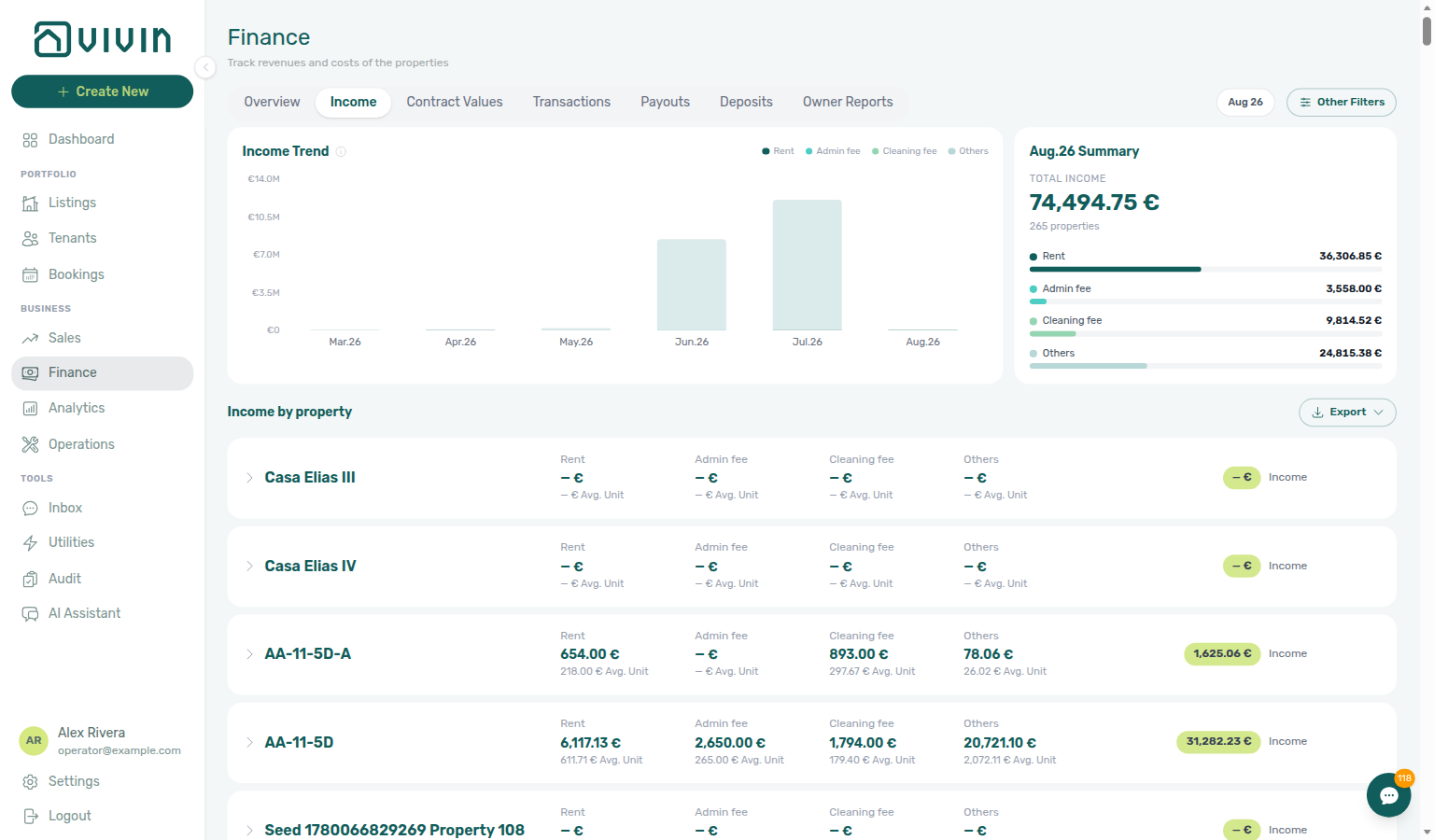
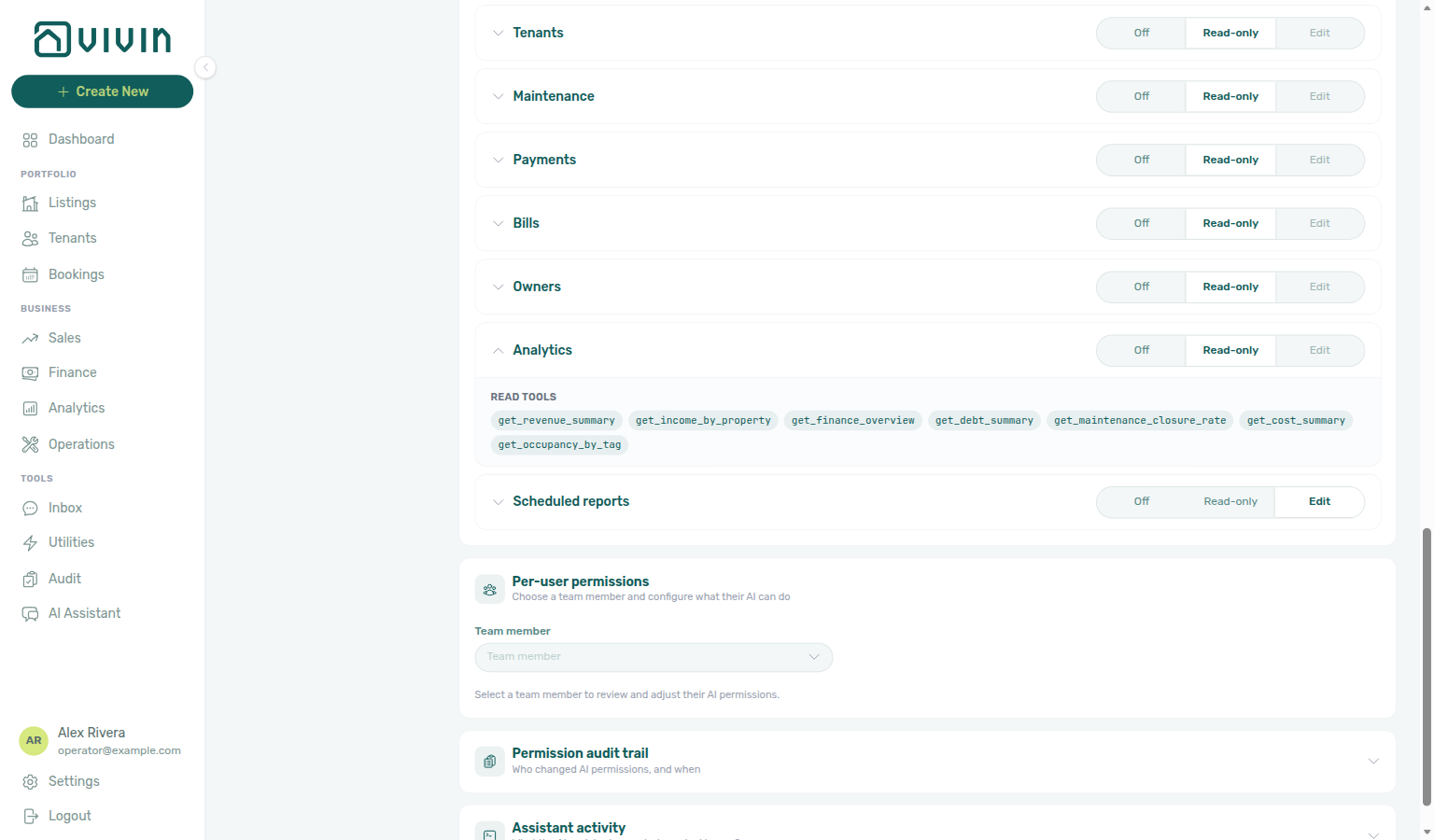
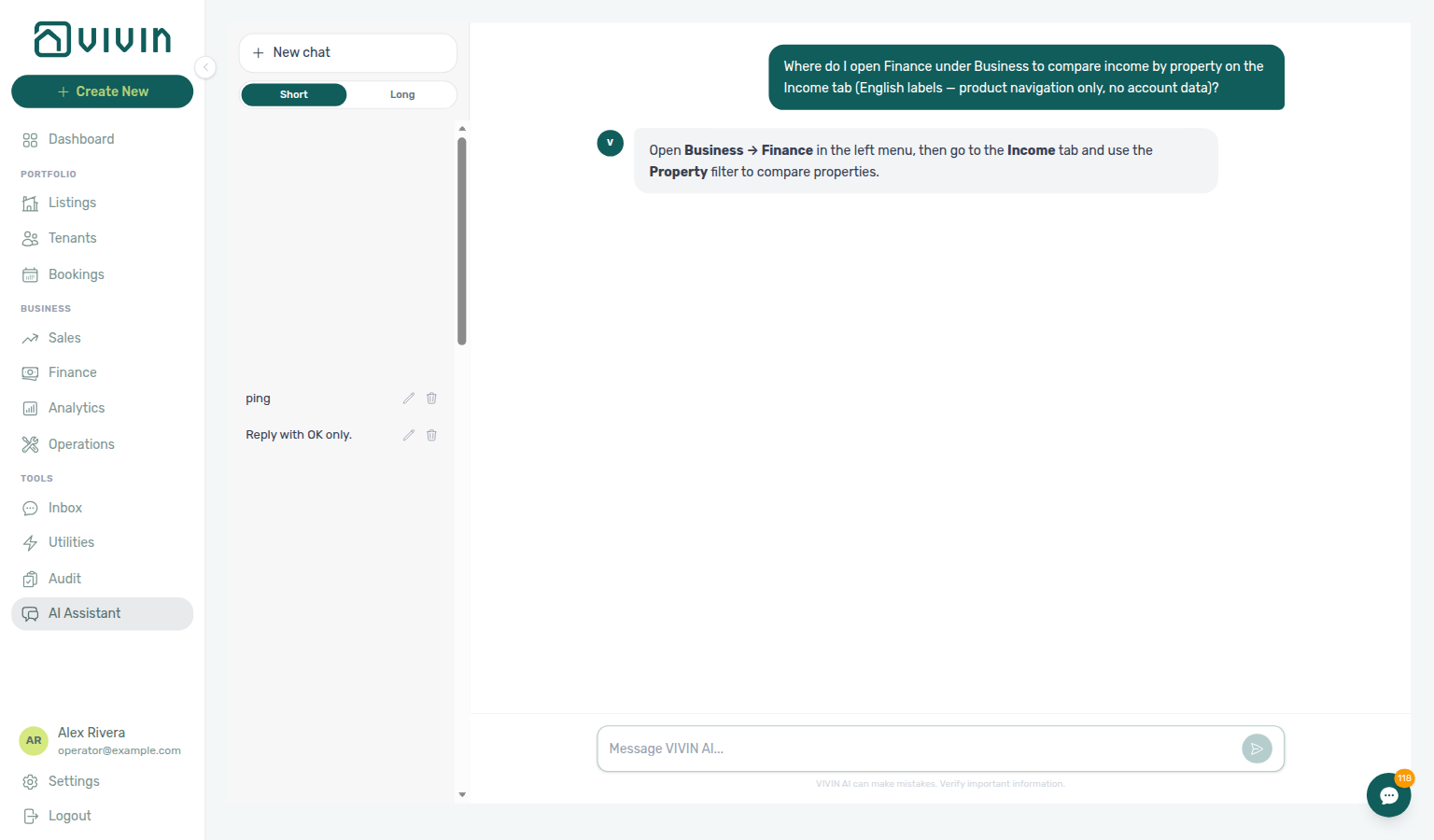
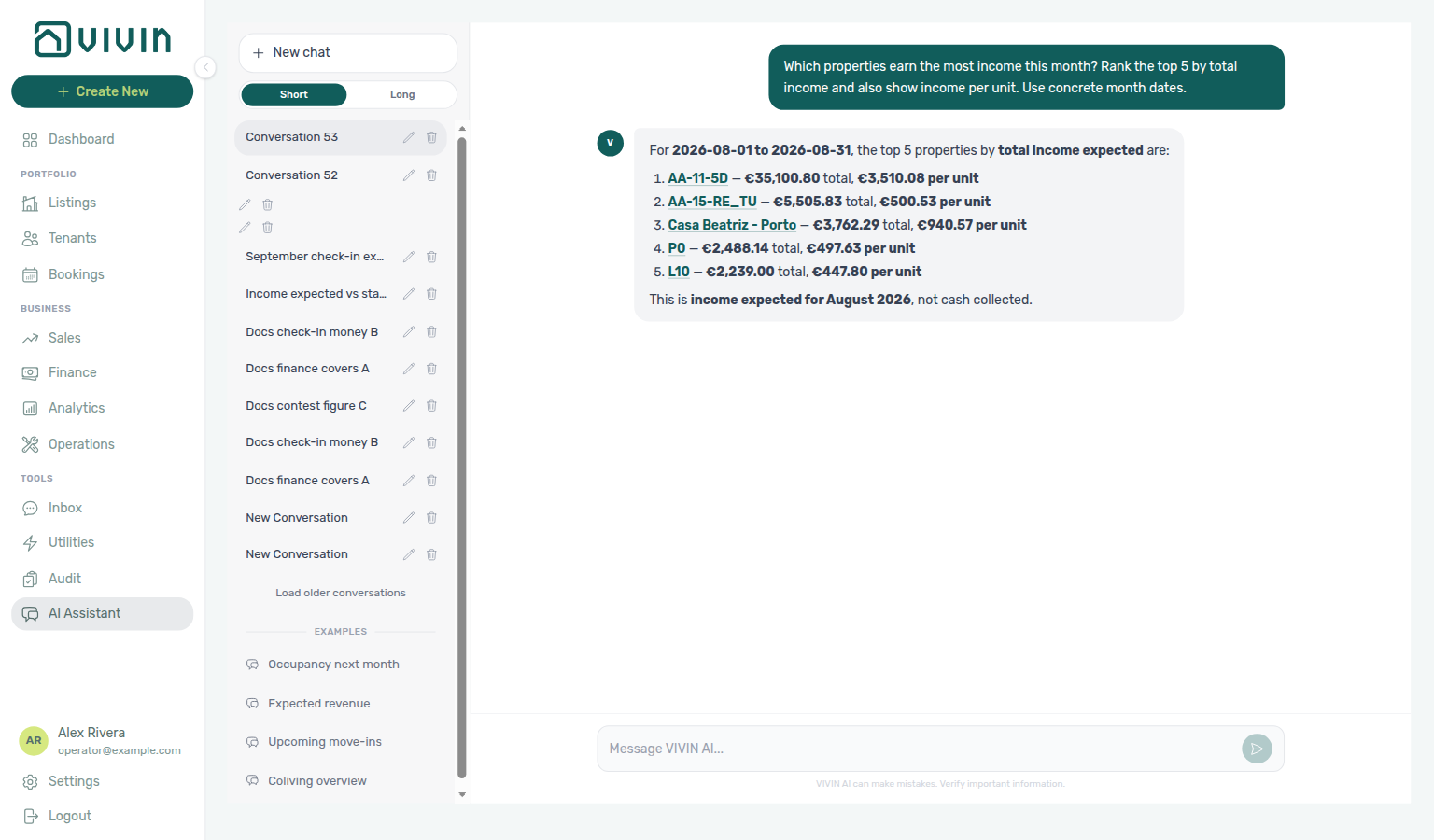
Expected vs collected: incomeExpected / get-revenue-summary totals are not cash in the bank. For “how much did we actually receive?”, use cashCollected (and the system/manual split) from get-finance-overview. That net total can differ from the cash-flow chart Past bar (gross, refunds excluded) — see Cash in: net vs gross. For vacancy and occupancy, use get-vacant-units-next-month — do not treat revenue tools as ADR/RevPAR substitutes (those stay on Analytics charts in the UI).
Cash in: net vs gross
Ask this in AI Chat or WhatsApp Genius. Reconcile on Finance → Overview for the same month. Enable the Analytics domain on AI / MCP → Tool permissions.
When a landlord asks “how much came in in June?” (a named settled month), get-finance-overview exposes two cash-in bases:
| Basis | Fields | Refunds |
|---|---|---|
| Net | cashCollected, systemPayments, manualPayments (Finance System / Manual Payments cards) | Subtract (signed) |
| Gross | cashFlowByMonth.realized / cashFlowInRange.realized (Finance cash-flow chart Past bars) | Excluded |
Quote both and say which is which. Do not treat either figure as income expected. Realized cash is by transaction date, not “charges due in the month”. Name June (or the month you care about) so the reply does not use the current-month default. Operator FAQ: How much came in.
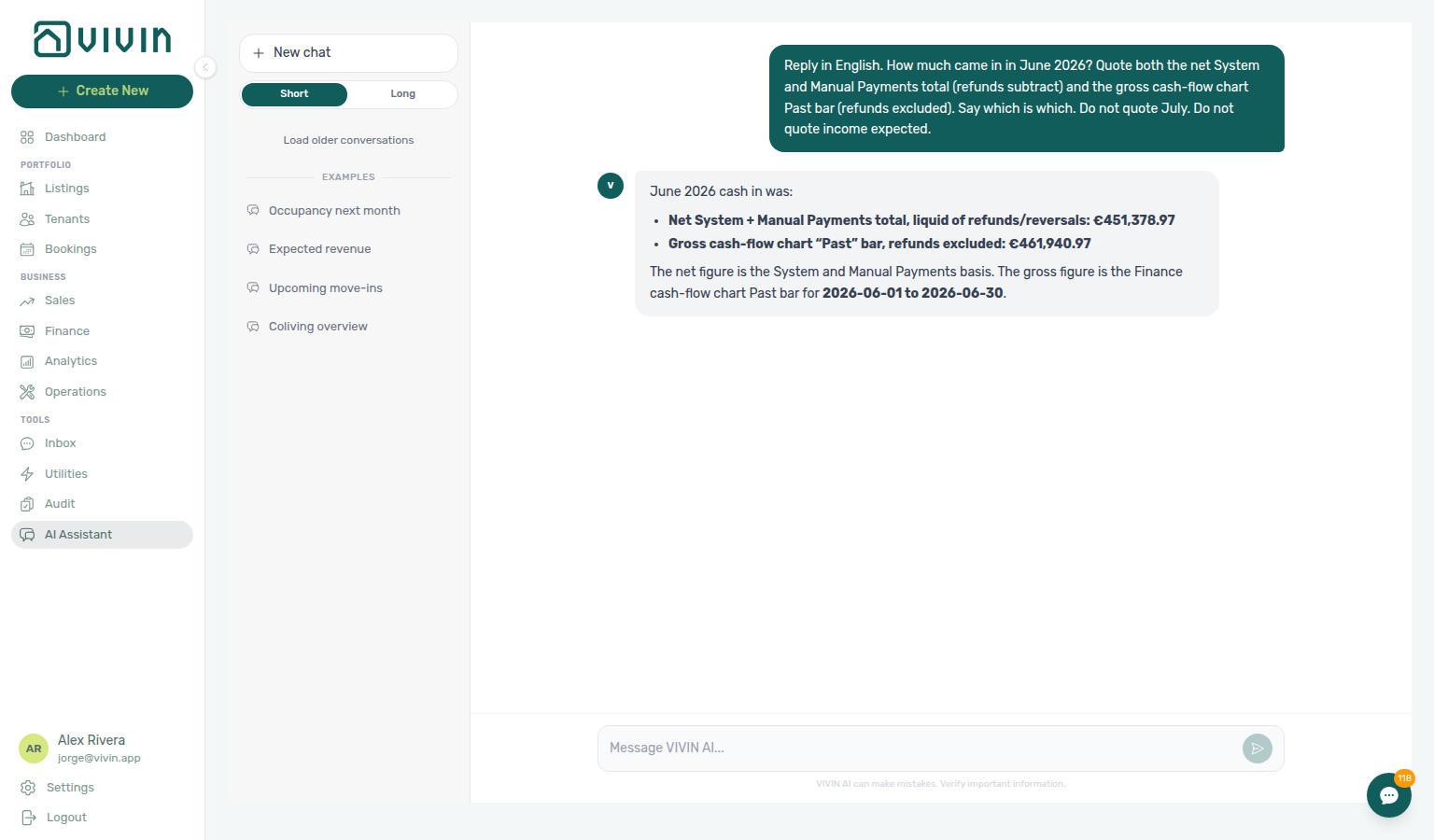
Expected receipts between two dates
Ask this in AI Chat or WhatsApp Genius. Reconcile on Finance → Overview — Cash flow forecast (Day view for a calendar window). Enable the Analytics domain on AI / MCP → Tool permissions.
When a landlord asks “how much will I receive between two dates / until day X / this fortnight”, pass from and to (YYYY-MM-DD; from defaults to today when only to is given) on get-finance-overview. The compact result then includes cashFlowInRange:
| Field | Meaning |
|---|---|
forecast | Charges still uncollected, grouped by due date, every charge type (rent, fees, deposits, exit fees). Early payments are already discounted — this is the “how much will I receive” headline. |
realized | Cash actually collected on past days inside the window (by transaction date) — gross; refunds and reversals are excluded. Distinct from net cashCollected. |
total | realized + forecast. |
days | How many daily points were summed — 0 means the fetched series did not cover the window (say so; do not report €0 as fact). |
Optional includeDailyCashflow adds day-by-day points in range (capped at 31; the response says when it truncates — the range totals still cover the whole window). The range may span at most 12 calendar months.
Do not answer these questions from incomeExpected or incomeStatus — those live on the reference-month axis and ignore due days and early payments. Overdue unpaid charges (dueDate before today) sit in neither side of the series; quote debt.total only when the operator asks about debt, never as an unsolicited extra on a receipts question.
This is also not the expected check-in value used for “how much from September check-ins?” (move-in requirements). Operator FAQ: Expected receipts between two dates.
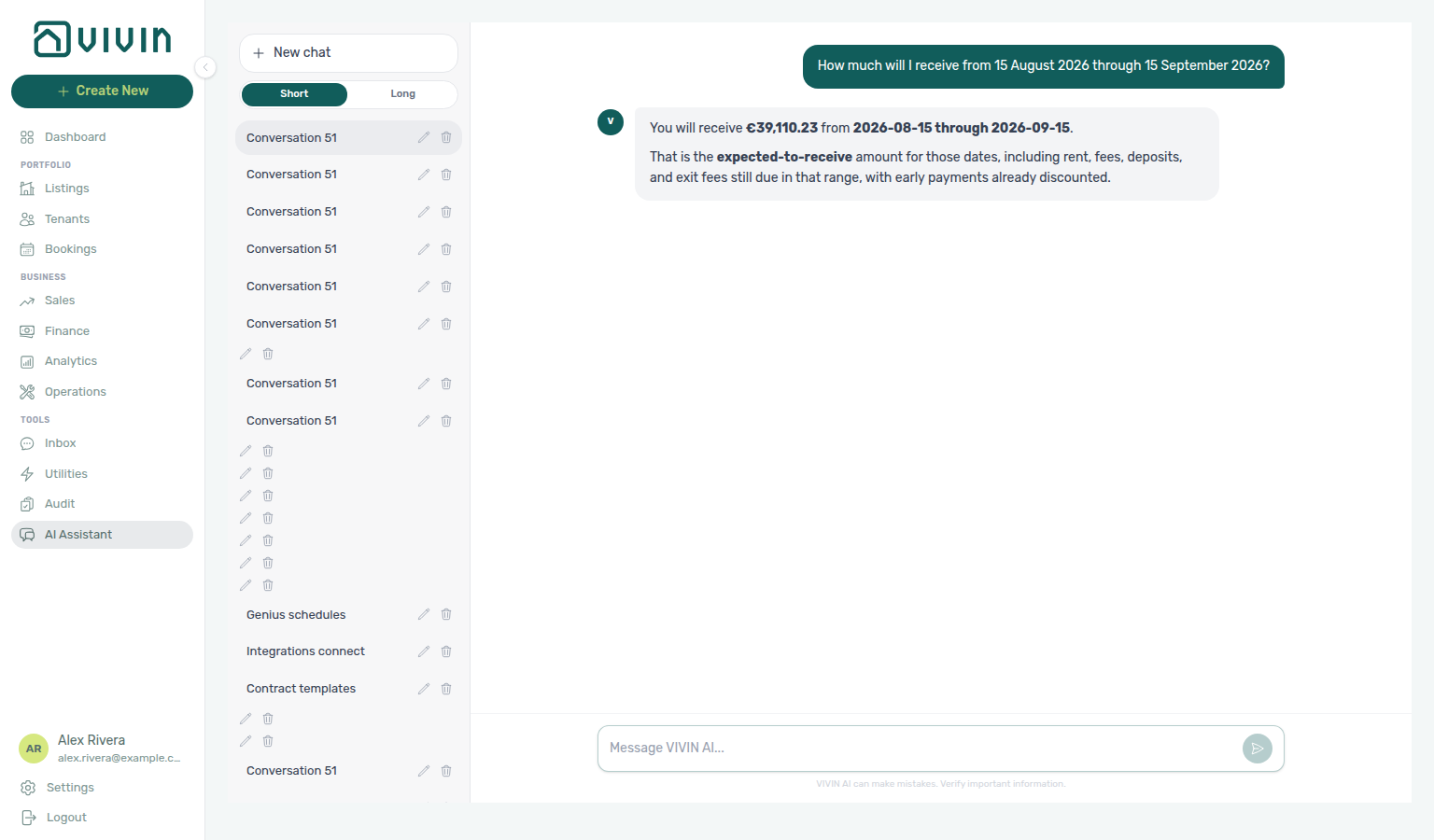
Payment lines and summaries
Payment lines and summaries: list-payments pages Contract Values with the same server filters as the Finance tab (paymentTypeFilter, statusFilter, invoiceFilter, search, sortBy / sortDirection). get-payments-summary returns per-type counts and amounts plus paid / in-debt / scheduled splits under cards.<type> — use those cards for “how many unpaid deposits in August?”, “how much unpaid rent in August?”, “how much unpaid admin fee in August?”, “how much unpaid cleaning fee in August?”, “how much unpaid others in August?”, or “how much unpaid exit fee in October?”, not a scaled window-wide ratio. For “how many in-debt rent lines are not yet invoiced?”, use list-payments with paymentTypeFilter=rent, statusFilter=inDebt, and invoiceFilter=notInvoiced — quote meta.total and the scheduled-amount sum, not the Rent card’s full in debt chip (that chip still includes overdue lines that already have an invoice). For “how many in-debt rent lines are already invoiced?”, use the same filters with invoiceFilter=invoiced — quote meta.total as the row count; reconcile the euro total on the Contract Values tab (Export) because a chat sum of a multi-page list can differ from the tab. For “how many rent lines are still scheduled (not yet due)?”, use list-payments with paymentTypeFilter=rent and statusFilter=scheduled — quote meta.total as the row count; that is not the unpaid-rent in debt + still scheduled card split from get-payments-summary cards.rent; reconcile the euro total with Export. For “how many rent lines are partially paid?”, use list-payments with paymentTypeFilter=rent and statusFilter=partiallyPaid — quote meta.total as the row count; that is not the unpaid-rent card split and not the window-wide partiallyPaid mix; reconcile the euro total with Export. For “how many rent lines are paid (fully paid, not partial)?”, use list-payments with paymentTypeFilter=rent and statusFilter=paid — quote meta.total as the row count; that is not the unpaid-rent in debt + still scheduled card split from get-payments-summary cards.rent, not the Rent card’s € paid chip (a money figure), and not the window-wide paid mix; name the month, because some months have more paid rent lines than the current rent month; reconcile the euro total with Export. For “how many in-debt admin fee lines are not yet invoiced?”, use list-payments with paymentTypeFilter=adminFee, statusFilter=inDebt, and invoiceFilter=notInvoiced — quote meta.total as the row count; reconcile the euro total with Export. When no overdue admin fees are invoiced yet, that count can match the Admin fee card’s in debt chip — still apply the Not Invoiced pill so the question stays correct after invoices are issued. For “how many in-debt admin fee lines are already invoiced?”, use the same filters with invoiceFilter=invoiced — quote meta.total as the row count (that list is smaller than the Admin fee card’s full in debt chip when some overdue lines already have an invoice); name the month, because some months have invoiced overdue admin fees while the current rent month does not; reconcile the euro total with Export. For “how many admin fee lines are still scheduled (not yet due)?”, use list-payments with paymentTypeFilter=adminFee and statusFilter=scheduled — quote meta.total as the row count; that is not the unpaid-admin-fee in debt + still scheduled card split from get-payments-summary cards.adminFee and not the still-scheduled rent list; reconcile the euro total with Export. For “how many admin fee lines are partially paid?”, use list-payments with paymentTypeFilter=adminFee and statusFilter=partiallyPaid — quote meta.total as the row count; that is not the unpaid-admin-fee card split, not the grey scheduled chip, and not the window-wide partiallyPaid mix; name the month, because some months have partial admin fees while the current rent month does not; reconcile the euro total with Export. For “how many admin fee lines are paid (fully paid, not partial)?”, use list-payments with paymentTypeFilter=adminFee and statusFilter=paid — quote meta.total as the row count; that is not the unpaid-admin-fee in debt + still scheduled card split from get-payments-summary cards.adminFee, not the Admin fee card’s € paid chip (a money figure), and not the window-wide paid mix; name the month, because some months have paid admin fees while the current rent month does not; reconcile the euro total with Export. For “how many in-debt cleaning fee lines are not yet invoiced?”, use list-payments with paymentTypeFilter=cleaningFee, statusFilter=inDebt, and invoiceFilter=notInvoiced — quote meta.total as the row count (that list is smaller than the Cleaning fee card’s full in debt chip, which still includes overdue lines that already have an invoice); reconcile the euro total with Export. For “how many in-debt cleaning fee lines are already invoiced?”, use the same filters with invoiceFilter=invoiced — quote meta.total as the row count; reconcile the euro total on the Contract Values tab (Export) because a chat sum can differ from the tab. For “how many cleaning fee lines are still scheduled (not yet due)?”, use list-payments with paymentTypeFilter=cleaningFee and statusFilter=scheduled — quote meta.total as the row count; that is not the unpaid-cleaning-fee in debt + still scheduled card split from get-payments-summary cards.cleaningFee and not the still-scheduled rent, admin-fee, or deposit lists; reconcile the euro total with Export. For “how many cleaning fee lines are paid (fully paid, not partial)?”, use list-payments with paymentTypeFilter=cleaningFee and statusFilter=paid — quote meta.total as the row count; that is not the unpaid-cleaning-fee in debt + still scheduled card split from get-payments-summary cards.cleaningFee, not the Cleaning fee card’s € paid chip (a money figure), and not the window-wide paid mix; name the month, because some months have paid cleaning fees while the current rent month does not; reconcile the euro total with Export. For “how many in-debt others lines are not yet invoiced?”, use list-payments with paymentTypeFilter=others, statusFilter=inDebt, and invoiceFilter=notInvoiced — quote meta.total as the row count; reconcile the euro total with Export. When no overdue others are invoiced yet, that count can match the Others card’s in debt chip — still apply the Not Invoiced pill so the question stays correct after invoices are issued. For “how many others lines are paid (fully paid, not partial)?”, use list-payments with paymentTypeFilter=others and statusFilter=paid — quote meta.total as the row count; that is not the unpaid-others in debt + still scheduled card split from get-payments-summary cards.others, not the Others card’s € paid chip (a money figure), and not the window-wide paid mix; name the month, because some months have paid others while the current rent month does not; reconcile the euro total with Export. For “how many in-debt deposit lines are not yet invoiced?”, use list-payments with paymentTypeFilter=deposit, statusFilter=inDebt, and invoiceFilter=notInvoiced — quote meta.total as the row count (that list is smaller than the Deposit card’s full in debt chip, which still includes overdue deposits that already have an invoice); reconcile the euro total with Export. For “how many in-debt deposit lines are already invoiced?”, use list-payments with paymentTypeFilter=deposit, statusFilter=inDebt, and invoiceFilter=invoiced — quote meta.total as the row count (that list is smaller than the Deposit card’s full in debt chip, which still includes overdue deposits that are not yet invoiced); reconcile the euro total on the Contract Values tab (Export) because a chat sum can differ from the tab. For “how many deposit lines are still scheduled (not yet due)?”, use list-payments with paymentTypeFilter=deposit and statusFilter=scheduled — quote meta.total as the row count; that is not the unpaid-deposits in debt + still scheduled card split from get-payments-summary cards.deposit and not the still-scheduled rent, admin-fee, or cleaning-fee lists; reconcile the euro total with Export. For “how many deposit lines are partially paid?”, use list-payments with paymentTypeFilter=deposit and statusFilter=partiallyPaid — quote meta.total as the row count; that is not the unpaid-deposits card split, not the grey scheduled chip, and not the window-wide partiallyPaid mix; name the month, because some months have partial deposits while the current rent month does not; reconcile the euro total with Export. For “how many deposit lines are paid (fully paid, not partial)?”, use list-payments with paymentTypeFilter=deposit and statusFilter=paid — quote meta.total as the row count; that is not the unpaid-deposits in debt + still scheduled card split from get-payments-summary cards.deposit, not the Deposit card’s € paid chip (a money figure), and not the window-wide paid mix; name the month, because some months have paid deposits while the current rent month does not; reconcile the euro total with Export. For “how many exit fee lines are paid (fully paid, not partial)?”, use list-payments with paymentTypeFilter=exitFee and statusFilter=paid — quote meta.total as the row count; that is not the unpaid-exit-fee in debt + still scheduled card split from get-payments-summary cards.exitFee, not the Exit fee card’s € paid chip (a money figure), and not the window-wide paid mix; name a check-out month, because some months have paid exit fees while the current rent month does not; reconcile the euro total with Export. For “how many exit fee lines are partially paid?”, use list-payments with paymentTypeFilter=exitFee and statusFilter=partiallyPaid — quote meta.total as the row count; that is not the unpaid-exit-fee card split, not the grey scheduled chip, and not the window-wide partiallyPaid mix; name a check-out month, because some months have partial exit fees while the current rent month does not; reconcile the euro total with Export. For “how many in-debt exit fee lines are already invoiced?”, use list-payments with paymentTypeFilter=exitFee, statusFilter=inDebt, and invoiceFilter=invoiced — quote meta.total as the row count; when no overdue exit fees are still Not Invoiced, that count can match the Exit fee card’s in debt chip — still apply the Invoiced pill so the question stays correct after uninvoiced overdue lines appear; reconcile the euro total with Export. For “how many rent lines have a return of value?”, use list-payments with invoiceFilter=returnOfValue. For “how many rent lines have a credit note?”, use invoiceFilter=creditNotes and name the month (some months have credit notes while the current rent month does not). invoiceFilter=reversals is the union of both nested kinds — these match the Finance Contract Values invoice pills. Both tools scope months by reference month; unpaid lines often live in older months, and exit-fee lines often sit on check-out months, so “all unpaid rents” with no month stated needs a wide window (about the last 12 months), not only the current month. Report meta.total as the real count. Operator walkthroughs: AI Chat — Unpaid deposits on Contract Values, AI Chat — Unpaid rent on Contract Values, AI Chat — Unpaid admin fees on Contract Values, AI Chat — Unpaid cleaning fees on Contract Values, AI Chat — Unpaid others on Contract Values, AI Chat — Unpaid exit fees on Contract Values, AI Chat — In-debt rent lines not yet invoiced, AI Chat — In-debt rent lines already invoiced, AI Chat — Still-scheduled rent lines, AI Chat — Partially-paid rent lines, AI Chat — Paid rent lines, AI Chat — In-debt admin fee lines not yet invoiced, AI Chat — In-debt admin fee lines already invoiced, AI Chat — Still-scheduled admin fee lines, AI Chat — Partially-paid admin fee lines, AI Chat — Paid admin fee lines, AI Chat — In-debt cleaning fee lines not yet invoiced, AI Chat — In-debt cleaning fee lines already invoiced, AI Chat — Still-scheduled cleaning fee lines, AI Chat — Paid cleaning fee lines, AI Chat — In-debt others lines not yet invoiced, AI Chat — Paid others lines, AI Chat — In-debt deposit lines not yet invoiced, AI Chat — In-debt deposit lines already invoiced, AI Chat — Still-scheduled deposit lines, AI Chat — Partially-paid deposit lines, AI Chat — Paid deposit lines, AI Chat — In-debt exit fee lines already invoiced, AI Chat — Partially-paid exit fee lines, AI Chat — Paid exit fee lines, AI Chat — Return of value lines, AI Chat — Credit note lines, FAQ — Unpaid deposits, FAQ — Unpaid rent, FAQ — Unpaid admin fees, FAQ — Unpaid cleaning fees, FAQ — Unpaid others, FAQ — Unpaid exit fees, FAQ — In-debt rent lines not yet invoiced, and FAQ — In-debt rent lines already invoiced, FAQ — Still-scheduled rent lines, FAQ — Partially-paid rent lines, FAQ — Paid rent lines, FAQ — In-debt admin fee lines not yet invoiced, and FAQ — In-debt admin fee lines already invoiced, FAQ — Still-scheduled admin fee lines, and FAQ — Partially-paid admin fee lines, and FAQ — Paid admin fee lines, and FAQ — In-debt cleaning fee lines not yet invoiced, and FAQ — In-debt cleaning fee lines already invoiced, and FAQ — Still-scheduled cleaning fee lines, and FAQ — Paid cleaning fee lines, and FAQ — In-debt others lines not yet invoiced, and FAQ — Paid others lines, and FAQ — In-debt deposit lines not yet invoiced, and FAQ — In-debt deposit lines already invoiced, and FAQ — Still-scheduled deposit lines, and FAQ — Partially-paid deposit lines, and FAQ — Paid deposit lines, and FAQ — In-debt exit fee lines already invoiced, and FAQ — Partially-paid exit fee lines, and FAQ — Paid exit fee lines.
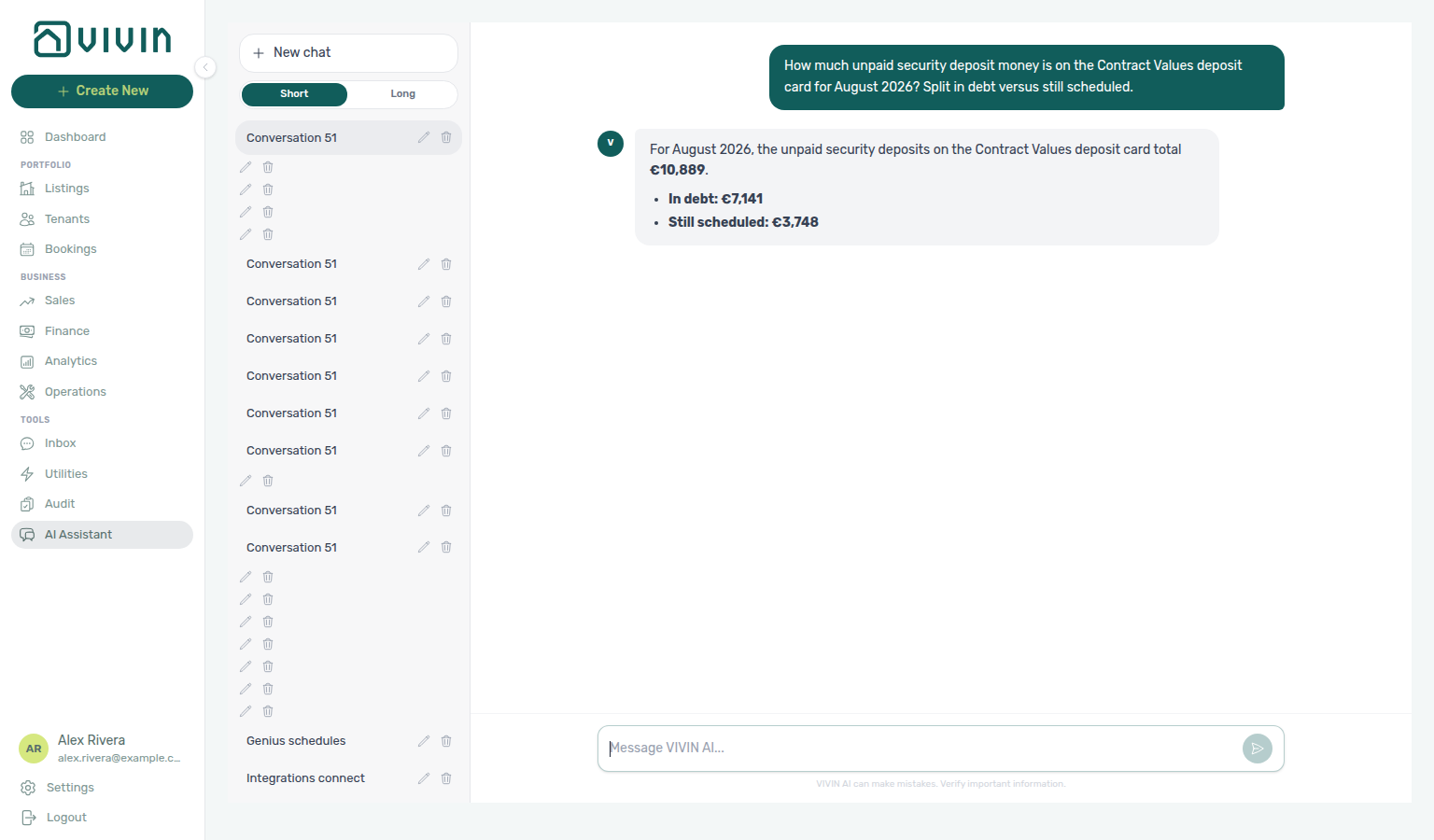
cards.deposit.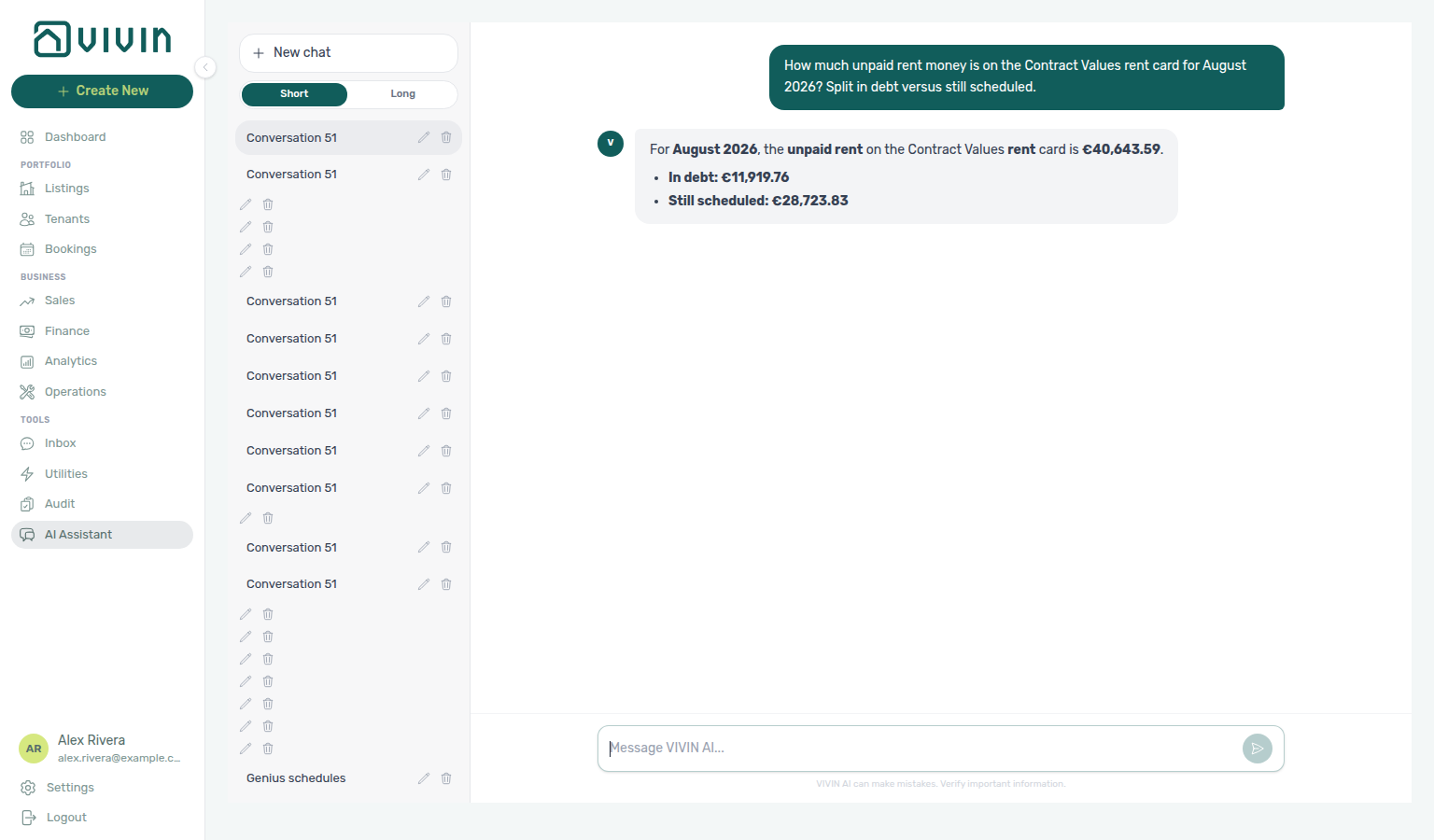
cards.rent.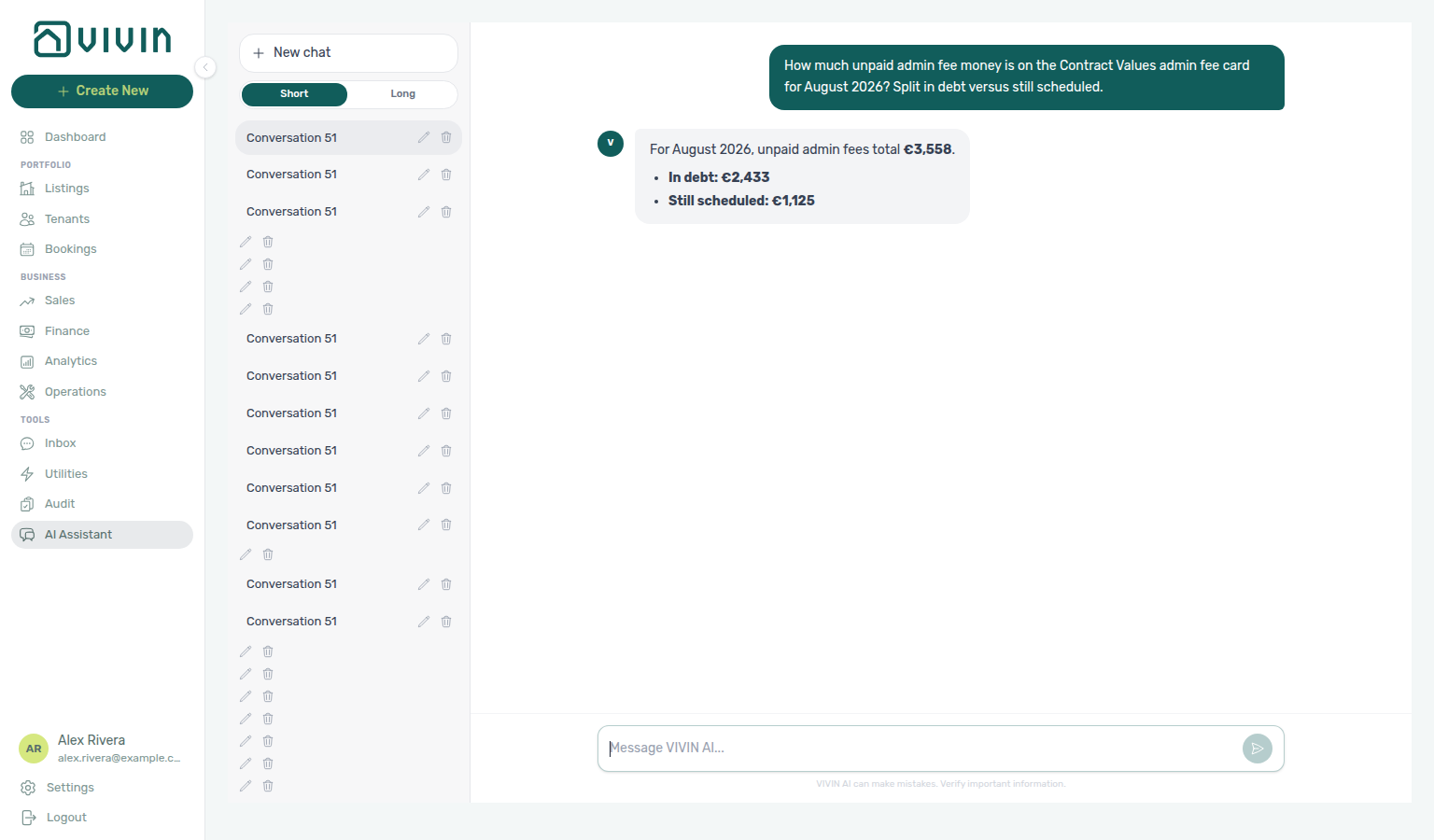
cards.adminFee.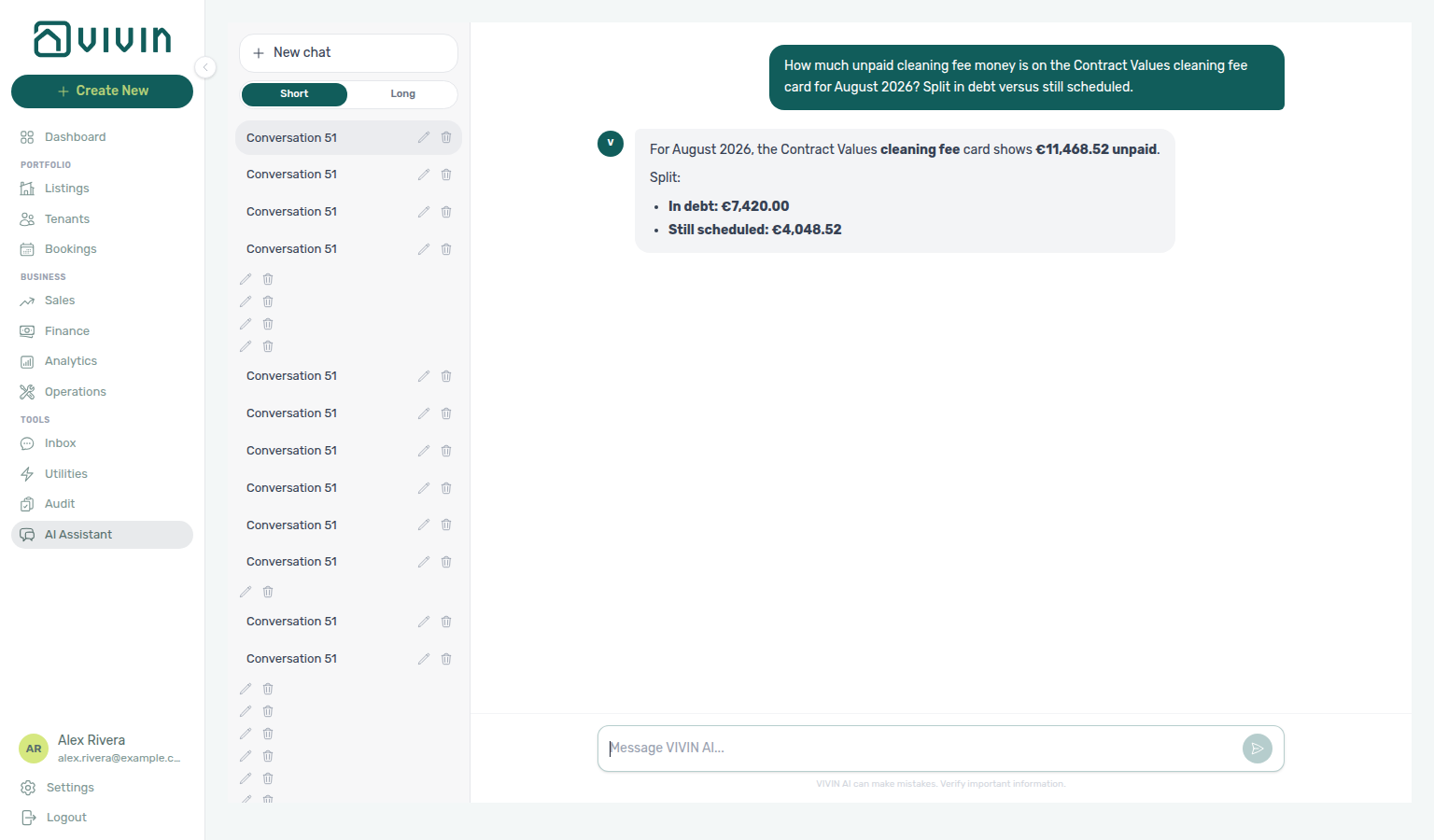
cards.cleaningFee.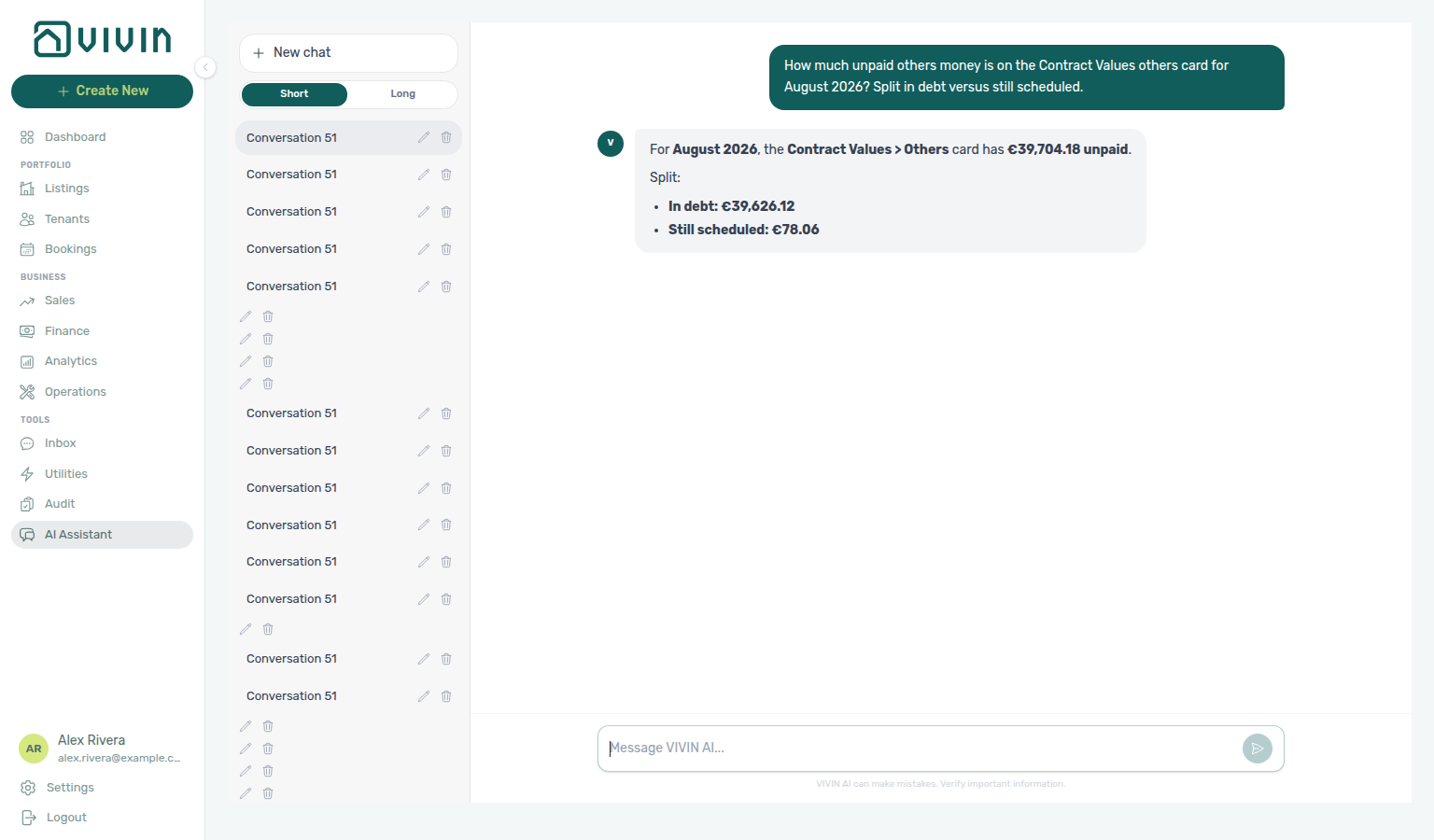
cards.others.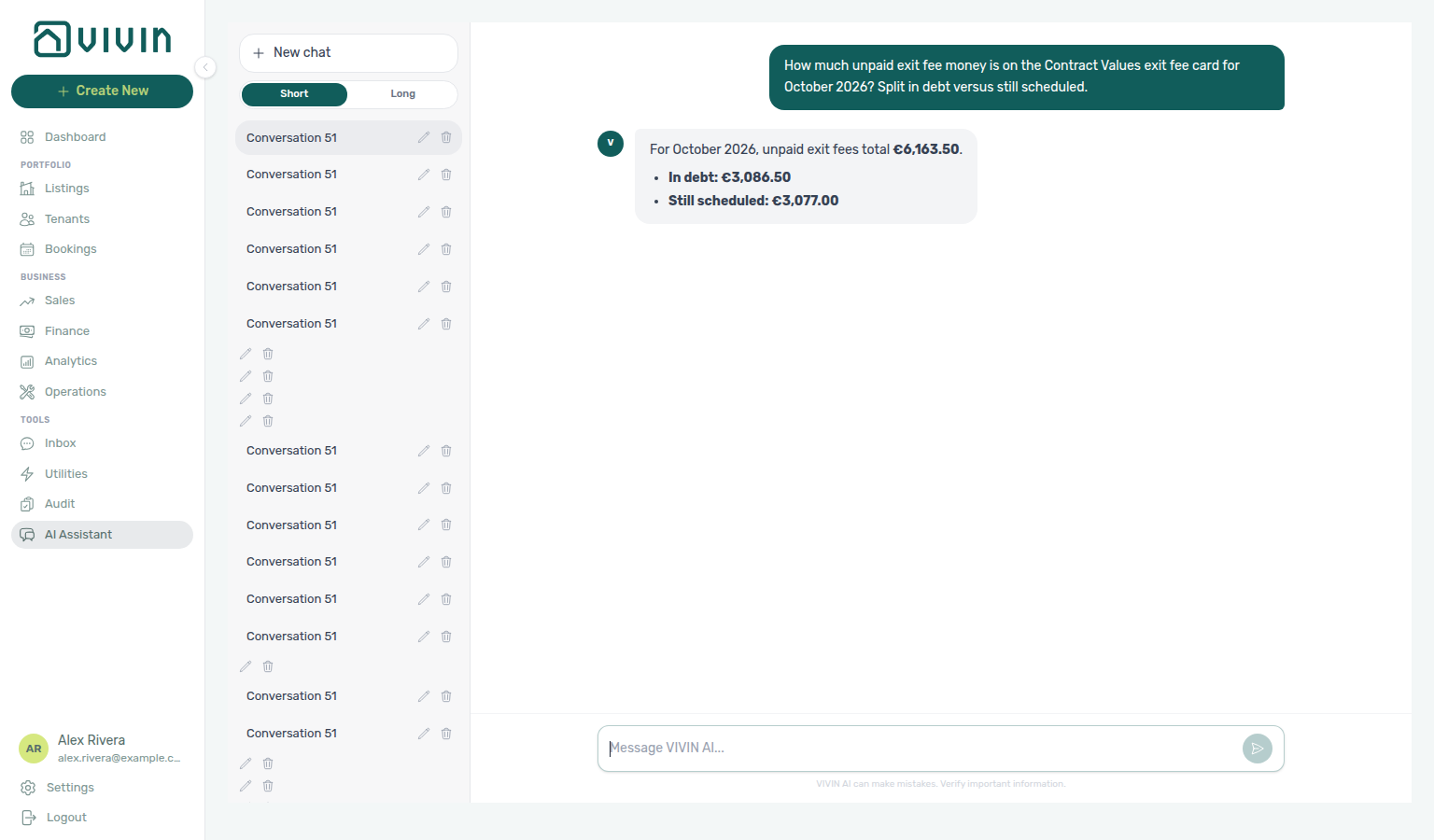
cards.exitFee.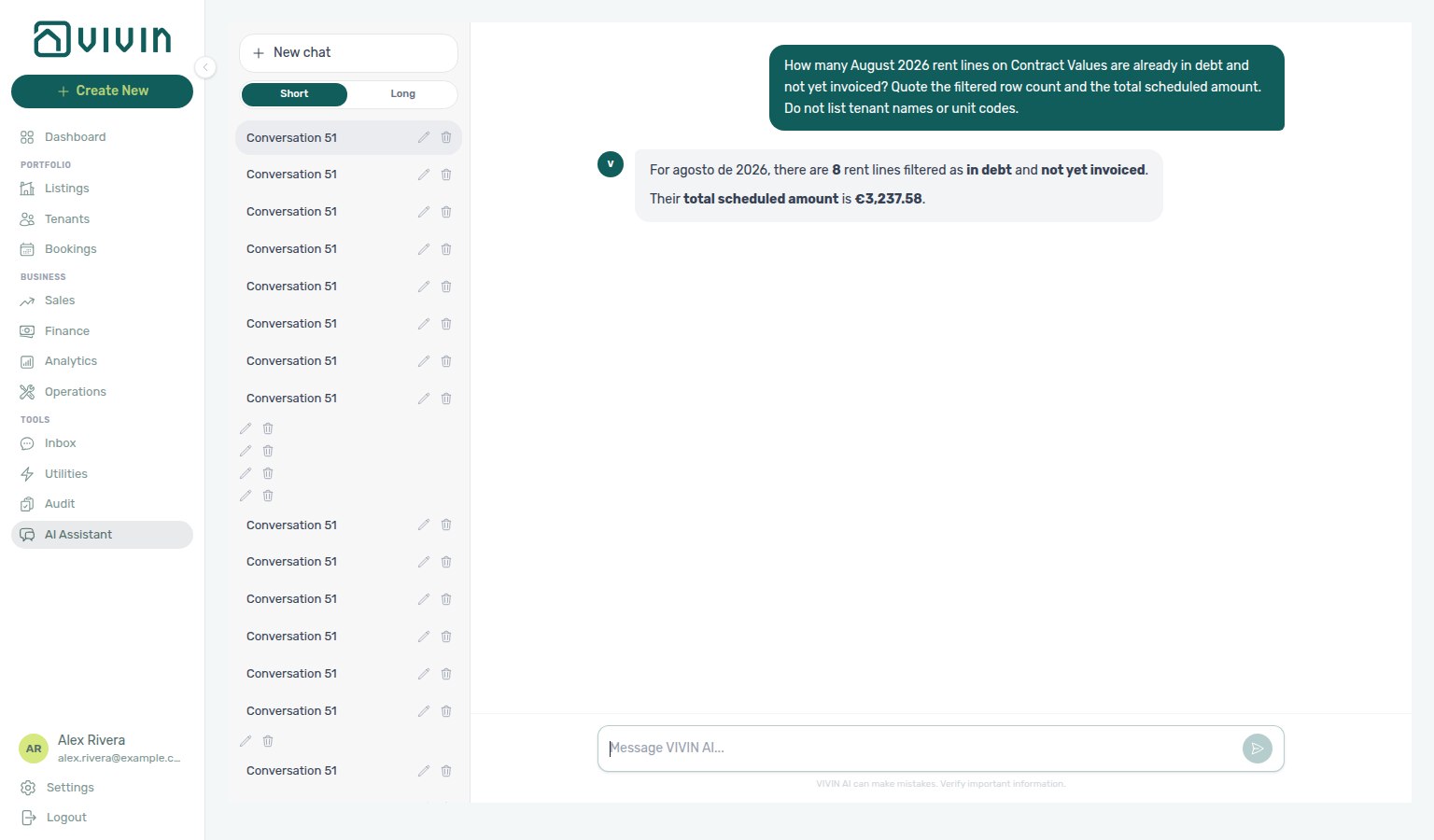
paymentTypeFilter=rent, statusFilter=inDebt, invoiceFilter=notInvoiced).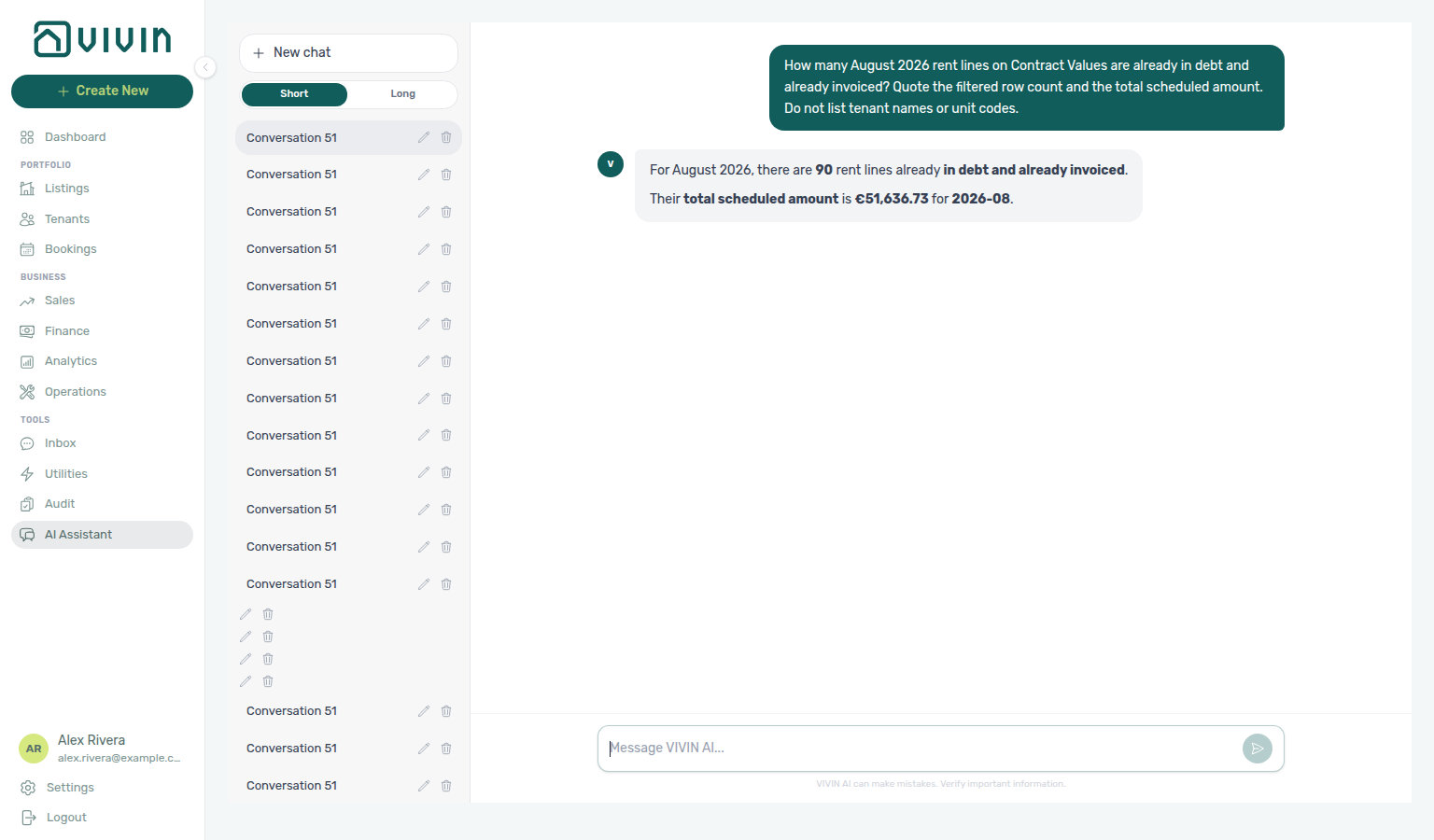
paymentTypeFilter=rent, statusFilter=inDebt, invoiceFilter=invoiced).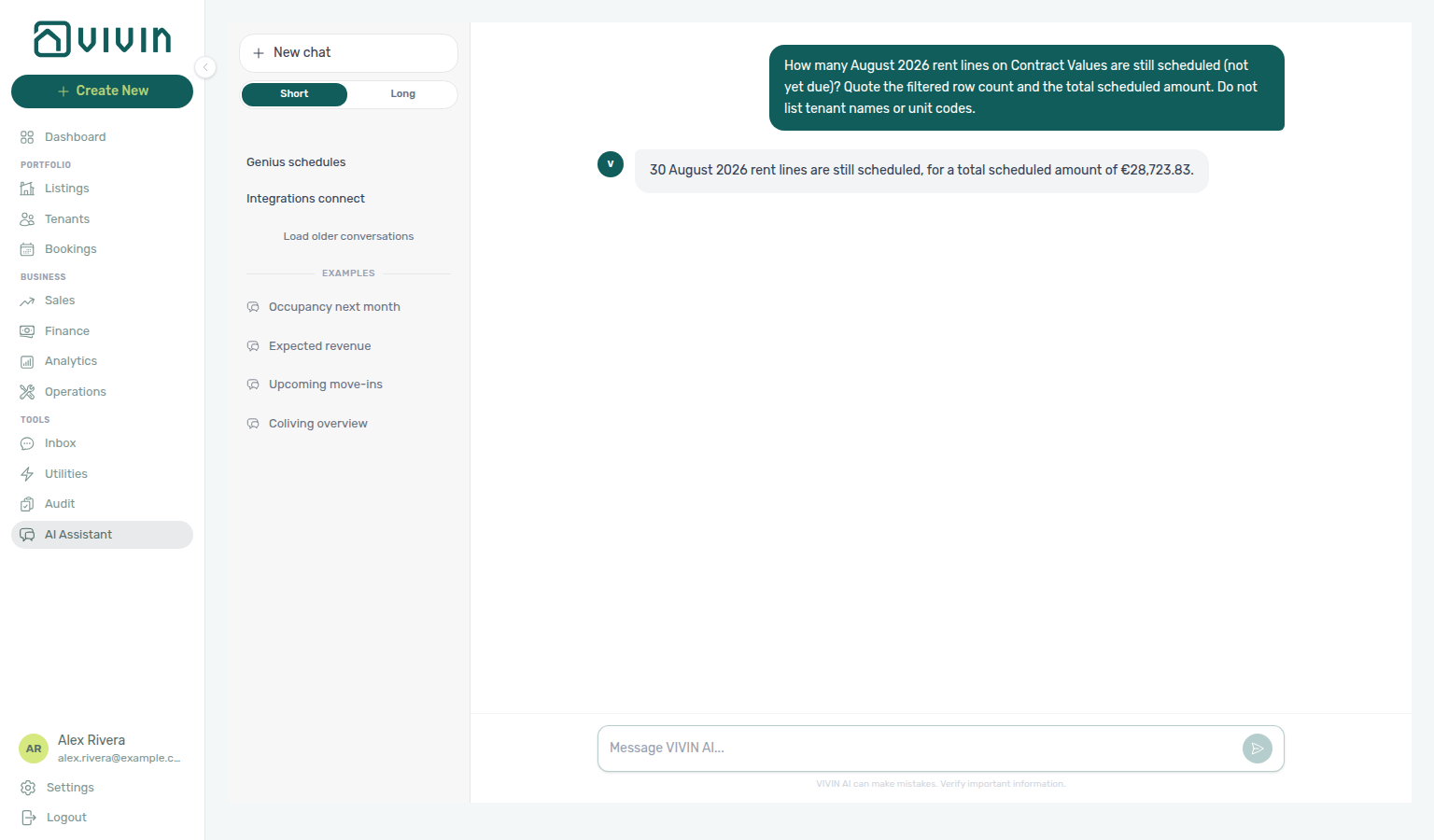
paymentTypeFilter=rent, statusFilter=scheduled).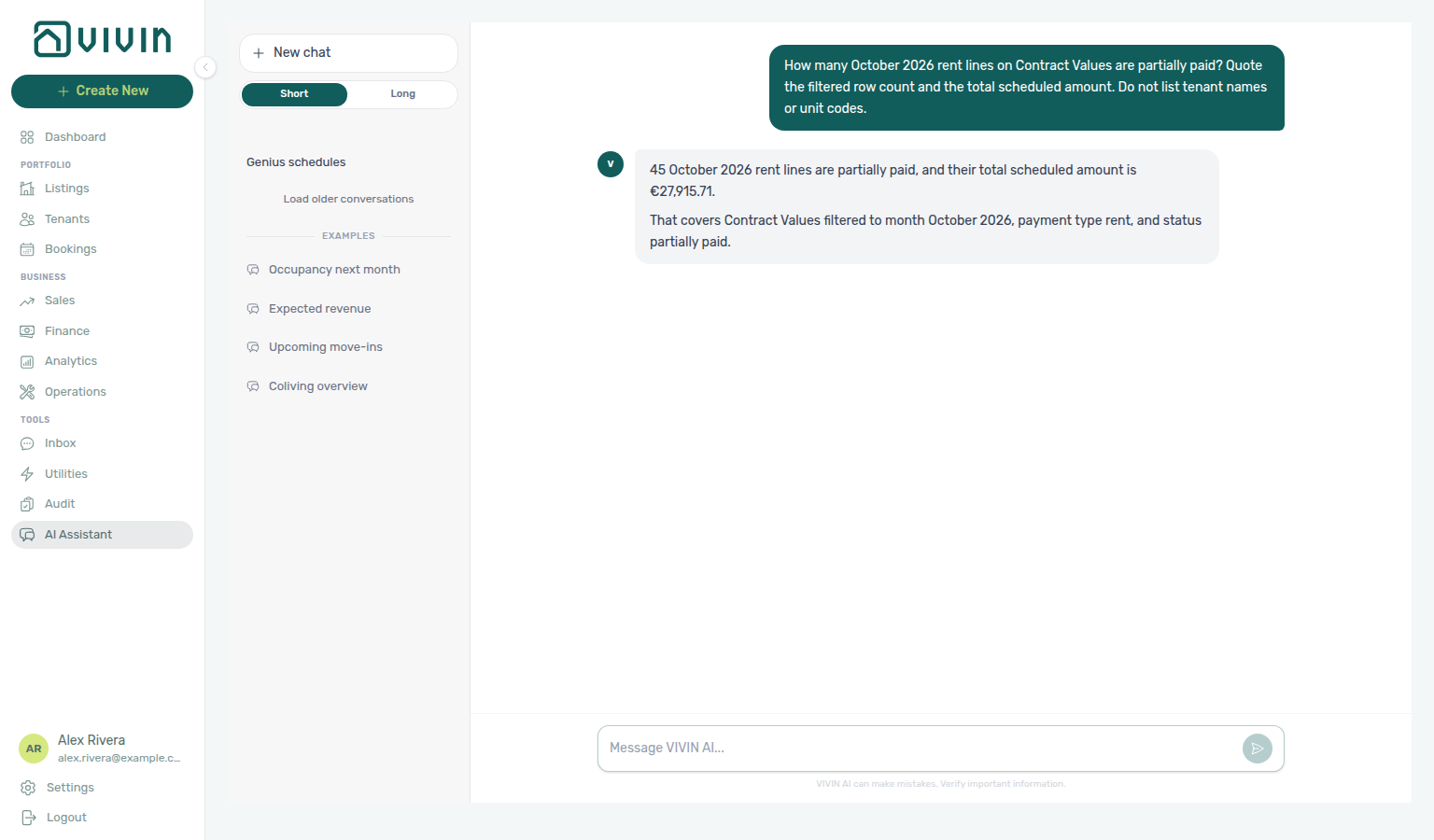
paymentTypeFilter=rent, statusFilter=partiallyPaid).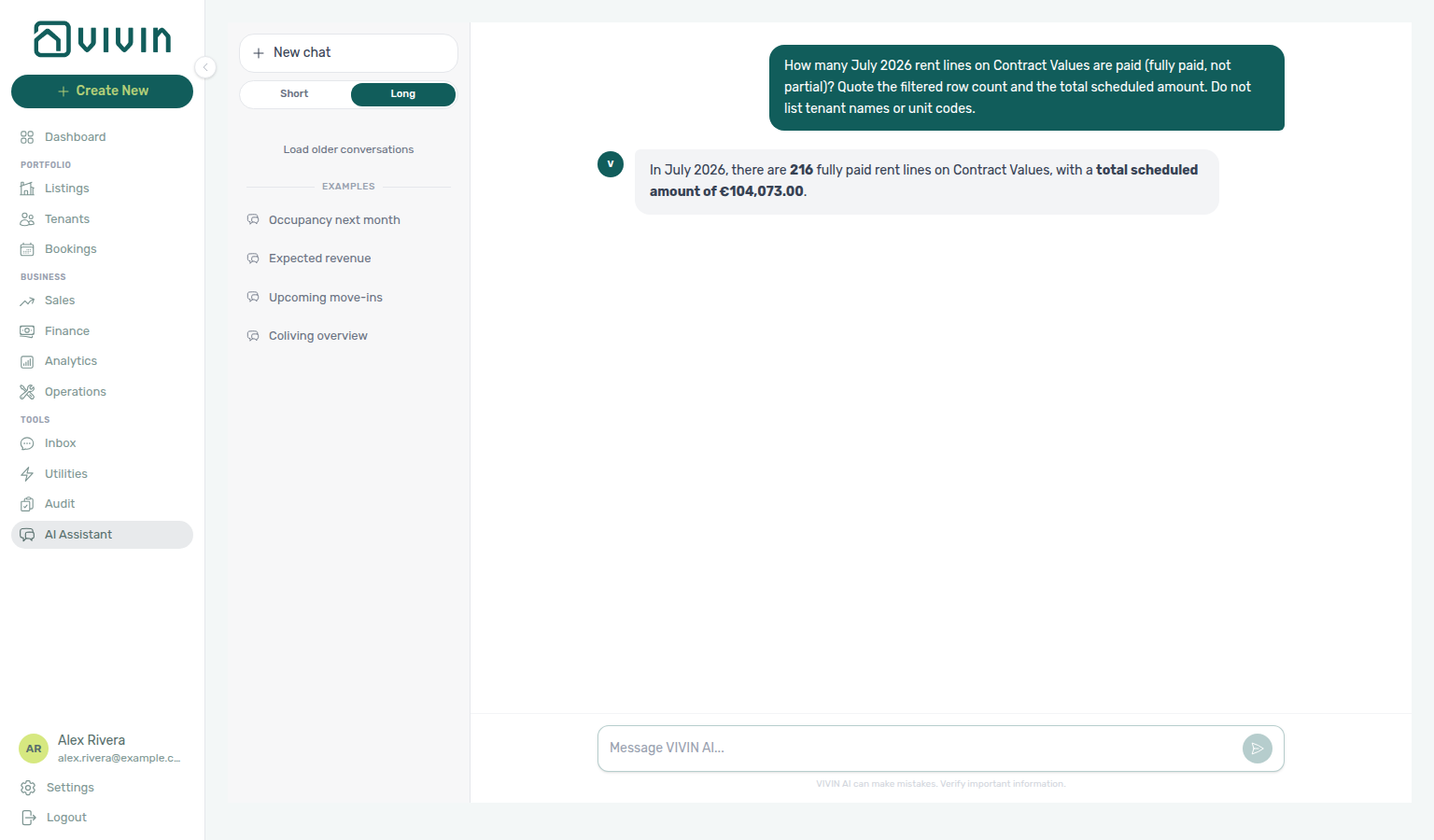
paymentTypeFilter=rent, statusFilter=paid).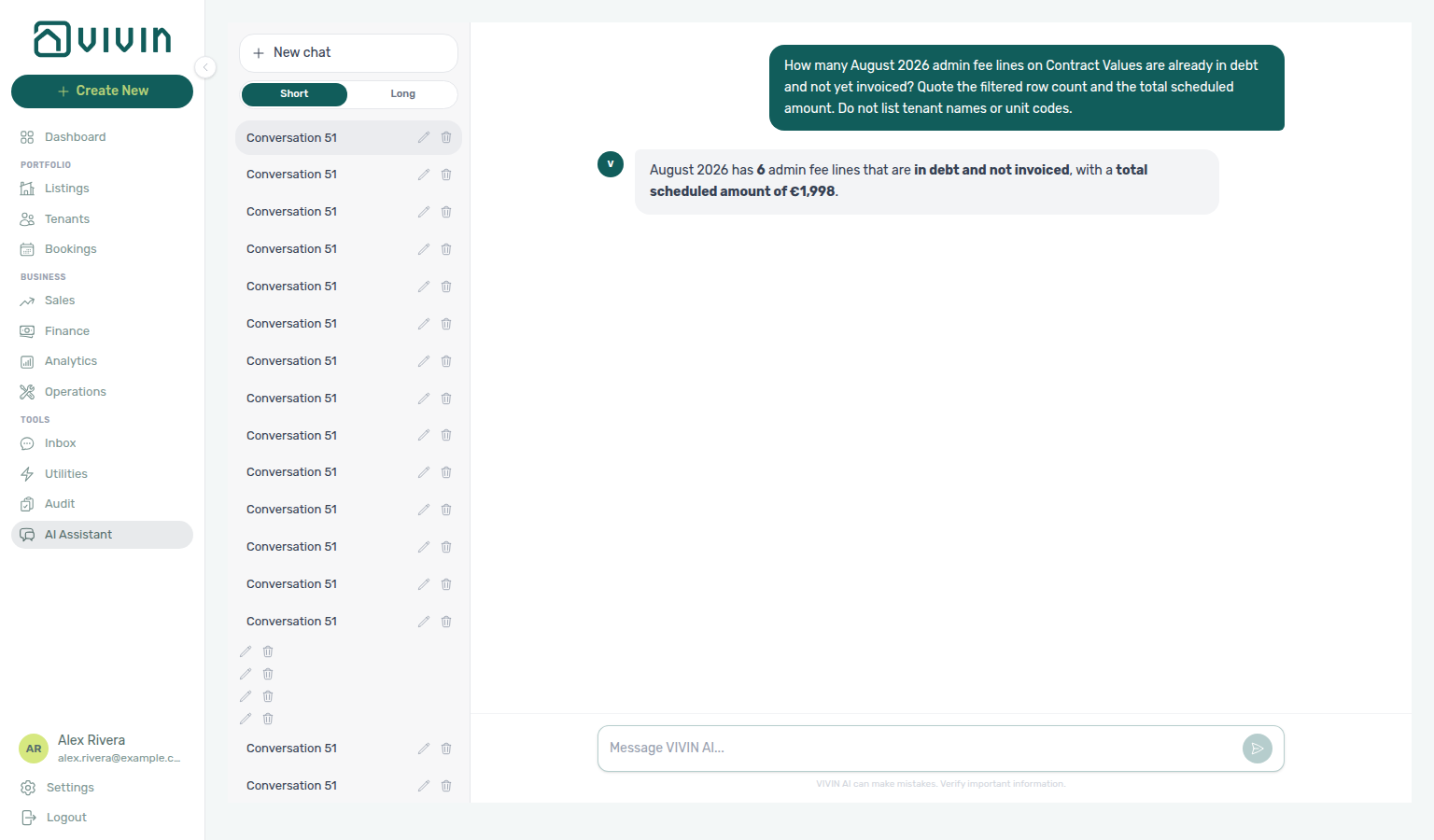
paymentTypeFilter=adminFee, statusFilter=inDebt, invoiceFilter=notInvoiced).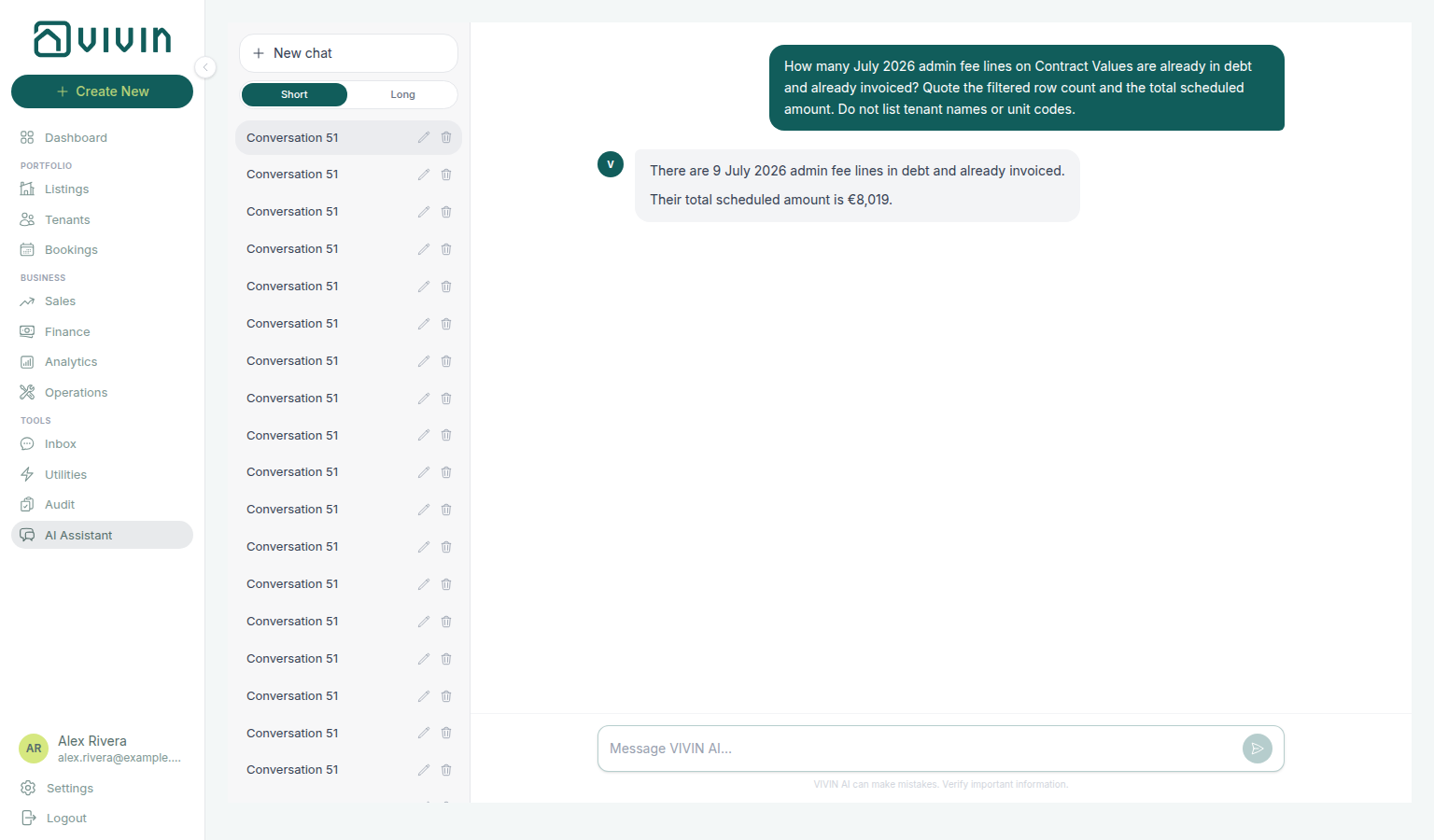
paymentTypeFilter=adminFee, statusFilter=inDebt, invoiceFilter=invoiced).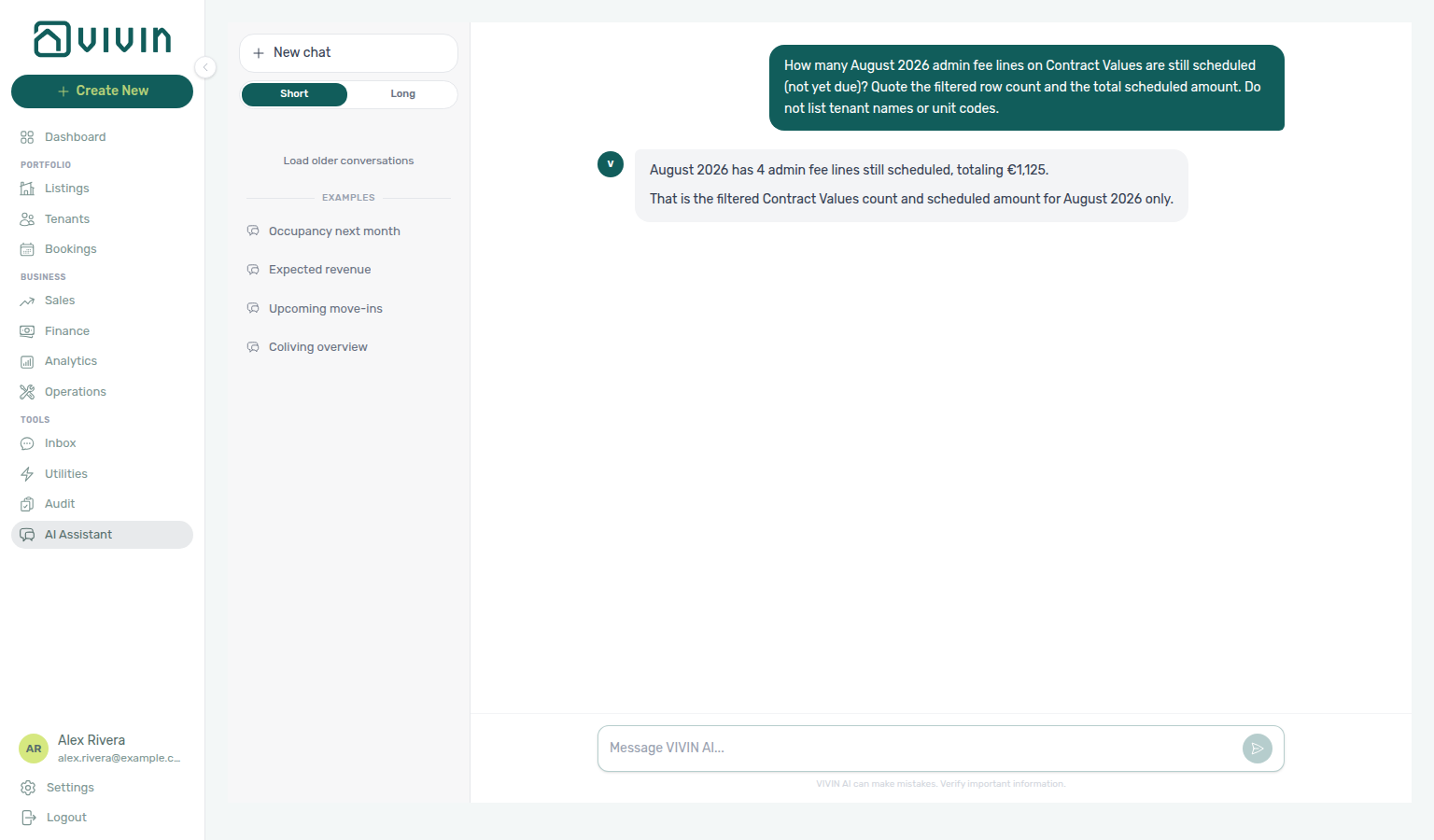
paymentTypeFilter=adminFee, statusFilter=scheduled).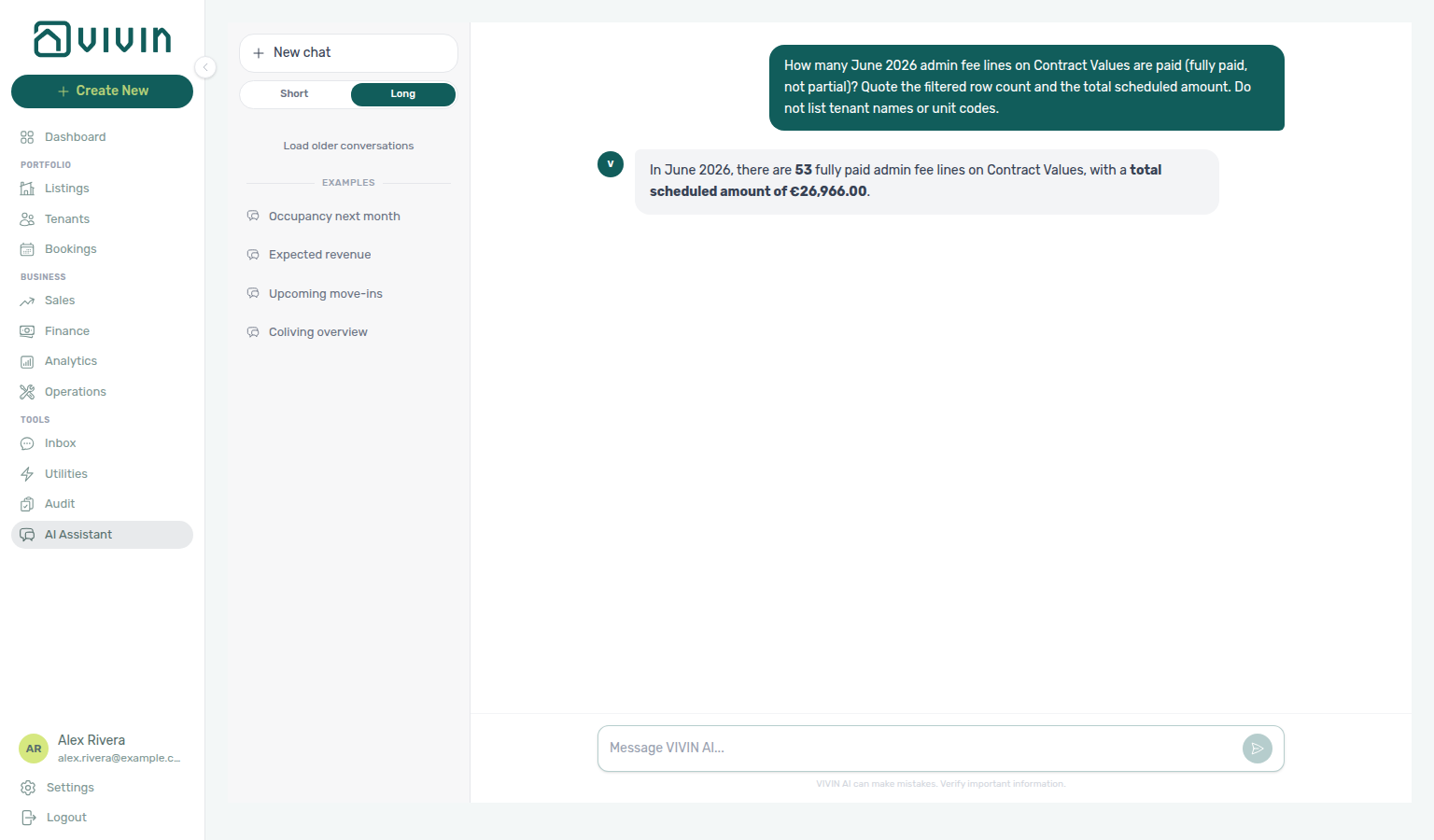
paymentTypeFilter=adminFee, statusFilter=paid).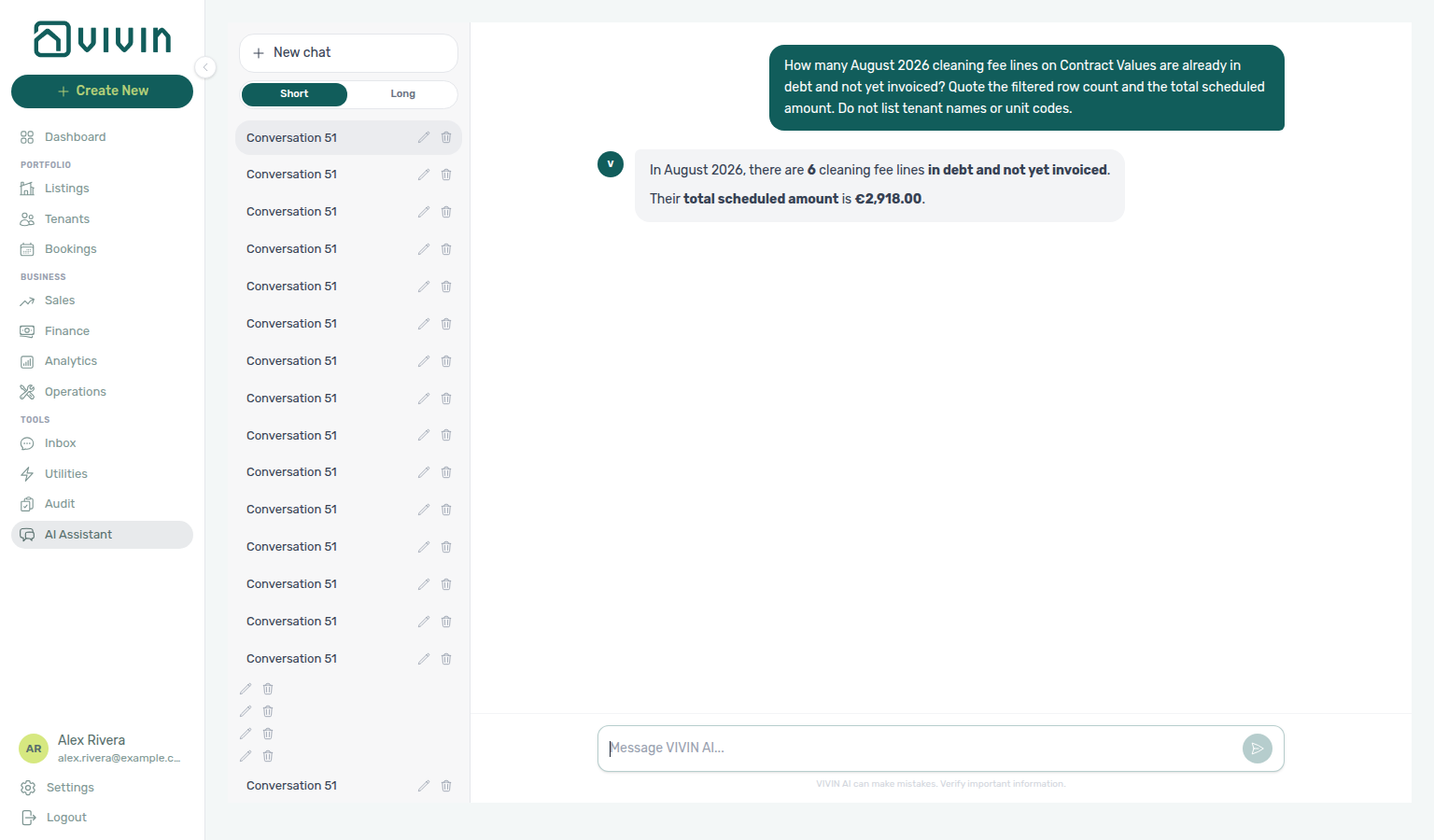
paymentTypeFilter=cleaningFee, statusFilter=inDebt, invoiceFilter=notInvoiced).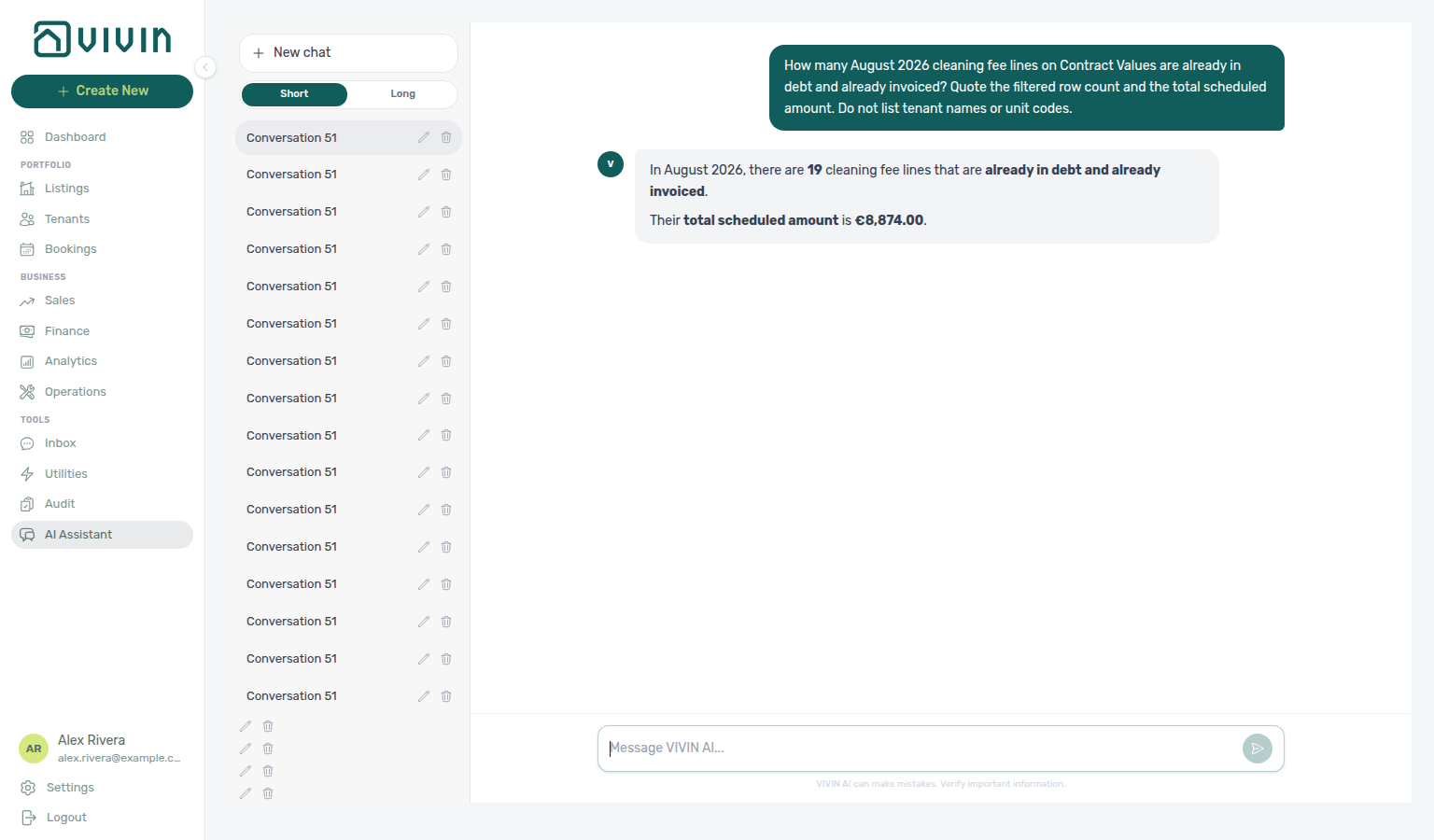
paymentTypeFilter=cleaningFee, statusFilter=inDebt, invoiceFilter=invoiced).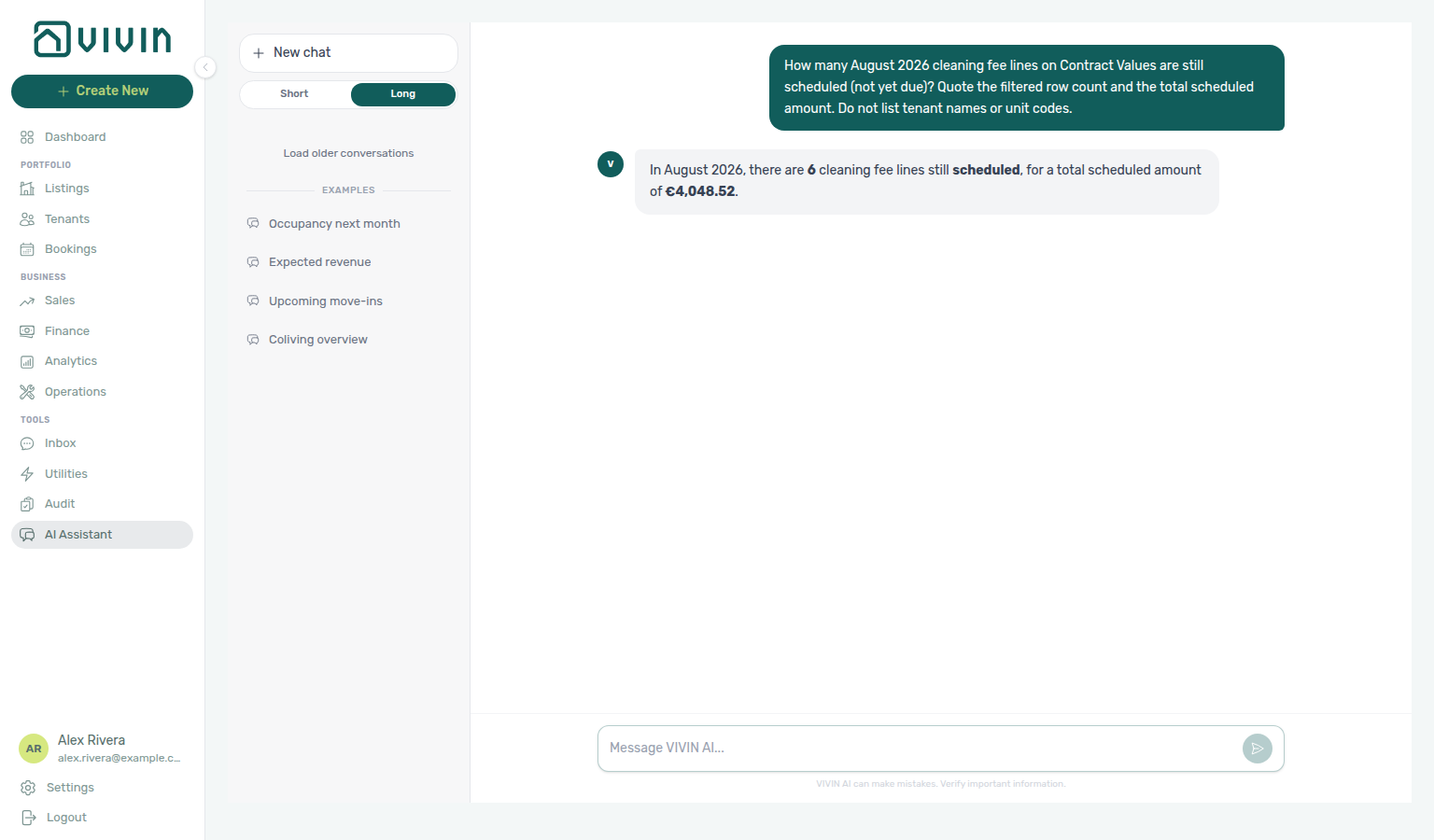
paymentTypeFilter=cleaningFee, statusFilter=scheduled).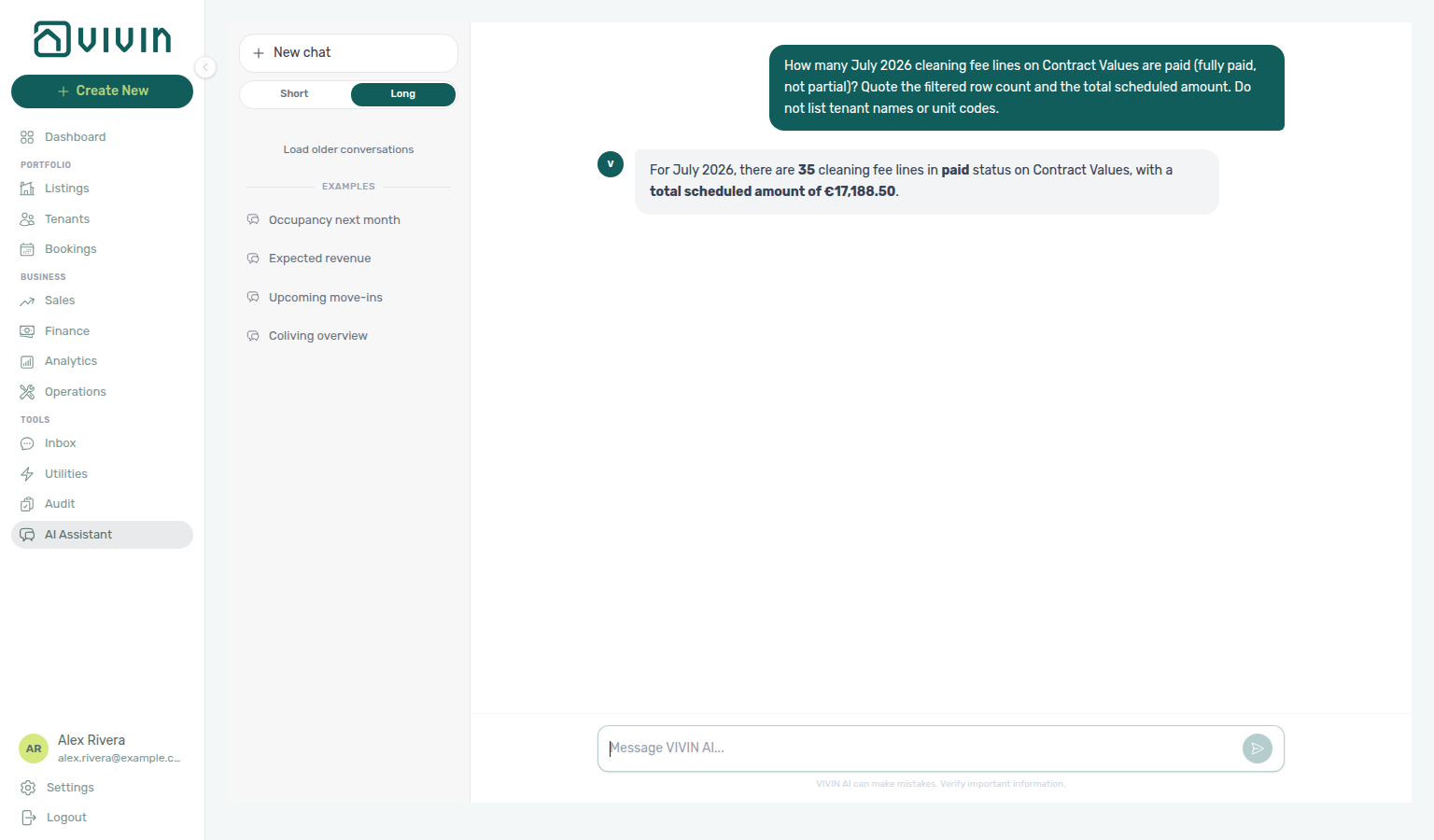
paymentTypeFilter=cleaningFee, statusFilter=paid).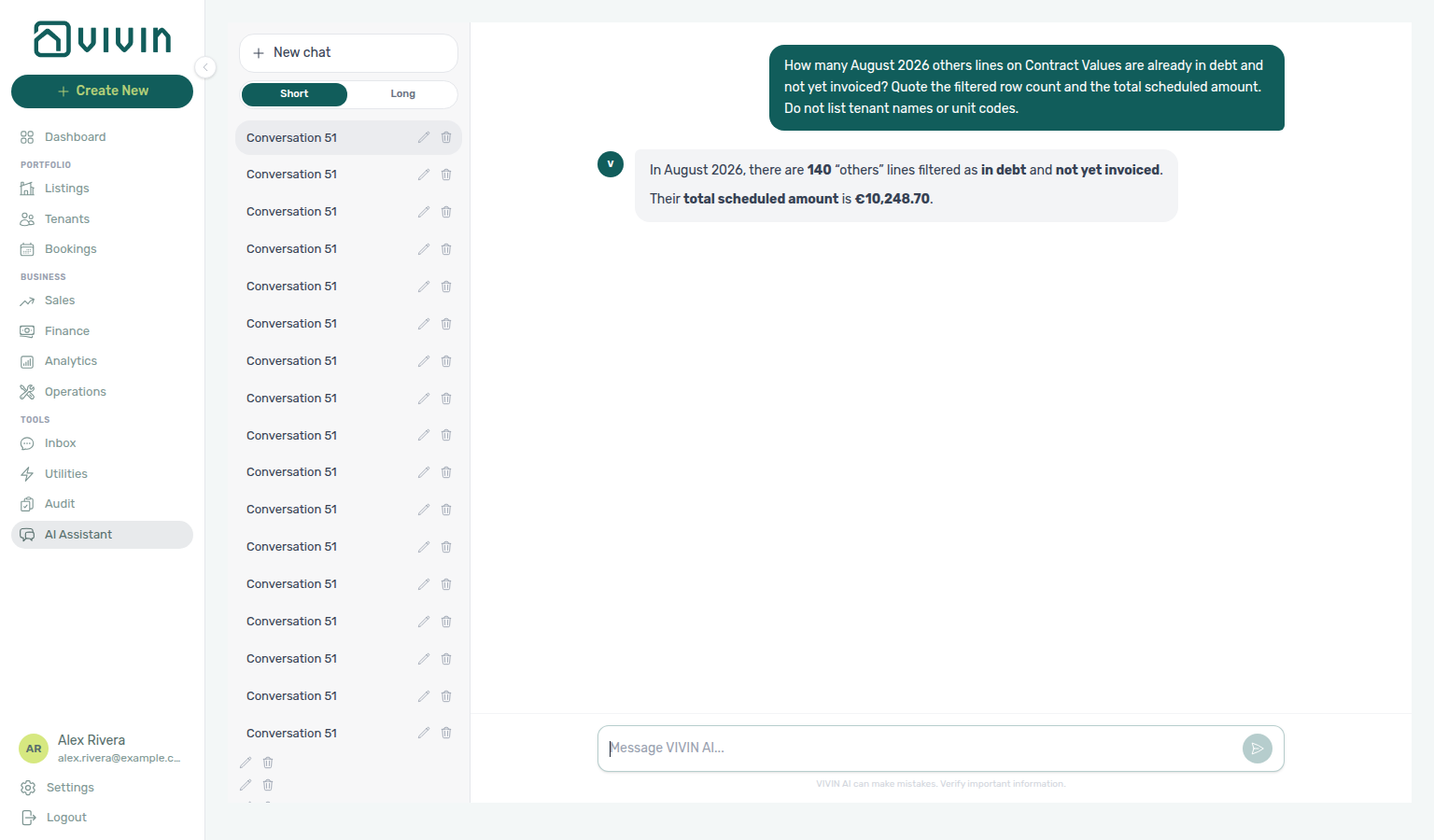
paymentTypeFilter=others, statusFilter=inDebt, invoiceFilter=notInvoiced).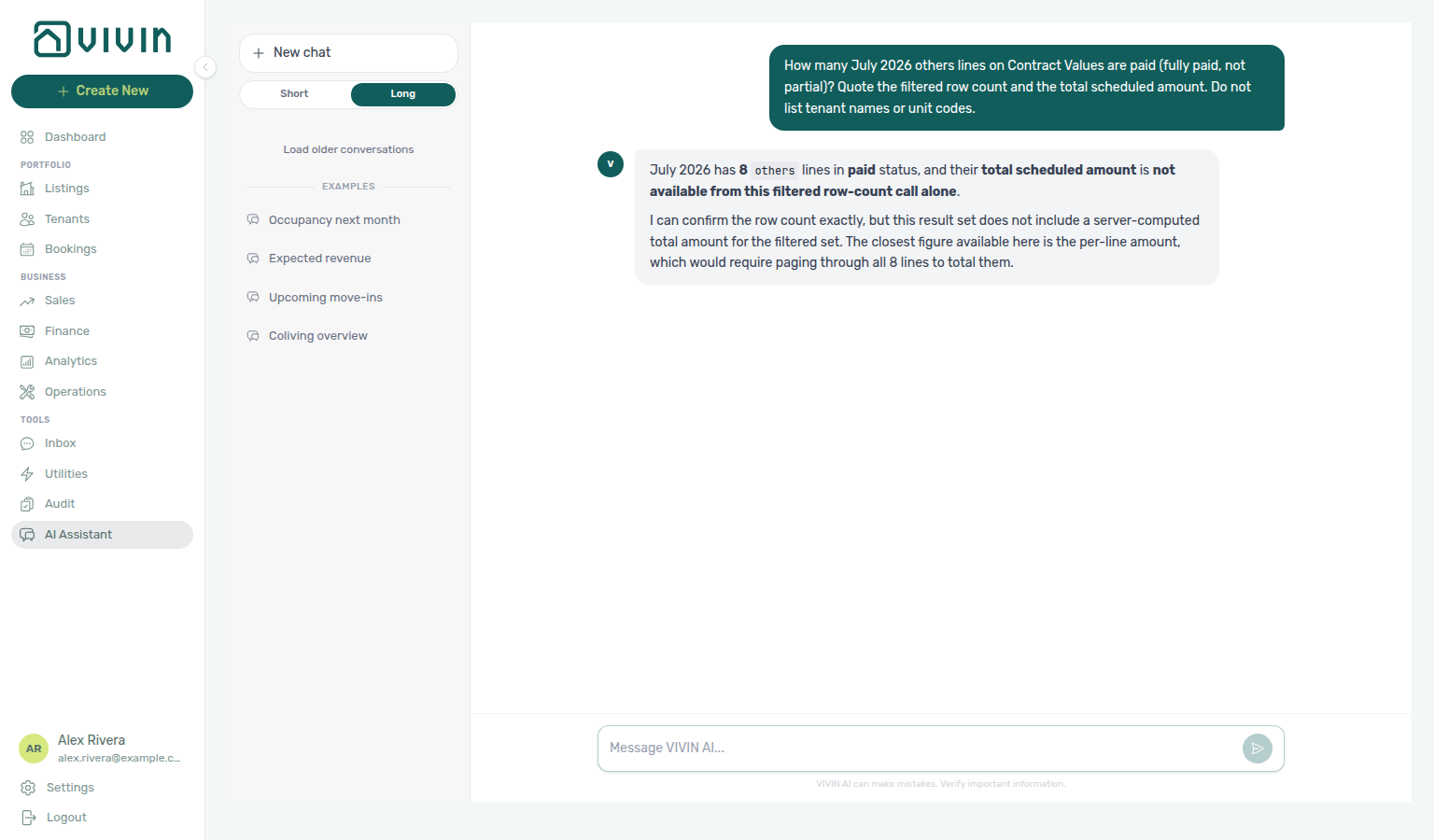
paymentTypeFilter=others, statusFilter=paid).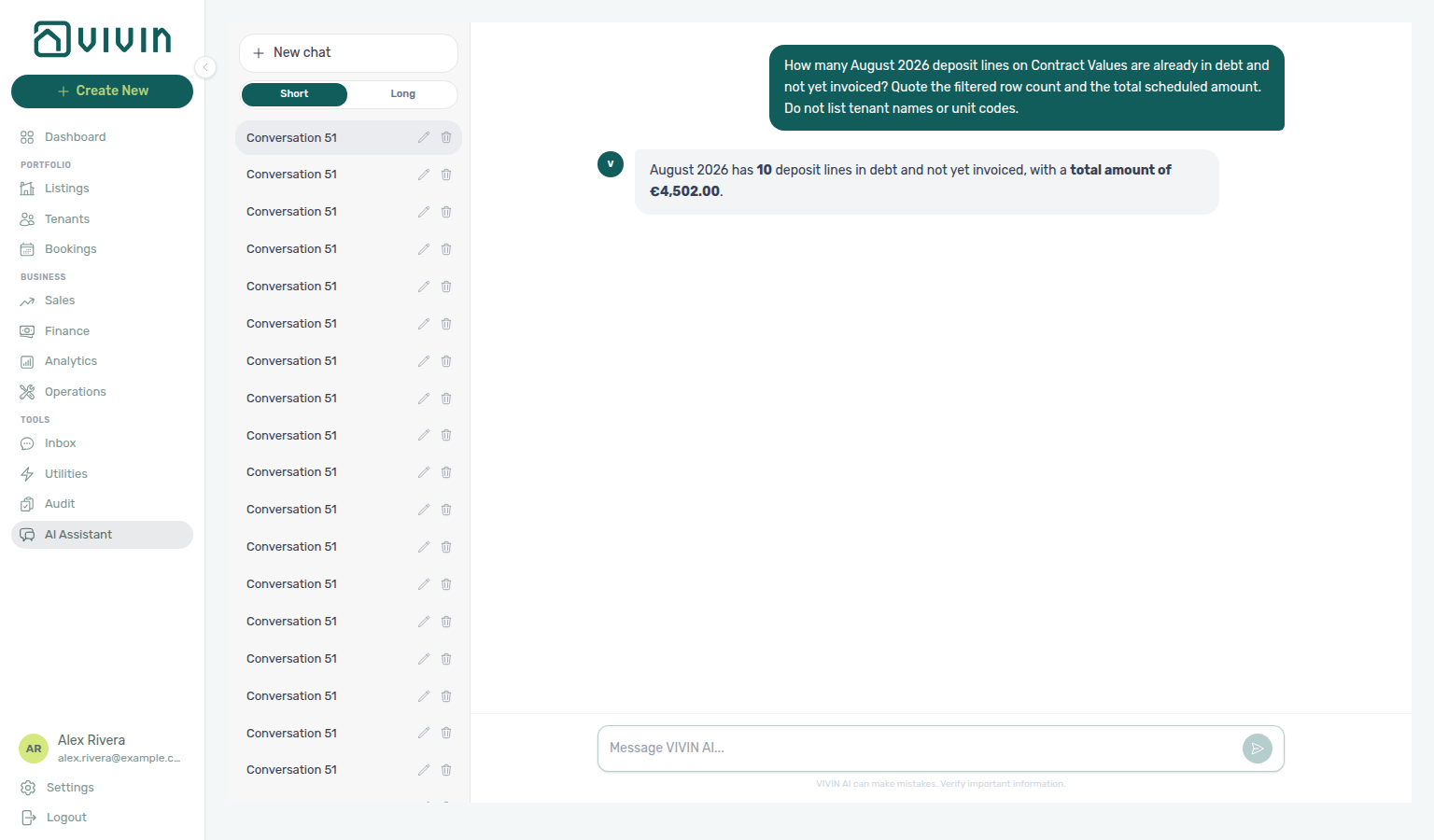
paymentTypeFilter=deposit, statusFilter=inDebt, invoiceFilter=notInvoiced).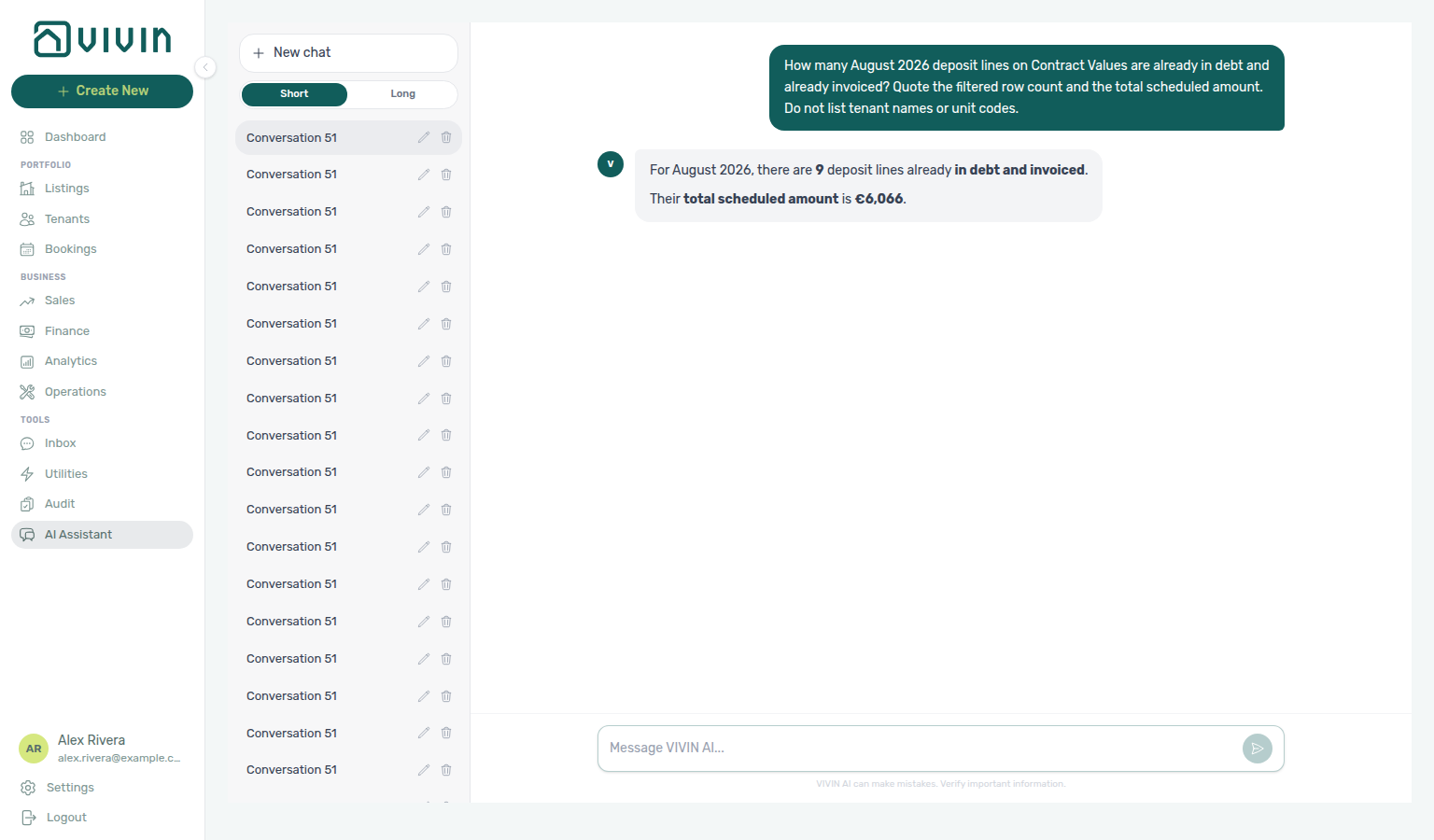
paymentTypeFilter=deposit, statusFilter=inDebt, invoiceFilter=invoiced).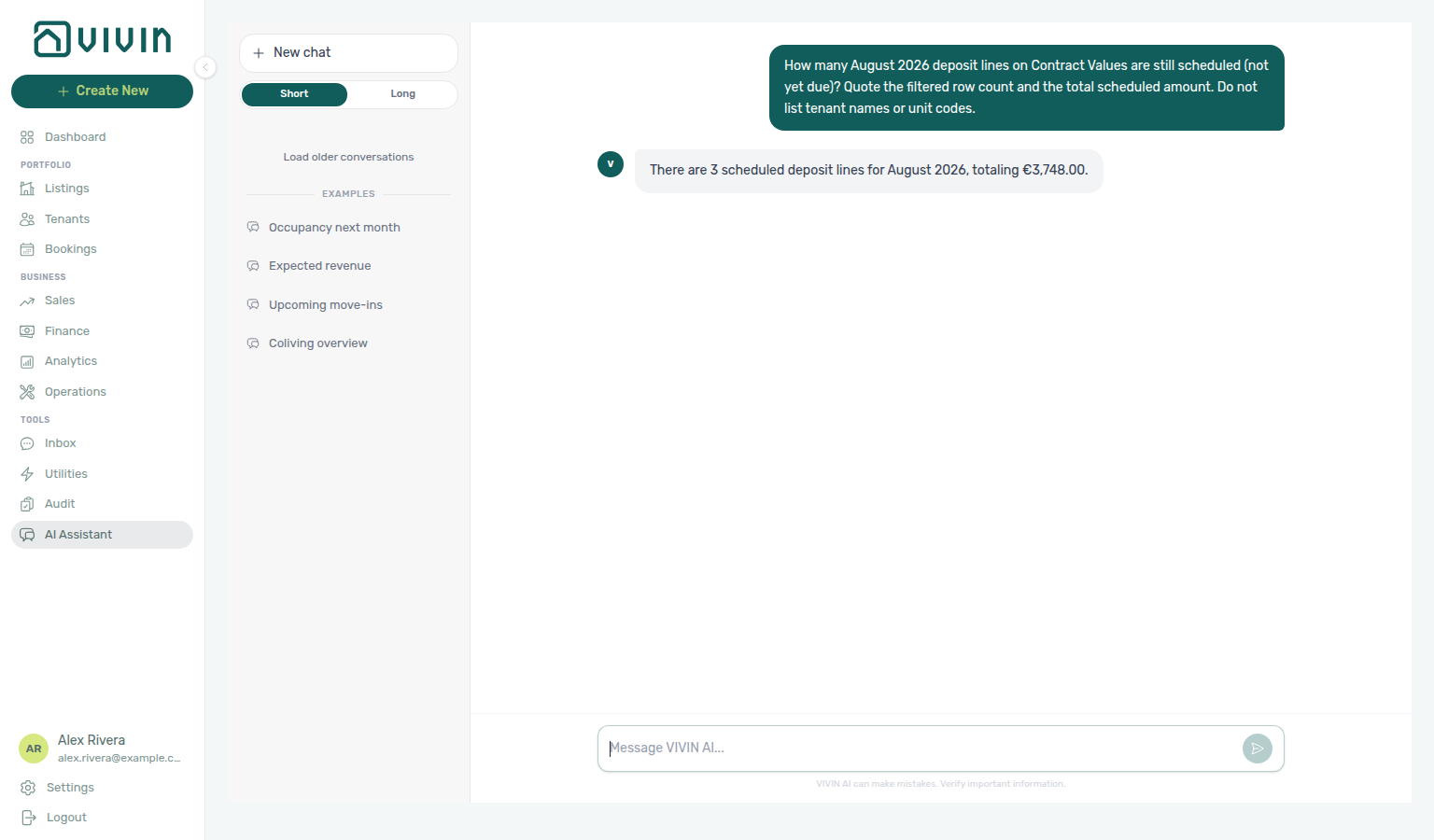
paymentTypeFilter=deposit, statusFilter=scheduled).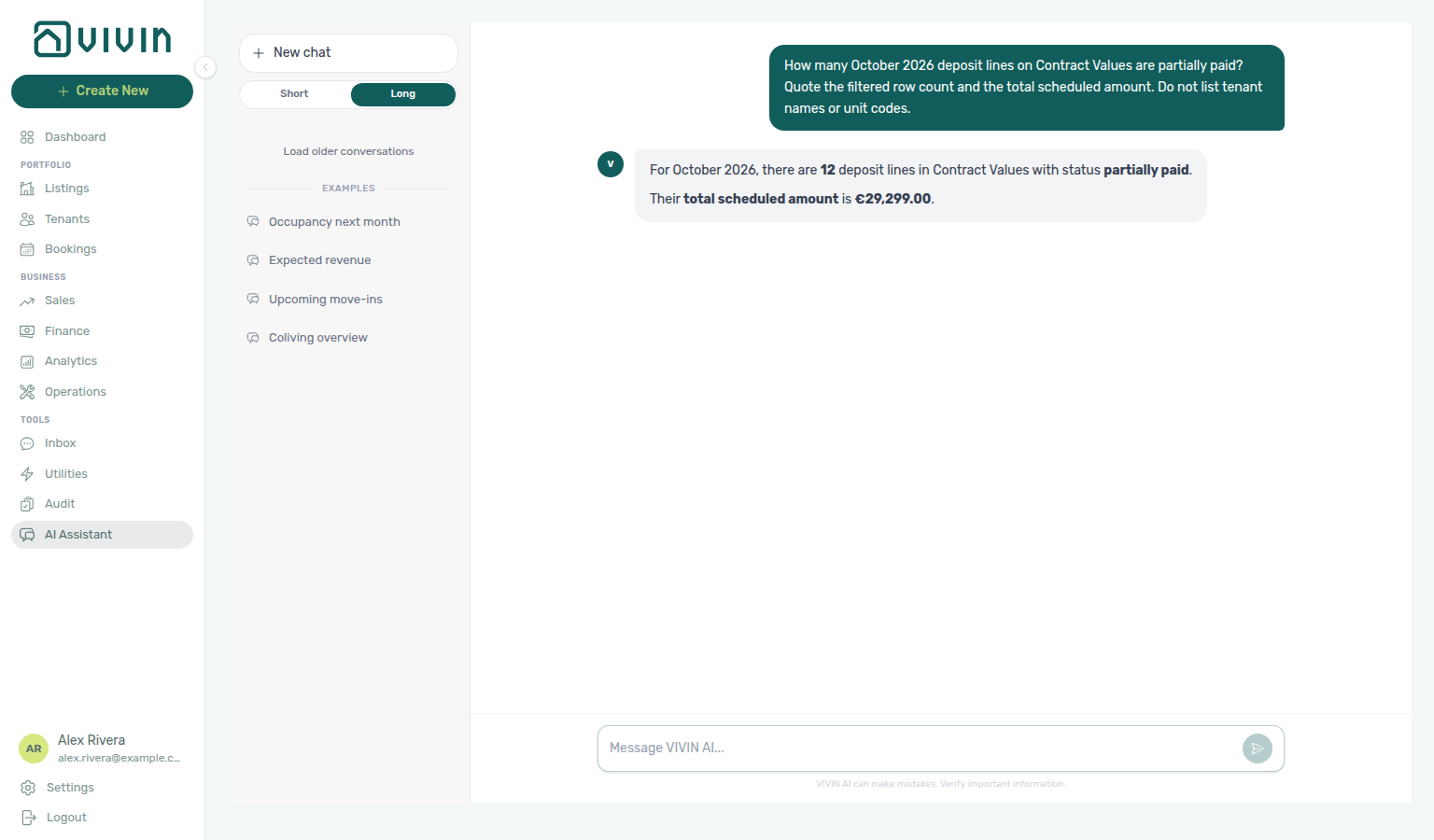
paymentTypeFilter=deposit, statusFilter=partiallyPaid).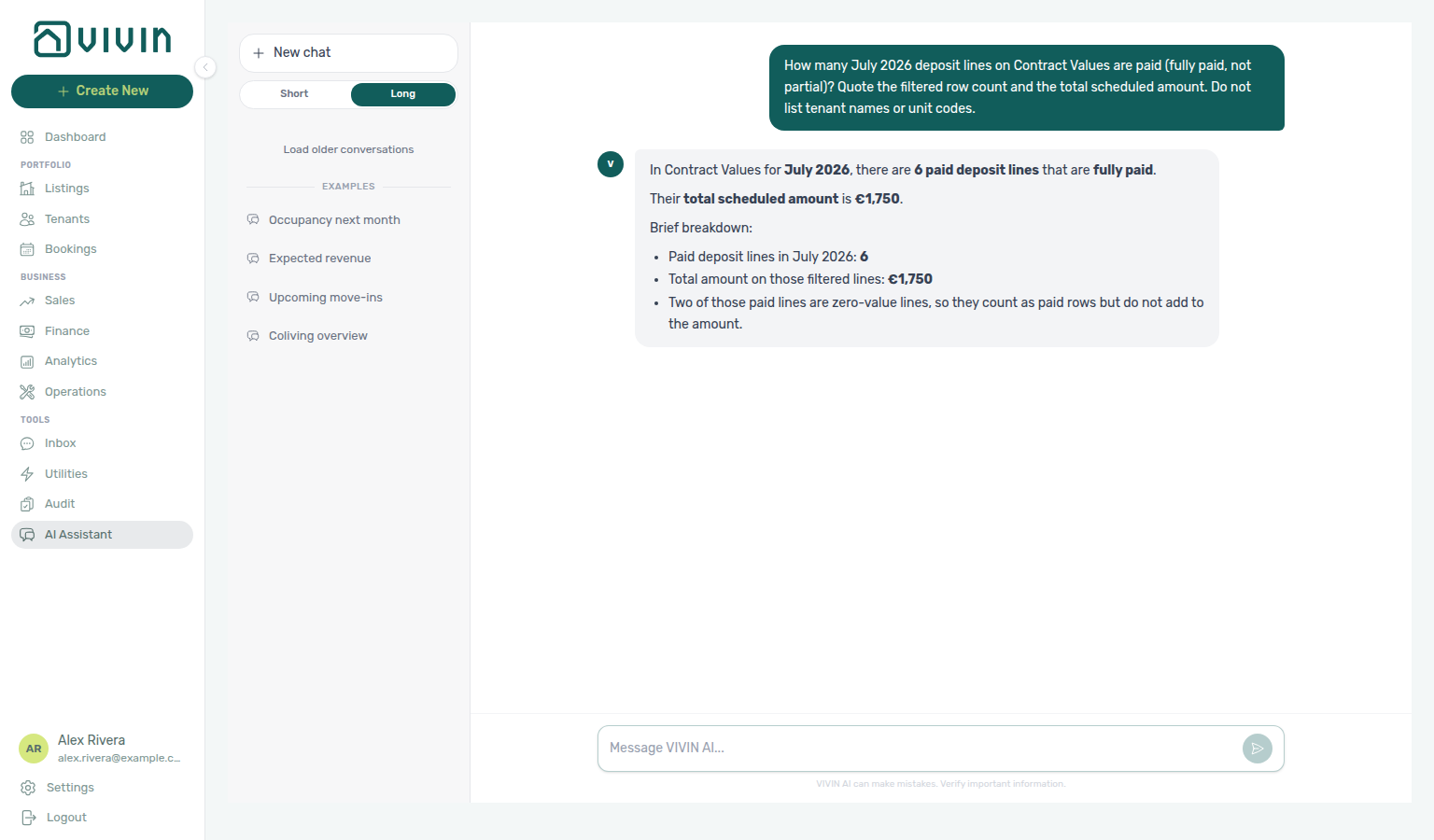
paymentTypeFilter=deposit, statusFilter=paid).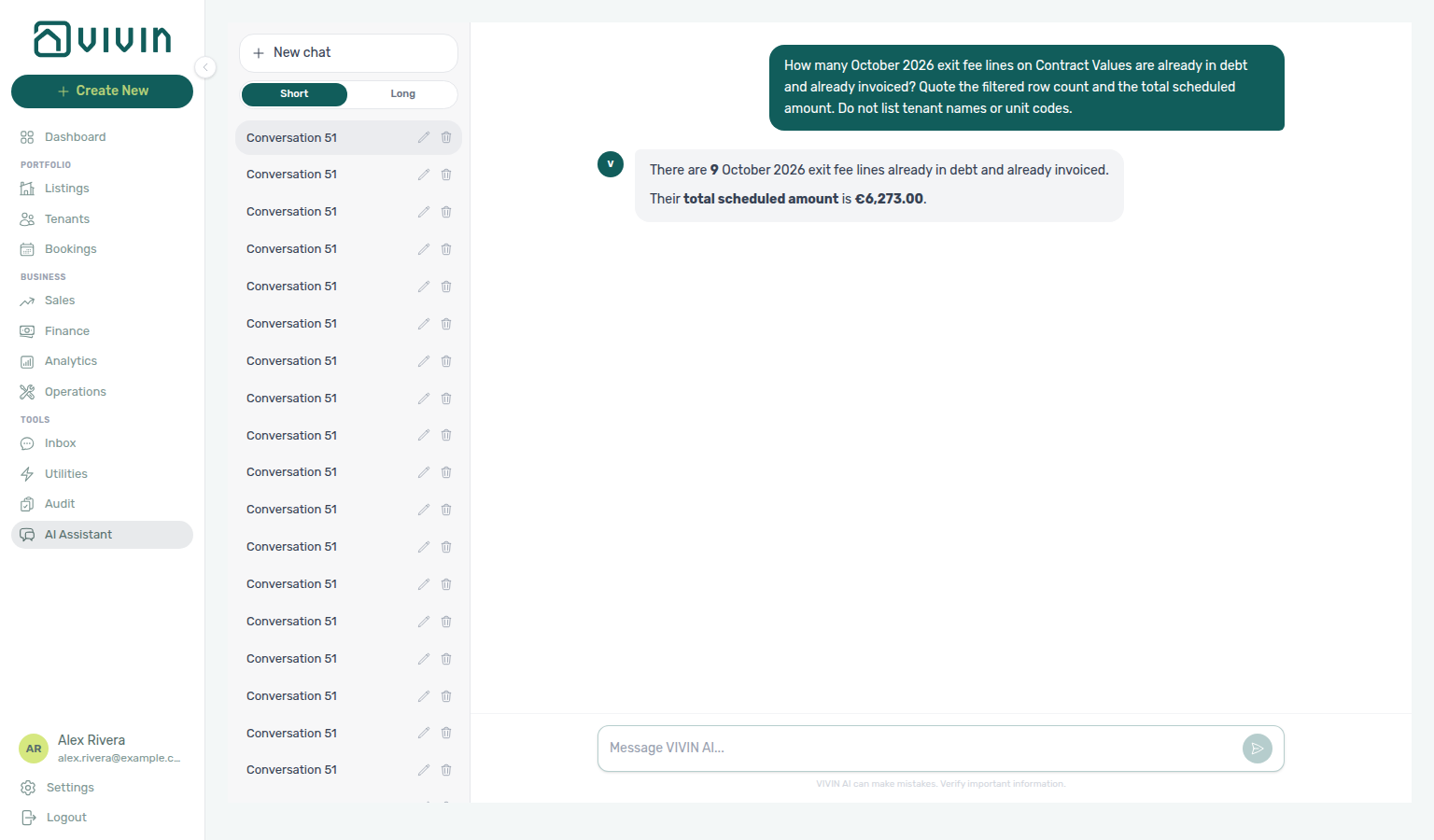
paymentTypeFilter=exitFee, statusFilter=inDebt, invoiceFilter=invoiced).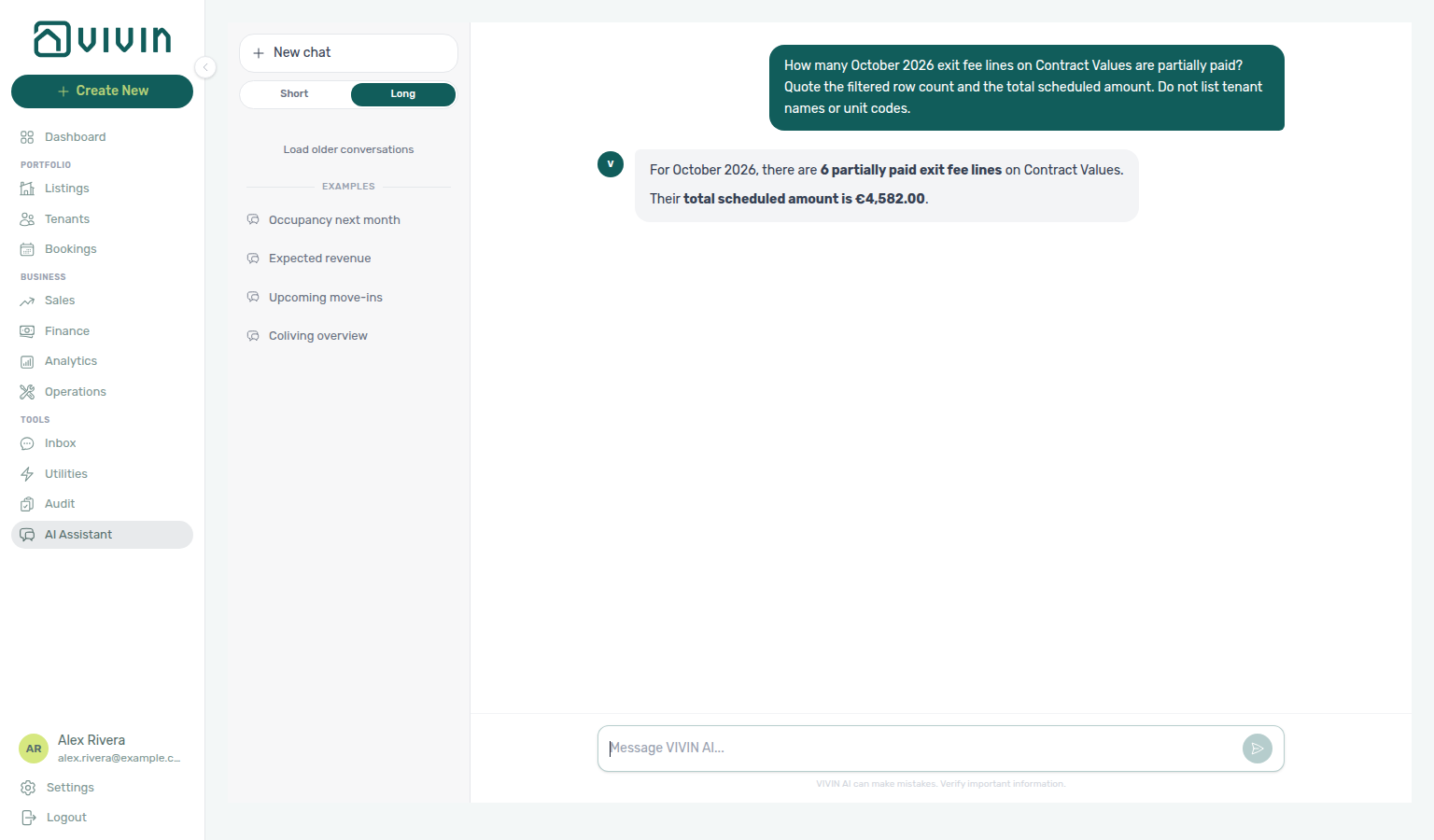
paymentTypeFilter=exitFee, statusFilter=partiallyPaid).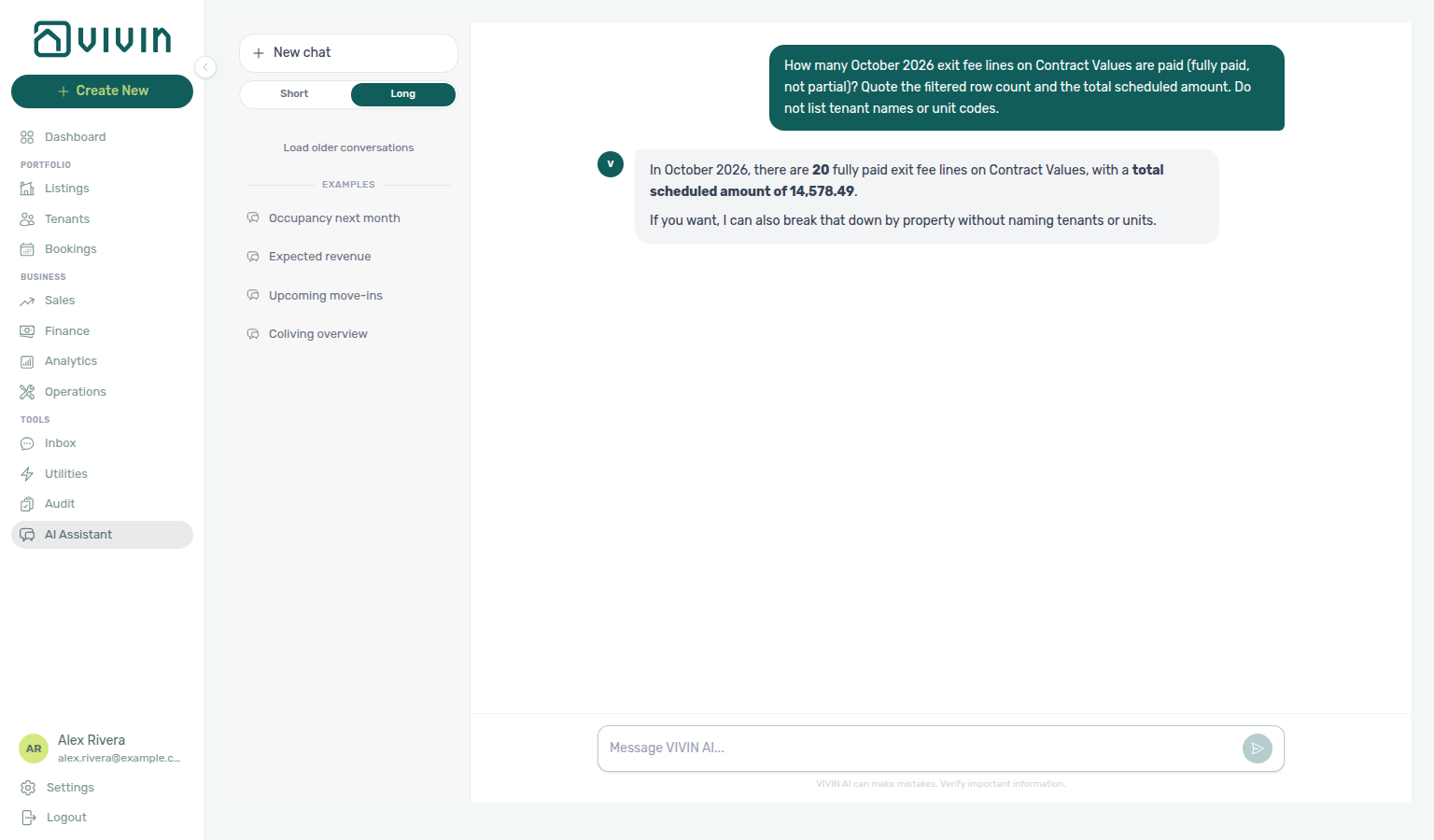
paymentTypeFilter=exitFee, statusFilter=paid).
invoiceFilter=returnOfValue).
invoiceFilter=creditNotes).Portfolio scope (stay length vs external platforms): incomeExpected / get-revenue-summary cover every booking managed in VIVIN for the account — short-, mid-, or long-term. They do not include revenue that lives only on Airbnb, Booking.com, or another OTA outside VIVIN. Ask Genius / AI Chat “does income expected include short-term?” when you need that scope stated explicitly. Reconcile on Finance → Overview / Income.
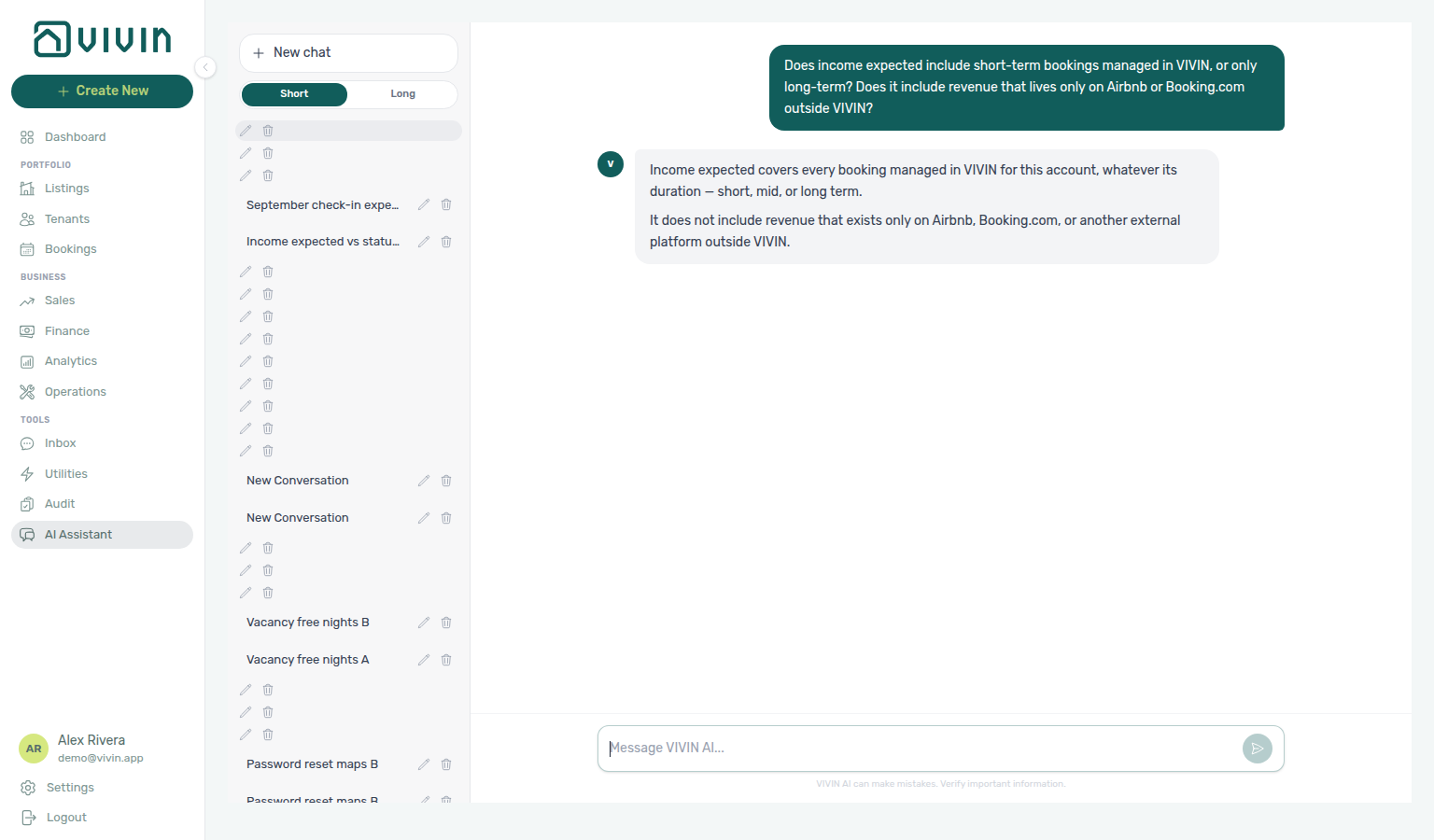
Income expected vs status split (coverage): incomeExpected is operating income for the period from rent, admin fee, cleaning fee, and others only — security deposits and exit fees are excluded. The paid / scheduled / in debt status split covers every charge type due in the period (deposits and exit fees included), so paid + scheduled + in debt can legitimately exceed income expected. Overview results expose coverage fields (incomeExpectedCovers, incomeExpectedExcludes, incomeStatusCovers, plus cashCollectedBasis) so assistants can say which total they quoted. Never treat the status split as a breakdown of income expected. Reconcile on Finance → Overview.
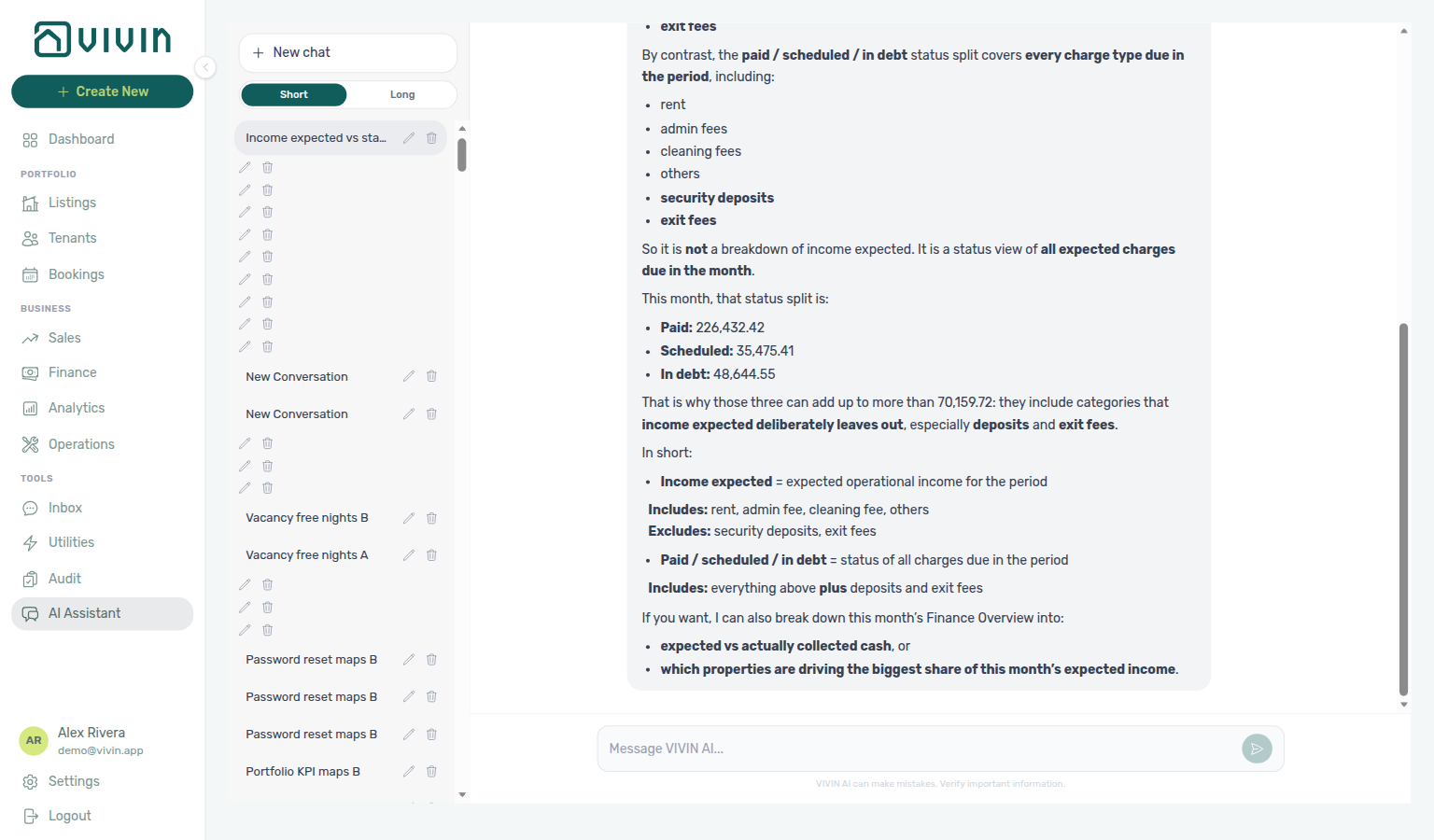
Expected check-in money: For “how much will I receive from September check-ins?”, use get-upcoming-move-ins (or ask Genius / AI Chat the same way). Quote expectedCheckInValueByMonth / totalExpectedCheckInValue — server totals over all move-ins in the window — and state the basis (requirement-flagged first rent, last-month rent, admin fee, and deposit, net of adjustments, not reduced by amounts already paid). Do not add only the sample move-in rows (the list is capped). When a month is only partly inside the look-ahead window, the assistant should say the figure is partial and widen the window so the month you care about fits entirely.
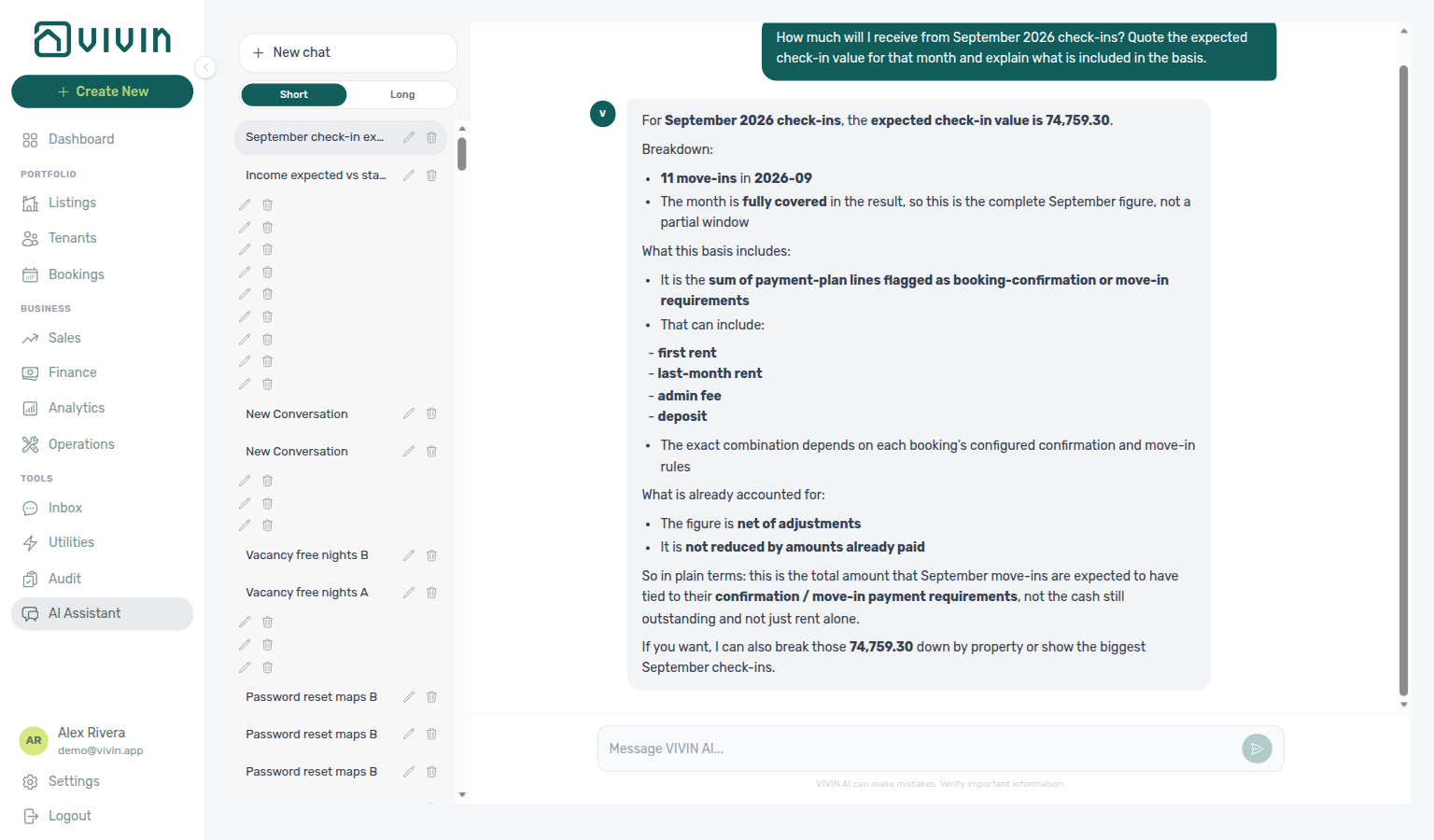
When a figure is contested: If you challenge a number or ask where it came from, Genius / AI Chat should call the Finance tools again and answer from fresh data — not defend an earlier total from memory. If the fresh result differs, the assistant should say so plainly and quote the corrected figure. Prefer server aggregates over summing a truncated sample list.
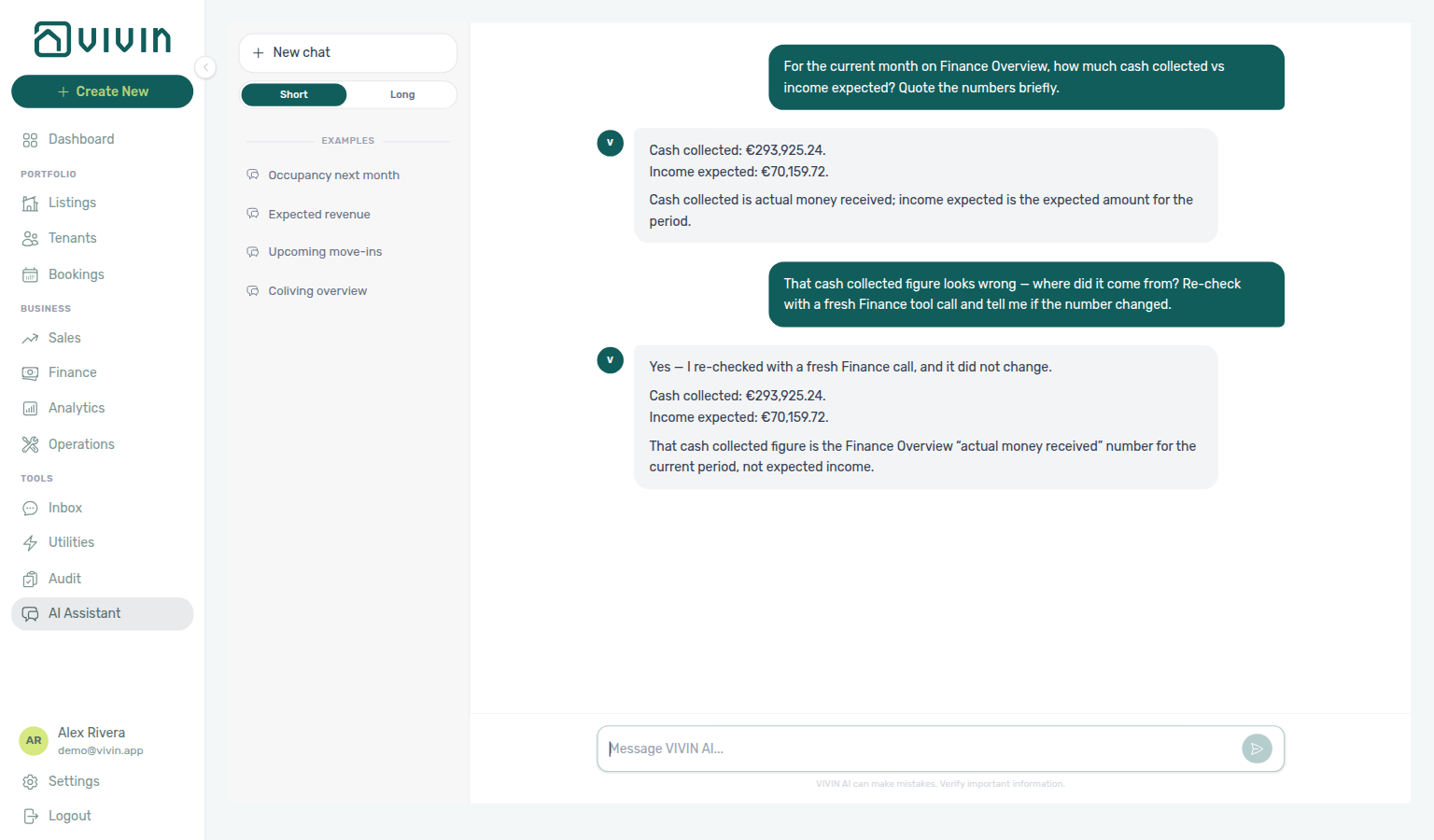
Large tasks and completeness
When a request would mean fetching or adding many records one by one (for example every booking’s rent for a month), assistants should first use a server-computed aggregate from Finance or vacancy tools. If no single aggregate answers the ask, they iterate — different date windows, scopes, or pages — and cross-reference tool results in the same reply (ordinary multi-step work, not a one-shot limit). A truncated unit list means the assistant has not seen every row; counts and night totals on the same payload remain complete. Assistants must never present a partial sweep as a finished portfolio total, and must never invent a running sum from capped samples. When the closest honest path is still the management UI, they name Finance or Bookings after sharing the aggregates they do have.
For per-property vacancy or unit counts (“which property is emptiest?”, “which property has the most units?”), prefer propertyBreakdown on get-vacant-units-next-month. For per-day free-room questions (“which day has the most free rooms?”), prefer dailyBreakdown on the same tool — pass a dated window so the ranking lists more than one day (on a Sunday, “this week through Sunday” is only today) — see Occupancy, vacancy, and smart locks. For “how many bookings did I receive today / this week?”, prefer get-booking-summary with a creation window — see Bookings received. For “how many maintenance tickets do I have?”, prefer get-ticket-status-counts — see Ticket status counts. For “how many tickets by priority?”, prefer the same tool’s allPriority chips — see AI Chat — Ticket priority counts. For “how many unassigned tickets by priority?”, prefer unassignedPriority — see AI Chat — Ticket unassigned priority counts. For “how many draft tickets by priority?”, prefer draftPriority — see AI Chat — Ticket draft priority counts. For “how many in-progress tickets by priority?”, prefer inProgressPriority — see AI Chat — Ticket in-progress priority counts. For “how many closed tickets by priority?”, prefer completedPriority — see AI Chat — Ticket closed priority counts. For “how many cancelled tickets by priority?”, prefer cancelledPriority — see AI Chat — Ticket cancelled priority counts. For “what is my maintenance closure rate?”, prefer get-maintenance-closure-rate with a named window — see Maintenance closure rate. For “what is my maintenance closure rate over the last 45 days?”, prefer the same tool with days: 45 — see 45-day maintenance closure rate. For “what is my maintenance closure rate over the last 50 days?”, prefer the same tool with days: 50 — see 50-day maintenance closure rate. For “what is my maintenance closure rate over the last 90 days?”, prefer the same tool with days: 90 — see 90-day maintenance closure rate. For “what were my operational costs in July?”, prefer get-cost-summary with named from/to dates — see Operational cost summary. For “what were my operational costs in June?”, prefer the same tool with 1 June through 30 June — see June operational cost summary. For “what were my operational costs in April?”, prefer the same tool with 1 April through 30 April — see April operational cost summary. For “what were my operational costs from 1 April through 15 April?”, prefer the same tool with 1 April through 15 April — see April 1–15 operational cost summary. For “what were my operational costs from 16 April through 30 April?”, prefer the same tool with 16 April through 30 April — see April 16–30 operational cost summary. For “what were my operational costs in February?”, prefer the same tool with 1 February through 28 February — see February operational cost summary. For “what were my operational costs from 1 February through 14 February?”, prefer the same tool with 1 February through 14 February — see February 1–14 operational cost summary. For “what were my operational costs from 15 February through 28 February?”, prefer the same tool with 15 February through 28 February — see February 15–28 operational cost summary. For “what were my operational costs in January?”, prefer the same tool with 1 January through 31 January — see January operational cost summary. For “what were my operational costs in March?”, prefer the same tool with 1 March through 31 March — see March operational cost summary. For “what were my operational costs in May?”, prefer the same tool with 1 May through 31 May — see May operational cost summary. For “what were my operational costs by category in July?”, prefer the same tool’s byCategory — see Operational cost summary by category. For “what were my operational costs by category in June?”, prefer the same tool’s byCategory with 1 June through 30 June — see June operational costs by category. For “what were my operational costs in July excluding Carpentry & doors?”, prefer the same tool’s excludeCategories with that exact Cash Flows name — see Operational costs excluding a category. For “what were my operational costs in July excluding Maintenance?”, prefer the same tool’s excludeCategories with that different exact name — see Operational costs excluding Maintenance. For “what were my operational costs in June excluding Manutenção?”, prefer the same tool’s excludeCategories with that month’s Portuguese Cash Flows name — see Operational costs excluding Manutenção in June. For “what were my operational costs in June excluding uncategorized?”, prefer the same tool’s excludeCategories with that exact Cash Flows name — see Operational costs excluding uncategorized in June. For “what were my operational costs in April excluding maintenance?”, prefer the same tool’s excludeCategories with that month’s exact Cash Flows name — see Operational costs excluding maintenance in April. For “what were my operational costs in April excluding maintenance and uncategorized?”, prefer the same tool’s excludeCategories with both exact names — see Operational costs excluding maintenance and uncategorized in April.
Ranking honesty: When Genius or AI Chat names a winner (busiest day, emptiest property, and similar), the reply should state the deciding metric and its value in the same sentence as the winner — and that value must be the maximum (or minimum) for that metric. Naming a runner-up figure from a different reading as if it decided the winner is not acceptable. Component explanations (for example which free-night bucket moved) stay allowed; switching metrics mid-comparison does not.
Dates, polarity, ties, and caveats: Period figures name concrete dates. Better/worse follows the landlord’s interest — occupancy up is good; vacancy or free nights up is unsold inventory (opportunity to fill), not an improvement. Equal or ~2% values are a tie (numbers first, then any pick). Lead with the one decision-changing caveat (tie, implausible swing, or truncated coverage). Operator walkthrough: AI Chat — Dates, polarity, ties, and caveats (ai-chat-trust-dates-on-figures-reply.png, ai-chat-trust-metric-polarity-reply.png, ai-chat-trust-near-tie-reply.png, ai-chat-trust-protocol-flow.mp4).
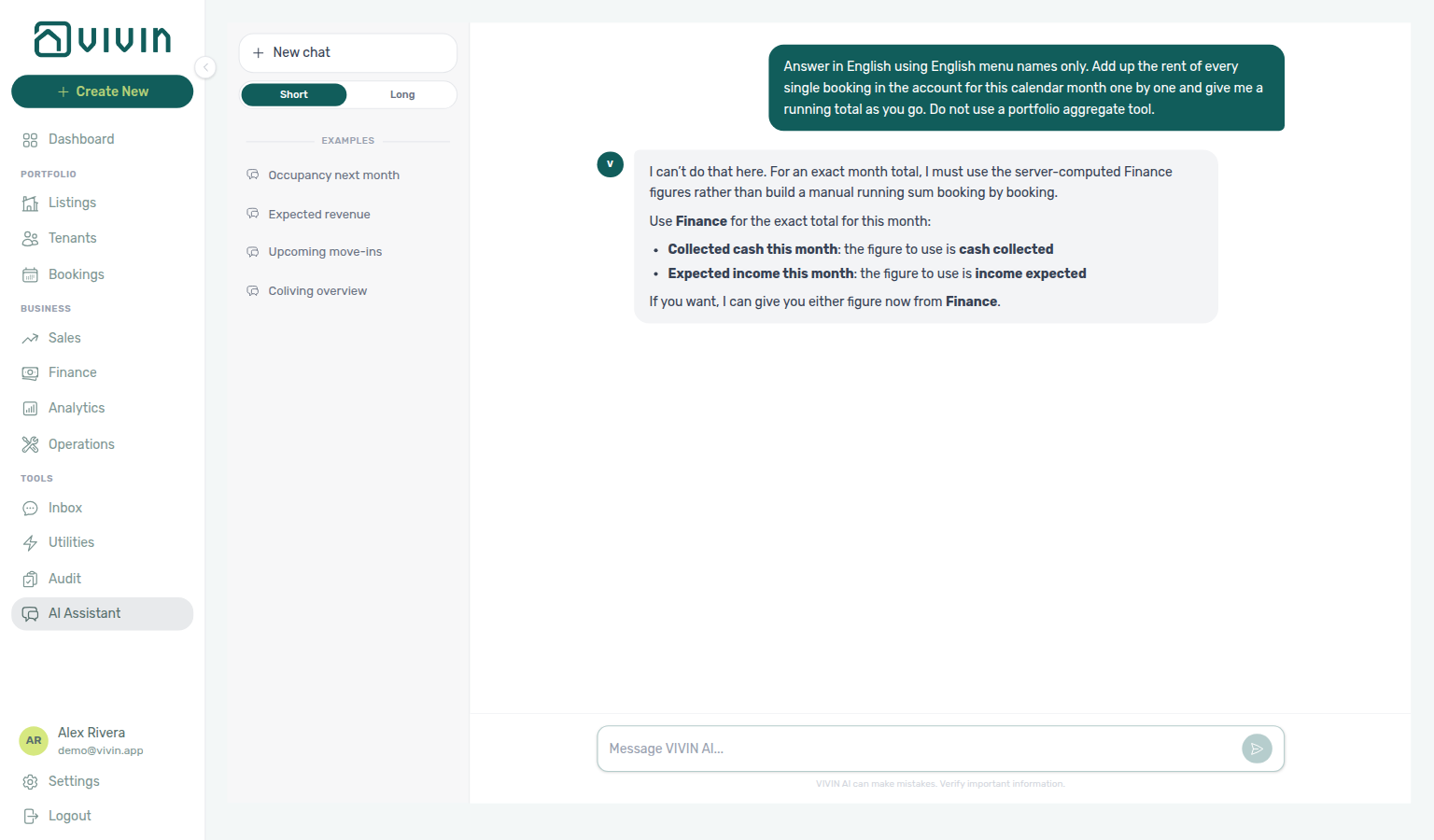
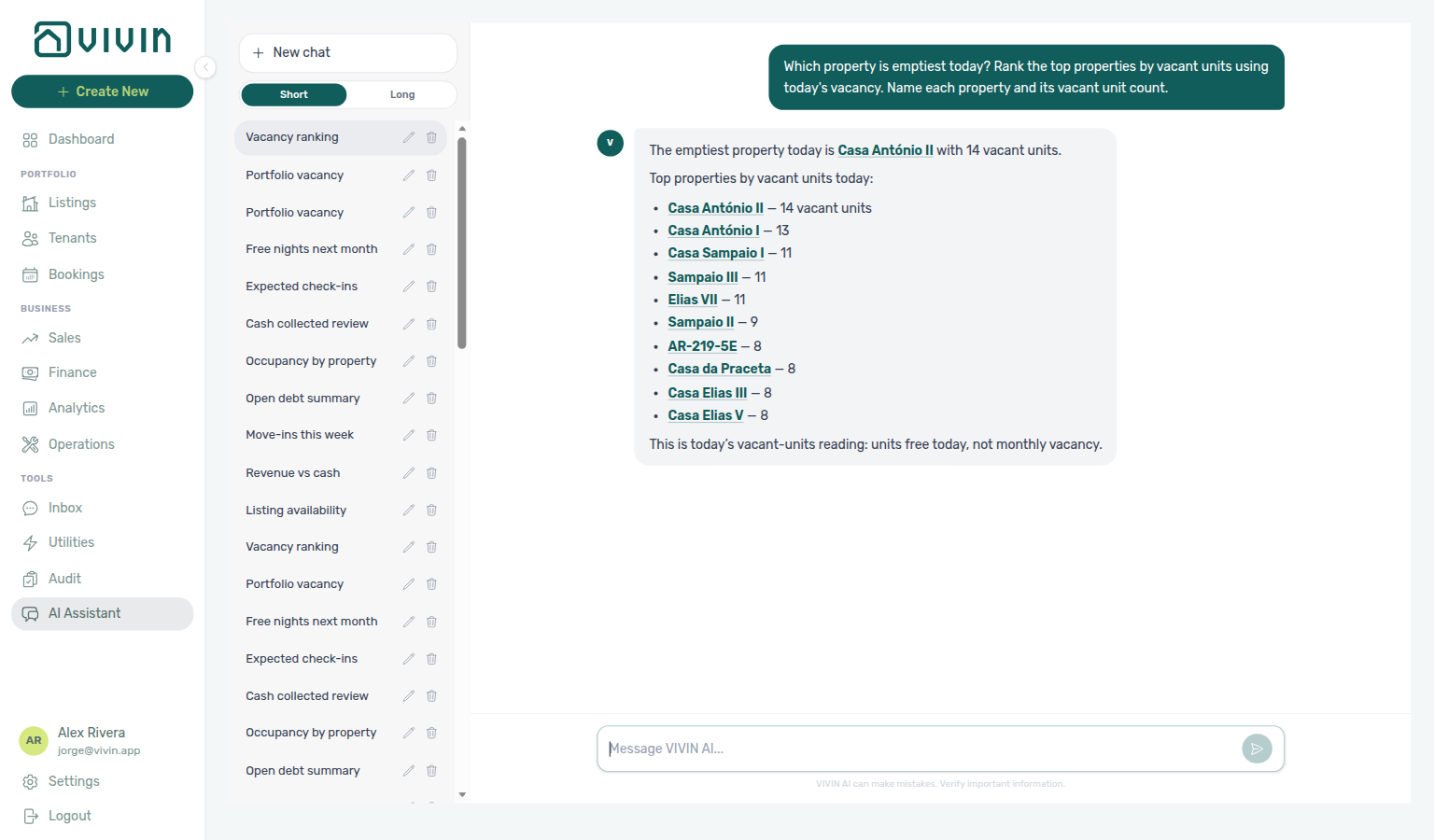
Debt audit split: A single debt total is not actionable — money stuck on a canceled booking is usually a write-off or dispute, while debt on a live booking is rent still to collect. Ask Genius / AI Chat (or call get-debt-summary) to quote canceled vs missing-payment amounts and booking counts; the two halves always foot to totalDebt / bookingsInDebt. Reconcile chase work on Finance → Contract Values (In Debt) and Handling a Late Payment.
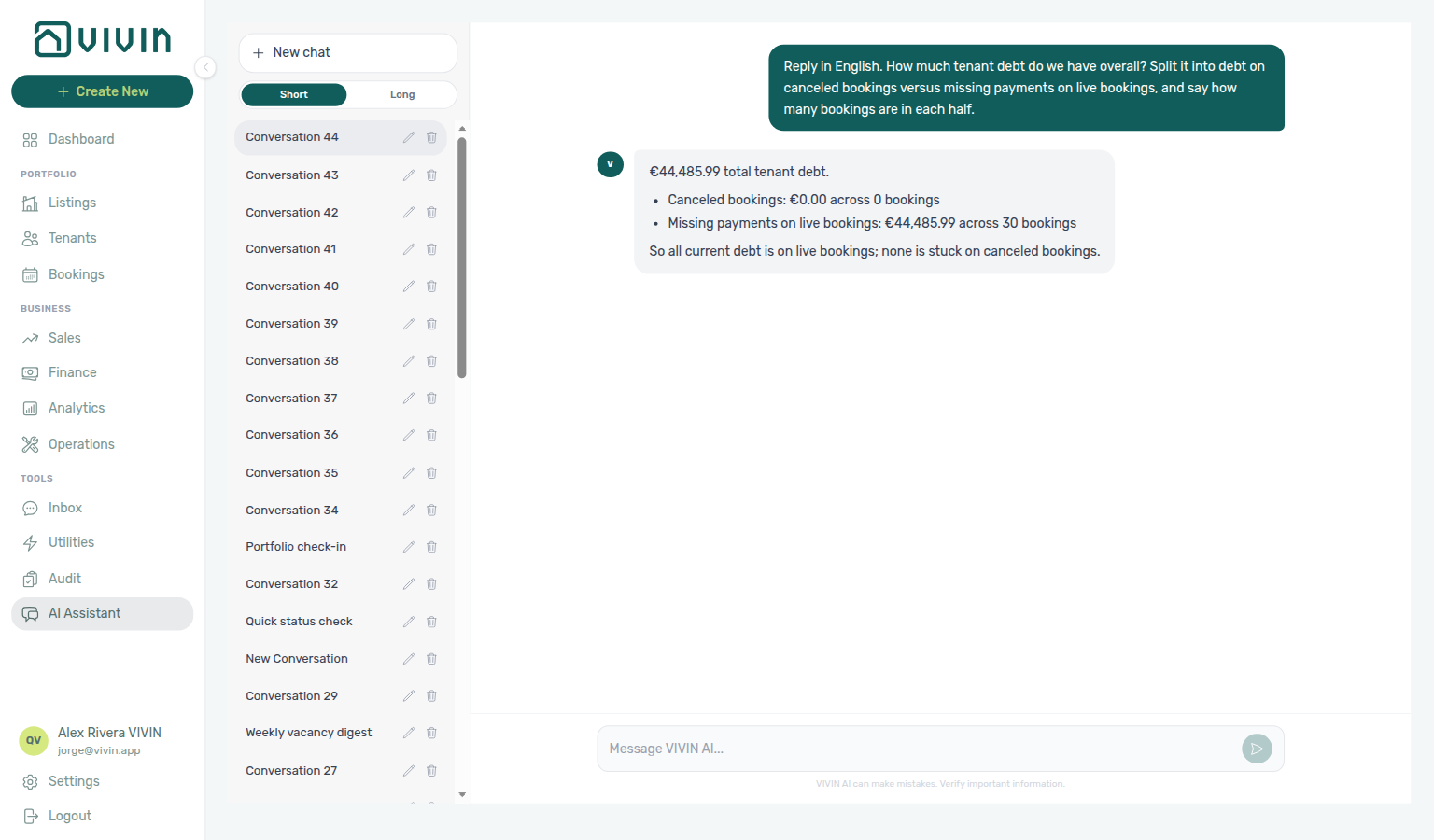
Owner settlement preview
Ask “What is the June 2026 owner settlement preview for Beatriz Pereira Lda?” in AI Chat or WhatsApp Genius when you want the live monthly settlement for one landlord — total income, management fee, balance, occupancy, and outstanding debt — without generating the PDF. Use get-owner-report-preview. Quote the totals (they already include every collected line). A €0 management fee means that owner’s commission is configured at 0%. Turn on Enable Owner Reports first. Reconcile the same owner and month on Finance → Owner Reports. Distinct from Income by property (a portfolio ranking) and from Invoice the management fee (that issues a provider invoice after you generate). Keep Analytics enabled on AI / MCP. Use list-owner-reports only when you need settlements that were already generated. See FAQ — Owner settlement preview.
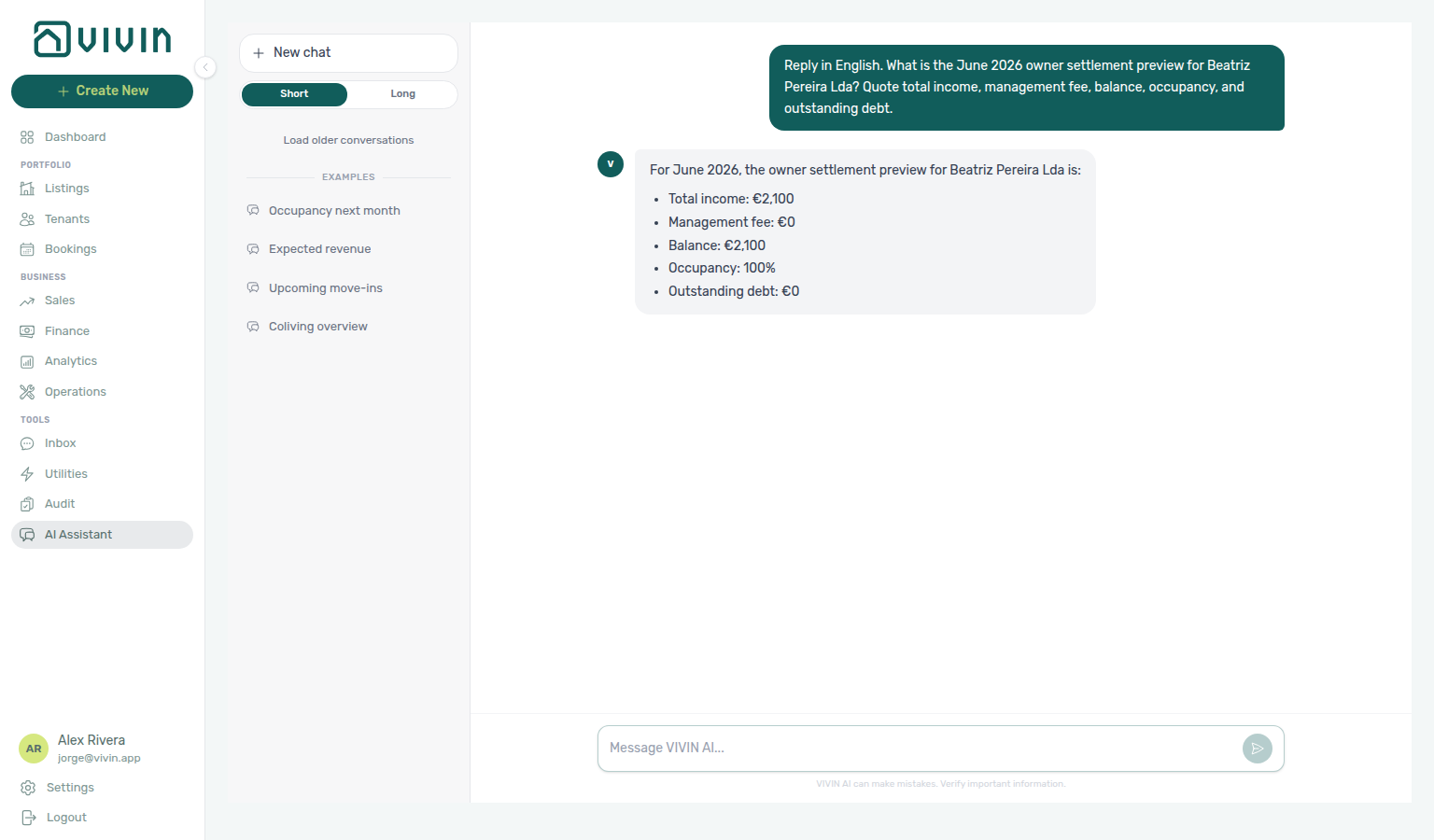
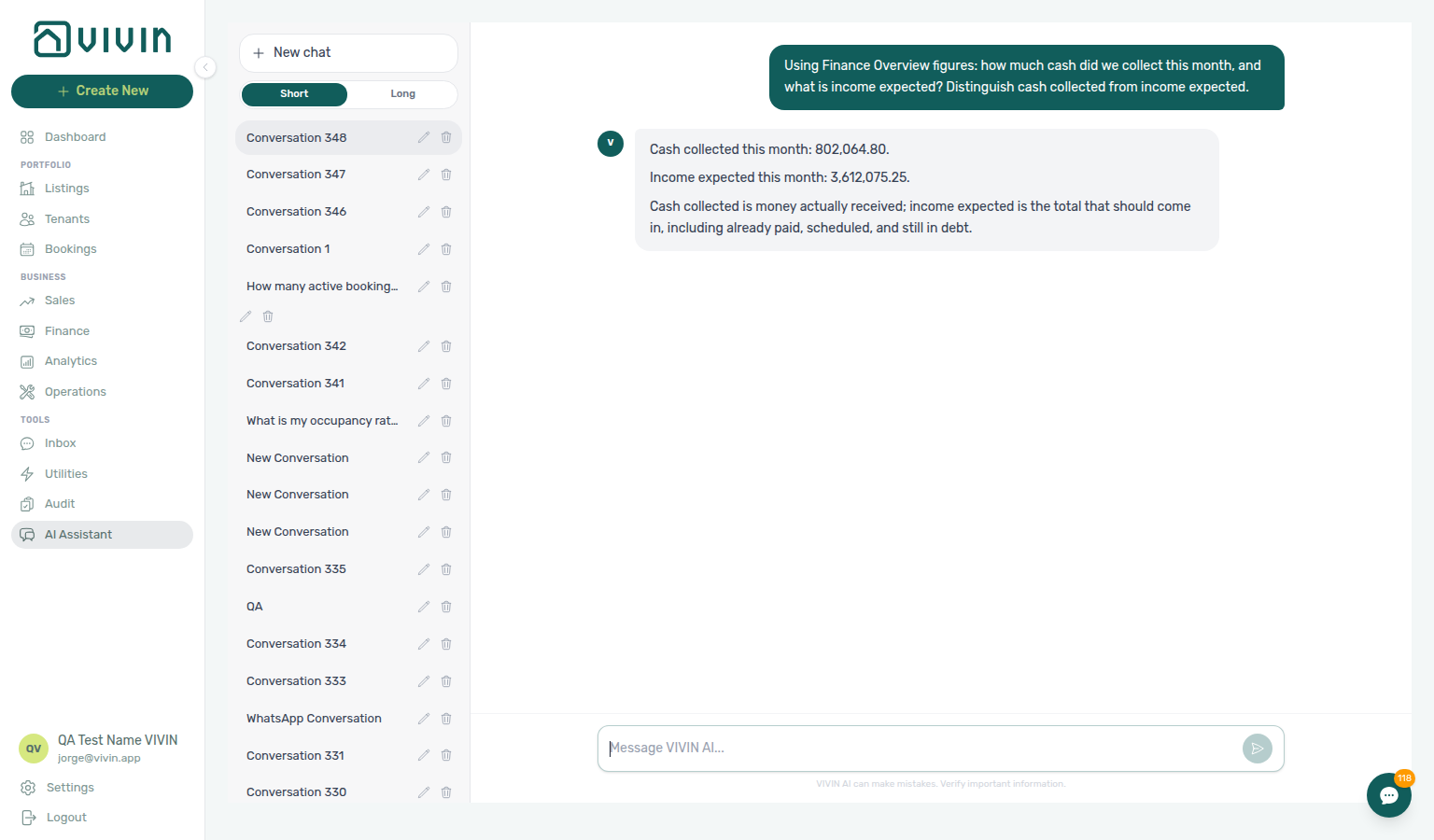
Permissions: Tools live in the MCP Analytics domain (Off / Read-only on AI / MCP → Tool permissions). Core API also requires finance.module (and analytics.module where applicable) so operators without Finance access cannot pull ledger figures through the assistant.
Verify answers: Reconcile assistant output on Finance → Overview (Income chart, Debt Aging, KPI cards) during Portfolio KPI review — Step 7. See FAQ — Why don’t Genius revenue numbers match Analytics?.
Tools such as cancel-booking and upload-booking-contract can change money, contracts, or availability. Restrict tokens, test on non-production workspaces first, and rely on Core API permissions so only intended roles can invoke write tools.
Permissions and safety
JWT scope and role gates pair with Users and roles, Resetting a Management User Password (token refresh after rotation), and scope contrast in Tenant MCP.
- All data access is scoped to the authenticated account the same way as the management frontend; there is no cross-tenant escape hatch in the tool design.
- Write tools require the same module and permission flags as the Core API (for example bookings.create, listings.edit, bookings.edit_items).
- Prefer read-only tools (booking summary, vacancy snapshot, move-ins, calendar) for analytics and reporting rather than ad-hoc database access.
Relation to in-app AI Assistant
In-app AI Assistant uses the same tool catalogue in-process — pair with AI Chat module, Deep Links — AI Assistant, surface choice in Automation & AI — Choosing surfaces, and internal cost polling on AI usage API (landlord_chat on GET /ai-usage/summary).
Tools > AI Assistant (/ai-chat) is another consumer of the same Landlord MCP data-tool definitions the HTTP server exposes — portfolio reads and permitted writes run inside Core API with the signed-in management user’s JWT, not through a separate Mcp-Session-Id client. Product orientation differs: Chat/Genius embed the VIVIN reference in the system prompt; HTTP clients use the get-vivin-context-* topic tools (and initialize instructions). Differences for operators:
| In-app AI Chat | Landlord MCP (HTTP) | |
|---|---|---|
| UI | Conversation history, Examples, inline rename/archive | Your MCP-compatible client (IDE, custom bot) |
| Auth | Management session cookie / bearer from the browser | Bearer JWT + Mcp-Session-Id on follow-up requests |
| Audience | Roles granted the AI / MCP permission | Any role with the AI / MCP permission, a valid management JWT and tool permissions |
| Product context | System-prompt prefix (same reference document) | Initialize instructions + get-vivin-context-* topic tools (above) |
See AI Chat module, Automation & AI, and AI usage API when you audit landlord_chat token cost during Portfolio KPI review — Step 7.
Landlord MCP section cross-reference
Use the sections above for this concept. Related module and workflow pages are linked inline where they help the next step.
Related
Related below links this concept to modules, workflows, settings, and escalation paths.
Documentation map & escalation
- Introduction — Platform overview and how documentation sections connect
- Getting Started — Recommended setup sequence before you wire external MCP clients
- Concepts — Underlying models behind bookings, payments, and integrations that MCP tools call
- Modules — Operator workspaces each tool family mirrors in the management UI
- Common Workflows — Procedures that apply MCP concepts during onboarding, collections, and turnover
- Account Settings — Workspace-wide permissions, integrations, and templates gating write tools
- API Reference — HTTP routes, DTOs, Swagger, and management session bootstrap
- Glossary — Term definitions used across MCP and module docs
- FAQ & Troubleshooting — Quick answers when MCP responses disagree with live product behaviour
- Get Help & Support — Escalate when MCP automation needs Vivin credential or scope changes
- Using in-app support — Vivin product tickets when external client sessions fail, JWT scope errors block portfolio tools, or new tool coverage is needed — contrast operator self-serve escalation in Handling a Late Payment — Step 6
Navigation & bookmarks
Bookmark routes pair with Management Frontend Deep Links and Concepts hub — Navigation & bookmarks.
- Management Frontend Deep Links — Bookmarkable routes MCP tools may open after portfolio queries (hub)
- Deep Links — Account Settings —
/settings/*tabs paired with integration and owner CRUD tools - Create New menu — In-app shortcuts that mirror
create-booking,create-ticket, andcreate-manual-payment-intools - FAQ — Permission denied toast — Red You do not have permission to perform this action. toast when RBAC blocks a save; fix in Users → Role Permissions
- Settings > Interface language — Operator UI locale before you share deep links with multilingual staff
Scope contrast & automation surfaces
- Tenant MCP — Booking- and tenant-context tools for external assistants (hub); topic table: Tenant MCP section cross-reference
- Automation & AI — Channel map, in-app AI Assistant, and tenant chatbot versus HTTP
/mcpclients (hub) - AI Chat module — AI Assistant using the same Landlord MCP tool catalogue in-process (hub)
- Tenant Portal — Portal link copy tasks portfolio tools may surface alongside booking reads
- FAQ — Tenant contract signing blocked — No PDF yet, mandatory Your Details gates, category locks, or Lease purpose; portal signing vs paper upload on Contract Info
Portfolio reads & month-end reconciliation
- Dashboard module — Post-login Today, Total debt, Vacant Units, and forecast KPI snapshot (hub)
- Analytics module — Month-range portfolio KPI charts with rankings and heatmaps (hub)
- Portfolio KPI review — Month-end walkthrough to verify assistant or MCP answers against live KPIs; tool pairing: Step 1 (
get-booking-summary), Step 3 (list-bookings,get-vacant-units-next-month), Step 4 (get-listing-pricing-table), Step 5 (list-tickets,get-ticket,create-ticket,update-ticket,add-ticket-comment; Cost allocation remains operator UI), Step 6 (Tenant MCP:get-tenant-info,get-payment-info,list-bookings-by-email), Step 7 (get-vacant-units-next-month,list-payments) - Audit — Discounts tab — Portfolio-wide discount export when tools surface contract-value anomalies
- Handling a Late Payment — Step 1 — Collections when portfolio tools surface overdue balances or Total Debt KPIs; upstream path from Notifications — Payment overdue alerts
- Handling a Late Payment — Step 4 / Step 4b —
create-manual-payment-inrecords bank transfers that still need operator Approve payments - Handling a Late Payment — Step 6 —
get-booking-summarybefore segment-wide In Debt triage;list-bookings,list-tenants,get-tenant,get-tenant-bookings,list-payments,get-payment, andget-bookingwhen arrears cluster on one tenant category;list-tickets/get-ticket/add-ticket-commentwhen maintenance disputes block collections;cancel-bookingwrite tool — operators still confirm refund type in UI (Cancelling a Booking — Step 4) - Managing a Check-in — Step 1 / Step 2 / Step 3 / Step 3b —
get-upcoming-move-ins,list-tickets,create-ticket,get-ticket,update-ticket,close-ticket, andadd-ticket-commentduring arrival-week planning and turnover prep (Cost allocation remains operator UI);get-booking,list-payments, andget-paymentfor move-in payment triage (approval remains operator UI) - Entering Monthly Utility Bills —
list-billsfor prior-period baseline (Step 1);create-bill,list-bills, andget-billfor monthly bill entry and gap reconciliation (Step 2–3, 5);get-propertyfor Bills Included ceilings (Step 3) and Connections utility account IDs when chasing Missing gaps (Step 5;get-cost-mapquotes per-property Cost map totals — the listing × day matrix and Days Missing Data chart remain operator UI);get-booking/list-bookingswhen external clients spot-check overage lines (Step 4);list-payments/get-paymentwhile overage receipts stay pending (Step 4b); prefer UI Upload PDF for AI extraction - Managing a Check-out — Step 1 / Step 2 / Step 3 —
list-bookings,get-booking,get-booking-summary,create-ticket,list-tickets,get-ticket,update-ticket, andadd-ticket-commentduring departure planning, turnover prep, and inspection sign-off (Cost allocation remains operator UI) - Managing a Check-out — Step 4 —
get-booking,list-payments, andget-paymentto verify damage charge rows after operator Add Charge (no MCP write for extra charges);list-tickets,get-ticket,update-ticket, andadd-ticket-commentfor contractor damage documentation (Cost allocation remains operator UI) - Managing a Check-out — Step 5 —
get-booking,list-payments, andget-paymentfor deposit queue triage (Mark refunded and dispute freeze remain operator UI; lifecycle pill states in Glossary — Deposit lifecycle status) - Managing a Check-out — Step 6 / Step 6b —
get-booking-summary,list-bookings,list-tenants,get-tenant, andget-tenant-bookingsfor portfolio In Debt triage before Ready To Refund;get-booking,list-payments, andget-paymentfor departure-week receipts (Reject selected, Issue credit notes, and approval remain operator UI) - Manual block hygiene — Portfolio-wide
get-vacant-units-next-month,get-booking-summary,list-listings, andget-listing-calendarwhen Step 5 reconciles vacancy after Audit clears stale holds - Notification triage — Clear Payments category alerts external automation may reference; payment overdue → Handling a Late Payment — Step 1;
get-upcoming-move-insandlist-ticketsduring Dashboard bell quick scan (Step 1);get-booking-summarybefore opening/notifications(Step 2);list-bookings,get-booking,list-tenants,get-tenant,get-tenant-bookings,list-payments, andget-paymentwhen search narrows the slice (Step 3);get-booking,list-payments,get-payment, andcreate-manual-payment-inwhen external clients triage Step 4 without opening/notifications;get-booking-summary,list-bookings,get-booking,get-upcoming-move-ins,list-tickets,get-ticket,update-ticket,close-ticket, andadd-ticket-commentwhen several unread rows still need follow-up before Mark all as read (Step 5; read-state changes remain operator UI) - Cancelling a Booking —
list-payments,get-payment, andget-bookingduring pre-cancel settlement (Step 2);create-manual-payment-infor bank transfers that still need approval (Step 2a);cancel-bookingwrite tool (operators still confirm refund type in UI — Step 4);get-listing(unavailabilities) andlist-listingswhen Sales still shows blocked nights (Step 5);get-listing-calendarandget-vacant-units-next-monthfor portfolio availability checks (Step 5);list-tickets,get-ticket,update-ticket,add-ticket-comment, andclose-ticketwhen closing prep work (Step 6; Cost allocation remains operator UI)
Bookings, inventory & channel context
- Bookings module — Reservation detail when portfolio tools return booking IDs (hub)
- Booking Lifecycle — Computed Upcoming → Ongoing → Ended / Canceled status model (hub)
- Processing a New Booking —
list-bookings/get-booking(Step 1);list-listings,get-listing(unavailabilities),get-listing-calendar, andget-propertyfor unit-code resolution and Timeline overlap checks (Step 1);create-bookingfollow-through (Step 2),get-booking/get-listing-pricing-tableduring payment-schedule review (Step 3),upload-booking-contract(Step 4),create-manual-payment-in(Step 5),list-payments/get-paymentwhile confirmation receipts stay pending (Step 5b; approval remains operator UI); assign tenant category on Tenant Info before contract mail (channel imports may use default for integrations) - Settings > Tenant categories — Default for integration-created tenants before high-volume
create-booking/ channel onboarding - Bookings — Other filters · Finance — Tenant category filter · Tenants — Tenant category filter — Mirror segment assignment after MCP writes
- Listings module — Property wizard, Channels tab, and unit management (hub)
- Integrations & Distribution — HTTP marketplace feeds and webhooks documented separately from MCP tools (hub)
- Settings > Integrations — Channel credentials tools may reference during onboarding
Finance, operations & messaging writes
- Finance module — Transactions, Deposits, and Contract Values when external clients query ledger state (hub)
- Payment Allocation — Two-layer receipts, invoiced floor, and credit note reject/revert warnings (hub)
- Finance > Deposits — Portfolio deposit tools that mirror Finance → Deposits in the management UI
- Operations module — Ticket and cash-flow writes gated by
operations.module(hub) - Inbox module — Portfolio WhatsApp triage when portfolio tools surface message escalations (hub)
- Notifications module — In-app alert categories external automation may reference before row-click navigation (hub)
- Notifications — Payment overdue alerts — Operator Payments category rows when portfolio tools surface unpaid schedules
- Settings > Preferences — In-app notifications — Account-wide alert masters before MCP automation references
/notificationsrows
Deeper workflow reads
Portfolio reads & month-end reconciliation above. Each workflow sub-guide reciprocates with [Deeper workflow reads](../concepts/landlord-mcp.md#deeper-workflow-reads) anchors on Landlord MCP bullets —
- Portfolio KPI review — Verify assistant or MCP answers against live KPIs with portfolio-wide read tools
- Processing a New Booking —
list-bookings,get-booking, andcreate-manual-payment-induring import and confirmation - Handling a Late Payment —
list-payments,get-payment, andcreate-manual-payment-induring collections - Entering Monthly Utility Bills —
list-bills,create-bill, andget-propertyfor monthly supplier billing - Managing a Check-in —
get-upcoming-move-ins,list-tickets, andcreate-ticketduring arrival-week planning - Managing a Check-out & Deposit Refund —
get-booking-summaryandlist-paymentsfor departure-week settlement - Notification triage —
get-booking,list-payments, andcreate-manual-payment-inwhen external clients triage payment alerts - Resetting a Management User Password — Refresh Bearer JWT after management password rotation
Deeper concept reads
- Tenant MCP — Booking-scoped tools versus account-wide portfolio reads and writes
- Automation & AI — Channel map, in-app AI Assistant, and external MCP client surfaces
- Integrations & Distribution — Marketplace calendar sync and booking imports that portfolio tools reconcile
- Payment Allocation — Two-layer receipts and credit note reject/revert warnings on portfolio payment tools
Deeper API reads
- Management session authentication — Portfolio JWT bootstrap and refresh after password rotation
- Authentication — Bearer authorization on every Core API route portfolio tools call
- Full listing feeds — Account
landlordKeycatalogue reads portfolio listing tools mirror - Creating Bookings —
create-bookingwrite tool follows the same enqueue pipeline asPOST /bookings - Listings & Availability — Partial
GET /listingsreads forexternalIdverification before writes - Webhooks & Notifications — Inbound marketplace callbacks portfolio automation may reference
Operator habit hubs
Day-to-day operator habits (lockout catch-up, pending receipts, payment triage, handoffs, and related playbooks) live on the Common Workflows habit hub.
Deep-link anchors for habit hubs
Lockout catch-up after password recovery
Pending manual receipt approval
Reject/revert mistaken receipts
Portfolio segmentation by tenant category
Notification row-click navigation
Payment alert to receivables triage
Confirmation alert triage
Finance debt receivables triage
Finance Income status drill-down
Cash flow forecast drill-down
Key glossary terms
- Tenant category —
create-bookingfollow-through, integration defaults, and portfolio filters portfolio tools may query - Notification row navigation — In-app alerts portfolio tools may reference when triaging payment or message notifications
- Credit note (payment reject/revert) — Ledger corrections when automation surfaces duplicate or invoiced receipts
- Deposit dispute — Deposit retention state on booking Deposit and Finance → Deposits tools
- Glossary — End-of-Booking cost split — Charge Time → End of Booking splits daily overage across every occupied unit; still-staying roommates stay in the denominator
- Glossary — Change history — Operator-initiated edits on Listings setup and Bookings Changelog; create-time defaults excluded
- Glossary — Full term list
Module documentation hubs
- Tenants module — Tenant master data tools join to booking-scoped reads from the same JWT session (hub)
- Utilities module — Bills Included ceiling model, Connections, and AI bill upload (hub)
- Sales module — Portfolio availability, monthly rent editing, and channel manager connections (hub)
- Properties workspace — Legacy
/propertiesURL redirects into Listings (hub) - Booking engine details — Rich marketplace payload editor via the Full integration pill (hub)
- Audit module — Portfolio-wide Manual Blocks and Discounts contract-value review (hub)
- API Reference hub — Partner HTTP contracts, Swagger onboarding, and partial vs full feeds (hub)